Spesso ci si lamenta della durata della batteria del proprio telefonino senza tener conto che oramai lo utilizziamo in modo intensivo anche per funzionalità che richiedono molta energia (e.g. videochiamate, invio di foto/video, navigatore, visione di filmati/YouTube). Capita quindi normalmente che uno lo debba ricaricare almeno due volte al giorno! Anzi esiste una funzionalità per proteggere la batteria e allungarne la vita, (Impostazioni -> Batteria -> Protezione della batteria) che limita appositamente la sua carica interrompendola una volta arrivato l’80%. Ovviamente in tal modo la si protegge, ma si limita ulteriormente la sua durata: conviene quindi al limite scegliere l’opzione Adattativa che effettua quella limitazione solo quando uno dorme e passa alla protezione base prima del risveglio.
Esiste poi una forma di consumo non direttamente portato dall’uso diretto dello smartphone da parte dell’utente. Infatti diverse applicazioni, benché non attive a schermo e magari nemmeno attivate recentemente, continuano a funzionare in background (quindi senza che uno se ne possa agevolmente rendere conto), per effettuare talvolta operazioni essenziali per il loro funzionamento (e.g. app che notificano in tempo reale la presenza di un nuovo messaggio/email da leggere; app che notificano allarmi di un sistema di sorveglianza remoto)… ma non sempre! Anzi, diverse applicazioni gratuite sono tali perché in qualche modo catturano e trasmettono informazioni a loro utili per pubblicità mirate o per conoscere informazioni vendibili (e.g. la posizione dell’utente). È quindi opportuno, sia per allungare l’autonomia del proprio cellulare sia per non essere infastiditi da notifiche non desiderate, bloccare sia l’esecuzione in background di tutte le app di cui non si desidera esplicitamente tale funzione per motivi conosciuti sia il diritto di inviare notifiche, sempre se non reputato indispensabile/utile. Infatti, quando uno installa un’app usualmente acconsente a tutte le richieste di autorizzazione che vengono proposte: sarebbe meglio invece, fin da quel momento, acconsentire solo a quelle che uno reputa essenziali (e.g. a un’app di un gioco non ha senso dare il diritto di conoscere la tua posizione o di accedere ai propri contatti!). Comunque, anche successivamente uno può limitare appropriatamente i diritti di ciascuna app installata e in particolare impedirle di operare (in background) anche quando non è in primo piano o addirittura non si è lanciata da tempo.
Non sempre le istruzioni fornite dai siti ufficiali della ditta costruttrice di un cellulare sono aggiornati o dettagliati sufficientemente per poter agevolmente effettuare quelle modifiche. D’altra parte i sistemi operativi si evolvono continuamente così come l’interfaccia utente delle pagine delle impostazioni… Esiste infatti una pagina apposita nel sito di supporto della Samsung che è intitolato in modo quasi identico a questo post… ma ho comunque dovuto fornire un aiuto a un’amica che non riusciva a effettuare la procedura nonostante quelle istruzioni non proprio aggiornate e che mostravano quindi immagini di un’interfaccia utente non più identica a quella dei Galaxy attuali, seppur le indicazioni fornite possano sicuramente essere utili per operare anche sulle versioni più recenti.
Nel seguito mostro come vedere sul tuo cellulare le app installate che possono operare in background, mostrandoti la procedura per impedire che possano farlo. Ovviamente è opportuno operare con attenzione e limitare solo questa funzionalità, come quella dell’invio notifiche, solo per le app per le quali tale comportamento risulta opportuno/essenziale.
È necessario innanzitutto andare nelle impostazioni relative alla Batteria: Impostazioni -> Batteria -> Limitazioni per l’uso in background:
In quella sezione conviene impostare ad ON l’opzione Attiva sospensione app non usate e andare a vedere quelle che già attualmente sono in sospensione avanzata (App in sospensione avanzata) per verificare che non ce ne siano di indesiderate che non possono operare in background!
Si può andare nella sezione App in sospensione avanzata per vedere quelle l’elenco delle app che già sono in quello stato di sospensione e che quindi non possono mai operare in background: ovviamente, come esplicitamente indicato in quella pagina, queste app potrebbero non ricevere aggiornamenti o notifiche, funzionando solo quando vengono esplicitamente aperte dall’utente. … eventuali aggiornamenti verranno comunque effettuati, se il caso, quando verranno aperte esplicitamente o anche andando nel Play Store di Google per installare tutti gli aggiornamenti delle app installate (operazione che settimanalmente conviene sempre fare: vedi il post L’importanza, periodicamente, di forzare manualmente l’aggiornamento delle app dei propri smartphone e PC)
Per aggiungere altre app in quella lista di app in sospensione avanzata, è sufficiente premere il + (in alto a destra) per visualizzare tutte le app non in quello stato, selezionare quelle desiderate e infine premere il tasto Aggiungi: in tal modo anche queste nuove app verranno mostrate in quella lista e non potranno più operare in background.
Qualora infine uno desiderasse successivamente togliere da quella lista una o più app (e.g. si nota che non funziona più correttamente per cui quella modalità risulta essenziale), è sufficiente selezionarla in modo lungo (tenendo premuto il dito per un po’) dalla lista per andare nella pagina in cui poter selezionare quelle che si desiderano togliere e premere quindi il tasto Rimuovi: in tal modo le app che erano state selezionate potranno tornare a operare in background.
In modo analogo, ma duale, conviene poi andare a vedere l’elenco della app per cui è impostato che MAI possono andare in sospensione automatica (e.g. app collegate a sistemi di allarme che necessitano di essere eseguite sempre in background per poter notificare in tempo reale eventuali allarmi; app collegate a orologi digitali; app di navigazione; app di banche che notificano operazioni): quelle in quella lista sono app che, anche se non usate da tempo, il sistema operativo non può impedire di poter comunque operare in background (anche qualora uno abbia impostato a ON l’opzione indicata precedentemente di Attiva sospensione app non usate). Se si desidera togliere da quella lista alcune app (e.g. Facebook) basta selezionarne una in modo prolungato (tenere il premuto il dito per un po’) per passare alla videata che consente di selezionarne anche altre e quindi premere il tasto Rimuovi in basso per eliminarle da questa lista di app che uno desidera possano sempre operare in background, anche se non le si usa da tempo e le si apre esplicitamente.
____________________________
Infine, conviene togliere il diritto di poter inviare notifichealle app che per cui non interessa avere tale funzione, i browser (e.g. Chrome) in primis, in quanto talvolta sono portatori di messaggi di phishing (e.g. “Mamma ho perso il telefono e ho bisogno di aiuto: clicca qui…“; “Un tuo pagamento è in sospeso: clicca qui…“) con link che è bene non cliccare!!! . Basta andare in Impostazioni -> Notifiche e scegliere Notifiche applicazione che consente appunto di scegliere le app autorizzate a inviare notifiche: meglio minimizzarne il numero e soprattutto escludere i browser (e.g Chrome) spesso fonte di messaggi di phishing!! Basta impostare a OFF (disattivo, colore grigio) lo switch associato alle app per cui non si desidera consentire l’invio di notifiche:
Può essere utile vedere l’elenco di tutte le recensioni che uno ha pubblicato su Amazon, magari per poterne modificare una, dopo tempo: infatti, talvolta un prodotto che uno aveva recensito positivamente può rivelarsi problematico nel tempo! È vero che andando a ritroso nell’elenco degli ordini effettuati (Account e liste -> I miei ordini) si può trovare il prodotto e premendo il tasto Premi una recensione per il prodotto la si può modificare…
… tuttavia, risulta sicuramente più agevole avere l’elenco di tutte le recezioni, soprattutto quando si tratta di un prodotto acquistato molto tempo fa!
Ho provato a cercare su Internet come fare ad accedere a questa lista e stranamente tutte le procedure indicate dicono di andare in Account e liste, selezionare il box Ordini e preferenze di acquisto e infine premere Il tuo profilo Amazon: inutile dirvi che così operando non si trova più tale informazione, … insomma deve essere una procedura valida qualche tempo fa!
Ora invece si può operare in due modi alternativi che mostro nel seguito:
Modo 1) Cercare il termine “Il mio profilo Amazon” (utilizzando il campo usualmente impiegato per ricercare un prodotto) e poi cliccare sul link trovato:
Oppure si può posizionare il mouse (senza fare click)nell’area Account e liste in modo che venga aperta una finestra con le scelte, in cui in alto viene mostrata la sezione Gestione profili.
Se per caso non compare tale sezione in azzurrino con il link Gestisci profili, premere prima il link Visualizza tutto e gestisci, (in alto a sinistra sempre in quella finestra) e poi riprovare a riaprire tale finestra riposizionando il mouse come indicato precedentemente.
Si noti che se si fa click direttamente su Account e liste viene aperta la pagina Il mio account in cui (stranamente) non mi sembra esista un link per accedere alla lista delle recensioni che uno ha scritto:
Insomma, mi sembra che stranamente tale pagina con l’elenco delle proprie recensioni sia ora più difficile da trovare…
Ormai i supporti cartacei sono in disuso e anche i manuali fisici che vengono forniti con le apparecchiature che acquistiamo sono in realtà molto spesso sempre più un breve compendio che fornisce principalmente indicazioni per la sicurezza e uso non pericoloso del prodotto.
Questo avviene ora anche per i manuali forniti acquistando un’auto… o almeno questo ho riscontrato per la Volkswagen e in particolare per il modello T-CROSS. Infatti, mi sono stupito delle poche informazioni fornite nel manuale cartaceo in dotazione… di meno di sole 200 pagine A6.
Sono andato allora a vedere su Internet se esisteva una versione più completa che spiegasse nel dettaglio i molteplici servizi offerti sia internamente al veicolo sia tramite l’app Volkswagen. Stranamente dal sito ufficiale della Volkswagen ho trovato solo brochure (ben fatte per conoscerne le caratteristiche, ma inutili per sapere in dettaglio come usufruirne). Nessun risultato ho trovato anche ricercando “manuale utente T-CROSS download” dal sito ufficiale: 106 risultati ma nessuno che evidenziasse la possibilità di scaricare la versione digitale di un manuale! 🙄🤔
Nessuna indicazione evidente di dove scaricare il manuale utente
Allargando la ricerca su Internet su altri siti ho poi trovato il manale completo (di ben 596 pagine!) nel sito WWW.ownermanuals2.com: si noti che c’è non solo la versione in italiano ma, qualora di interesse, anche le versioni precedenti… il tutto scaricabile gratuitamente! E sufficiente effettuare una delle solite verifiche per provare che sei un umano e non un bot!… 🙂
Nel seguito una pagina del manuale utente scaricato, di ben 596 pagine!!
P.S. Se stai pensando di acquistare anche tu una macchina Volkswagen, ti consiglio come sempre di farti fare il preventivo da più concessionari a te comodi. In particolare, se sei delle mie parti ti consiglio di provare ad andare anche da Rinaldi in via Ferrero a Rivoli (TO), dove personalmente mi sono trovato bene sia per le condizioni economiche (decisamente migliori di un altra concessionaria) sia come assistenza post vendita…
Non sempre l’assistenza clienti offerta dal contatto telefonico esposto nel sito di un grande magazzino è quella che uno si aspetta!
Avevo ritirato un prodotto da Leroy Merlin, dopo averlo ordinato dovendo essere costruito su misura dal produttore. Una volta che me lo hanno caricato sul portapacchi della mia macchina l’ho portato in campagna e solo togliendolo poi dall’imballo mi sono accorto che non c’era alcuna indicazione utile al montaggio che non risultava banale: anzi, anche un tecnico locale, da me interpellato, non aveva saputo dirmi come procedere per l’installazione. Ho quindi pensato di risolvere agevolmente il tutto telefonando al servizio clienti pubblicato su Internet: ho notato subito che esisteva un solo numero centralizzato (02 66897580) e non ne era presente uno relativo specificatamente a ciascun negozio sul territorio nazionale. Telefonando ed esponendo il dubbio tecnico mi hanno solo saputo consigliare di recarmi personalmente nel negozio in cui l’avevo acquistato per chiedere al personale di vendita! Inutile è stato chiedere di avere il contatto del servizio clienti del negozio specifico che avrebbe magari potuto fare da tramite con il personale tecnico del reparto… 🙄 Ho dovuto quindi desistere nel procedere nell’installazione e ritornare la settimana successiva nel negozio fisico, per ricevere i dovuti ragguagli.
Lamentandomi con il buon servizio clienti locale collocato all’ingresso per il servizio di assistenza ricevuto telefonicamente dal servizio utenti centralizzato della ditta, mi hanno fornito un foglietto (generalmente utilizzato per il ritiro degli ordini express) consigliandomi di appuntarmi i contatti in quello contenuti: nello specifico per il negozio di Torino in c.so Giulio Cesare i contatti sono i seguenti, che riporto in questo post per averlo a disposizione eventualmente in futuro 🙂: 011 18744340; relazionecliente.torinogc@leroymerlin.it
Per cui, se acquistate un prodotto particolare, su cui pensate possa essere necessario richiedere un’assistenza telefonica successivamente sul luogo di installazione, vi conviene farvi dare in negozio il numero di telefono del servizio clienti locale, in quanto questo non è presente online… e non viene inspiegabilmente neppure fornito dagli operatori che rispondono al numero del servizio clienti centralizzato!! 🤔
Spesso è bello poter risentire un concerto a cui uno ha partecipato… e magari farlo ascoltare anche ad amici che non hanno potuto partecipare all’evento. Lo so che talvolta lo si deve fare di nascosto… ma da sempre esistono i bootleg! 🙂
La registrazione non è mai perfetta esistendo rumori di sottofondo e rimbombi per cui è bene operare con Audacity per cercare di migliorarla. Ho trovato diversi post al riguardo (e.g. questo) e ho provato ad applicare i consigli suggeriti spesso ottenendo buoni risultarti. Nel seguito ho cercato di riassumere il tutto e renderlo il più chiaro possibile :-).
1) Dobbiamo innanzitutto cercare di ripulire il suono il più possibile dai suoni ambientali: anche i microfoni migliori registrano un rumore di fondo (e.g. ventole, traffico). Per rimuoverlo occorre selezionare una sezione della registrazione (un area più ampia possibile che contenga solo ed esclusivamente quei suoni di sottofondo). Dopo avere selezionato quell’area, andare su Effetti -> Rimozione rumore e riparazionee premere il pulsanteElabora profilo rumore. Questa procedura consente ad Audacity di individuare il suono di sottofondo che si desidera eliminare del tutto.
Come indicato nel Passo 2 della finestra, si deve poi selezionare tutta la traccia e ritornare nuovamente su Effetti -> Rimozione rumore e riparazione per selezionare questa volta il tasto OK in fondo per applicare la riduzione del rumore precedentemente individuato.
Suggerimento: se uno effettua una registrazione audio conviene attivarla qualche secondo prima di iniziare a parlare in modo da poter già da subito registrare i rumori di fondo che potranno così essere individuati facilmente ed essere eliminati.
2) Conviene quindi operare una compressione di tutto l’audio per eliminare l’effetto robotico che la traccia audio porta con sè. Per farlo basta andare su Effetti -> Volume e compressione e impostare unicamente il valore di soglie opportunamente (generalmente scegliendo nell’intervallo -15 e i -20 dB). Scelto il valore cliccare OK.
Si ricorda che per selezionare tutta la traccia audio è sufficiente premere (cntl + a).
3) Si seleziona nuovamente tutta la traccia e si normalizza Effetti -> EQ e filtri -> Normalizza e premere il tasto OK lasciando i valori predefiniti.
4) Il passo successivo è quello di dare un po’ di colore ai bassi. Sempre con tutta la traccia selezionata, si opera su Effetti -> EQ e filtri -> EQ curva del filtro e andando poi sul pulsante Combinazioni & impostazioni per scegliere Combinazioni predefinite -> Esalta i bassi.
5) Si normalizza nuovamente tutta la traccia procedendo come già indicato precedentemente.
6) Per rendere la voce squillante e ben comprensibile conviene poi esaltare anche gli alti andando, analogamente a quanto abbiamo fatto per esaltare i bassi: Effetti -> EQ e filtri -> EQ curva del filtro e andando poi sul pulsante Combinazioni & impostazioni per scegliere Combinazioni predefinite -> Esalta gli alti.
Assioma: se un video lo riesci a vedere su un browser è molto probabile che si possa in qualche modo scaricare localmente sul proprio PC e rivederlo/rielaboralo a piacere. Certo le piattaforme cercano in molti modi di impedire ciò anche solo per il fatto che uno non è costretto a vedere la loro pubblicità che costituisce una loro fonte di guadagno…
Già in passato ho scritto post relativi a come scaricare video da Internet e principalmente da YouTube (e.g. Come scaricare gratuitamente da YouTube, sul proprio PC, tutti i video/audio presenti in una playlist (o anche solo un audio/video); How to locally download mp4 video and mp3 audio (from YouTube or other sites)) ma ora i metodi che avevo indicato non mi sembrano funzionare con il sito di RaiPlay. Dal momento che desideravo scaricarmi il concerto “A tutto cuore” di Claudio Baglioni che era stato trasmesso su Rai 1 ho fatto un po’ di ricerche e trovato il metodo che descrivo passo passo in questo post: infatti, sebbene ora il concerto sia disponibile agevolmente su RaiPLay e sia sufficiente ricercarlo su quella piattaforma per rivederlo, non mi è chiaro quanto rimarrà disponibile nel tempo per cui sempre bene salvarselo in locale per tempo! 😉
Fare click con il tasto destro su ciascuno dei link trovati e scegliere Salva collegamento con nome, dalla finestra a tendina che comparirà: basta quindi indicare la cartella dove salvare ciascuno dei file video mp4.
Se uno desidera poi avere gli mp3 dei brani cantati per poterseli riascoltare magari sul proprio smartphone, ci sono diversi metodi per estrarre l’audio di video: ad esempio io uso abitualmente AVS Audio Converter che fa parte dell’ottimo pacchetto di programmi AVS4YOU (di costo contenuto e che si aggiorna poi gratuitamente a vita!). Ovviamente poi se uno desidera avere ciascuna canzone su singolo file mp3, sarà necessario spezzare il file audio in più parti utilizzando, ad esempio, il programma gratuito opensource Audacity (vedi alcuni miei post al riguardo).
L’ultimo passo sarà poi quello di editare appropriatamente i metadati relativi a ciascuno dei file audio del concerto (click sul tasto destro del file mp3 e valorizzare le Properties -> Details relative al file):
_________
Ulteriori soluzioni per salvare video da RaiPlay le puoi trovare in https://www.giardiniblog.it/come-scaricare-video-da-raiplay/ (e.g. sull’app RaiPlay stessa si può anche spesso scegliere di scaricare un video quando si è collegati ad un WiFi per poi vederlo senza sprecare dati dello smartphone, anche se il tutto rimane internamente all’app).
Si può poi sempre utilizzare, come ultima chance, il programma opensouce gratuito OBS Studio che consente, tra le sue funzioni, di catturare qualsiasi stream video che viene visto sul proprio PC. Tuttavia scaricare proprio il file video del programma, come mostrato in questo post, è più agevole, veloce (non devi vederlo) e si ottiene la massima qualità. https://www.wikihow.com/Save-Streaming-Video
Avevo già scritto un post relativamente agli accordatori e in particolare avevo evidenziato come seppur esistano diverse app valide, può talvolta valer la pena acquistare un dispositivo specifico che realizzi quella funzione e magari anche quelle di metronomo. Questo soprattutto per il fatto che questi dispositivi sono dotati di un contatto per microfono che si può posizionare direttamente sullo strumento, rendendo molto meno sensibile l’accordatura dalla presenza di rumori esterni. Certo che se si utilizza il jack di amplificazione di una chitarra acustica/elettrica e lo si collega via cavo a un pedale accordatore (e.g. Behringer TU300, BOSS TU-3, soprattutto quest’ultimo di costo non indifferente!) il suono su cui si effettua l’accordatura sarà perfetto e non risentirà di eventuali rumori esterni, ma anche l’utilizzo di un contatto per microfono riduce già di molto la problematica.
Ma è possibile utilizzare un contatto per microfono per effettuare un’accordatura di uno strumento con un’app dello smartphone, rendendola così molto meno sensibile a rumori esterni? La risposta è: certo! Basta ovviamente avere un contatto per microfono e opportuni cavi/adattatori.
Ad esempio, io ho provato a utilizzare il contatto per microfono Korg CM-300, generalmente utilizzato per il metronomo/accordatore Korg TM-60, che presenta un jack audio da 6,3 mm come penso molti altri.
Volendolo collegare al mio smartphone che ha un collegamento USB-C, non ho trovato da nessuna parte neppure online un cavo per un collegamento USB-C - jack audio da 6,3 mm! Mi sono quindi dovuto procurare:
Generalmente vengono venduti gli adattatori USB-C per cuffie con microfono, quelle tipicamente utilizzate dagli smartphone e utili per comunicare al telefono: non ho trovato nessun cavo che fornisse un collegamento diretto USB-C a Jack audio da 6,3 mm!!!
Collegamento funzionante che ho utilizzato per connettere il contatto per microfono Korg CM-300 al mio smartphone con presa USB-C
In un primo momento, lanciando l’app Airware Tuner(di cui ho già parlato in un mio precedente post) ho notato che, pur avendo effettuato quel collegamento, continuava comunque a utilizzare il microfono incorporato nello smartphone 🤔: infatti tappando il buco dove si trova il microfono, il segnale sonoro diminuiva quasi del tutto! 🙄
Dopo avere letto su articoli specialistici su Internet problematiche varie dovute al collegamento non adeguato di microfoni (e.g. How To Connect An External Microphone To A Smartphone: “Poiché il segnale del microfono viene trasportato sul manicotto, i cavi TS e TRS da 3,5 mm (1/8″) non funzioneranno anche se si adatteranno fisicamente al jack. Questo perché i cavi TS e TRS sono cablati con S – manicotto – come terra“), ho incominciato a pensare che si dovesse utilizzare anche uno sdoppiatore microfono/cuffie con Jack 3,5mm. Si noti che i jack audio hanno due sezioni (uno per canale) e sono differenti da quelli per microfono e cuffie che invece hanno 3 sezioni che possono seguire diversi standard (“The CTIA standard has the TRRS connection configured as follows: Tip: Audio (left); Ring: Audio (right); Ring: Ground;Sleeve: Microphone. The OMTP has the microphone and ground switched, and so it’s important to know the difference. That being said, the vast majority of devices with TRRS designed to work with smartphones follow CTIA”).
Tra i molteplici sdoppiatori che ho trovato ne ho scelto uno che fosse rigido sia per minimizzare la lunghezza complessiva del collegamento sia in quanto meno soggetto a rotture. Ma anche inserendo questo ulteriore componente il microfono utilizzato dall’app rimaneva essere quello interno dello smartphone!!
Ho provato allora a usare un’altra app, ad esempio quella del registratore e ho notato che, quando inserivo il microfono esterno con gli opportuni cavi, compariva una finestra di popup temporanea che avvertiva: “Per la registrazione dell’audio verrà utilizzato Microfono esterno“! Infatti, anche tappando con un dito il foro del microfono interno allo smartphone, l’audio di registrazione rimaneva invariato, e questo sia inserendo lo sdoppiatore o meno, per cui la sua presenza era ininfluente.
La problematica era quindi specifica di quell’app di accordatore, Airware Tuner: andando, infatti, a vedere nelle sue impostazioni (icona a ghiera in alto a destra), e in particolare i Settings, si può selezionare l’Audio Source che si desidera. Selezionando non quello di default interno al telefono, bensì quello indicato come Alternative 1, il segnale audio ricevuto com input risultava quello del contatto microfono esterno (indipendentemente dall’aver utilizzato o meno lo sdoppiatore).
Avevo scritto un mesetto fa il post Servizio clienti GTT: si può fare di meglio! Dopo gli ultimi aumenti, come richiedere l’aggiornamento dei biglietti acquistati con tariffa vecchia (pagando la differenza)? dove avevo concluso domandandomi: “ma non sarebbe molto meglio, quando si prevedono imminenti rincari dei biglietti, incominciare per tempo a limitare il numero di biglietti emessi da fornire alle rivendite (in modo che non si generino delle speculazioni) e poi lasciare che i biglietti “vecchi” si esauriscano nel tempo come naturalmente avverrebbe? Non si potrebbe al limite delegare proprio quelle rivendite a sostituire i biglietti vecchi con i nuovi, a fronte di un conguaglio? Invece, per poche decine di centesimi si costringe la clientela a subire una procedura lunga e farraginosa, creando code che inevitabilmente intasano quei servizi basilari per cui i centri di customer care sarebbero preposti!“
Oggi, casualmente, sono venuto a conoscenza di una notizia positiva: dal 15/1/2024 è possibile convertire i biglietti City 100 anche da alcune rivendite (tabacchini/bar/edicole) presenti sul territorio torinese, senza la necessità di recarsi necessariamente presso i Centri di Servizi Cliente. Purtroppo, però, solo quelli… e, in teoria, al massimo 20 per volta!
Ho infatti oggi installato l’app GTT – TO Move che offre i seguenti servizi interessanti:
L’acquisto di biglietti,
La verifica di quante corse sono ancora presenti in una carta BIP
Le informazioni di servizio aggiornate.
Per l’acquisto dei biglietti, che richiede ovviamente un metodo di pagamento elettronico, la procedura è semplice:
Per la lettura dei titoli è necessario avere uno smartphone con la funzionalità di connessione NFC e di averla attiva: a questo punto è sufficiente appoggiarlo sulla carta per effettuare la lettura e vedere visualizzati i biglietti rimanenti:
È dall’ultima sezione relativa quest’ultima sezione che ho appreso che, per fortuna, dal 15/1/2024 è possibile convertire i biglietti City 100 anche da alcune rivendite (tabacchini/bar/edicole) presenti sul territorio torinese, senza la necessità di recarsi necessariamente presso i Centri di Servizi Cliente Purtroppo sembrano invariate le modalità per la sostituzione dei biglietti presenti nella carta BIP e di quelli acquistati con app TO Move (City, Daily, MultiCity e MultiDaily)! Restano anche invariate le limitazioni relative al numero di biglietti sostituibili per volta… solo 20!
Ieri ho dovuto effettuare un esame all’ospedale Molinette di Torino, uno dei centri diagnostici di eccellenza del Piemonte. Arrivato alle 7:45 più di mezz’ora prima l’orario di visita programmato alle 8:30, ho provveduto a recarmi in uno dei molteplici totem (generalmente chiamati punti gialli) per pagare, con una modalità self service, il ticket relativo alla visita: questo è indispensabile per poi poter effettuare l’accettazione presso gli appositi sportelli aperti al pubblico dalle ore 8:00. Purtroppo il punto giallo più comodo era fuori servizio… ma presto mi sono reso conto, dalla preoccupazione di molti altri pazienti, che si trattava di un problema generalizzato che coinvolgeva tutti i totem l’ospedale Molinette (e probabilmente anche di quelli di altri ospedali collegati al medesimo servizio informatico)! Insomma, alle ore 8:00 si sono aperti gli sportelli per l’accettazione e quasi nessuno aveva potuto pagare il ticket per prestazioni che si sarebbero dovute generalmente svolgere a breve! Le impiegate, inizialmente categoriche nel notificare che senza ticket pagato non potevano effettuare l’accettazione, indicavano quindi la banca Intesa San Paolo presente internamente all’ospedale, come l’unica possibile alternativa al pagamento del ticket tramite i punti gialli. Peccato che la filiale in questione apriva alle 8:30 e che poi, anche una volta aperta, non potesse neppure lei ricevere il pagamento del ticket in quanto “era giù qualche server” e avevano appena chiamato l’assistenza per provvedere al ripristino del servizio almeno in locale alla banca. 🤐
Intanto, dopo tutti questi tentativi infruttuosi fatti da più pazienti, le impiegate degli uffici si sono decise a effettuare comunque l’accettazione almeno per i pazienti che avevano programmate le visite a breve (o a orari oramai scaduti!), pregando poi di ripassare successivamente (senza più prendere il biglietto della coda) per fornire loro la notifica cartacea di pagamento avvenuto da allegare alla ricetta che avrebbero tenuto in sospeso. Insomma, un disservizio non solo per i pazienti ma anche per tutte quelle impiegate che dovevano prevedere una procedura anomala e più lunga di quella usuale per effettuare semplicemente un’accettazione… vale a dire una verifica che un paziente già programmato e prenotato si sia effettivamente presentato alla visita… a mio parere già una procedura di default non particolarmente veloce! Mi chiedo, infatti: per questo semplice compito, non basterebbero dei lettori di QRCode/codici a barre (presenti nel foglio di prenotazione) con un sistema che in automatico, da quei dati verifichi il pagamento del ticket avvenuto e la corrispondenza della prenotazione, rilasciando poi un foglietto con numero opportuno da allegare? Ora invece si deve selezionare da un totem la scelta Accettazione corretta (ce ne sono di più tipologie!) tra molteplici scelte di richiesta di servizi da parte degli sportelli aperti al pubblico, aspettare il proprio turno per poi far effettuare manualmente quella verifica manualmente dall’impiegata. Se si potesse effettuare un’accettazione in automatico, quell’impiegata probabilmente potrebbe gestire richieste di servizi che maggiormente necessitano di un intervento umano, no? Magari la prenotazione di una successiva visita di controllo appena prescritta dopo la visita odierna, attualmente possibile da richiedere solo dopo le 10 per non rallentare, penso, appunto le richieste di accettazione! 🤔
Ma ritorniamo all’oggetto del post senza troppo pensare come si potrebbero semplificare alcune delle procedure correnti…
Insomma, dopo più di mezz’ora riesco finalmente a essere registrato dall’accettazione (con gentile concessione di poter notificare loro l’avvenuto pagamento del ticket successivamente), effettuo la visita più velocemente del solito, essendomi presentato all’ambulatorio in ritardo (per via di cui sopra) e non essendoci altri pazienti in coda, essendo quelli probabilmente ancora sparsi per l’ospedale per riuscire in qualche modo a pagare quel maledetto indispensabile ticket, come inizialmente perentoriamente richiesto dalle impiegate! Al termine della visita, verso le 9:30, la situazione dei punti gialli non era cambiata: andando allo sportello almeno per incominciare a prenotare la prossima visita di controllo, l’impiegata mi dice che per quella tipologia di servizio è necessario attendere fino alle 10… prima solo accettazione!! Tuttavia mi consegnava un pezzo di foglio (tagliato a mano!) con le indicazioni su come poter effettuare la prenotazione anche da remoto, telefonicamente o via email:
Come prenotare una visita da remoto, essendo il servizio disponibile allo sportello ospedaliero solo dopo le ore 10
Dal passaparola di altri pazienti, vengo a sapere che l’Intesa San Paolo interna all’ospedale era ora in grado di ricevere il pagamento dei ticket! Mi precipito allora anch’io (come molti altri) verso quella filiale di banca, raggiungibile sia dai corridoi sotterranei in poco tempo o anche dall’esterno dell’ospedale tramite un tragitto più lungo ma più lineare… si trova subito a sinistra del pronto soccorso. All’arrivo mi attendeva una coda di più di una cinquantina di persone presso l’unico sportello che era stato adibito alla riscossione dei ticket. Per di più, la procedura di ciascun pagamento era lenta in quanto il terminale utilizzato dall’impiegato non era munito di un lettore di codici a barre, per cui tutti i dati, compresi quelli relativi della tessera sanitaria, dovevano essere da lui inseriti a mano! Nel corso del tempo trascorso in coda, accrescendosi sempre più il numero di persone, finalmente un altro sportello viene predisposto a smaltire quel gran numero di richieste. Mentre sono in coda, getto l’occhio sul foglio per il pagamento del ticket e vedo scritto “Il suddetto pagamento è pagabile presso i punti PagoTicket dell’Azienda, presso le filiali SanPaolo S.p.A. o con pagamento online accessibile da www.cittadellasalute.to.it“.
Anche se quella forma di pagamento non mi era stata indicata dall’impiegata dell’accettazione (che anzi mi aveva detto di portarle la ricevuta cartacea del pagamento effettuato!) provo comunque ad andare in quel sito: la sezione per effettuare il pagamento ticket non la trovo agevolmente dalla sua homepage per cui effettuo una ricerca di “pagamento” da cui trovo allora una pagina che riporta come fare Pagamenti Ticket On Line (ho visto poi che si può arrivare anche dal menù a destra Per il cittadino -> Come fare per… -> Pagare il ticket e ritirare gli esiti -> Pagamento ticket online).
Se non ci si autentica, è necessario inserire tutti i dati (i.e. codice fiscale, azienda saniaria, identificativo ticket, vale a dire il numero associato al codice a barre presente nel foglio di pagamanto). Al contrario, se si accede con SPID (link ACCEDI in alto a destra) nerlla sezione Pagamenti sanitari uno dovrebbe trovare i pagamenti in sospeso, se presenti: questa seconda procedura può essere più semplice non richiedendo l’inserimento di dati specifici al pagamanto ma, come tutte le autenticazioni con SPID, è sempre un’incognita e potrebbe portar via ancor più tempo (e.g. app del provider dello SPID da aggionare, password di autenticazione scaduta)! Provando accedere, l’autenticazione SPID falliva per uno dei molteplici motivi da indagare per cui, ho preferito attendere il mio turno in coda anche perchè non avrei mai voluto avere contestazioni sul pagamnto non potendo stampare la ricevuta su un foglio da esibire all’impiegata! Comunque, da casa dove uno ha a disposizione una stampante, questa metodologia di pagamento ticket on line mi sembra potenzialmente valida, accedendo ahttps://sansol.isan.csi.it/la-mia-salute/#/pagamenti-sanitari/anonimo/benvenuto… insomma una URL non certo semplice da ricordare come invece, a mio parere, dovrebbe essere per un servizio così gettonato!! 🙄
P.S. Attenzione che il sito di riferimento, indicato nel modulo di pagamanto del ticket, è www.cittadellasalute.to.it e non semplicemente www.cittadellasalute.it che invece attualmente porta ad un sito che sembra in costruzione, avendo pagine con pulsanti di Visita il sito web che, seppur rese inspiegabilmente pubbliche, fanno riferimento ad altri siti web di ditte coinvolte probabilmente negli sviluppi! … indice, a mio parere, di scarsa professionalità…
Durante la mia presenza in coda, una gentile impiegata della banca verifica periodicamente che non ci siano per caso anche clienti entrati nella filiale per altri motivi che esulino dal pagamanto del ticket sanitario… e intanto ci sollecita ad avere sottomano la tessera sanitaria e i contanti per effettuare poi il pagamento del ticket: sì, perché avrebbero accettato unicamente contanti o pagamenti con il solo bancomat Intesa SanPaolo (e NON con quello di altre banche), per cui invitava a prelevare eventualmente per tempo dei soldi dai bancomat presenti!! Alla mia richiesta se fosse eventualmente possibile effettuare quel pagamento del ticket tramite l’app della medesima banca Intesa SanPaolo, qualora uno fosse un loro cliente, quell’impiegata mi rispondeva che il servizio di pagamento ticket non è contemplato dal loro sito/app.
Insomma una situazione al limite del paradosso, con tutti noi sconcertati dalla gestione improvvisata di una situazione di emergenza che non si sarebbe mai dovuta verificare e che invece, a detta di alcune persone presenti in coda, non era infrequente!!!
La coda, davanti a me, all’unico sportello della filiale Intesa SanPaolo adibita al pagamento del ticket
La situazione si sarebbe poi normalizzata solo verso le 10:00 quando, tornando dalla banca verso l’ufficio dell’accettazione per fornire l’attestato di effettuato pagamento, ho visto delle persone in coda presso dei punti gialli finalmente nuovamente funzionanti.
Insomma, un disservizio probabilmente (imputabile a malfunzionamenti iniziati nella notte, forse un blackout?) durato più di un’ora e mezza dall’apertura degli sportelli ospedalieri, di cui si è provveduto a trovare una soluzione solo all’apertura della filiale Intesa SanPaolo che gestisce il servizio: quindi, un sistema di riscossione che non prevede. in caso di sopraggiunti problemi, una notifica in automatico a dei tecnici reperibili in modo da poter intervenire tempestivamente. Ma quello che mi ha stupito maggiormente non è solo questa mancanza di un intervento tecnico appropriato nei tempi e l’improvvisazione di una soluzione di un lento pagamento manuale da parte della filiale per un qualcosa che comunque sembra avvenire troppo sovente, ma soprattutto la mancanza di una dovuta ridondanza nei sistemi informatici che gestiscono tutto il sistema di pagamento dei ticket di un grosso ospedale e probabilmente quello di tutte le strutture pubbliche di un territorio ben più vasto (Provincia? Regione?).
Dunque, quel servizio non è considerato come di rilevante importanza da chi lo deve gestire? Oppure la ridondanza informatica è forse un termine stranamente sconosciuto in quell’ambito? 😮Basterebbe prevedere un sistema che risieda in qualcuno dei molteplici Cloud, e la ridondanza sarebbe già in buona parte garantita, almeno da un punto di vista hardware: in un Cloud si può configurare il proprio sistema in modo che sia i dati sia i programmi siano duplicati eventualmente su server collocati fisicamente addirittura in continenti differenti, in modo da ovviare così anche a problematiche dovute a eventi catastrofici. Ma anche volendo mantenere tutto il sistema “a casa propria”, basta solo cercare su Internet e si trova che, quando si gestiscono sistemi informatici di una certa importanza e record di dati complessi, è buona prassi integrare la ridondanza in modo voluto nel sistema di prevenzione dei rischi e di protezione dei dati. In generale, un sistema si definisce ridondante quando determinati componenti tecnici e record di dati sono disponibili più volte in parallelo, proteggendo da perdite e interruzioni. Se si considera fondamentale poter disporre di un accesso continuato a dei server, esistono diverse modalità per creare un’unità di computer collegati fra loro, costituita da cluster con serverridondanti organizzati in più nodi. In un cluster, ciascun computer associato può leggere allo stesso modo i database esistenti e, in caso di emergenza, è in grado di accedere ai dati e alle applicazioni critiche dei server non funzionanti. In tal modo è possibile assicurare il costante funzionamento dei server in modo pressoché completo. In condizioni di funzionamento normale, poi, le capacità di calcolo possono venire distribuite tra i diversi server, evitando rallentamenti durante picchi di richieste, consentendone anche la manutenzione operativa, la messa in funzione senza dischi rigidi fisici mediante il network attached storage e la sostituzione dei server difettosi senza dover interrompere dei processi. Eccetera, eccetera, eccetera…
Insomma, la possibilità di rendere un servizio informatico disponibile al 99,9999…% esiste da tempo, basta volerlo! Incredibile quindi, secondo me, che siano state fatte delle scelte tali da non assicurare una continuità a un servizio importante relativo alla Sanità Pubblica, come quello del pagamento dei ticket, il cui mancato funzionamento (anche per poche ore) comporta non solo un caos nelle procedure predisposte, ma anche (e soprattutto) rallentamenti nelle prestazioni mediche di tutto un sistema sanitario.
Uscito dall’ospedale un po’ amareggiato e dopo più di un’ora dopo il termine della visita per via del pagamanto in banca e riconsegna agli sportelli della ricevuta, ho preso la metro per ritornare a casa: sia nella stazione di ingresso in P.zza Carducci sia in quella di uscita in via Principi di Acaia le scale mobili erano fuori servizio. Insomma una giornataccia: nulla che funzionasse a dovere! 😦
Ieri ero nel centro di Torino e con amici intendevo andare a vedere la mostra estemporanea sul Liberty, attualmente presente a Palazzo Madama. Purtroppo la biglietteria mi ha notificato che il mio Abbonamento Musei era scaduto da qualche giorno e che dovevo provvedere al rinnovo. Ho quindi pensato di poter risolvere il problema dal mio smartphone accedendo al sito https://abbonamentomusei.it ed effettuando velocemente la procedura online relativa al rinnovo… ma mi sbagliavo! 🙄
Mi sono infatti autenticato e ho iniziato la procedura specificando che intendevo effettuare un rinnovo. I campi anagrafici risultavano già valorizzati, tranne due presenti nella sezione relativa all’indirizzo di spedizione: tuttavia, quei campi obbligatori di Provincia e Regione non risultavano valorizzabili in quanto, selezionandoli, non veniva proposta alcuna lista di possibili scelte (nonostante fosse mostrata all’interno la scritta “- Scegliere -“) e neppure risultava possibile inserire alcun carattere! 🤔🙄
Diversamente il campo Provincia analogo, presente nella sezione precedente relativa all’anagrafica (per altro già precompilata completamente), selezionandolo, rendeva visibile una finestra di popup per consentire di effettuare la scelta più opportuna:
Dal momento che la sezione relativa alla spedizione era tra l’altro inutile in quel caso di rinnovo (non essendo prevista la spedizione di alcunché!) e non riuscendo comunque a valorizzare quei due campi (seppur fossero segnalati con un asterisco a indicarne l’obbligatorietà) ho deciso comunque di provare a procedere con l’inoltro del modulo di acquisto, essendo tra l’altro abilitato il pulsante apposito preposto a tale scopo. Tuttavia, premendolo si veniva bloccati con una segnalazione in rosso di errore perchè i campi Provincia e Regione (considerati come obbligatori) dovevano essere valorizzati per poter completare quella procedura di acquisto!
Per fortuna vicino a quel museo, in p.zza Castello, c’è un ufficio apposito che consente l’acquisto/rinnovo dell’abbonamento musei, per cui mi sono recato là e ho provveduto tramite un operatore con cui mi sono lamentato per il fatto che con la procedura online non ero riuscito a fare altrettanto! Mi è stato quindi suggerito di segnalare la cosa a info@abbonamentomusei.it e così ho fatto, allegando all’email gli screenshot che evidenziavano il problema riscontrato:
Con sollecitudine, questa mattina ho ricevuto una email che, con mio stupore, riportava quanto segue: “Buongiorno, nella parte dell’indirizzo di spedizione: Il campo nome, cognome, civico, cap, città, provincia e Regione sono con sfondo grigio. L’unico campo con sfondo bianco è: INDIRIZZO Si posizioni sul campo dell’indirizzo e CANCELLI IL CONTENUTO DEL CAMPO Poi inizia a scrivere sempre nello stesso campo: VIA NOME VIA CIVICO CITTA’ Il sistema trova il suo indirizzo completo e lei deve solo cliccare. Gli altri campi si correggono da soli Cordiali saluti“.
😳🙄
Allora, io non so quante segnalazioni abbiano ricevuto fino a oggi ma, data la sollecitudine nella risposta e la precisione nell’indicare le operazioni (assurde) da seguire, ne deduco che non sono certo stato il primo a segnalare quella problematica conosciuta quindi da tempo. D’altra parte un qualsiasi dovuto test di conformità avrebbe fin da subito (ancor prima della pubblicazione di quella sezione del sito) dovuto evidenziare tale bug che rende praticamente inutilizzabile quel modulo di acquisto/rinnovo online anche da parte di un’utenza con competenze informatiche… figuriamoci per un cittadino generico! Quello che però mi ha stupito maggiormente, è che nella risposta, seppur puntuale e cordiale, non sia stato indicato nulla sul fatto che il funzionamento anomalo dell’interfaccia verrà risolto al più presto, come se la procedura proposta fosse ritenuta quella normale da utilizzare!
Non ho potuto allora che rispondere, evidenziando che quel comportamento del modulo online è da considerarsi un bug importante che dovrebbe essere risolto al più presto, evidenziando anche altre “stranezze” in quell’interfaccia di acquisto/rinnovo che, in quanto tale, dovrebbe essere semplificata al massimo per favorire un suo utilizzo da parte della clientela. Ne ho poi approfittato per dare un mio parere positivo sulla presenza dell’app Abbonamentoto Musei (trovata per caso ricercandola nel PlayStore sperando che da quella una procedura di rinnovo risultasse funzionante!) che consente di avere sempre a portata di mano il QRcode per accedere ai musei senza doversi portare la carta fisica associata all’abbonamento. Tuttavia ho segnalato il mio disappunto che la presenza di quell’app non fosse pubblicizzata nel sito web. Inoltre, da quell’app non esiste stranamente la possibilità di effettuare un acquisto/rinnovo dell’abbonamento. Infine ho suggerito che sarebbe opportuno rendere visibile il QRcode del proprio abbonamento subito in cima all’homepage dell’app (e non nella sezione “Profilo“), essendo probabilmente quella l’informazione primaria che l’utilizzatore dell’app desidera vedere visualizzata non appena l’app si apre… ricordandogli tra l’altro anche la data di scadenza dell’abbonamento in corso!
“Grazie della risposta. Probabilmente effettuando la procedura che mi avete indicato riuscirei a proseguire nell’acquisto (che ho comunque già effettuato andando personalmente nell’ufficio in p.zza Castello).
Tuttavia come cliente reputo che un comportamento simile in un modulo per il rinnovo dell’abbonamento sia assurdo e ne impedisca l’utilizzo a chiunque, anche qualora abbia competenze informatiche che non dovrebbero comunque essere richieste: l’acquisto online dovrebbe servire non solo a smaltire code negli uffici di vendita, ma anche per favorire a chiunque un eventuale agevole rinnovo dell’abbonamento quando si trova in un museo che non ne consente la vendita/rinnovo.
Già è incomprensibile il fatto che uno debba inserire un indirizzo di spedizione quando si è scelta un’opzione che non richiede l’invio fisico di nulla, come nel caso di un rinnovo. L’assenza di una checkbox per rendere il proprio indirizzo già indicato anche come quello di spedizione (come generalmente avviene) è altrettanto fastidiosa. Ma poi è assurdo che i campi di quella (fuorviante) sezione di spedizione vengano valorizzati di default in quel modo, con un campo indirizzo valorizzato malamente e senza la possibilità di selezionare la provincia manualmente. Assurda è anche la segnalazione di errore che viene fornita se uno cerca comunque di inoltrare quel modulo di iscrizione: viene infatti indicato di valorizzare i due campi obbligatori “Provincia” e “Regione” (quest’ultima informazione poi decisamente inutile in quanto città/provincia già forniscono un’indicazione geografica univoca!)… campi che in realtà non risultano manualmente valorizzabili!!
Come programmatore reputo quindi che si tratti un grave bug presente nel vostro sito che conviene risolvere al più presto (magari anche consentendo di indicare il proprio indirizzo come anche quello di spedizione e poi magari non rendendo necessario valorizzare la sezione “Indirizzo di spedizione” quando si è effettuata precedentemente una scelta di acquisto che non richiede alcun invio fisico).
Ho installato anche la vostra app “Abbonamento Musei” che ho trovato casualmente: non mi sembra infatti che sia segnalata nel sito https://abbonamentomusei.it, almeno nella sua homepage dove, a mio parere, sarebbe conveniente pubblicizzata. L’ho trovata assai comoda da utilizzare in quanto rende non indispensabile avere sempre con sé la tessera cartacea. Tuttavia ho trovato strano che da quell’app non sia consentito effettuare un acquisto/rinnovo dell’abbonamento. Personalmente poi il QRcode del proprio abbonamento, con relativa data di scadenza, l’avrei reso subito visibile in cima all’homepage, (e non nella sezione “Profilo”) essendo probabilmente quella l’informazione primaria che l’utilizzatore dell’app desidera avere, ricordandogli tra l’altro la data di scadenza dell’abbonamento! Interessante anche avere elencate le visite effettuate (con uno storico addirittura di anni!) così come gli eventuali punti acquisiti… seppur, almeno per ora, mi sembra sia una funzionalità non ancora utilizzabile, avendo sempre riportato un punteggio 0 per la visita a qualsiasi dei museo da me visti. Gradirei quindi avere maggiori delucidazioni relativamente a quest’ultima funzionalità…
Ringraziando dell’attenzione Enzo Contini
Comunque, almeno per il momento, la procedura da effettuare per riuscire a inoltrare quel modulo e procedere nel pagamento per un rinnovo dell’abbonamento musei è quella seguente (derivata dalla email che ho ricevuto dal servizio clienti, minimamente rivista per renderla, penso, un po’ più comprensibile):
Nella sezione relativa all’indirizzo di spedizione (che uno trova parzialmente precompilata) i campi nome, cognome, civico, cap, città, Provincia e Regione sono con sfondo grigio, mentre l’unico campo con sfondo bianco è: INDIRIZZO. Posizionarsi quindi su quel campo dell’indirizzo e CANCELLARE IL SUO CONTENUTO. Poi scrivere sempre nello stesso campo: NOME DELLA VIA NUMERO CIVICO CITTA’ (e.g. Giulio Cesare 223 Torino)
Ieri sera era capodanno e, si sa, i giochi di società vanno alla grande in quell’occasione. Si era concordato di giocare al gioco Taboo e in diversi di noi avevamo cercato quell’app sul nostro smartphone Android. A seconda del criterio di ricerca impostato (e.g. Taboo, Tabù, Taboo in italiano) i risultati ottenuti riportavano alcune versioni non particolarmente ben fatte del gioco e soprattutto che non consentivano di impostare la lingua italiana (ma unicamente l’inglese o il turco). Stranamente, effettuando la medesima ricerca più logica (i.e. Taboo) con un tablet Android, nell’elenco dei risultati (come prima scelta) veniva indicato il gioco Taboo ufficiale (quello con icona viola e una faccina che ride)!
Effettuando la medesima ricerca con il tablet Android sul PlayStore, si trovava quell’app come prima scelta!
La mia ipotesi iniziale era che, per qualche strano motivo, quel gioco fosse stato sviluppato solo per una vecchia versione di Android (sicuramente la versione del sistema operativo sui cellulari di tutti era più recente di quella del mio datato tablet Android!). Non è inusuale trovare app che dopo essersi aggiornate, non risultano più compatibili con un nostro dispositivo con sistema operativo datato (e non più aggiornabile), ma non trovare un’app sul medesimo PlayStore quando si accede da un dispositivo con una versione di Android più recente non mi era proprio mai successo!! Inoltre, andando a vedere nel PlayStore (con il tablet) le Info relative a quel gioco, veniva indicato Sistema operativo richiesto: Android 6.0 e versioni successive! 🤔
Stamattina ho voluto approfondire dal momento che consideravo una stranezza che, effettuando la medesima ricerca sul PlayStore Google da diversi smartphone e dal tablet (tutti quanti con il medesimo sistema operativo Android) si ottenevano risultati differenti e in particolare non compariva nei primi elencata quell’app che risultava addirittura come la prima scelta nel secondo! Ho quindi provato a cercare con un browser del mio smartphone (e.g. Edge, Chrome) la parola “app Taboo android” e, con mio stupore, ho subito trovato, come primo sito elencato, quello di Taboo – Official Party Game – Apps on Google Play!! Andando su quel link nel PlayStore si riesce poi a scaricare, installare ed eseguire correttamente quell’app senza problemi, anche sul mio smartphone (con Android 12). Andando poi a ricercare tutte le app pubblicate in quello store dall’autore di quell’app (i.e. Marmelade Game Studio), si ritrova quell’app insieme ad altre (ricercando le quali si trovano subito nel PlayStore diversamente da quella in oggetto! 🙄🤔).
Insomma, il tutto rimane per me tutt’ora ancora un mistero… ma da questa esperienza ne derivo che, se con lo smartphonenon si trova un’appricercandola nel PlayStore, conviene comunque provare a cercarla con un suo browser (e.g. Edge, Chrome), indicando il nome dell’app e specificando che si desidera la sua versione per Android (e.g. “app Taboo android“) perché non è escluso che con questa modalità non ortodossa comunque si riesca a trovare il suo link nel PlayStore!!
Oramai molti conoscono bene la procedura che consente di utilizzare il proprio smartphone per collegare a Internet un PC Windows, in mancanza di una diversa modalità (e.g. collegamento via cavo Ethernet, o via il Wi-Fi di casa/albergo)… ma non tutti! Ho un’amica che mi ha chiesto di spiegarle come fare e questo post ora è per lei… ma un domani potrebbe servire anche a qualcun altro! Le schermate che inserirò nel post sono specifiche di uno smartphone Samsung e di un PC con Windows 10, ma non cambierebbero di molto con un cellulare di diversa marca e con un PC con Windows 11!
Innanzitutto, è necessario impostare lo smartphone in modo da poter offrire il proprio collegamento Internet a un altro dispositivo. Il modo più veloce per farlo è utilizzare la voce Router Wi-Fi presente nel menù che compare in alto facendo scorrere un dito dall’alto verso il basso dello schermo del cellulare in modo da fare comparire un menù a tendina. Si noti che inizialmente vengono mostrate solo alcune icone (e.g. sei, ma dipende dalla configurazione) relative alle funzionalità più utilizzate (… e quali sono dipende sempre dalla configurazione). Se si fa poi scorrere nuovamente il dito, ne compariranno di più, ma non sono ancora tutte quelle disponibili in quanto facendo ora scorrere il dito da destra verso sinistra, si può andare in altre pagine analoghe con altre icone relative ad altre funzionalità (in basso ci sono dei puntini che indicano quante pagine sono disponibili, e.g. cinque): anche il numero di funzionalità rese disponibili tramite questa tendina può essere configurabile e nell’ultima videata infatti esiste l’icona + che permette di inserirne altre non presenti di default, ma che uno può desiderare avere subito a mano. Se uno pensa di utilizzare spesso il servizio di Router Wi-Fi, conviene quindi posizionare quella sua icona per attivarlo tra quelle presenti subito nella prima pagina dei servizi a cui si accede dalla finestra a tendina (vedi in fondo al post come fare). Comunque la icona relativa a Router Wi-Fi di sicuro uno la trova tra quelle presenti di default in una delle pagine che si possono visualizzare facendo scorrere in modo orizzontale. Talvolta, su alcuni cellulare, tale icona può essere chiamata Tethering Wi-Fi ma si riferisce al medesimo servizio che il cellulare può offrire, vale a dire generare un collegamento Wi-Fi che altri dispositivi (e.g. il PC) possono utilizzare per connettersi a Internet sfruttando la connessione dati dello smartphone.
Toccando in modo continuativo quell’icona, si altre la pagina di configurazione seguente (se la si tocca si attiva semplicemente quel servizio e l’icona diventa azzurra, ma la prima volta che la si usa è necessario impostare alcune cose per cui è necessario toccarla in modo continuativo): selezionando Configura si accede poi a una ulteriore pagina che consente sia di personalizzare il nome da assegnare alla rete Wi-Fi generata dal cellulare, sia di definire una password (conviene sempre impostarne uno!) in modo tale che possa essere utilizzata solo da chi uno vuole. È possibile impostare anche la frequenza della rete generata, 2,4GHz o 5GHz: in genere conviene utilizzare 5GHz in quanto il collegamento Wi-Fi risulta più veloce (anche se si estende per una regione più ridotta, ma tanto il cellulare sarà probabilmente collocato vicino al dispositivo che utilizzerà il suo Wi-Fi), ma talvolta certi dispositivi (e.g. telecamere) utilizzano solo Wi-Fi a 2,4GHz. Andando poi nella sezione Avanzate, si possono impostare ulteriori parametri quale la disattivazione del Wi-Fi qualora nessun dispositivo risulti più connesso a esso per un certo periodo di tempo (e.g. 20 minuti): infatti quando uno smartphone offre questo servizio consuma molta batteria e conviene perciò collegarlo alla rete elettrica in ricarica se il Wi-Fi non lo si usa per un periodo breve. Può anche convenire impostare a ON l’opzione Condivisione Wi-Fi che consente di condividere la connessione Wi-Fi dello smartphone oltre alla connessione dati. Ovviamente dopo avere impostato tutte le opzioni è necessario premere Salva per memorizzarle e renderle permanenti. Infine il Wi-Fi si attiva impostando a ON l’opzione Attiva.
A questo punto un qualsiasi dispositivo (e.g. un PC) nel raggio di azione di quel Wi-Fi generato dallo smartphone, lo vedrà tra i possibili collegamenti di rete che può selezionare. Lato PC la procedura è identica a quella che si deve seguire per collegarlo a qualsivoglia rete Wi-Fi: la prima volta che si selezionerà quel Wi-Fi, verrà richiesto di inserire la password che uno ha impostato nella configurazione sullo smartphone del suo servizio Router Wi-Fi. Se il PC in oggetto è il proprio, conviene poi impostare Connetti automaticamente per quella tipologia di Wi-Fi generato dal proprio telefonino in modo tale che la connessione del PC avvenga automaticamente non appena trova quella rete (e.g. ogni qual volta si attiva il servizio di Router Wi-Fi sul proprio smartphone e il PC si trova nelle sue vicinanze).
Nota: per configurare sullo smartphone il servizio di Router Wi-Fi, in alternativa a tener premuto l’icona apposita dal menù a tendina, si può anche andare in Impostazioni -> Connessioni -> Router Wi-Fi e Tethering -> Router Wi-Fi: tenendo premuto in modo continuativo quella voce Router Wi-Fi si accede (con un po’ più di passaggi, per cui ho consigliato prima l’altra procedura), alla medesima pagina di configurazione di quel servizio.
Si noti che, nella sezione Router Wi-Fi e tethering, esistono anche altre opzioni tra cui anche la possibilità di condividere la connessione Internet anche tramite Bluetooth (in alternativa al Wi-Fi). Se poi si è collegato allo smartphone un qualche adattatore di rete tramite la sua porta USB-C si può poi connettere alla rete tramite cavo o effettuare un tethering tramite la sua porta USB se il dispositivo che vuole utilizzare la sua rete dati è connesso alla sua porta USB_C (vedi il post Come utilizzare uno smartphone o un PC con connessione a Internet per fornire una connessione a una LAN).
Come già suggerito precedentemente, se uno pensa di utilizzare spesso il servizio di Router Wi-Fi, conviene posizionare quella sua icona per attivarlo tra quelle presenti subito nella prima pagina dei servizi a cui si accede dalla finestra a tendina (come ho fatto io: vedi ultimo screenshot sotto). Basta andare nell’ultima pagina relativa ai comandi rapidi presenti nel menù a tendina (quella più a destra facendo scorrere le pagine con il dito da destra a sinistra) e premere l’icona semitrasparente +. A questo punto è possibile spostare le icone/pulsanti tenendo premuto il dito su quella che si desidera spostare o poi trascinandola sia internamente alla pagina o in altra pagina. È possibile poi anche inserire eventuali altre icone che non sono di default rese disponibili nella finestra a tendina (io le ho attivate tutte!).
Questo è un post direi banale, ma dal momento che anch’io sono rimasto spiazzato nel suo utilizzo, penso che la mia esperienza possa servire anche a qualcun altro! 😉 Il Natale è appena trascorso e uno può avere ricevuto come regalo un buono Amazon acquistato in un supermercato come questo (ora l’ho fotografato dopo averlo aperto stappando con forza, ma in origine non si capiva bene se contenesse qualcosa o fosse semplicemente quel cartone con stampati i numeri visibili nella finestrina sul retro):
Di buoni regalo ne avevo già regalati e ricevuto, ma sempre inviati da Amazon stessa via email o tramite carta fisica custodita in una bella scatolina: insomma mai avevo avuto a che fare con quelli venduti nei supermercati. Questi mostrano sul retro, in una finestrina, un codice a barre e altri codici: per di più uno ha anche a disposizione due scontrini del supermercato che comprovano l’attivazione del buono, anch’essi con diversi codici. Insomma, un sacco di codici visibili, ma quando uno cerca di inserirli nella pagina Amazon di riscatto dei buoni regalo danno tutti esito negativo!!! Anch’io, che non mi reputo uno sprovveduto, sono caduto nell’errore non sapendo bene cosa fare e quali codici usare tra i tanti presenti e non volendo d’altra parte “rovinare” quel cartone nero del buono regalo (per non rischiare di non poterlo eventualmente restituire in caso di problemi!), non essendo indicato chiaramente se uno doveva romperlo o meno per avere ulteriori indicazioni. Nel buono l’unica indicazione presente per avere dettagli su come riscuoterlo, indicava di visitare la pagina amazon.it/utilizzare-buono-regalo che rimanda semplicemente alla pagina Amazon dove inserire un codice: ma quale codice poi inserire?? 🙄🤔
Ho contattato quindi il servizio clienti Amazon spiegando di avere ricevuto un Buono regalo acquistato in un supermercato, di quelli appesi che si trovano alle casse, e anche quell’assistenza, in genere molto efficiente non ha saputo aiutarmi più di tanto dicendomi che dovevo vedere o nel buono o negli scontrini un codice alfanumerico di 15 cifre… della tipologia che mi avrebbe inviato via email con un codice di esempio tipo quello che avrei dovuto trovare da qualche parte nel buono o negli scontrini. Mi ha suggerito infine di andare nel supermercato dove era stato venduto per verificare che fosse stato attivato/generato il codice di attivazione! 😦
Prima di seguire tali indicazioni ho cercato di piegare un po’ quel buono regalo e ho così notato che in realtà non era solo di carta, ma conteneva al suo interno una card tipo carta di credito… insomma, rompendolo, dentro c’era la solita carta regalo Amazon di cui nella finestrina della confezione se ne vedeva solo una parte, quella con codici utili solo per la sua vendita, ma non per il suo riscatto!! Ho stracciato quindi completamente l’involucro di carta nero ed ecco comparire la carta con il codice di attivazione, coperto da uno scotch!
La carta con il codice contenuta dentro la confezione
Quindi, se hai ricevuto un buono regalo di quel tipo, non esitare a rompere la confezione e avrei accesso alla carta completa in cui risulterà presente anche il codice di attivazione da inserire nella pagina Amazon di riscatto dei buoni regalo!!
Ho provato nel tempo e scritto post su diverse telecamere sia economiche (e.g. vedi post su telecamere Xiaomi) sia professionali da diverse centinaia di euro (e.g. post su telecamera Bosch). Da qualche mese ho installato/configurato, a casa mia e di parenti/amici, alcune telecamere Ezviz C3Xche considero attualmente un ottimo compromesso tra prestazioni e costo. Infatti, a fronte di un prezzo che attualmente si aggira sui 100 euro (ma si può spesso trovare in offerta anche a meno), questa telecamera Wi-Fi anche da esterno (i.e. certificata IP67) è dotata di due obiettivi con un’ottima risoluzione di 1080p: inoltre le immagini che provengono da ciascuno vengono poi unite utilizzando un algoritmo proprietario, per ottenere un’immagine ancora più ricca di dettagli e colori realistici consentendo, tra l’altro, anche un’ottima visione al buio.
Sebbene si possa scaricare il manuale d’uso anche in italiano dove si possono trovare tutte le caratteristiche e funzionalità, nel seguito mostrerò come impostare le funzionalità principali, soffermandomi soprattutto su alcuni dettagli che, a mio parere, non sono così chiari nel manuale e si scoprono solo utilizzando l’app Ezviz con quella telecamera o chiedendo supporto al servizio clienti Ezviz in Italia. A tale proposito, devo segnalare che, almeno in Italia, il supporto di questa marca è davvero ottimo: basta compilare il modulo online, presente nel loro sito (indicando i propri recapiti email/telefonici) e nel giro di poco si viene ricontattati (via email o addirittura telefonicamente qualora reputino opportuno richiedere di effettuare qualche prova sul dispositivo) da persone non solo competenti, ma anche assai gentili! La loro email di supporto è comunque support.italia@ezvizlife.com anche se penso sia meglio utilizzare il modulo online per contattarli.
Rilevamento SW di tipologie di oggetti, aree e linee di rilevamento
Il SW presente nella telecamera (che si aggiorna periodicamente per migliorare e introdurre sempre nuove funzionalità) consente, tra l’altro, non solo di rilevare un cambiamento nell’immagine ripresa, ma anche di riconoscere, ad esempio, persone e/o macchine. Tale funzionalità di rilevamento di tipologie di oggetti non sarà certo al medesimo livello delle telecamere professionali (che tuttavia sono almeno sette volte di più costose!), ma comunque aiuta di molto a limitarei falsi allarmi qualora si attivi nell’app Ezvizla funzionalità di antifurto con una notifica di allarme sul proprio smartphone. Si noti che tale funzionalità di riconoscimento non è presente per tutte le telecamere Ezviz, sebbene tutte utilizzino la medesima app: penso che solo l’ottima risoluzione e la doppia ottica di questo modello consenta di realizzarla. Avevo infatti precedentemente anche provato la telecamera EZVIZ 1080p C3WN che, pur essendo anch’essa da esterno e di aspetto molto simile, ha un solo obiettivo ed è in grado di rilevare solo modifiche nell’immagine: per cui, attivando la funzionalità di notifica su smartphone, talvolta un allarme scattava, ad esempio, anche solo quando c’era un temporale! Con la Ezviz C3X non ho più riscontrato questa problematica, potendo anche impostare che un allarme possa essere generato dall’analisi solo di porzioni specifiche dell’immagine ripresa (Impostazioni -> Notifica Allarme -> Area di Rilevamento Movimento) o addirittura come conseguenza del superamento di linee virtuali (in una o entrambi le direzioni) che uno può “tracciare” (Impostazioni -> Notifica Allarme -> Rilevamento attraverso linea) durante la configurazione della telecamera! Insomma, sono davvero molteplici possibilità di configurazione… Nel seguito alcuni screenshot relativi alla definizione sia di aree (anche disgiunte) su cui limitare l’analisi della telecamera per individuare motivi di allarme sia di linee (una o più) che comportano allarme se attraversate in una o entrambe le direzioni. Nel caso del disegno delle aree di rilevamento (i.e. vale a dire delle aree che la telecamera analizzerà per potenzialmente generare un allarme, escludendo le restanti che sono reputate non di interesse), è molto intuitivo come procedere: basta toccare con il dito e diversi quadratini che così si colorano definendo l’area/le aree di interesse. Nel caso del tracciamento di una o più linee di rilevamento, per definirne ciascuna si deve per procedere come segue: 1) Toccare la linea arancione (sotto l’immagine a sinistra) per fare comparire una linea nell’immagine ripresa; 2) Spostare e dimensionare opportunamente tale linea; 3) Scegliere la direzione per cui deve essere fatto il rilevamento [effettuando la scelta, sulla linea compare una freccia bidirezionale o monodirezionale che rende chiara la direzione scelta] ; 4) Salvare l’impostazione per quella linea premendo l’icona del dischetto. A questo punto è possibile eventualmente inserire anche altre linee cliccando ogni volta su +Linea per poi configurarle procedendo analogamente. Qualora poi si desideri cancellare una linea inserita, sarà sufficiente selezionarla dal menù orizzontale in alto (e.g. Linea1, Linea2 ecc…) e poi premere l’icona del cestino.
Modalità di memorizzazione: memoria SD e/o cloud Ezviz (gratuito per le ultime 24 ore)
Non viene fornita in dotazione la scheda di memoria SD, come d’altrta parte generalmente avviene per qualsiasi telecamera: conviene comunque acquistane una per inserirla nell’apposito alloggiamento. Si devono svitare due vitine per aprire uno sportello ed accedere ad un comparto protetto dall’umidità dove si inserisce la memoria e dove è anche presente il tastino di reset, da premere, ad esempio, quando si vuole riconfigurare la telecamera in un altro luogo, collegandola ad un Wi-Fi differente).
Si noti che, se non è presente quella memoria SD non possono essere eseguiti i salvataggi in locale dei video e quindi risulta possibile vedere le riprese della telecamera solo in tempo reale oppure andando sul cloud Ezviz qualora uno lo abbia attivato: come specificherò meglio, il servizio sul cloud Ezviz risulta gratuito solo se ci si accontenta di poter vedere i video delle ultime 24 ore. Suggerisco di scegliere una memoria SD da 256GB in modo da poter mantenere settimane di registrazioni: inoltre, poiche una telecamera effettua continue memorizzazioni in modo ciclico (i.e. una volta piena va a riscrivere i video più vecchi) conviene prenderne una di buona qualità (e.g. SanDisk 256GB Extreme PRO, SanDisk 256GB Ultra) per non rischiare di doverla poi sostituire dopo qualche mese in quanto non più funzionante! Inoltre, conviene comunque saltuariamente verificarne lo stato per ciascuna telecamera andando nella sezione Impostazioni -> Stato Archivio: in quella sezione si può non solo vedere se funziona correttamente (nota: inizialmente il dispositivo richiede di formattare la SD), ma si può anche sia impostare la modalità con cui si desidera effettuare le registrazioni (i.e. se opzione Tutto il giorno è ad OFF vengono registrate solo le attività, vale a dire la registrazione avviene solo tutte le volte che c’è una variazione nell’area ripresa dalla telecamera) sia vedere lo stato di attivazione della registrazione nel cloud di Ezviz (gratuito per le ultime 24 ore: vedi oltre per maggiori dettagli).
Infatti, esiste anche un’altra funzionalità molto interessante di memorizzazione dei video: oltre a poter salvare le registrazioni localmente sulla memoria SD, viene offerta gratuitamente – per tutta la vita della telecamera – la possibilità di una registrazione nel cloud Ezviz dei video relativi alle registrazioni che la terecamenra ha effettuato nelle ultime 24 ore: questi video risultano quindi raggiungibili da remoto non solo accedendo alla memoria SD locale alla telecamera, ma anche accedendo al cloud Ezviz. Naturalmente è possibile avere una memorizzazione su cloud anche per una durata maggiore, ma in quel caso si deve pagare un abbonamento. Comunque avere la memorizzazione in remoto di tutte le registrazioni (e.g. attivate quando esiste una qualche modifica nell’immagine ripresa) è già molto, in quanto permette (anche qualora un ladro rubasse/manomettesse la telecamera) comunque di poter vedere le registrazioni effettuate che si possono recuperare entro le 24 ore successive l’evento: queste possono essere eventualmente salvate localmente sul proprio smartphone prima di risultare non più disponibili. Per vedere i video presenti sul cloud Ezviz è necessario innanzitutto avere posizionato la scelta sulla icona a forma di nuvoletta azzurra (e non sulla SD – icona a forma di scheda-, altrimenti si vedranno i file registrati in locale). Per salvare poi sul proprio smartphone alcuni video (sia che siano residenti sul cloud o sulla scheda SD), basta premere dal menù in basso il tasto Scarica (selezionando tutti quelli di interesse, per poi poterli poi recuperare dalla cartella Video del proprio cellulare utilizzando una qualsiasi app di gestione dei file (e.g. File Manager +). Infine, una volta memorizzati sul cellulare, si possono poi eventualmente inviare via email o condividere su un proprio cloud (e.g. OneDrive/GoogleDrive). Ssi noti che, se uno invece invia dei video tramite WhatsApp, verranno compressi e quindi perderanno in qualità: quindi, molto meglio mantenere i video originali, soprattutto se poi si desidera magari ingrandire una parte del video per poter riconoscere bene la faccia di una persona ripresa! Se anzichè scaricare i video selezionati li si vuole eliminare, basta invece premere il tasto Elimina (sempre dal menù in basso).
Video registrati dalla telecamera e video relativi a Notifiche di allarme
I video (sia nella scheda SD locale sia sul cloud) presenti nella pagina di dettaglio di ciascuna telecamera sono tutti quelli che registrati dalla telecamera (e.g. in quanto sono state individuate delle variazioni nell’Area di Rilevamento movimento impostata) e quindi non sono solo quelli relativi a condizioni che hanno generato un allarme (infatti ci sono quelle registrazioni anche qualora l’opzione di Notifica allarme sia stata impostata ad OFF). Invece, nella sezione Libreria (del menù in basso nell’homepage) ci sono solo video che si limitano a mostrare l’evento trigger che ha fatto scattare l’allarme (sono quindi di durata limitata, facendo vedere solo un po’ prima e un po’ dopo l’evento, in modo che uno possa individuarne la causa ed capire se poi conviene eventualmente approfondire o meno). Dal momento poi che generalmente uno ha impostato di non ripetere l’allarme se l’evento si ripete dopo poco tempo (e.g. come minimo si può impostare un tempo di 1 minuto, ma può essere esteso fino a 30 minuti andando nell’opzione Intervallo messaggi dispositivo presente in Impostazioni -> Notifica Allarme relativo al dispositivo stesso), qualora la causa dell’allarme sia reputata valida, per vedere meglio tutto il filmato ripreso è necessario andare nelle registrazioni specifiche di quella telecamera (e.g. dalla homepage toccare la sezione video relativo alla telecamera interessata) e visionare il video in cui è compreso l’intervallo temporale in cui è stato generato l’allarme.
Ovviamante, i video da vedere/scaricare possono essere anche relativi a giorni diversi: per default vengono mostrati in successione quelli della giornata corrente, ma premendo il pulsante Oggi (a sinistra sotto la l’immagine video) si accede ad un calendario che consente di selezionare il giorno ed eventualmente anche l’ora iniziale d’interesse:
Memorizzazione gratuita sul cloud Ezviz dei video effettuati nelle ultime 24 ore
Nel seguito i passaggi necessari per attivare la funzionalità di memorizzazione gratuita su cloud Ezviz per le ultime 24 ore: se uno non sceglie poi di effettuare un abbonamento effettivo per avere una memorizzazione per tempi maggiori, il servizio continua a rimanere gratuito per sempre. Ovviamante questa funzionalità è associata a ciascuna telecamera e, se se uno ne ha più di una, la si può attivare eventualmente anche solo per alcune. Quindi, basta premere sul pulsante azzurro CloudPlay quando si è nella modalità di visualizzazione per la telecamera di cui si vuole configurare anche questa tipologia di memorizzazione dei video, o anche andare a scegliere la visualizzazione degli eventi memorizzati su cloud anzichè quelli presenti su memoria locale agendo sull’interruttore cloud-memoria (presente a destra sotto la ripresa, indicato in figura con la scritta 1 in rosso). Si deve poi premere Abbonati con 24 ore di cronologia video per sempre: questo può insospettire ingiustamente l’utilizzatore e io stesso ho interpellato l’assistenza per ricevere delucidazioni a tale proposito (forse sarebbe stato meglio chiamare diversamente quel pulsante in quanto uno pensa subito che un abbonamento si debba pagare!). In realtà, ripeto, questo comporta solo una sottoscrizione gratuita alla memorizzazione ultime 24 ore: d’altra parte non viene neppure richiesto di inserire una qualche forma di pagamento per abilitare questa modalità di memorizzazione per 24 ore su Cloud. Poi ovviamente esiste la possibilità di scegliere una memorizzazione su cloud per un tempo maggiore, che prevede la possibilità di poter provare per 7 giorni quel servizio a pagamento che si può interrompere poi in qualsiasi momento, anche prima che uno lo debba effettivamente pagare… ma di questo non parlerò in quanto non l’ho provato personalmente. Comunque penso che la cosa più importante sia assicurarsi la memorizzazione su cloud delle ultime 24 ore, avendo comunque sulla SD locale uno storico di diversi giorni (o settimane qualora uno abbia inserito una SD da 256GB e impostato una memorizzazione non continua, ma attivata solo quando avvengono cambiamenti nelle immagini riprese). Ovviamente la memorizzazione su cloud richiede un’invio di dati su Internet, ma tanto generalmente se uno ha una connessione di rete fissa, quel traffico non costa nulla!
Andando poi nelle Impostazioni -> Memoria, dal menù che compare toccando sull’icona dell’utente (in alto a sinistra), si accede alla seguente pagina che consente di gestire lo spazio di memoria che uno ha a disposizione sul cloud Ezviz:
_____________________________
Impostazioni per ciascuna telecamera e Impostazioni associate all’utente
Per configurare ciascuna telecamera si deve andare nella sua sezione di Impostazioni raggiungibile dalla icona a forma di ingranaggio presente in alto a destra nella visualizzazione in realtime delle riprese della stessa, raggiungibile quando si seleziona uno dei dispositivi elencati nella sezione appunto Dispositivi (prima voce del menù in basso a destra nella homepage). Nota che, se non si vede visualizzata quell’icona di ingranaggio, per farla comparire basta toccare il video: infatti, le icone sovrapposte al video scompaiono dopo un po’ per non disturbare la sua visione! Questo è anche caso dell’icona a forma di quadratino (in basso a destra del video) che consente di vedere il video a tutto schermo. Nel seguito mostro la configurazione che personalmente ho impostato e che quindi consiglio. Ricordarsi di impostare correttamente anche il fuso orario (UTC +1) per avere indicato l’orario corretto nella registrazioni! Si noti che, se si desidera anche avere delle notifiche di allarme, allora è necessario andare sezione Notifica Allarme (impostata a Spento di default) e configurarla opportunamente secondo le proprie esigenze (come mostrerò successivamente):
Nota che esiste anche una sezione di Impostazioni (click sull’icona dell’utente – in alto a sinistra – con una sua immagine qualora se ne sia caricata una) collegate alla propria utenza: questa è differente dalla sezione omonima relativa a ciascuna telecamera, in quanto tratta di impostazioni associate all’utente registrato nell’app che perciò valgono per tutti i dispositivi a lui associati. Ad esempio, qui troviamo l’opzione che consente di avere un Aggiornamento automatico del dispositivo (vale a dire del firmware di tutti i dispositivi gestiti dall’utente – per cui, secondo me, sarebbe stato meglio chiamarla Aggiornamento automatico dei dispositivi), opzione che conviene sicuramente mettere ad ON dal momento che, come già evidenziato, ci sono sempre nuovi aggiornamenti sia a livello di app sia di firmware dei dispositivi, che introducono/migliorano funzionalità oltre a correggere eventuali bug:
Segnalo anche la voce Nuove funzioni in quel menù, in cui si possono trovare elencate e spiegate le più recenti funzionalità introdotte che magari vale la pena provare:
Ciascuna telecamera si può associaread a un gruppo, ad esempio creato per indicare uno specifico luogo in cui è stata collocata (e.g. Villanova, Torino): in questo modo è possibile filtrare un sott’insieme delle proprie telecamere, semplicemente selezionando il gruppo dal menù orizzontale (sopra la ripresa) presente nella sezione Dispositivi. Si può anche successivamente associare un dispositivo ad uno dei luoghi già inseriti o ad uno nuovo che si crea contestualmente: basta andare, per quella telecamera, in Impostazioni -> Informazioni -> Spazi e scegliere/creare l’ambiente in cui uno l’ha collocata o intende collocarla. Diversamente tutti i dispositivi vengono elencati uno dopo l’altro (come se stessero in uno stesso luogo), anche se si può comunque assegnare a ciascuno un nome specifico (e.g. Giardino).
Come vedere le registrazioni effettuate da una telecamera
Se si vuole poi vedere le registrazioni effettuate da una telecamera in particolare, si deve toccare la sua immagine visibile dalla homepage, passando in tal modo nella pagina di dettaglio di quel dispositivo, dove, oltre a vedere di default il video ripreso dalla telecamera in quel momento, è disponibile l’elenco di tutte le registrazioni che quella ha effettuato (suddivise per giorno/ora): qundo selezionata una, viene riprodotta. Premendo l’icona Registra si può eventualmente anche forzare la registrazione di ciò che stà riprendendo la telecamera. Inoltre da quella pagina si può anche configurare quella telecamera agendo sull’icona di ingranaggio in alto a destra dell’immagine (come già detto, se non è visibile quell’icona, toccare l’immagine prchè ricompaia). Nel seguito mostro nuovamente sia l’homepage sia la pagina di dettaglio di una telecamera in particolare, ad esempio, per quella nominata casa: dalla prima pagina di homepage, andando nella voce di menù Libreria, si possono vedere tutte le registrazioni degli eventi che hanno generato un allarme, mentre nella seconda si vedono tutti i video memorizzati dalla telecamera (per tutto il giorno o solo quando ha ci sono state delle modifiche nell’area ripresa, a seconda delle impostazioni scelte per l’opzione Impostazioni -> Stato Archivio -> Tutto il giorno: in genere conviene mantenere ad OFF quell’opzione anche per riuscire più agevolmente a individuare le parti di interesse nelle registrazioni memorizzate).
Nota: icona homepage (la prima a sinistra nel menù in basso) attualmente è una casetta mentre un tempo era un’icona con 4 quadratini dentro un quadrato (vedi il gruppo di screenshot precedenti: quella a sinistra mostra la più recente interfaccia utente dopo gli ultimi aggiornamenti dell’app).
_____________________________
Cancellazione di uno o più video
Per cancellare i video che hanno generato una notifica di allarme, basta andare rispettivamente nel menù associato al singolo evento e selezionare Elimina, oppure agire nelle lineette di Impostazione (in alto a destra) e scegliere ad esempio Elimina tutto:
Per cancellare invece quelli memorizzati in quanto c’erano state, ad esempio, delle variazioni nell’immagine ripresa, si deve procedere come già spiegato precedentemente parlando anche di come sia possibile scaricare dei video in locale sullo smartphone: dopo avere selezionato i video che si desidera eliminare, si deve ovviamente premere la voce Elimina (e non quella di Scarica) dal menù in basso.
___________________________
Come ricevere una notifica sul proprio cellulare ed impostare un suono di sirena: opzioni e calendario notifiche
Una delle funzionalità penso più rilevanti è quella di poter ricevere una notifica sul proprio cellulare quando viene individuata, ad esempio, la presenza di una persona nell’area ripresa dalla telecamera. Per effettuare questa configurazione si procede come mostrato nel seguito, andando nella sezione Notifica Allarme (per default impostata a Spento) per configurarla opportunamente secondo le proprie esigenze. Si noti che si può eventualmente decidere di poter ricevere eventi di allarme non sempre, ma solo se il rilevamento avviene in intervalli di tempo specifici, differenziabili anche in base al giorno della settimana. Si può scegliere di far suonare un suono di sirena emesso dalla telecamera stessa o farle riprodurre un messaggio che uno ha preregistrato (e.g. nel caso in cui uno imposti Rilevamento veicolo si può registrare un messaggio perentorio che induca lo spostamento immediato della macchina in quando posteggiata in zona non consentita, ad esempio davanti al proprio garage!). Si noti che solo quando si imposta ad ON l’opzione Notifica Allarme, compare l’elenco delle possibili condizioni di rivelamento che uno può scegliere opportunamente se si desidera che quel dispositivo generi una notifica di allarme per una o più tipologie di condizioni, sempre che avvenga in uno degli intervalli temporali eventualmente definiti. Qualora si imposti ad OFF l’opzione Pianificazione notifiche, la notifica di un allarme viene inviata sempre indipendentemente da quando il rilevamento avviene. Quando invece è a ON il dispositivo attiva e disattiva l’invio delle notifiche in base alla programmazione impostata dall’utilizzatore nel Calendario Notifiche.
La sensibilità di rivelazione movimento conviene non tenerla troppo alta (io l’ho impostata al livello 3):
Riassumendo (repetita iuvant), impostando ad ON l’opzione Pianificazione notifiche di indica che le notifiche di allarme dovranno essere inviate solo negli intervalli di orario definiti settimanalmente nel Calendario Notifiche. Impostandolo ad OFF le notifiche verranno inviate sempre, indipendentemente da giorno/ora, anche qualora si siano indicati degli intervalli nel Calendario Notifiche. Nel seguito gli screenshot che mostrano come inserire nuove fasce orarie e indicare per quali giorni si desidera attivare una eventuale segnalazione di allarme. Si noti che, dovendo gestire intervalli che stiano ciascun in un giorno della settimana, non risulta possibile indicare un intervallo, ad esempio, dalle 23:00 alle 7:00 in quanto è su due giorni differenti: infatti, se uno cerca di inserire un intervallo di quel tipo, non viene consentito di confermare quelle impostazioni (cliccando il segno di spunta in alto a destra) e viene segnalato Fallita impostazione fascia oraria. Quel messaggio può giungere inaspettato all’utente e non essere compreso bene tutto subito 🙄: probabilmente sarebbe stato meglio un avvertimento che esplicitamente segnalasse che un intervallo temporale deve necessariamente essere impostato internamente ad un giorno specifico della settimana. Se si desiderasse attivare la segnalazione di allarme in quella fascia indicata come esempio, si dovrebbero quindi indicare due intervalli (uno dalle 23:00 alle 23:59 del giorno precedente, e.g. lunedì, e un altro dalle 00:00 alle 7:00 del giorno seguente, e.g. martedì) anche se in realtà rimane non contemplato il minuto prima di mezzanotte (nota: l’intervallo dalle 23:00 alle 00:00 non viene consentito in quanto la mezzanotte appartiene già al giorno successivo! 🙄).
ATTENZIONE! Si noti che, quando l’opzione Pianificazione notifiche è posta ad ON, se sono state definiti degli intervalli nel Calendario Notifiche, questo comporta che all’inizio di ciascun di quegli intervalli l’impostazione di Notifica Allarme viene automaticamente messa ad ON, mentre alla fine dell’intervallo viene messa ad OFF. Tuttavia se uno imposta manualmente ad ON la Notifica Allarme, questa permane ad ON fin quando il sistema non trova la fine di un intervallo riportandola quindi ad OFF! È quindi opportuno, durante la configurazione, impostare l’opzione Notifica Allarme rispettivamente ad ON o a OFF a seconda che in quel momento ci si trovi temporalmente dentro o fuori agli intervalli definiti nel Calendario Notifiche!
Qualora si desideri cancellare un intervallo impostato precedentemente, si deve procedere come segue: andare nel giorno in cui era stato definito, selezionare Modifica (in alto a destra), selezionare uno o più intervalli specifici che si desiderano eliminare e quindi premere Eliminato (x) (in basso) dove tra parentesi viene indicato il numero di intervalli temporali selezionati che si andranno ad eliminare [P.S: sarebbe stato meglio tradurre quel link con Elimina x intervalli selezionati piuttosto che Eliminato (x) in quanto fin quando non si preme quel link non si eliminano quegli intervalli temporali selezionati! 🤔]. Se invece poi si decide di non si vuole confermare la cancellazione e si desidera invece mantenere invariato il tutto, basta selezionare No (in alto a destra) oppure premere X (in alto a sinistra)
L’opzione Modalità allarme dispositivo consente di impostare se, in caso di condizioni di allarme (e.g. rilevamento di una delle condizioni impostate sopra, ad esempio Rivelamento figura umana), si desidera che il dispositivo si comporti in una delle seguenti modalità:
Rimanga localmente silenzioso (generalmente la condizione da preferire: personalmente penso che sia più conveniente ricevere una notifica sul proprio cellulare in modo da poi verificare e quindi decidere come intervenire appropriatamente),
Emetta un suono di sirena (in verità non particolarmente potente),
Emetta un semplice beep (utile in fase di configurazione per verificare che le condizioni di allarme siano state impostate come desiderato; in alternativa, si può anche mettere temporaneamente ad ON l’opzione Promemoria Luce Lampeggiante che comporta l’accensione di una potente luce presente nella telecamera),
Riproduca un avvertimento preregistrato, opzione Suono personalizzato (e.g. utile, ad esempio, per riprendere chi avesse parcheggiato impropriamente l’auto in quella zona privata, o intimorire un ladro notificando l’avvenuta segnalazione alla polizia della sua presenza in quel luogo privato).
Attenzione: una volta effettuate le scelte desiderate è necessario, per memorizzarle, confermare toccando il segno di spunta in alto a destra:
______________________________
Cosa conviene fare quando viene notificata una condizione di allarme (i.e. il cellulare emette il suono di di allarme preimpostato)
Se si decide che la telecamera debba rimanere localmente silenziosa e si limiti ad inviare una notifica di allarme sullo smartphone, quando l’utente la riceve (i.e. il suo cellulare emette il suono di allarme preimpostato) può comunque attivare una visualizzazione video/audio in realtime per capire meglio cosa stia succedendo (oltre a vedere un breve video che mostra il prima e il dopo la rilevazione che ha fatto scattare l’allarme). Inoltre può anche attivare una comunicazione audio bidirezionale: basta premere Chiamata in corso dal menù in basso (icona con il microfono) e viene visualizzata la pagina di comunicazione con un pulsante centrale. Tutto quello che si dirà tenendo premuto quel pulsante (in modo continuativo), verrà riprodotto dalla telecamera e sentito da chi si trova nelle sue vicinanze. Se poi si preme la voce di menù Allarme dal menù in basso (icona con la campanella), verrà riprodotta dalla telecamera un suono di sirena (il medesimo suono che si sentirebbe in modo automatico se si fosse impostata la Modalità Intenso (Sirena) come tipologia di Modalità allarme dispositivo). Per fare terminare quel suono di sirena lato telecamera, basta ripremere quella medesima icona di Allarme (i.e. la icona a campanella).
L’opzione Marker di rilevamento, se impostato ad ON, fa sì che le registrazioni (e quindi anche quelle associate ad eventuali allarmi) mostrino un rettangolo con il bordo verde intorno a ciò che è stato individuato dall’analisi del SW della telecamera e riconosciuto come una delle tipologie selezionate dall’ultizzatore come trigger per fare scattare un allarme: questo può servire anche per comprendere a posteriori, vedendo il video, come mai sia scattata quella segnalazione di allarme e magari comprendere che non c’è da preoccuparsi. Se, ad esempio, una falena vola molto vicino alla telcamera, o un ragno passa proprio sopra l’obiettivo della telecamera, questo può purtroppo causare un falso allarme!!
Infatti, sebbene le elaborazioni SW sull’immagine consentano di minimizzare i falsi allarmi, questi ultimi non si possono escludere completamente: per questo è sempre meglio limitare la zona dell’immagine ripresa su cui verrà effettuato il riconoscimento, in modo da minimizzare ulteriormente questa probabilità non desiderata. Infatti, abbiamo già visto che vengono fornite due funzionalità a tale scopo: una che consente di individuare le zone da controllare internamente alle riprese della telecamera, e un’altra che consente di tracciare linee che, se attraversate da un qualcosa (in un verso o in entrambi), comportino un eventuale allarme se temporalmente attivo in quel momento.
Per visualizzare poi il video degli allarmi generati da una telecamera, si è già visto che è necessario andare (per quella telecamera) nella sezione Libreria e quindi selezionare l’evento di cui si vuole vedere il dettaglio/video. Ad esempio, nel primo screenshot seguente è indicata la segnalazione di un Allarme rilevamento intelligente (e.g. derivato dall’identificazione di una persona): cliccandoci sopra si può vedere per intero il video registrato che parte un po’ prima che si verifichi il rilevamento e prosegue poi fin quando le condizioni di allarme permangono. Invece nel secondo screenshot viene indicato Allarme offline, vale a dire di un allarme generato per il fatto che il dispositivo non è più in grado di comunicare ed eventualmente segnalare allarmi (e.g. la connessione ad Internet ha dei problemi, oppure è mancata l’alimentazione della telecamera in quanto è stata sconnessa o c’è stato un blackout). Si noti che mettere ad OFF l’opzione Notifica allarme serve solo per non ricevere gli eventi di movimento/riconoscimento mentre un Allarme offline si può generare ugualmente e quell’allarme di sistema suona comunque sul proprio cellulare. Quindi, per ovviare di avere un suono di sirena sul cellulare in caso di una “semplice” sconnessione della telecamera, basta impostare nelle sue impostazioni un suono poco invasivo (e.g. Tono 2) o “Silenzioso” per le “Notifica audio” di eventi della tipologia “Messaggi di sistema“. Quell’evento si verifica comunque indipendentemente dal fatto che uno abbia attivo o meno il salvataggio in cloud (anche solo quello gratuito per le ultime 24 ore). Sicuramente da impostare a “Silenzioso” il suono per eventi della categoria Altro, dal momento mi è arrivata addirittura una notifica pubblicitaria per una nuova linea di pulizia della Ezviz!! 🙄
Perciò, per ricevere una segnalazione se la telecamera non risulta più online, è necessario impostare ad ON l’opzione Notifica non in linea nella pagina di configurazione della telecamera:
Attualmente questa opzione (che conviene impostare sempre ad ON) può anche servire per eventualmente riattivare a manina la Notifica allarme ad ON quando manca la corrente nel posto dove è alimentata la telecamera: infatti, come ho già evideniato, attualmente se va via l’alimentazione ad una telecamera che abbia configurata la Notifica allarme ad ON, quando poi ritorna la corrente e si riaccende, perde quella impostazione e torna ad avere il suo valore di default vale a dire OFF (quindi non notificherà più condizioni di allarme!!). Ho segnalato questo comportamento non desiderato all’assistenza italiana Ezviz che mi ha assicurato che verrà presa in carico dalla ditta e che sicuramente risolverà la problematica in una prossimo aggiornamento del firmware per quel modello di telecamera. Per ora, si può ovviare a questa problematica ricevendo appunto una notifica di Allarme offline e provvedendo quindi a riattivare manualmente la Notifica allarme ad ON.
P.S. 17/1/2023 Mi ha telefonato gentilmente l’assistenza Ezviz per notificarmi di verificare che le mie telecamere si fossero aggiornate all’ultima versione del firmare ( i.e. vers. 5.2.5 built 231016) che avrebbe dovuto risolvere tale problematica. Effettivamente, il firmware si era aggiornato automaticamente (avendo già io impostato tale opzione nel menù che compare cliccando sulla propria immagine utente – in alto a sx – Impostazioni -> Impostazioni generali -> Aggionamento automatico del dispositivo) e provando a togliere l’alimentazione temporaneamente ad una telecamera con Notifica allarme ad ON, rialimentandola tale impostazione ora permane! Comunque ho continuato a mantenere la notifica Allarme offline p, utile comunque per verificare l’effettivo suo funzionamento.
Questa notifica Allarme offline arriva dal servizio online di Ezviz quando non riesce più a comunicare con la telecamera e questo indipendentemente dal fatto che sia stata attivata o meno la registrazione gratuita delle ultime 24 ore: della sconnessione della telecamera da Internet si viene avvertiti dopo pochi minuti (questa latenza dipende penso dalla frequenza con cui la telecamera comunica con il cloud Ezviz o viceversa: sarà la telecamera che fa il polling o lo fa il server del cloud? 🤔).
Per evitare che la notifica di dispositivo offline (“Notifica non in linea”) faccia scattare sullo smartphone un suono allarmante come quello di sirena che ho impostato in caso di allarme per “Figura umana rivelata” (agendo sui suoni di default dell’app), è sufficiente impostare a “Silenzioso” (o a tono di bip semplice) il suono di “Notifica Audio” per la tipologia di messaggi “Messaggio di sistema”: selezionare “Silenzioso” significa ricevere una notifica senza avere però associato nessun suono, quindi il cellulare rimane muto. In generale ci sono due tipologie importanti di Notifiche sull’app:
Notifica di un allarme, in caso di rilevamento del movimento (si può selezionare se debba localmente essere silenzioso, emettere un beep, oppure scatta la sirena interna della telecamera; sul cellulare invece la notifica può essere impostata come silenziosa o associata ad un suono più o meno invadente, tra quattro resi disponibili dall’app oppure scegliendo quello di default stabilito dall’utente a livello di app).
Notifica per dispositivo offline, per avvisare l’utente quando il cloud rileva che la telecamera non colloquia più con esso (e.g. cade il collegamento Wi.-Fi o manca l’alimentazione della telecamera).
L’impostazioni dei suoni che attualmente preferisco è la seguente (si noti come, rispetto agli screenshot precedenti fatti qualche mese fa, l’elenco delle tipologie di eventi a cui associare un suono sia stato esteso ulteriormente in seguito a recenti aggiornamenti): negli ultimi aggiornamenti dell’app hanno anche migliorato la nomenclatura (e.g. Persona è diventato Figura umana rivelata), indice che l’app migliora sempre più, così come anche il firmware della telecamera stessa (si è aggiornato per ben due volte da quando l’ho acquistata!).
Figura umana rilevata: suono Predefinito, vale a dire quello associato da configurazione sullo smartphone per app Ezviz. Si può anche scegliere il Tono 4 che è una sirena, quindi un suono appropriato, ma personalmente lo trovo troppo breve per essere sicuri di sentirlo in qualsiasi frangente. Molto meglio perciò scaricare un suono di sirena sufficientemente lungo e potente da associare poi come suono di notifica di default per quell’app! (Nel seguito mostrerò nel dettaglio come fare…)
Veicolo rilevato: Silenzioso, non essendo io per ora interessato a individuare macchine!
Promemoria di ingresso e uscita: non sono certo ma credo che sia relativo al transito di qualcosa attraverso le linee che uno ha eventualmnte disegnato nell’area ripresa dalla telecamera (vedi dettagli altrove nel post).
Nota importante: Tono 1
Messaggio di sistema: Tono 2 che non disturba molto ma che comunque serve per essere informati, ad esempio, che l’alimentazione della telecamera è mancata (NOTA: attualmente, per bug, se era impostato ad ON la Notifica Allarme, quando si riaccende questa opzione torna ad essere ad OFF e si deve quindi reimpostare a mano per ora …. ho segnalato la cosa al servizio Ezviz e mi hanno detto che provvederanno a risolvere il problema nelle prossime versioni del firmware del dispositivo.
Altro: Silenzioso in quanto in questa categoria ci sono anche messaggi pubblicitari di dispositivi Ezviz!
_________________________
Come impostare a piacere il suono Predefinito che lo smartphone emetterà in caso di ricezione da una telecamera di una notifica di allarme
Nel seguito mostro come impostare a piacere il suono Predefinito per l’app Ezviz, ad esempio quello che si può associare ad un allarme per Figura umana rilevata. Infatti, sebbene il Tono 4 già reso disponibile nell’app Ezviz sia una sirena appropriata, a mio parere dura troppo poco e rischia di rimanere inascoltato. Può convenire quindi scaricare un suono di intensità e durata che uno desidera e poi impostarlo come suono di default per le notifiche generate da quell’app. Per fare questo, si può scaricare gratuitamente sul proprio smartphone un effetto sonoro royalty-free di sirena andando a sceglierlo, ad esempio, dal sito pixabay.com: in particolare io ho scelto la sirena indicata come Alarm Car or Home che dura 30 secondi e che non è troppo forte [inizialmente avevo scelto Facility Siren (Loopable) che non può passare inascoltata… ma dopo che è scattato un (falso) allarme in ore notturne ho preferito cambiarla! 😏🙄]. Ho poi modificato con Audacity quel file audio in modo che il volume parta basso per poi incrementarsi ogni 30 secondi: se credi, puoi scaricare il mio file mp3 da questo link. Dopo averlo scaricato, utilizzando un qualsiasi app di gestione dei file, e.g. File Manager +, si deve spostare quel file mp3 nella cartella Notifications presente nella Memoria interna del proprio smartphone:
A questo punto tra i possibili suoni che si possono usare per una notifica di un’app (Impostazioni -> Suoni e vibrazione ->Suono di notifica), comparirà anche quel file mp3 appena inserito nella cartella Notifications tra i suoni personalizzati (che si aggiungono a quelli presenti di default, ad esempio, nello smartphone):
Suono di notifica personalizzato aggiunto per un allarme
Andando quindi nelle Impostazioni del proprio smartphone nella sezione di configurazione specifica dell’app Ezviz (Impostazioni -> Applicazioni), quell’audio appena inserito si associa alla notifica come suono Predefinito per quell’app:
Si noti che è comunque possibile configurare una telecamara in modi da ricevere anche una email di notifica per una qualsiasi tipologia di allarme, impostando appunto l’opzione Impostazione di notifica via email:
_______________________
Autorizzazioni necessarie perchè l’app Ezviz funzioni correttamente e possa notificare gli eventuali allarmi generati dalle telecamere registrate
Per fare funzionare correttamente l’app Ezviz è necessario concederle diverse autorizzazioni a livello di sistema, vale a dire a livello di impostazioni dello smartphone (icona dell’utente in alto a sinistra -> Impostazioni -> Impostazioni delle autorizzazioni di sist.). Perciò, durante la configurazione iniziale o attivando una nuova funzionalità, viene esplicitamente richiesto di abilitare autorizzazioni specifiche per quell’app:
Attenzione che, qualora uno abbia impostato il proprio smartphone in modo da non venire disturbato in certe ore (e.g. nelle ore notturne), è opportuno che da quel comportamento schedulato siano escluse le notifiche inviate dall’app Ezviz (diversamente l’allarme non suona se avviene in quelle ore… che magari bono le più utilizzate dai ladri!). Per fare ciò basta andare nelle Impostazioni dello smartphone e operare come segue per escludere l’app Ezviz inserendola tra le eccezioni (Impostazioni -> Notifiche -> Non disturbare -> Applicazioni). Inoltre, in generale nella sezione Impostazioni -> Notifiche -> Non disturbare -> Sveglie e suoni conviene inserire anche altre eccezioni (e.g. Sveglie)
Infine, conviene ogni tanto andare a vedere sia la sezione Nuove funzioni che descrive le novità introdotte nelle ultime versioni del programma sia quella Suggerimenti:
________________________
Come rendere il sistema più sicuro dai ladri: utilizzo di un gruppo di continuità
Questa telecamera, come qualsiasi altra, se la si vuole utilizzare come antifurto non è immune da alcune problematiche generali:
Deve essere alimentato;
Ha necessità di una connessione Internet per poter comunicare e eventualmente inviare una notifica di allarme.
Se manca la corrente, sia la telecamera sia il modem/router si spengono! È vero che, come già visto, comunque l’utente riceve sul suo cellulare (con una latenza di solo qualche minuto) una notifica che la telecamera è passata offline e, qualora si sia attivato il servizio gratuito di registrazione su cloud dei video delle ultime 24 ore, si può sempre vedere se la telecamera ha ripreso qualcosa di rilevante prima di spegnersi/passare offline: tuttavia, questo può non essere sufficiente, soprattutto se il ladro stacca il contatore appena entrato in casa o, ancor più velocemente, provoca un cortocircuito nell’impianto elettrico… facendo così scattare il salvavita e togliendo ancor più agevolmente la corrente in tutto l’appartamento! 🙄. Può quindi essere opportuno provvedere ad alimentare sia la telecamera sia il modem/router con un gruppo di continuità che possa fornire comunque alimentazione ad entrambi per un certo periodo anche qualora venisse a mancare la corrente di casa. Purtroppo, spesso modem e telecamera non sono collocate vicine per cui può essere necessario dotarsi di un gruppo di continuità per ciascuno dispositivo!
Io ho preso il seguente gruppo di continuita APC Back-UPS che è assai agevole da utilizzare (basta collegarlo alla corrente e alimentare i dispositivi utilizzando le sue prese): ha una batteria interna (sostituibile agevolmente quando si esaurisce dopo qualche anno con una nuova a poco prezzo) che supplisce una momentanea mancanza di corrente (fin quando non si esaurisce: la durata dipende da quanta potenza viene assorbita dai dispositivi ad essa collegati/alimentati) per poi ricaricarsi quando ritorna la corrente.
Gruppo di continuità per garantire che modem/router e telecameta rimangano sempre alimentati
Ho da sempre apprezzato le app che si consentono di ricevere dai loro utilizzatori segnalazioni tali da migliorare il loro servizio offerto oltre a fidelizzare l’utente che si sente così partecipe attivo. È vero che spesso molte delle informazioni utili a un’app vengono automaticamente inviate dalla stessa ai server che la gestiscono: ad esempio, nel caso di un navigatore vengono inviate la posizione e la velocità correnti… da cui lato possono derivare ad esempio, raccogliendo questi dati da più utilizzatori in contemporanea, che ci sono rallentamenti su quel tratto di strada, opportunamente poi segnalati a tutti con una striscia gialla o rossa): proprio per questo spesso si deve per la privacy acconsentire a diverse cose per potere utilizzare un’app!! Esiste poi anche la possibilità che sia l’utilizzatore stesso a segnalare qualcosa che risulterebbe difficile o impossibile derivare automaticamente (e.g. presenza di autovelox mobili): questa funzionalità è assai interessante in quanto consente di ottenere, direttamente dagli utilizzatori dell’app, informazioni potenzialmente utili da mostrare a tutti (dopo avere effettuato, immagino, un opportuno filtraggio lato server). Questo vale anche per i navigatori in genere e infatti questa funzionalità, più o meno avanzata viene proposta un po’ da tutti (vedi anche TomTom GO Premium navigator review: how to update it, load POIs and much more!) e anche da Google Maps in particolare. Tuttavia, nel caso del navigatore Google, non so bene per quale motivo, i pulsanti che consentono agevolmente di inviare segnalazioni durante la navigazione non vengono per default mostrati nell’interfaccia utente! Questo contribuisce sicuramente a far sì che spesso un utilizzatore generico nemmeno sappia di questa possibilità di poter contribuire per migliorare le informazioni fornite dal navigatore a tutti i suoi utilizzatori… 🙄
In questo post invece affronterò come segnalare agevolmente, tramiti appositi pulsanti mostrati sulla mappa durante la navigazione, la presenza di autovelox mobili, incidenti, veicolo in panne, oggetti su strada, lavori in corso, rallentamenti, chiusura corsia. In verità, già nel post di qualche giorno fa (Google Maps come navigatore: le opzioni disponibili e… come fare se la mappa non si posiziona in orizzontale ruotando lo smartphone!) avevo già parlato di questa possibilità disquisendo sulle molteplici opzioni presenti in Maps… talune purtroppo, a mio parere, troppo nascoste! Ma ho preferito riprendere in questo post apposito quella parte relativa alle Indicazioni rapide durante la guida in quanto penso sia una delle possibilità più rilevanti e meno conosciute!!
Una volta fatta partire la navigazione, per rendere visibili degli appositi pulsanti rotondi sulla destra della mappa è necessario infatti abilitare le cosiddette Indicazioni rapide durante la guida. Tra i pulsanti resi così disponibili c’è appunto quello che consente all’utilizzatore dell’app di inviare agevolmente una segnalazione (i.e. incidente, autovelox mobile, rallentamento, lavori in corso, chiusura corsia, veicolo in panne, oggetto su strada). Purtroppo quella abilitazione richiede diversi passaggi, ma una volta impostata ovviamente rimane attiva per tutte le future navigazioni. Nel seguito i passaggi necessari per attivare tale funzionalità:
A questo punto, tutte le volte che si inizierà una navigazione in un luogo prescelto, verranno evidenziate delle icone sul lato destro del monitor e in particolare quella con una nuvoletta con un “+” all’interno toccando la quale si apre una finestra temporanea con una serie di pulsanti per segnalare la segnalazione desiderata:
Vedi anche My Maps per creare e condividere mappe personalizzate appunto con Google My Maps.
______________________________________
Per finire, evidenzio come l’app Waze mostri l’interfaccia per consentire all’utilizzatore di segnalare attivamente qualcosa, contribuendo così a fornire dati utili a tutta la comunità di persone che la stanno utilizzando. Da questo punto di vista sicuramente quell’app è più avanzata: basti pensare al lungo elenco di possibili tipologie di segnalazioni attivabili! Penso che Google farebbe bene a migliorare questo aspetto di contribuzione social in real time, attualmente limitato nella tipologia di segnalazioni disponibili e soprattutto non presente di default oltre poi a essere troppo nascosto da attivare! In Waze questa funzionalità è attiva di default: la finestra a tutto schermo che si apre premendo il pulsante a nuvoletta (presente in basso a destra), consente di avere visualizzato un più lungo elenco di possibili tipologie di segnalazioni che uno può inviare in real time.
Inoltre nelle impostazioni di quell’app si può agevolmente attivare/disattivare la possibilità di segnalare tipologie specifiche di eventi e/o vedere quelli segnalati da altri sulla mappa durante la navigazione: si noti il gran numero di tipologie disponibili che uno può decidere di rendere attivi o meno sulla mappa a proprio gradimento e avere anche potenzialmente un avviso durante la navigazione:
Se uno cerca su Internet si trova che la soluzione al problema in oggetto richiede la sostituzione delle termocoppie, un lavoro che un professionista può svolgere molto velocemente, nel giro di qualche ora 😲. I prezzi medi di sostituzione si aggirano solitamente sui 60€ e comprendono il costo del componente da sostituire più l’intervento di riparazione.
Tuttavia, se la termocoppia fa scintille e il fuoco si accende (pur non rimanendo poi accesso quando si rilascia il pulsante – anche aspettando una decina di secondi), prima di pensare di chiamare un professionista del settore o addirittura di cambiare tutto il fornello, conviene provare a effettuare le semplici ed economiche procedure che vi indico e che nel mio caso hanno sortito un effetto positivo… 🙂 Infatti se il fornello si accende premendo il pulsante di accensione vuole dire che sia il gas sia la scintilla per procurare la fiamma funzionano ed è solo un problema o della termocoppia di sicurezza che non funziona più a dovere magari semplicemente a causa di cattivi contatti ossidati o sporchi! Conviene anche provare ad accendere il bruciatore tenendo la manopola non aperta a massimo, vale a dire con un fuoco medio (a metà tra massimo e minimo), premendola un po’ di più del dovuto (i.e. per far continuare le scintille per un 20 di secondi): ma probabilmente tutto questo non serve per far sì che il fuoco rimanga acceso al rilascio… 🙄
Innanzitutto assicurarsi che le coperture dei bruciatori siano posizionate correttamente, compresa la sua parte superiore: talvolta pulendoli, non vengono più posizionati correttamente e questo può generare malfunzionamenti. Se tutto invece è a posto, conviene ispezionare i contatti della manopola che si usa per accendere quel bruciatore. Si può quindi provare a pulire il contatto interno al pulsante (ad esempio utilizzando del cotton fioc imbevuto di acetone) dopo averlo ovviamente estratto tirando in su: le manopole sono di facile estrazione poiché risultano inserite semplicemente a pressione!
Se ancora il problema non si risolve, si può fare un ulteriore tentativo utilizzando della semplice pellicola di alluminio, quella comunemente usata per avvolgere gli alimenti. Infatti, essendo di alluminio che è un buon conduttore, può agevolmente risolvere problemi di contatto elettrico! Si taglia un quadratino di un 6 cm, ripiegandolo almeno due volte per aumentarne lo spessore e robustezza, per poi posizionarlo attorno al perno su cui si inserisce il foro della manopola di accensione: infine si rimette la manopola a posto, posizionandola tenendo conto della scanalatura di guida presente:
Nel mio caso è stato risolutivo. Ovviamente dopo un po’ che si accenderà e si ruoterà quella manopola, la pellicola di alluminio si logorerà e bisognerà sostituirla… ma questo generalmente avviene dopo settimane!
Se poi tutto ciò non bastasse, si poterebbe cercare “pulire” anche i contatti stessi del bruciatore difettoso, svitando le viti per togliere la copertura e accedere alla parte interna dove è presente la termocoppie e in particolare, il suo contatto elettrico con la valvola di sicurezza. Identificata la valvola di sicurezza, si rimuove il faston di collegamento, da pulire con un panno: rimossa la copertura (tappino nero) della valvola di sicurezza, conviene pulirla bene anche in questo caso utilizzando dell’acetone.
Si precisa che per sostituire la termocoppia di un fornello a gas che non resta acceso, il professionista dopo aver procurato un uguale modello della termocoppia da sostituire solitamente svolge i seguenti passaggi:
Dopo aver rimosso eventualmente il cristallo di copertura e le sue staffe che lo sostengono, vengono tolte le griglie, i bruciatori e le manopole (di facile estrazione, poiché inserite a pressione)
Per rimuovere completamente la parte superiore del piano cottura, al fine di accedere a quella interna, vengono estratte le viti di ogni singolo bruciatore (solitamente 2 per quelli piccoli, oppure 4 in caso di presenza di un grande bruciatore)
Una volta tolta la copertura, vengono identificate le termocoppie e si identificherà subito il loro contatto elettrico con la valvola di sicurezza
Identificata la valvola di sicurezza, viene rimosso il faston di collegamento, il quale viene pulito solitamente con un panno o con della carta. Dopodiché, rimossa la copertura (un tappino nero) della valvola di sicurezza, viene pulita bene anche questo zona. L’utilizzo di acetone per la pulizia di tali punti è tra i più consigliati
Dopo aver riposizionato tutto al suo posto, viene reinstallato, momentaneamente, il bruciatore sulla termocoppia. Se, premendo la manopola, funziona, vuol dire che la causa del malfunzionamento della termocoppia, era semplicemente un cattivo contatto che non faceva funzionare il tuo fornello. Nel caso non funzioni, è necessario procedere alla sostituzione
Dopo aver svitato i dadi con una chiave inglese misura 8, i quali tengono fissata la termocoppia al bruciatore, si procede alla sostituzione, inserendo le estremità della nuova termocoppia nei medesimi punti della precedente
Il piano di cottura verrà rimontato rispettando la sua posizione di partenza
Si sa, periodicamente anche i trasporti pubblici aumentano e questo è avvenuto anche il 30 ottobre 2023 per i biglietti della GTT, Trasporti Torinesi (Delibera di Consiglio Comunale di Torino n.447 del 24/07/2023).
Cosa fare, quindi, se uno ha ancora biglietti cartacei acquistati precedentemente o se sono ancora caricate corse sulla carta BIP personale?
Ho provato a telefonare al numero del servizio clienti GTT (0110672000) e sono rimasto scioccato: parte una comunicazione registrata che dura ben 3 minuti (più di 30 secondi solo per il discorso sulla privacy, poi comunicazioni disparate, dette una di seguito all’altra, lette poi a una velocità tale da difficilmente essere catturate dall’ascoltatore con certezza) e questo prima ancora di presentare una lunga scelta di opzioni da scegliere tramite pressione di un numero sul tastierino… 🙄 Se poi uno non è sicuro della scelta da effettuare e per caso preme il tasto * (indicato come quello per risentire il menù di scelta), TUTTA la registrazione di più di 3 minuti viene ripetuta e non solo la parte relativa alle possibili scelte!!! 😳
Comunque tra le varie informazioni fornite velocemente si parla di una possibilità di cambiare i biglietti con la vecchia tariffa andando nei punti GTT, dopo avere prenotato l’accesso tramite un’app di cui non si comprende bene il nome (essendo con un nome inglese e quindi pronunciata con quella lingua!), essendo (si scopre poi) un’app generica di prenotazione (ufirst). Come si leggi qui, andando a vedere nel sito GTT, è quella infatti l’app in generale da usare per prenotare l’accesso nei centri assistenza cliente GTT. Nella sezione relativa a Nuove tariffe e informazioni per le rivendite 🤔🙄 si legge anche: I clienti che al 30 ottobre dovessero essere in possesso di titoli di viaggio con tariffa “vecchia” e non ancora usati potranno sostituirli con titoli “nuovi” (pagando la differenza) recandosi presso un Centro Servizi al Cliente di GTT, a partire dal 31 ottobre, solo su appuntamento e mediante prenotazione mediante l’applicazione ufirst. Nessuna indicazione (almeno qui) sulla scadenza da rispettare per richiedere l’aggiornamento dei biglietti.
Ma ovviamente esiste un termine in cui si deve andare per richiedere il rimborso o pagare la differenza per aggiornare i titoli di viaggio… e tale data viene anche detta velocemente nella registrazione telefonica al numero del servizio clienti (mi sembra sia il 31 marzo ma non ne sono sicuro essendo indicate velocemente nel corso del lungo messaggio!). Insomma, meglio andarci il prima possibile a effettuare il cambio!! Nel seguito i semplici passaggi per effettuare una prenotazione tramite quell’app:
P.S. Oggi mi sono recato per aggiornare i biglietti nella sede di c.so Francia: c’erano due code, una dei prenotati (con priorità all’ora indicata, e una per chi non aveva prenotazione. Alle 15 ero prenotato e a quell’ora esatta mi hanno fatto entrare. Mi reputo molto fortunato in quanto sono stato servito da un’addetta molto gentile, disponibile e (per quanto le fosse possibile) veloce: le ho chiesto anche il nome congratulandomi con lei (si chiama Elena e generalmente lavora nel centro servizi GTT di Porta Nuova). Tuttavia la procedura che questi impiegati devono svolgere è davvero lunga, dovendo richiedere la verifica di validità di ogni singolo biglietto, il calcolo del costo complessivo pregresso e di quanto uno deve pagare per avere un numero minimo di biglietti “nuovi” che arrotondino quella cifra totale. I biglietti nuovi devono poi essere presi tra quelli già attivati e loro ne hanno a disposizione in casa solo un numero limitato per cui devono andarne a prende in un altro locale se il quantitativo di biglietti da cambiare non è minimo (proprio per questo, formalmente sarebbero tenuti a cambiare solo un massimo di 20 biglietti!! Diversamente si dovrebbe compilare un modulo online ecc… ecc… insomma, un’altra procedura ancora più complicata!). Insomma, per aggiornare i biglietti contenuti in due BIP card e convertire 40 biglietti, il tempo impiegato ha superato la mezz’ora, nonostante quell’impiegata fosse, lo ripeto, assai efficiente!! … una mia amica mi ha detto che, per cambiare molti meno biglietti, ci aveva impiegato quasi un’ora!!
Viene quindi da domandarsi: ma non sarebbe molto meglio, quando si prevedono imminenti rincari dei biglietti, incominciare per tempo a limitare il numero di biglietti emessi da fornire alle rivendite (in modo che non si generino delle speculazioni) e poi lasciare che i biglietti “vecchi” si esauriscano nel tempo come naturalmente avverrebbe? Non si potrebbe al limite delegare proprio quelle rivendite a sostituire i biglietti vecchi con i nuovi, a fronte di un conguaglio? Invece, per poche decine di centesimi si costringe la clientela a subire una procedura lunga e farraginosa, creando code che inevitabilmente intasano quei servizi basilari per cui i centri di customer care sarebbero preposti!
Viene proprio da pensare che la procedura imposta dalla GTT sia stata invece pensata per disincentivare il cambio dei vecchi biglietti in modo tale che uno è portato a buttarli via per non dover perdere così tanto tempo… 🤔… senza però pensare al tempo fatto perdere anche agli addetti del loro servizio clienti che avrebbero dovuto invece impiegarlo per dare un supporto migliore per ben altre problematiche! 🙄
Non di rado, cliccando sull’icona di un file o su un link presente ad esempio in una email o a un suo allegato, viene aperto in automatico un programma considerato idoneo a mostrare il contenuto associato: un programma per ascoltare audio – e.g. Media Player – se il file ha una estensione .mp3, o video – e.g. VLC – se è un .mp4 o un reader di file PDF – Acrobat Reader – se è un .pdf o un editor di testo – e.g. Word – se è un .doc … oppure, se si tratta di un link, viene aperto semplicemente un browser (tra quelli installati nel PC) per mostrare quella pagina di un sito presente su Internet.
Talvolta però il programma aperto non è quello desiderato, ad esempio il browser che uno solitamente utilizza e con cui ci si trova maggiormente a proprio agio. Infatti non è inusuale che, dopo avere installato un nuovo programma e magari non deselezionando alcune opzioni mostrate durante il processo di installazione, quel programma stesso modifichi alcune impostazioni generali del PC in modo che sia proprio lui a essere aperto quando uno agisce su un file che ha una specifica estensione o si clicca su un link!!
Infatti, proprio ieri ho installato il browser Opera, non solo per provarlo, dopo tanti anni che non ho più seguito la sua evoluzione, ma anche perché è sempre bene avere installato sul proprio PC un buon numero di browser (e.g. Edge, Chrome, Firefox, Opera) e non unicamente quello che generalmente uno preferisce utilizzare. I motivi di questa mia affermazione sono molteplici. Infatti, dal momento che generalmente un browser ha “memoria” di precedenti inserimenti effettuati in alcuni siti, può convenire usarne uno quando con una utenza (e.g. la propria) si accede a un sito (e.g. di una banca, di un negozio online, di siti istituzionali) e un altro browser quando si vuole accedere con un’altra utenza (e.g. quella di un famigliare). Inoltre non è inusuale che alcuni siti anche istituzionali non funzionino correttamente con alcuni browser o ancor peggio che smettano di funzionare come uno si aspetta in quanto mantengono in cache alcune informazioni che li mandano in tilt (e.g. quando ad esempio uno non ha precedentemente effettuato un logout esplicito ed ha semplicemente chiuso il browser e spento il PC). Ovviamente ci sono metodi per risolvere queste problematiche (vedi Agenzia delle Entrate 730/2020: “Il browser in uso ha una sessione già attiva o non chiusa correttamente” alias “come dover cancellare la cache/cookies di un browser per poter nuovamente accedere a un sito”) ma, soprattutto quando uno ha fretta, è sicuramente più comodo riaprire la medesima pagina utilizzando un altro browser “pulito“!!
Sta di fatto che, dopo avere installato il browser Opera, pur prestando attenzione durante il suo processo di installazione a deselezionare diverse scelte preimpostate e da me non desiderate, questo si è configurato per essere il browser di default di sistema. Infatti, premendo un link presente in una mail ricevuta, questo apriva il sito utilizzando proprio quel browser appena installato e non più Edge che è quello che utilizzo abitualmente e che preferisco!!
Ho quindi proceduto come segue per riportare la situazione preesistente, senza dover disinstallare quel browser che comunque potrà tornarmi comodo in futuro averlo già installato sul PC. Basta cercare Default app con la lente d’ingrandimento (presente nella barra in basso), selezionare il risultato ottenuto cioè quella voce d’impostazione presente nelle Impostazioni di sistema, cercare l’applicazione impostata attualmente come default come browser (che si è confermato essere ora Opera), cliccarci sopra e scegliere quello da me preferito tra l’elenco proposto. Si noti che esiste anche la possibilità di premere il tasto di Reset per impostare i valori raccomandati da Microsoft per quella tipologia di estensione.
Ovviamente, la medesima procedura si può seguire per modificare qualsiasi programma lanciato di default dal sistema operativo quando si clicca su un file con una specifica estensione (e.g. per aprire i file .pdf impostando di default l’app gratuita Adobe Acrobat Reader DC presente nello Store Microsoft)!
Nota: sempre l’app Opera, quando si è installata si è impostata in modo che si lanciasse automaticamente all’avvio del PC per cui ogni volta che lo accendevo mi si apriva quel browser!! Ho provveduto quindi a disabilitare anche questa impostazione andando su Impostazioni -> Avvio (Eng: Settings-> Startup) e mettendo ad Off l’avvio di Opera Internet Browser.
Questo è un post molto corto che segnala semplicemente una pagina del sito di Amazon che visualizza tutte le promozioni in corso a cui la persona autenticata può aderire.
Infatti periodicamente ci sono sconti (e.g. sconto del 30% o 30% su una serie di prodotti resi) o buoni regalo attivati se uno prova alcuni servizi su Amazon (e.g. creare una propria lista degli acquisti, utilizzare Amazon Fresh per la spesa portata casa). Molto probabilmente Amazon stessa ha già promosso quelle sue offerte inviando specifiche sur email, ma può comunque tornar comodo accedere periodicamente a quella pagina del loro sito per avere una visione di tutte le offerte in corso a cui uno è idoneo!
Nel seguito il link per poter sentire/scaricare la versione mp3 degli audio associati agli esercizi del libro “Solfeggiar cantando (volume 1) del prof. Flavio Bar, edito da Musica Practica (ISBN-13 : 978-8831274098):
In particolare, quel libro è in uso al Centro Formazione Musicale della Città di Torino al corso di solfeggio cantato tenuto dall’autore.
Si tratta di un metodo pratico, snello, diretto e progressivo, estremamente efficace per la lettura musicale in alternativa al tradizionale solfeggio parlato. Uno strumento didattico innovativo in 2 volumi per l’apprendimento della lettura musicale e dell’intonazione dei suoni. Un approccio visivo-sonoro attraverso la memorizzazione dell’effetto musicale creato dalle cellule ritmiche. Il 1° volume, pensato per il primo anno dei corsi di musica, contiene esercizi di difficoltà progressiva in chiave di violino, poi riproposti in chiave di basso, in tempi semplici e composti (solo il 6/8). Contiene anche esercizi cantati a 2 voci, sia omoritmici sia contrappuntistici, per abituare gli allievi alla musica d’insieme e, in appendice, esercitazioni di lettura ritmica e cantata su temi di colonne sonore di notissimi film. Indicazioni metodologiche sul solfeggio cantato estemporaneo a cura del jazzista e docente Guido Canavese.
Il link consente di accedere ai file mp3, suddivisi per ciascun capitolo del libro:
I file risultano anche scaricabili in modo tale da poterne usufruire localmente, anche offline. Ad esempio, se si mettono sul proprio smartphone, possono essere ascoltati con una qualsiasi app di lettura per file mp3: come sempre, anche quest’album potrà essere ricercato tramite sia suo titolo (Solfeggiar cantando) sia il suo autore (Flavio Bar).
__________________________________
Nel tempo saranno disponibili i file relativi a tutti i seguenti capitoli:
Ci sono, secondo me, molteplici motivi per preferire il tema scuro. Innanzitutto i consumi di un monitor a led dipendono proprio dalla luminosità impostata (più nero/scuro c’è, minori saranno i consumi). Inoltre, soprattutto quando si usa il computer in un ambiente in penombra, la vista si affatica a causa della luminosità dello sfondo bianco di ciò che si vede sul monitor(e.g.interfaccia del PC e dei programmi in uso quali, ad esempio, l’editor di testi Word, il browser o l’interfaccia dei siti che si stanno visitando).
Quindi in questo post indicherò come impostare il più possibile un tema scuro il più possibile a partire dallo sondo del PC e a finire su quello dei siti che visitiamo nel browser. Avevo già in parte affrontato la problematica in un mio post precedente (Come mostrare a video un documento Word in modo da visualizzare solo il testo a tutto schermo) che vi invito a visitare: sebbene ora espanda ulteriormente l’analisi, non mi ripeterò per cui là troverete ulteriori informazioni.
Partiamo dallo sfondo del desktop del PC: basta andare in Impostazioni -> Personalizzazione -> Sfondo (Eng: Settings -> Personalization -> Background) e selezionare uno sfondo a colore unico scegliendo il nero:
Si può anche andare in Impostazioni -> Personalizzazione -> Colori (Eng:Settings .> Personalization -> Colors) e impostare Scuro (Eng: Dark):
Anche variando il colore dello sfondo di una finestra generica (e.g. finestra di Esplora file) dalle impostazioni di Windows 10, il colore della caption bar dei programmi di Office rimane immutato a quello di default (i.e. blu per Word, arancione per PowerPoint, verde per Excel, rosso per Access, azzurro per Outlook, viola per OneNote)…
Si deve invece andare nelle impostazioni di uno dei programmi di Office, ad esempio di Word, e personalizzare il tema di Office in uso (vedere: Come mostrare a video un documento Word in modo da visualizzare solo il testo a tutto schermo). Per fare in modo che Word abbia le scritte bianche e lo fondo nero quando uno scrive, si deve impostare File -> Account -> Tema di Office impostato a nero: ovviamente questo è solo a livello di visualizzazione su monitor e il file di testo rimane con lo sfondo bianco e le scritte in nero come è normale che sia!
Se poi vogliamo a impostare il browser a un tema scuro, la procedura da fare può essere specifica di quello che uno generalmente utilizza. Io abitualmente uso Edge, il browser di default di Windows e quindi nel seguito tratterò principalmente questo, sebbene si vedrà che alcune soluzioni risultano analoghe per altri browser più utilizzati (e.g. Chrome, Firefox).
Attualmente andando nelle Impostazioni di Edge, si nota che esiste una voce Aspetto che consente di essere impostato a Scuro (nella sezione edge://settings/appearance:
Tuttavia selezionando tale impostazione si ottiene un tema scuro solo per i componenti specifici di quel browser (e.g. bordi, sue pagine di configurazione) ma, visitando un sito generico, il suo sfondo rimarrà quello originale, tendenzialmente bianco. Sfortunatamente sono pochi i siti che offrono la possibilità di cambiare il template dello sfondo con un tema scuro: solo sugli smartphone alcune piattaforme come Youtube permettono di modificare la modalità di visione a piacimento, consentendoci di non affaticare la vista nelle ore notturne. Per far sì di forzare il tema scuro di tutti i siti web visitati su Microsoft Edge, è perciò necessario operare sulla pagina edge://flags : si tratta di una pagina di configurazione un “nascosta” (non è infatti presente tra le voci di menù e, per raggiungerla, si deve quindi scrivere edge://flags manualmente nel campo di indirizzo) che consente di attivare impostazioni ancora in sperimentazione. Ho trovato un articolo del 2019 (ben 4 anni fa!) che già parlava di tale funzionalità (Come forzare il tema scuro dei siti web sul nuovo Microsoft Edge) e sinceramente non comprendo come mai ancora oggi rimane tra le opzioni non direttamente presenti tra le opzioni visibili agendo sulle “normali” pagine di configurazione del browser raggiungibili tramite il suo menù (tre puntini in alto a destra)! Se si filtra l’elenco delle possibili impostazioni sperimentali scrivendo “dark” nel campo di ricerca, si trova subito la funzionalità Auto Dark Mode for Web Content che si può quindi abilitare: si noti che in alto a destra esiste un pulsante Reset all che consente, in ogni momento uno lo desideri, di rimuovere tutte le impostazioni sperimentali che uno ha eventualmente impostato tramite quella pagina edge://flags … per cui non si corre alcun rischio a “sperimentare alcune opzioni ancora in test proposte, come ad esempio questa indicata!
Quindi la procedura prevede:
1) In edge://settings/appearancemettere a Scuro l’Aspetto complessivo (e accettare di riavviare il browser che comunque manterrà aperte le schede aperte anche dopo il riavvio); 2) In edge://flags portare a Enabled l’Auto Dark Mode for Web Contents;
________
NOTA BENE: per riportare, quando poi uno lo desidera (magari anche solo temporaneamente), lo sfondo di tutte le pagine del browser ad avere lo sfondo bianco sarà necessario operare in modo inverso, vale a dire:
1) In edge://flags riportare a Disabled l’Auto Dark Mode for Web Contents (e accettare di riavviare il browser che comunque manterrà aperte le schede aperte anche dopo il riavvio) o meglio ancora premere il tasto Reset all in alto a destra.; 2) In edge://settings/appearancerimettere a Chiaro l’Aspetto complessivo 3) Il browser richiede di essere riavviato, ma riaprirà poi le schede che risultavano aperte impostando ora lo sfondo bianco.
Questa esigenza può esserci raramente per visualizzare alcuni siti particolari che non funzionano a dovere con il tema scuro (e.g. sito di ING Direct non visualizza talvolta bene la tastiera numerica per inserire la propria password). Comunque si può usare anche un altro browser (con impostato lo sfondo chiaro) in quei pochi casi, senza necessariamente dover momentaneamente modificare le impostazioni del browser Edge che si usa più frequentemente! 😉
NOTA – ulteriori possibilità indicate in questo altro articolo:
Option One: Choose Light or Dark Colors for Default Windows Mode and App Mode in Settings
Option Two: Choose Light or Dark Colors for Default App Mode using REG file
Option Three: Choose Light or Dark Colors for Default Windows Mode using REG file
Option Four: Choose Light or Dark Colors for Default App Mode in PowerShell
Option Five: Choose Light or Dark Colors for Default Windows Mode in PowerShell
_________
Come si nota in figura, ci sono diverse possibilità di attivazione del Dark Mode e in questo articolo di tenforum.com si possono avere maggiori informazioni al riguardo, anche se personalmente penso che la semplice scelta Enabled sia la più opportuna.
In tale modo, ogni volta si visiterà un sito con quel browser Edge, verrà forzato il suo sfondo a scuro: si noti che il cambio di tonalità nello sfondo non influisce sulle immagini e su alcuni elementi del sito, mantenendo inalterata l’esperienza di navigazione.
Esiste comunque un’altra soluzione alternativa a utilizzare questa funzionalità intrinseca del browser (ma non ancora rilasciata ufficialmente) e risulta comune anche ad altri browser: è sufficiente installare una apposita estensione del browser stesso! Alcune di queste estensioni, oltre a offrire la medesima funzionalità, sono comuni in più browser r quindi sono rilasciate dal medesimo sviluppatore. Andando a ricercare tra le estensioni di Edge uno che possa fare il caso nostro si trova, ad esempio, Dark Reader, plugin gratuito e open source, presente non solo in Chrome ma anche in Firefox.
Quell’estensione presenta una serie di opzioni intuitive: nella scheda Filtersi può abilitare/disattivare lo sfondo scuro semplicemente cliccando su Dark o Light, regolare la luminosità del browser, i livelli di contrasto (per rendere più visibile il testo) e la scala di grigi. Nella schedaFont si può scegliere il font predefinito del browser e aumentare la visibilità del testo. Inoltre si può inserire nella scheda Site list, tutte le URL dei siti web che non vogliamo vengano modificati automaticamente: in questo modo, qualora un sito si vedesse male con la modalità a tema scuro è quindi possibile metterlo in quellalista delle eccezioni, disabilitando questa funzionalità in automatico. Sul sito di Darkreader si possono trovare ulteriori informazioni…
Penso che quasi tutti non abbiano dubbi su come inserire una normale numerazione in un documento scritto in Word: basta andare nella apposita sezione Inserisci -> Numero di pagina, scegliere se posizionare in alto o in basso la numerazione e infine selezionare uno degli stili che vengono già proposti dal programma stesso:
Esempio di scelta di posizionamento della numerazione delle pagine
Tuttavia, talvolta può essere conveniente non fare partire la numerazione dalla prima pagina e magari incominciare a farla vedere solo dopo alcune pagine (e.g. dopo la pagina con il titolo o magari anche dopo l’indice).
Il risultato che in genere uno vuole ottenere è di non far vedere la numerazione sia sulla copertina sia sulla prima pagina del titolo, facendo però partire da quest’ultima la numerazione di pagina (che viene resa però visibile solo dalla pagina successiva quella del titolo e numerata come la seconda pagina del libro):
Es.: libro in cui la numerazione parte dalla pagina del titolo, ma viene visualizzata solo nella pagina successiva (la n. 2)
Se semplicemente si desiderasse iniziare la numerazione da “1” e dalla seconda pagina, escludendo la prima (e.g. quella di copertina), basterebbe andare in Layout-> Imposta pagina (click sull’icona con freccetta, in basso a dx della sezione Imposta Pagina) e scegliere l’opzione Diversi per la prima pagina: questo nasconderebbe la visione della numerazione della prima pagina, ma per avere che la pagina successiva indichi “1” è necessario ancora impostare di far partire la numerazione da “0”:
Ma ciò che vogliamo ottenere è un po’ più complesso e comunque, se poi si desidera poter modificare anche altri parametri della prima pagina di copertina (e.g. eliminare i margini e posizionamento dei testi), conviene allora comunque inserire una nuova Interruzione di sezione in modo che ci sia una sezione per la copertina e un’altra diversa per il resto del documento: per quella nuova, prima sezione non si inserisce la numerazione di pagina, e in quella successiva si può lasciare l’impostazione precedente se si desidera non avere indicato il numero di pagina solo nella prima pagina del titolo ma lasciando il valore di default “1” come partenza della numerazione. Qualora si desideri non fare vedere la numerazione su più pagine e non solo nella pagina iniziale del titolo, si possono sempre inserire altre sezioni, scegliendo magari una continuità o meno della numerazione tra sezioni successive (Inserisci -> Numerazione di pagina -> Formato numeri di pagina -> Continua dalla sezione precedente/Comincia da…).
Il risultato che si ottiene è quello da me voluto, cioè non far vedere la numerazione sulla copertina e sulla prima pagina del titolo, facendo partire da quest’ultima la numerazione di pagina che viene resa però visibile solo dalla pagina successiva!
Infine, se per caso non si trova la voce nel menu che consente di inserire una nuova interruzione di sezione, come sempre la si può ricercare scrivendo sul campo di ricerca presente in alto a destra:
Si ricorda che, agendo sulla Personalizzazione della barra multifunzione presente tra le Opzioni di Word, uno può sempre inserire tale voce “Interruzione di sezione” (generalmente presente solo in Layout-> Imposta pagina) anche in altre sezioni, quale ad esempio (Inserisci -> Pagine):
Volevo prendere un metronomo che fosse anche un accordatore. È vero che oramai ci sono app sullo smartphone che svolgono egregiamente quella funzione, ma talvolta può essere utile avere un oggetto specificatamente pensato a tale scopo e che quindi riesca a offrire qualcosa in più in termini di prestazioni e funzionalità.
Innanzitutto però, indico alcune app (per la maggior parte gratuite o con costi irrisori anche nella loro versione pro), che giudico valide a tale scopo e che uno ha sempre con sé nel proprio telefonino!.
Per quanto riguarda il metronomo, anche qui ci sono diverse app (vedi anche questo post) alcune che offrono anche la funzionalità di accordatore. Tra quelle che preferisco ci sono queste due in particolare:
Tuner & Metronome (soundcorset tuner): una barra pubblicitaria in basso (che non disturba troppo) consente di utilizzarlo gratuitamente (altrimenti richiede un abbonamento mensile! A mio parere, molto meglio sarebbe stato se avessero dato la possibilità di un acquisto a un pezzo contenuto…). Quest’ultimo metronomo consente anche di trovare facilmente la velocità di un brano (in bpm, i.e. bit per minute) È sufficiente, ascoltando il brano in questione, battere rimicamente a tempo con il dito sull’icona del tamburello (in alto a destra) un po’ di volte, fin quando il valore di bpm (mostrato subito a sinistra) non si stabilizza: in genere, è sufficiente battere per circa 20-30 secondi affinché il valore mostrato rimanga invariato!
Per quanto riguarda poi un dispositivo specifico che realizzi, indipendente dallo smartphone, le funzionalità di metronomo e accordatore, ho quasi subito optato per una soluzione elettronica lasciando perdere quelli meccanici certamente più suggestivi, ma meno funzionali e precisi… oltre a occupare molto più spazio ed essere più costosi se di qualità!
Ho optato quindi per il metronomo/accordatore Korg TM-60 con il suo contatto per microfono Korg CM-300: ovviamente esiste la possibilità di acquistare entrambi insieme, ma non è detto che si spenda meno … anzi quando ho acquistato sarebbe venuto a costare di più comprarli in un’unica soluzione! 😲
Combo metronomo/accordatore Korg TM-60 con il suo contatto per microfono Korg CM-300
Inserisco nel seguito gli screenshot del manuale anche scaricabile (nota: non c’è in italiano, ma solo in diverse altre lingue) in modo che serva anche a me come riferimento rapido in futuro! 🙂
Avevo già scritto un post che mostrava come modificare in modo permanente la tonalità di un brano mp3, salvandolo in un’altra (i.e. Come modificare la tonalità di un brano musicale MP3) e anche come ascoltare con velocità di riproduzione modificata dei video su YouTube (i.e. Come modificare a piacere la velocità di riproduzione di un video/base musicale su YouTube in modo da poterlo meglio utilizzare per suonarci sopra con un proprio strumento). Ora in questo post affronto la possibilità di sentire temporaneamente un brano mp3 che uno ha, a una velocità di esecuzione diversa ed eventualmente modificandone anche la tonalità. Quest’ultima funzionalità è certo sentita se uno intende solo rallentare il brano musicale per poterlo imparare meglio, magari suonandoci sopra con uno strumento o solfeggiar cantando: anzi, in quel caso uno desidera che la tonalità non venga modificata quando il brano viene riprodotto più lentamente, come avviene invece normalmente rallentando un brano analogico (si pensi a un vinile riprodotto a una velocità di rotazione diversa o a un’audiocassetta rallentata nei giri). Per fortuna questo è possibile con l’audio digitale e diversi SW offrono tali funzionalità con risultati quasi sempre adeguati se non ottimi!
Un’app che trovo funzioni benissimo (se uno accetta di essere interrotto ogni tanto da una pubblicità, risulta anche completamente gratuita!) è Music Speed Changer che, contrariamente a quanto uno sarebbe portato a pensare dal suo nome, ha ben più funzionalità rispetto al solo consentire di modificare la velocità di esecuzione di un brano! Apparentemente si presenta come un consueto player di brani mp3 consentendo una ricerca/esecuzione dei brani in base al titolo/autore/album. Però, effettuando il play di un brano, viene aperta una finestra che presenta diverse opzioni che permettono, ad esempio, di modificare il tempo di esecuzione (mostrandone il BPM), l’altezza, la chiave, la messa in loop di tutto o di parte del brano…: diverse sono le possibili funzionalità mostrate nella pagina su cui si può agire per modificare temporaneamente l’esecuzione del brano scelto e queste dipendono dalla scelta (anche personalizzabile) che uno effettua a livello di configurazione dell’app (agendo sull’icona in alto a dx a forma di equalizzatore/rondella di configurazione): si noti che le configurazioni impostate permangono nel tempo fin quando uno non la modifica, per cui uno se la ritrova riaprendo l’app e/o eseguendo anche altri brani. Nel seguito mostro alcuni screenshot che mostrano alcune delle funzionalità attivabili e personalizzabili:
A chi non l’avesse ancora notato vedendo gli screenshot che ho messo, ci tengo a evidenziare che tra le molteplici funzionalità, quest’app ne presenta alcune davvero particolari come il Separatore di brani: consente, dopo opportuna sua elaborazione dell’audio indicato, di separare i brani nei singoli strumenti (voci, batteria, basso, pianoforte e accompagnamento) e permette poi di regolare indipendentemente il volume di ciascuno di essi.
Si può scaricare anche ovviamente dall’App Store e pure da quello di Amazon sempre gratuitamente e inoltre ne esiste pure una Web App (i.e. che si esegue internamente a qualsiasi browser) per cui molto comoda da usare su PC/tablet:
Si possono ovviamente trovare tutte le informazioni dettagliate anche nel sito apposito dedicato a questo programma: https://musicspeedchanger.com/
Anche iRealPro (app solo a pagamento, ma vale molto di più di quanto consta!) consente di modificare la velocità dei brani di cui fornisce back track, accordi ecc… e permette anche di effettuare la trasposizione desiderata sia a livello di audio sia di accordi ma, per quello che ne so, lo fa solo sui molteplici che ha nelle sue librerie (scaricabili a seconda dell proprio interesse musicale) e non su un brano mp3 che uno ha, magari allegato a un libro didattico di musica:
Ciascun browser, ad esempio Edge presente in tutti i PC Microsoft, ha poi componenti aggiuntivi (agevolmente installabili e che vanno ad aggiungere funzionalità specifiche desiderate a quel browser) tra i quali ne compaiono anche alcuni per modificare la velocità di un audio o di un video eseguiti tramite il browser (e.g. disponibili online). Analogo discorso sugli add-on che consentono di effettuare dei loop interni a un brano/video.
Diversi sono gli add-on installabili nel browser Edge che realizzano funzionalità di controllo audio e video
Anche se non è relativo all’oggetto di questo post, consiglio anche per imparare scale e accordi con l’ausilio del circolo delle quinte, l’app Scales Chord Progressions (che in realtà si chiama Pocket Composer, come si educe andando nel suo About this, ma probabilmente nella pubblicazione nel Play Store lo sviluppatore ha dovuto indicare un nome differente esistendo già un’altra app con quel nome!):
Sebbene ne esistano differenti di navigatori, taluni anche con un’interfaccia utente secondo me migliore (e.g. quella dei TomTom è sicuramente ottima effettuando in automatico degli zoom sulla strada quando questo può essere utile a migliorare l’esperienza di navigazione), sicuramente Google Maps è il più usato avendolo uno generalmente sempre installato sul proprio smartphone. Anch’io, praticamente, il mio TomTom (pur apprezzandone l’interfaccia utente) lo tiro fuori oramai solo più quando vado in vacanza e faccio viaggi per più giorni, e per un uso giornaliero uso invece Google Maps. Tra l’altro, essendo molto utilizzato, trovo che sia il più affidabile come informazioni sul traffico reale e quindi anche sulle proposte di percorso da effettuare…
Perciò, questo nuovo post integra alcune informazioni su Google Maps e nasce da una problematica che ho avuto recentemente e che sono riuscito che a risolvere solo ora a tavolino: infatti, generalmente quando uno deve usare un navigatore non ha certo tempo per affrontare adeguatamente delle problematiche che incontra utilizzandolo!! Diversamente da quanto avveniva in passato, anche posizionando lo smartphone in orizzontale, quando facevo partire la navigazione la mappa rimaneva visualizzata in verticale e non si ruotava in orizzontale, visualizzazione sicuramente più consona per un navigatore!
L’orientamento in orizzontale (landscape mode) è sicuramente quello più indicato per una navigazione
Dal momento che non avevo cambiato nulla nelle impostazioni sia dell’app sia dello smartphone, ho pensato che fosse dovuto a un inspiegabile aggiornamento dell’app. Ho comunque cercato di guardare nelle opzioni di navigazione rese disponibili nell’app per vedere se ce n’era qualcuna a tale proposito, magari inserita recentemente. Ho realizzato che quell’app ha le sue opzioni di navigazione non proprio tutte agevolmente raggiungibili: sicuramente si sarebbe potuto fare di meglio in termini di usabilità, per migliorare questo aspetto della sua interfaccia utente! Personalmente ho infatti trovato poco idoneo “nascondere” tali opzioni di navigazione nel menù che compare cliccando sull’icona relativa alla propria utenza Google (in alto a destra). È sì vero che alcune si possono raggiungere dalla voce Opzioni del menù che compare agendo sui tre puntini verticali presenti a destra quando uno imposta un percorso, ma si tratta solo di alcune (e.g. evitare pedaggi e scelta del percorso a minor consumo di carburante) delle molteplici impostazioni presenti nell’app!
Le uniche opzioni di viaggio rese disponibili agendo sulla voce Opzioni del menù della pagina di impostazione del viaggio
Comunque, anche in quel menù di primo livello (agendo sui tre puntini verticali) si possono trovare utili funzionalità che ho sottolineato nel seguito (e.g. impostare ora di partenza o di arrivo; condividere la posizione; cercare lungo il percorso – stazioni di servizio, ristoranti, caffetterie, fast food, alimentari, bancomat):
Impostazioni disponibili dal menù si navigazione (tre puntini verticali)
Nel seguito mostro i passaggi necessari per arrivare a visualizzare (ed eventualmente modificare) tutte le opzioni di navigazione:
In quella sezione di Impostazioni di navigazione si possono impostare diverse cose… ma non l’orientazione della mappa. Nel seguito alcune delle impostazioni che giudico di maggior interesse, tra cui visualizzare i limiti di velocità e il tachimetro, decidere se riprodurre la voce tramite Bluetooth e anche durante le telefonate, evitare pedaggi:
In particolare sottolineo che, nella selezione della lingua utilizzata per fornire le indicazioni vocalmente, esistono due possibilità: una indicata solo con Italiano e un’altra, indicata come Predefinita (italiano), che pronuncia anche i nomi delle strade e che personalmente consiglio:
Interessante è anche la possibilità di rendere ben visibili le indicazioni rapide durante la guida che fa comparire degli appositi pulsanti rotondi sulla destra della mappa, una volta fatta partire la navigazione: tra questi c’è quello che consente di inviare una segnalazione (i.e. incidente, autovelox mobile, rallentamento, lavori in corso, chiusura corsia, veicolo in panne, oggetto su strada): questa funzionalità è assai interessante in quanto consente di ottenere, direttamente dagli utilizzatori dell’app, informazioni potenzialmente utili (dopo avere effettuato, immagino, un opportuno filtraggio lato server).
Infine si può anche da qui impostare l’Assistente Google che consente di interagire vocalmente con il navigatore, dopo aver ovviamente autorizzato gli opportuni permessi:
Insomma diverse e molteplici sono le impostazioni interessanti (anche se talune un po’ troppo “nascoste”), ma nulla relativamente all’orientamento della mappa. In realtà esiste in quell’app, sempre nella sezione Impostazioni di navigazione, la possibilità di impostare l’opzione Mantieni nord in alto, ma questa secondo me non aiuta certo a migliorare l’esperienza di navigazione🙄:
Come quindi ho fatto per risolvere il mio problema originario di mancata visualizzazione in orizzontale della mappa di navigazione ruotando lo smartphone? Neppure cercando tra le opzioni (icona a ingranaggio in alto a destra) del mio cellulare Samsung, ero riuscito a trovare un’opzione relativa all’orientamento dello schermo, sebbene ricordassi di averla trovata tempo fa… Ora tale opzione sembra rimanga solo a livello di impostazioni della barra in alto (quella resa visibile facendo scorrere dall’alto con un dito) essendoci un’apposita icona per gestire la funzionalità relativa alla rotazione e che consente di metterla Verticale o Automatica: insomma renderla fissa in orizzontale non si può ma, rendendola automatica, la modalità di visualizzazione (verticale/portrate od orizzontale/landscape) dipende dall’orientamento attuale del telefono ed è quello che generalmente uno desidera! Infatti era l’impostazione che sempre ho avuto e che per qualche motivo ho trovato invece ora modificata… 🙄: strano che altre app, quale ad esempio YouTube, comunque continuassero a visualizzare i video in orizzontale nonostante quella impostazione in Verticale delle impostazioni del telefono (il che mi aveva depistato e fatto supporre che non fosse un problema di impostazione dello smartphone, ma bensì legato specifico all’app Maps)! Comunque ho verificato che, magari dopo qualche aggiornamento, anche senza averla modificata, può succedere che quella impostazione sulla rotazione automatica del display uno la si ritrovi nella sua modalità di default (i.e. in verticale) e sia quindi necessario ripristinare manualmente la modalità in rotazione automatica… 😳
Insomma, da questa carrellata di possibili configurazioni dell’app Google Maps abbiamo visto quante opzioni è possibile impostare agendo un po’ da diversi menù… e, detto fra noi, una “forzatura” da parte dell’app relativamente all’orientamento della mappa di navigazione in orizzontale (indipendente dalle impostazioni del telefono) magari si sarebbe potuta anche aggiungere! 😉
Oggi mi è capitato infatti di dover aiutare un’amica che non riusciva più a spegnere il suo cellulare Smartphone in quanto, premendo in modo consecutivo il pulsante di accensione/spegnimento, anziché presentarsi la videata per scegliere il Riavvio o lo Spegnimento, veniva attivato Bixby!! Infatti, dopo probabilmente un aggiornamento del sistema operativo o di quell’app, Samsung ha pensato bene di modificare (magari anche chiedendo qualche conferma all’utente che ignaro ha accettato!) di modificare il comportamento di default del telefonino… 🙄
Nel seguito i passaggi da effettuare nelle Impostazioni per riportare la pressione prolungata del tasto di accensione e presentare il menù di spegnimento:
Si noti che Bixby non si può disinstallare nei telefoni Samsung essendo una app preinstallata di quel produttore, ma andando in Impostazioni -> Applicazioni, si possono comunque disabilitare /disattivare le app che riportano il nome di Bixby, rimuovendo le autorizzazioni, le notifiche le visualizzazioni in primo piano e disattivando (per quelle per cui è possibile) agendo sull’icona in basso a destra (Disattiva o, se non possibile per quella specifica app Bixby, almeno Arresto forzato): per cui, se non siete interessati a tale funzionalità, che personalmente trovo piuttosto invadente, potete operare come segue…
Questa foto mostra un’ex cabina telefonica trasformata da diversi anni, sapientemente e con poca spesa, in una mini postazione per un libero scambio di libri: certo inizialmente era anche ben altra cosa da un punto di vista artistico…
Cabina dell’arte diffusa di piazza Peyron (2023)
Non è certo una biblioteca ma è comunque un utile mezzo per poter condividere libri che diversamente magari sarebbero andati cestinati nei cassonetti della carta, dando così loro un’ulteriore possibilità di essere utilizzati e letti da qualche frequentatore di un giardinetto del quartiere come in questo caso (quella ex-cabina telefonica si trova infatti a Torino in piazza Peyron).
Era stata pensata e realizzata da Daniele D’Antonio, artista ironico e fortemente impegnato che, ho visto ora cercando su Internet, è purtroppo morto circa un anno fa.
Quando ho visto, passeggiando in quella zona, quella cabina così ripensata, mi sono chiesto come mai quell’idea non si sia diffusa, magari per dare origine ad altre iniziative analoghe sia in Torino sia in altre città: d’altra parte molte delle cabine telefoniche non servono più per lo scopo per le quali erano nate e progressiva e inevitabile è lo smantellamento anche di quelle ancora esistenti. Dismettere una cabina poi, penso costi di più di un suo riutilizzo per altri scopi come quello indicato ad esempio, e anche questo fattore economico potrebbe contribuire, convenendo anche a TIM, tanto più se le amministrazioni locali agevolano e appoggiano tale trasformazione!
Cercando u Internet, ho appreso però che D’Antonio aveva dovuto difendere a spada tratta quella Cabina dell’Arte Diffusa contro i continui vandalismi e i furti pur di non tradire la filosofia originaria del progetto. In un articolo del Quotidiano Piemontese (Distrutto l’unicorno d’oro, chi odia la Cabina dell’arte diffusa?) viene anche riportato l’atto di vandalismo avvenuto un 5 anni fa: dopo la misteriosa e affascinante apparizione dell’unicorno d’oro (ora non più presente), la situazione era diventata più grave e definita in quanto l’unicorno era stato coscientemente distrutto, un pezzetto alla volta, ed era anche apparso uno sgrammaticato cartello che accusava la Cabina di essere un corpo estraneo non voluto nella piazza.
Cabina dell’arte diffusa di piazza Peyron (2019)
Confrontando le immagini della cabina oggi e di com’era nel 2019 si può notare come molteplici siano le differenze… La componente artistica oramai si è persa “grazie” anche agli atti di vandalismo per me incomprensibili, ma la sua funzionalità primaria è ancora sopravvissuta.
Lunga vita, dunque, a questa cabina, sperando che altri riprendano questa iniziativa per dare una nuova vita a quelle ancora presenti e prossimamente probabilmente dismesse!!
Era il 2000, agli arbori della diffusione di Internet anche nella popolazione italiana. Tiscali, nata solo due anni prima, stava espandendosi seguendo il flusso tecnologico e offrendo la possibilità di pubblicare siti gratuitamente: anch’io avevo sfruttato questa possibilità per pubblicare alcuni siti con l’intento di fornire informazioni ai naviganti del nuovo Web! Ad esempio avevo creato un sito sulla telemedicina (di cui allora mi occupavo), sulle adozioni, per un’associazione di volontariato (Anapaca). Dalla collaborazione con alcuni medici delle Molinette era nato anche un sito sulla prevenzione del tumore al seno (allora collegato al dominio mammo.it): era stata una bella iniziativa a cui molti avevano collaborato con passione e impegno, ciascuno mettendo a disposizione il proprio tempo e competenze. Erano gli anni in cui esistevano nei quotidiani rubriche apposite per segnalare i siti di maggior interesse, appena nati in quella prima rete ancora neonata! Anche alcuni di quei miei siti erano stati segnalati da diverse parti (e.g. La Stampa nella rubrica di Anna Masera; “Corriere della Sera” – Corriere Salute; su “TorinoSette” de “La Stampa” nella rubrica di Salvatore Romagnolo; 15/01/2001): insomma, anche questo è un bel ricordo di cui ho già in parte lasciato traccia in questo blog.
Tuttavia i tempi evolvono e alcuni siti non hanno più ragione di esistere almeno così come erano stati costruiti e pensati allora, quando le tecnologie e le problematiche erano sicuramente differenti. Inoltre alcune informazioni pubblicate, magari con il consenso di altre persone, possono o non essere più valide o addirittura non rispondere più ai desideri di diffusione da parte dell’autore. Infatti già anni fa una persona che mi aveva fornito una storia di adozione mi aveva richiesto di non renderla più pubblica: ovviamente avevo subito oscuratola pagina sulla versione nuova del sito pubblicata altrove su un’altra piattaforma, ma sul vecchio sito Tiscali era rimasta ancora visibile effettuando una ricerca con un motore di ricerca (benché nella homepage fosse detto che si trattava di un sito non più supportato e si rimandasse automaticamente al nuovo server): il web non dimentica facilmente le pagine pubblicate, come ho già avuto modo di evidenziare in un altro mio post (Parco Michelotti e la sua vegetazione: alias quando il web non dimentica)!!!
Nonostante l’homepage del vecchio sito su Tiscali rimandasse al nuovo sito pubblicato altrove, ricercando con un motore di ricerca si continuano a vedere delle sue pagine
Ora che ho rimesso a posto cassetti che contenevano vecchi documenti, ho miracolosamente ritrovato i fogli relativi al contratto a Tiscalinet con indicati parametri di acceso e quant’altro:
Ho provato allora a provare ad accedere con un client FTP utilizzando quei dati indicati ma, “ovviamente” non si riesce più a raggiungere il server indicato e ad accedere per modificare/cancellare nulla di quei siti!! Ho provato quindi a scrivere al Servizio Clienti Tiscali la seguente richiesta: “Nel 2000/2001 avevo creato alcuni siti (tutt’ora visibili su http://web.tiscali.it/mammografiahttp://web.tiscalinet.it/enzocontinihttp://web.tiscalinet.it/adozionigiuste) con, rispettivamente, UserID: xxxxx e yyyyy. Per modificarlo accedevo via FTP al server web.tiscalinet.it. Come faccio ora ad accederci nuovamente per cancellare pagine di quei siti o il siti stessi? Ho provato ad accederci con un client FTP (i.e. Filezilla) ma indicando il LoginFTP che avevo e inserendo la pws che avevo ottengo: Status: Connecting to 213.205.40.153:21… Error: Connection timed out after 20 seconds of inactivity Error: Could not connect to server
In attesa di indicazioni ringrazio Enzo Contini
Nessuna risposta!
La serietà e professionalità sembra proprio che sia altrove… come d’altra parte anche si è evidenziato più volte con il blocco de loro servizio email per giorni e giorni!
Insomma, davvero un servizio clienti pessimo che non si preoccupa di rispondere sia a raccomandate sia a richieste inoltrate tramite il loro attuale form online!!
P.S. questo post è stato iniziato diversi anni fa. Sebbene non sia ancora terminato e debba essere sicuramante rivisto, penso meriti di essere comunque pubblicato anche così com’è da tempo, sperando di avere nel futuro tempo per migliorarne la forma ed anche i contenuti!
Sebbene nel seguito del post indicherò alcuni accorgimenti generici applicabili a qualsiasi smartphone qualsiasi sia il laucher utilizzato… inizio subito a suggerirne uno (Square Home) che penso rispetti diversi principi da me poi indicati! Perciò metto il riferimento a un video in cui ho spiegato come configurare il laucher Square Home che reputo quello che consente di fornire un’interfaccia utente semplice ed intuitiva per chiunque. Se non sai cos’è un Laucher vedi qui. In pratica è un’app che si può sostituire a quella di default di qualsiasi produttore di Smartphone e che modifica, anche radicalmente, l’interfccia utente della homepage. Ovviamante quando si installa un’app laucher la si può provare e poi, se uno lo desidera, tornare agevolmente ad usare quella di default del costruttore (che tra l’altro non si può disinstallare, mentre gli altri laucher che uno può scaricare dal Play Store ed installare si possono eventualmente eliminare se non piacciono)… insomma non si rischia nulla a provarne di altri diversi da quello preinstallato del costruttore!
Indice del video:
00:00:00 – Installazione e configurazione di Square Home, ‘laucher’ alternativo a quello predefinito del costruttore (quindi già presente e attivo di default nello smartphone di ciascuna marca)
00:00:08 – Qualsiasi ‘launcher’ può essere installato e provato. Poi, se si desidera, si può ritornare ad avere quello del costruttore dello smartphone che rimane comunque sempre presente (anzi, non si può disinstallare)
00:01:44 – Esempio di configurazione finale di un qualsiasi smartphone Android con impostato “Square Home” come ‘launcher’ per un uso semplificato (configurazione indicata anche per una persona anziana)
00:03:22 – Notifiche sulle piastrelle (tile) per accorgersi subito di cambiamenti di stato e/o nuove informazioni da leggere
00:05:16 – Installazione e lancio del wizard di “Square Home” per una sua iniziale configurazione
00:07:44 – Come entrare nella modalità di modifica che consente di aggiungere/configurare piastrelle (tile) e gestire anche più pagine nella Home
00:10:32 – Pagina con la lista dei contatti; Pagina con la lista delle app – Scorrimento ciclico tra le pagine della Home
00:12:23 – Inserimento delle tile più opportune per un uso facilitato delle funzionalità disponibili su un qualsiasi smartphone Android
00:14:05 – Aggiunta di una tile associata a ciascun contatto assai utilizzato (mostrando anche una sua immagine nella tile stessa); click semplice: apertura della scheda del contatto; click prolungato: chiamata a un suo numero specifico.
00:17:37 – Come inserire ora/sveglia
00:18:48 – Impostare una torcia
00:19:11 – Impostare un browser (Edge, Chrome)
00:19:41 – Visualizzazione del livello di carica della batteria
00:21:03 – Foto scorrevoli in modo random
00:21:48 – Inserimento widget di alcune app di utilità (e.g. previsioni meteo)
00:24:40 – Inserire un calendario
00:26:01 – Gestione delle etichette
00:27:20 – Come cambiare l’icona di una tile
00:30:23 – Impostare il tocco prolungato per aprire l’app associata ad un widget
Talvolta ci sono post che hanno una lunga genesi e rimangono privati per mesi o anni, in attesa di essere terminati e più compiuti: questo è uno di quei post iniziato più di un anno fa. Sebbene forse incompiuto (ma come farebbe a esserlo?) lo pubblico perché penso possa fornire comunque utili indicazioni a chi si trovi nel dilemma di comperare/configurare uno smartphone per una persona anziana o comunque con scarse attitudini verso la tecnologia. Più volte in questi anni mi sono trovato anch’io a dover scegliere un telefono per parenti anziani per cui nel seguito cercherò di fornire alcune indicazioni utili e aggiornate. Tuttavia questo post non è unicamente rivolto alle persone anziane (o meglio a chi deve provvedere a configurare appropriatamente un telefono per un uso da parte di una persona anziana) bensì anche a tutti coloro che desiderano migliorare l’usabilità dell’interfaccia del loro smartphone: io stesso, che sono un esperto del settore, ho adottato molti dei consigli che mi sono sentito di fornire nel seguito non solo nel configurare lo smartphone di familiari/conoscenti ma anche del mio personale!
Avevo già scritto i seguenti post, in cui avevo cercavo di analizzare e confrontare alcuni telefoni che nel tempo avevo avuto modo di comprare e/o provare personalmente, per un uso facilitato da parte di persone anziane:
Sono dei post di qualche anno fa, ma mi stupisce sempre il fatto che ancora oggi sono tra quelli più visitati, a dimostrazione dell’interesse che esiste per questa tipologia di telefoni, essendo la popolazione attuale composta sempre più da persone di età avanzata e generalmente con difficoltà a star dietro alle continue innovazioni tecnologiche. Queste ultime, anziché risultare loro di ausilio come dovrebbero, troppo spesso presentano novità che invece ostacolano per loro quelle poche operazioni essenziali che desidererebbero compiere quale, ad esempio, effettuare una semplice telefonata a un familiare e magari inviare un messaggio anche solo con metodologie vecchie, vale a dire come SMS! Non è quindi inusuale trovare ancora anziani che continuano a utilizzare un vecchio telefonino usurato, in quanto da anni conoscono a menadito le sue seppur obsolete procedure per accedere alle poche funzionalità di cui necessitano… e non lo cambierebbero con nessun altro modello di generazioni successive!
Vecchio Nokia ancora utilizzato quotidianamente (con la batteria originale!) nonostante i numeri dei tasti, consumati dall’usura, non si leggano neppure più!
Il mio giudizio di allora, sui modelli provati specifici per una clientela anziana, era stato piuttosto critico e questo mio personale giudizio mi sembra confermato dai diversi commenti e richieste di delucidazioni sul funzionamento/configurazione di quegli apparati allora analizzati che ancora oggi vengono venduti spesso solo con minime variazioni di modello, ma con caratteristiche sostanzialmente analoghe. Allora, non mi ero quindi sentito di raccomandare nessun modello in particolare (soprattutto quelli per telefonia fissa), in quanto tutti avevano tradito le mie aspettative: mi ero quindi limitato a riportarne non solo i pregi ma soprattutto i difetti riscontrati che ovviamente avevo comunicato via email anche ai servizi clienti dei rispettivi produttori… senza tuttavia ricevere da loro alcun riscontro! 😦
In generale, se si escludono i tasti e/o le scritte sul display magari di maggiori dimensioni, tutti risultavano davvero poco più utilizzabili da una persona anziana rispetto a un classico telefono “normale” di costo assai inferiore. Inoltre, le funzionalità specifiche presenti risultavano difficilmente configurabili da un utilizzatore di una certa età o anche da un familiare più giovane senza particolari nozioni tecniche, anche per l’assenza di un manuale utente chiaro e la presenza di procedure di configurazionecomplicate e quindi non certo alla portata di tutti. Insomma sono telefoni che promettono molto, ma poi si perdono in termini di effettiva usabilità da parte dell’utenza per i quali dovrebbero essere pensati! Inoltre, benché generalmente non troppo costosi, di fatto lo sono se si vanno a vedere sia le tecnologie utilizzate (talvolta addirittura obsolete) sia la loro qualità costruttiva!
Il mio giudizio assai critico di allora, sui diversi modelli analizzati, sarebbe confermato ancora oggi non essendo comparsi sul mercato, a mia conoscenza, modelli che si discostino di molto da quelli da me già provati qualche anno fa: aspetto eventuali commenti o suggerimenti se ne avete!!
Sempre in quei post avevo già evidenziato come i modelli per telefonia mobile(i.e. cellulare) fossero, in base alla mia esperienza, in generale più indicati a un’utenza anziana, rispetto ai modelli per la telefonia fissa. Infatti le soluzioni che utilizzano telefoni fissi/wireless, seppure spesso forniscano in dotazione un telecomando capace, se premuto, di attivare una telefonata di emergenza, si scontrano poi sia sulla portata dello stesso in presenza delle pareti di casa, sia sulla modalità di gestione dell’attivazione remota della chiamata che risulta spesso non agevole e/o consona (e.g. la base si mette a suonare così forte da provocare ancora più ansia e sconcerto nell’anziano che si trova già in difficoltà dal momento che, appunto, ha attivato quell’allarme). Inoltre, i cellulari possono essere portati anche fuori dall’ambiente domestico e perciò si possono utilizzare ovunque, anche eventualmente per chiamate di emergenza: taluni modelli poi presentano addirittura anche un apposito tasto fisico di emergenza, magari sul retro per non essere confuso con altri dedicati a una chiamata facilitata verso alcuni numeri preimpostati di maggior interesse (e.g. figlio/figlia).
Optando quindi per una soluzione che fa uso di un telefono cellulare, nel seguito cercherò di fornire alcune indicazioni utili per configurare al meglio un qualsiasi smartphone, anche di fascia bassa (ma non troppo!), affinché possa risultare più agevolmente utilizzabile anche da una persona con limitate conoscenze tecniche e magari anziana! Infatti, spesso è sufficiente usare alcuni accorgimenti per trasformare un cellulare “normale” in uno decisamente più usabile anche da una persona anziana rispetto a modelli venduti specificatamente per quella tipologia di clientela, guadagnandoci non solo in prestazioni (e.g. memoria interna, RAM, versione del Sistema Operativo, qualità costruttiva), ma anche economicamente in quanto venduti a minor prezzo essendo prodotti in maggior quantità.
Nella prossima sezione incomincio a elencare delle best practice, cioè fornirò alcune indicazioni di carattere generale per rendere uno smartphone più consono per un uso semplificato, con una particolare attenzione alle esigenze specifiche di una persona anziana: queste considerazioni valgono indifferentemente dalla marca o dal sistema operativo dello smartphone. Solo successivamente andrò nello specifico su come configurare uno smartphone Android seppur generico. Questa mia scelta è stata dettata dal fatto che quelli più economici hanno quel sistema operativo e quindi ho reputato più opportuno dettagliare meglio la configurazione per quella tipologia di cellulare probabilmente il più indicato per questa tipologia di utilizzatore. Inoltre solo il sistema operativo Android prevede di poter scegliere un’interfaccia utente di gradimento cambiandola radicalmente rispetto a quella fornita originariamente dalla ditta costruttrice del dispositivo e questo semplicemente installando un laucher di proprio gradimento e impostandolo come quello attivo al posto di quell’altro di default. La pagina home può cambiare così anche radicalmente offrendo una differente esperienza utente che può rendere il dispositivo con caratteristiche peculiari, rendendolo potenzialmente molto più usabile. Per chi non lo sa, il launcher (traducibile in italiano come lanciatore di applicazioni, sebbene sia sempre utilizzato il suo originario termine inglese) non è nient’altro che un programma per che, costruendo l’interfaccia utente della pagina Home, consente a un utente d’individuare e avviare altri programmi, fornendo scorciatoie opportune in modo che siano più facili da trovare e da lanciare con la modalità che preferisce. Di launcher disponibili sugli store tipo il Play Store di Google ce ne sono molteplici e si aggiungono a quelli sviluppati dai costruttori degli smartphone presenti quindi di default: solo ‘in Wikipedia ne vengono nominati una cinquantina sebbene sia un elenco parziale di quelli effettivamente disponibili! Alcuni di questi sicuramente risultano più facili da utilizzare per un utente anziano, anche solo perché consentono di avere pulsanti grandi, magari con immagini (e.g. la foto della persona da chiamare) che ne evidenziano bene la funzione.
__________________
Best practice
In questa sezione trovate alcune best practice elencate in modo casuale e non per ordine d’importanza … La scelta della rilevanza di ciascuna, la lascio al lettore anche perché può essere soggettiva. Nuovamente sottolineo che quelle elencate nel seguito sono indicazioni che possono tornare utili a chiunque desideri rendere più agevole e semplice l’interazione con il proprio smartphone, indipendentemente dall’età!! 🙂
Scegliere modelli di smartphone di dimensioni medi (non troppo grandi, ma nemmeno troppo piccoli): le funzionalità richieste da un anziano sono limitate e fondamentalmente sono legate alla semplice telefonata a qualche familiare, sebbene possano essere anche utilizzate convenientemente alcune (generalmente poche) app specifiche. È vero che più grande è lo schermo più possono risultare leggibili le informazioni visualizzate, ma risulta in genere comunque inutile avere un dispositivo superiore ai 5,84″, in quanto risulterebbe solo più ingombrante/pesante e quindi meno “portatile”: la dimensione dei caratteri può comunque essere impostata a piacere in un qualsiasi modello anche uno con display medio. Inutile poi scegliere modelli troppo costosi, in quanto, per questo specifico utilizzo, non è richiesta una potenza particolare in termini di CPU e quindi andrebbero sprecate maggiori potenzialità pagate a caro prezzo. Si tenga tuttavia presente che una memoria locale nel telefono di almeno 32G è oramai opportuna soprattutto se si usano sistemi di messaggistica (e.g. WhatsApp) che notoriamente richiedono di essere installati e operare necessariamente nella memoria interna del telefono e non eventualmente su una esterna (i.e. memoria micro SD): d’altra parte si trovano anche modelli base low cost che possiedono almeno quella memoria! Diversamente, se viene fatto un uso intensivo di programmi come WhatsApp per scambiarsi foto e messaggi vocali, periodicamente risulta indispensabile cancellare tali chat (salvando eventualmente altrove le informazioni che è utile mantenere, generalmente poche!) se si desidera preservare un buon funzionamento anche solo delle funzionalità base dello smartphone. Scegliere un modello che possegga l’NFCpuò risultare conveniente in quanto questa funzionalità consente di leggere la carta d’identità elettronica e quindi utilizzarla (utilizzando il codice segreto fornito contestualmente alla sua consegna) come metodologia di autenticazione (in alternativa all’uso dello SPID o anche per richiedere quello stesso in modo agevole da casa, senza doversi recare altrove (e.g. in un ufficio postale) per farsi riconoscere.
Evitare d’inserire i PIN sia per il blocco schermo sia per l’uso della SIM. Infatti, talvolta non è il caso di complicare inutilmente l’accesso al telefono per una remota possibilità di furto (salvarsi l’IMEI semmai fosse rubato/perso è comunque buona norma!). Risulta più che sufficiente impostare lo screen saver magari con un tempo di attivazione non troppo stringente (e.g. almeno di qualche minuto), per lasciar all’utilizzatore tutto il tempo necessario per concludere con calma ciò che desidera fare prima che lo schermo diventi nero in quanto entrato in modalità di risparmio energetico. Ovviamente questo punto vale esclusivamente qualora l’utilizzo del cellulare avvenga principalmente in ambito casalingo: diversamente, se ci sono possibilità di un suo uso fraudolento o di furto, entrambi quei PIN devono essere impostati!
Inserire nella rubrica unicamente i (probabili) pochi contatti che la persona intenderà veramente chiamare. Inoltre, possibilmente associare un solo numero telefonico a ciascuna voce in modo da evitare inutile entropia e potenziali problematiche. Infatti, il numero da chiamare non solo potrà così essere individuato più agevolmente tra la lista dei contatti, ma anche a livello di riconoscimento vocale (qualora si utilizzasse poi anche questa modalità d’interazione) risulterà più agevole all’assistente vocale individuarlo, evitando così di richiedere ulteriori interazioni per riuscire a selezionare il numero desiderato (e.g. “Desideri il numero di cellulare o di casa?“). Perciò se per una persona si hanno, ad esempio, sia un numero di casa sia un numero di cellulare, molto meglio creare due contatti separati (e.g. “Mario casa” e “Mario cellulare“). L’associazione a un contatto di più numeri specificandone la tipologia, benchè sia una funzionalità presente in ogni rubrica, non la consiglio quindi a un’utenza anziana.
Tutte le funzionalità più “complesse” non devono essere rese disponibili (o risultare il più possibile nascoste), in modo da evitare che interazioni inappropriate con il dispositivo possano portarlo in condizioni inaspettate. L’interazione tramite il tocco dello schermo (touchscreen), se da un lato agevola l’interazione con l’utente, può risultare “pericolosa” se basta un tocco incauto per generare una funzionalità in quel momento indesiderata (e.g. attivare una telefonata, accendere la luce del flash). Evitare quindi di rendere disponibili troppo agevolmente azioni che possano portare a risultati indesiderati, almeno in quel momento. Comunque sia, deve essere esposta chiaramente all’utilizzatore una semplice procedura da seguire semmai quella spiacevole eventualità dovesse comunque accadere: la più conveniente e semplice è quella di riavviare il dispositivo per riportarlo alle condizioni “conosciute”. Perciò se lo smartphone non funziona come uno si aspetta, è conveniente effettuare un suo riavvio (molto meglio che solo spegnerlo e riaccenderlo, in quanto solo così il telefono parte realmente da una condizione iniziale “pulita”, analogamente a quanto avviene per un PC).
Attivare tutte quelle funzionalitàorientate a facilitare la visione di un testo sullo schermo. Infatti nei cellulari di qualsiasi marca/modello esiste la possibilità di una configurazione per un uso facilitato, sebbene ogni marca abbia le sue opzioni specifiche e relative modalità d’impostazione. Nel seguito mostro, solo a titolo di esempio, alcune di quelle presenti sul mio telefono Samsung:
Aumentare le dimensioni del carattere e delle icone;
Aumentare le dimensioni della tastiera e sceglierne una a contrasto elevato;
Rendere attivabile (e.g. con doppio tocco sul display) la modalità d’ingrandimento di ciò che è visualizzato sullo schermo: ritoccando poi analogamente, la visualizzazione ritorna normale;
Impostare sempre attiva la Modalità notte per avere lo sfondo nero con le scritte in bianco, in quanto queste risultano più visibili, gli occhi si stancano meno e inoltre (almeno nel caso di telefoni con display OLED) si consuma meno batteria;
Attivare Protezione da tocchi accidentali;
Aumentare al massimo anche le dimensioni dei pulsanti presenti nella toolbar visualizzabile in alto (visualizzabile facendo scorrere verso il basso il dito partendo dall’estremità superiore dello schermo). Nota: la Modalità facile, presente tra le impostazioni nella sezione Schermo in alcuni telefoni Samsung, sebbene sia concepita appositamente per avere elementi più grandi sullo schermo, potrebbe tuttavia modificare pesantemente tutte le componenti dell’interfaccia fino a renderla inutilizzabile in talune situazioni, per cui ne sconsiglio l’utilizzo. Quindi, meglio modificare a manina solo le cose che servono, ad esempio la dimensione dei caratteri e delle icone!
Provare ad attivare la modalità di chiamata tramite riconoscimento vocale. Questa modalità d’interazione può risultare più agevole per qualche anziano (non per tutti!), soprattutto per effettuare una chiamata a un contatto non abituale e quindi non configurato opportunamente per poter essere gestito in modo privilegiato tramite, ad esempio, un pulsante SW dedicato/icona con foto, opportunamente collocato nella pagina Home. Se sul telefono si registrano solo i pochi contatti che usa veramente la persona, il riconoscimento (e quindi la selezione del contatto desiderato) avviene in modo assai preciso, soprattutto una volta istruito opportunamente il riconoscitore vocale con la voce dell’utilizzatore (sempre che sia prevista una possibile fase iniziale di training per affinare il riconoscimento del parlato). Basterà quindi premere in modo prolungato il tasto Home (generalmente quello centrale) per attivare il riconoscitore vocale e dire<<Chiama ‘nome_contatto’>> (oppure <<Telefona a ‘nome_contatto’>>) perché la telefonata si attivi immediatamente. In alternativa, si può configurare il cellulare per attivare anche vocalmente il riconoscitore dicendo “OK, Google” (se si è scelto il riconoscitore vocale di Google, generalmente quello presente di default nei telefoni Android). A un contatto conviene associare un nome semplice oltre che ovviamente univoco (e.g. Luisa). Usare sia il nome sia il cognome per riferirsi a un contatto, può risultare inutile in questo contesto, in quanto complicherebbe inutilmente la sua identificazione per la persona anziana: conviene infatti sempre e comunque mantenere l’usuale modalità con cui l’anziano chiama abitualmente quella persona. Inoltre, come già consigliato, a ciascun contatto conviene associare un unico numero telefonico, creando eventualmente più contatti se si desidera telefonare alla medesima persona utilizzando diversi numeri: tutto questo aiuta a effettuare più agevolmente e velocemente una chiamata, evitando potenziali successive interazioni con l’assistente vocale (e.g. “Vuoi chiamare casa o cellulare?“). Così operando, basterà attivare il riconoscitore (con il tasto apposito o invocandolo a voce con “OK, Google“) e dire “Chiama Mario” per far sì che la chiamata venga subito inoltrata verso l’unico numero associato al contatto Mario. Se poi per una stessa persona si creano più contatti per ciascuna tipologia di numero nominandoli opportunamente (e.g. “Mario casa“, “Mario Cellulare“, “Mario lavoro“) si riesce agevolmente a ottenere il medesimo risultato (e.g. “Chiama Mario casa“/”Chiama Mario Cellulare“/”Chiama Mario lavoro“). In teoria anche assegnando a un medesimo contatto più tipologie di numeri, ad esempio quello di casa, il cellulare e quello del lavoro,sempre dicendo “Chiama Mario casa“/”Chiama Mario Cellulare“/”Chiama Mario lavoro” dovrebbe attivarsi subito la chiamata al numero corrispondent, ma si rischia maggiormente una ulteriore interazione qualora l’assistente non riesca ad individuare la tipologia di numero desiderato per quel contatto. Inoltre, sempre nel caso di più numeri associati ad un contatto, qualora poi si dica semplicemente “Chiama Mario“, a seconda dei sistemi verrà chiamato di default il suo cellulare, il numero impostato come predefinito o l’assistente vocale interverrà per richiedere maggiori dettagli.
Modalità di chiamata di un contatto mediante il riconoscitore vocale Assistente Google di Google
8.Creare delle shortcut nella homepage, sia per i contatti più utilizzati sia per alcune (poche) app di effettivo interesse. Ovviamente la selezione di quali app scegliere dipende da persona a persona ma nel seguito provo a elencarne alcune di esempio da valutare sebbene probabilmente una persona anziana a mala pena sa che cosa sono email, browser e file explorer … e quindi può non sapere che farne!
Telefono
SMS
Ora/Sveglia;
WhatsApp; o analoga app di messaggistica (e.g. Telegram, Signal: vedi questo post)
Album fotografico
Macchina fotografica: sebbene esista in tutti gli smartphone una shortcut per attivare la telecamera (e.g. doppia pressione del tasto fisico di accensione), risulta conveniente prevedere anche un’attivazione tramite opportuna icona sulla homepage.
Lettore musicale: si devono ovviamente poi caricare (eventualmente su una memoria SD) dei brani in MP3 d’interesse. In alternativa ci si può abbonare ad Amazon Music (eventualmente agganciando un account di Amazon Prime – anche uno di un familiare – per avere già un’ottima disponibilità di musica a costo zero).
Rai Play Radio: consente non solo di ascoltare le trasmissioni radio in onda, ma anche quelle terminate. Inoltre consente di accedere a una raccolta di diverse decine di audiolibri di ogni genere, provenienti dalla bella trasmissione radiofonica “Ad alta voce” (vedi mio post sugli audiolibri). Qualora uno sia interessato ad ascoltare audiolibri, l’app di Audiblepuò essere poi un’ottima soluzione a pagamento alternativa per ascoltare agevolmente centinaia di audiolibri di ogni tipologia (non solo romanzi) anche in lingua italiana. Gli audiolibri sono un’ottima alternativa alla lettura di libri soprattutto quando si hanno problemi alla vista ma non solo: li si può ascoltare guidando, effettuando lavori manuali o passeggiando in campagna o prendendo il sole sulla spiaggia!
Previsioni del tempo: personalmente trovo valido 3B Meteo di cui esistono anche widget già capaci di mostrare graficamente le previsioni in sintesi.
Lente d’ingrandimento: spesso è una funzionalità fornita dal costruttore (e.g. Lente); esistono comunque anche nel Play Store diverse app alternative (e.g. La lente di ingrandimento, Magnifier).
Registratore vocale: generalmente si utilizza quello fornito dal costruttore del telefono, ad esempio Registratore vocale di Samsung che fornisce poi anche la possibilità di salvare la registrazione come testo), sebbene ne esistano diverse nel Play Store.
Promemoria: esistono molteplici app che consentono di annotare promemoria anche vocali. Microsoft ToDo è una di queste particolarmente completa.
Calcolatrice base: inutile inserire calcolatrici scientifiche complicate. Va più che bene una base con solo le quattro operazioni principali! Anche questa app generalmente esiste già di default, fornita dalla ditta costruttrice stessa.
Indicatore del livello di carica della batteria: sebbene in tutti gli smartphone sia presente di default tale indicazione nella barra di stato in alto a destra, sicuramente risulta molto più visibile una indicazione della carica mostrata tramite un widget di dimensione opportuna. Io utilizzo quella integrata già nel launcher Square Home in quanto altre app analoghe provate (e.g. Battery Widget Reborn (Free) – App su Google Play) o si acquistano o introducono fastidiose pubblicità.
Torcia: anche questa è una funzionalità raggiungibile tra le icone visualizzabili aprendo la barra di stato in alto, ma può risultare comunque utile fornirla anche tramite un’apposita icona sull’homepage più agevolmente visibile. Per evitare che si accenda senza volerlo, conviene sia posizionare tale icona/tile tra le ultime in basso (in modo che si debba far scorrere in giù per visualizzarla) sia prevedere una sua attivazione solo con una pressione prolungata di quello stesso pulsante SW.
Calendario: anche qui le scelte sono molteplici da Outlook ad altri. Può essere sufficiente utilizzare anche solo quello di default sviluppato dal produttore del telefono, quindi già preinstallato in esso
Block notes: le alternative sono molteplici. Personalmente mi piacciono Quick Notee Microsoft OneNote (più completa, ma un po’ più complessa).
Lista di cose da fare: l’app Microsoft To Do può, ad esempio, tornare utile per pianificare la giornata e gestire le cose da fare o anche le molteplici app per gestire semplicemente una lista della spesa (e.g. Lista della spesa).
E-mail: diversi sono i client di posta elettronica capaci eventualmente di collegarsi anche a più email. Le migliori sono, a mio parere,Outlook e Gmail.
Browser: Chrome o Edgesono, a mio parere i browser migliori, ma possono dover essere installati in quanto ciascun produttore propone di default un proprio browser (e.g.Samsung Internet Browser; Mint Browser di Xiaomi). Personalmente preferisco non utilizzare i browser proprietari dei costruttori di smartphone sebbene tale loro app spesso non si possa comunque disinstallare.
Esplora file: consente di ricercare file nelle carte, ad esempio in quella di Download dove vengono salvati per default tutti i file scaricato da un browser. Non sempre tale app – che reputo essenziale avere – viene chiaramente resa disponibile dal costruttore, per cui può essere necessario ricercarne una nel PlayStore (e.g. Gestore File, File Manager, File Manager +, X-Explore)
Memorizzare biglietti da visita e carte varie: può tornare utile un’app per memorizzare carte (carta d’identità, carta sanitaria/codice fiscale, carta fidelizzazione di negozi). CamCard può essere una valida opzione tra le molte.
Giornali online (e.g. La Stampa, La Repubblica, Rai News).
Promemoria per assunzione medicine:sebbene uno possa impostare anche semplicemente diverse sveglie attive tutti i giorni, esistono anche specifiche app che consentono una gestione più puntuale della propria terapia con, ad esempio, possibilità di specificare le dosi, monitorare le scorte, mantenere una traccia cronologica delle assunzioni prese e magari associare anche altre informazioni fisico/sanitarie (e.g. peso, annotazioni, pressione). (e.g. Promemoria per medicine, farmaci e pillola; Pill Reminder & Medication Tracker – TakeYourPills)
App specifiche di dispositivi sanitari quali ad esempio pesa persone, misuratori di pressione, glicemia o quant’altro misurato dal dispositivo connesso via bluetooth.
App per la gestione di una smart home (e.g. accendere la luce, alzare/abbassare tapparelle motorizzate, pilotare l’apertura della porta, gestire il riscaldamento, visualizzare telecamere, gestire la musica)
Attivare la funzione di localizzazione che consente di determinare la posizione della persona anziana, utile soprattutto quando si trova fuori casa. Esistono diverse app specifiche ma è sufficiente attivare una delle funzionalità presenti in Google Maps come ho descritto nel post How to share current position among family members (especially useful for elderly people, kids, teenagers) che avevo scritto in inglese ma che puoi comunque leggere tradotto utilizzando la funzionalità intrinseca del tuo browser (vedi Come veder tradotta una pagina di un sito nella propria lingua madre) o anche utilizzando questo link che fa uso del traduttore di Google. Questa tipologia di app consentono infatti di localizzare con ottima approssimazione la posizione di alti cellulari e di conseguenza quella del suo possessore: ovviamente l’app deve essere lanciata in background e si devono fornire le dovute autorizzazioni per consentire di fornire la propria posizione a una o più persone ben definite. Qualora la persona si trovi internamente a un edificio (e quindi in assenza di segnale GPS), rimane indicata l’ultima posizione rilevata con l’ora dell’ultima rilevazione: se lo smartphone è comunque connesso a un Wi-Fi, la rilevazione della posizione può comunque avvenire nella maggior parte dei casi e fornire ottimi risultati.
Anche se la modalità di chiamata con riconoscimento vocale può essere utile all’anziano per chiamare un contatto, conviene comunque associare un pulsante/tile nella pagina di Start per quelli più utilizzati, associando a ciascuno l’immagine del volto in primo piano in modo che risulti ben riconoscibile anche da una persona presbite senza occhiali. Infatti, avere un pulsante quadrato (e.g. “tile”) con l’immagine della persona costituisce l’interfaccia utente migliore per attivare una telefonata: in questo caso, tuttavia, selezionando la tile opportuna viene aperta la pagina relativa a quel contatto e quindi è necessario effettuare un ulteriore selezione cioè quella del numero desiderato tra quelli associati al contatto. Sottolineo nuovamente che, anche per questo fatto, per un utilizzo da parte di una persona anziana risulta meglio associare un solo numero telefono a ciascun contatto, creandone eventualmente più di uno relativi alla medesima persona qualora avesse più numeri associabili (e.g. “Mario cellulare“, “Mario casa“, “Mario lavoro“).
________________________
Considerazioni su alcuni modelli di cellulari venduti specificatamente per una utenza anziana (e.g. Brondi Amico Smartphone) e che presentano una interfaccia metro like, simile a quella di Windows 10.
All’inizio del post ho inserito il riferimento a un video in cui ho spiegato come configurare il laucher Square home: se non l’hai ancora visto, ti consiglio di vederlo!
Indice del video:
00:00:00 – Installazione e configurazione di Square Home, ‘laucher’ alternativo a quello predefinito del costruttore (quindi già presente e attivo di default nello smartphone di ciascuna marca)
00:00:08 – Qualsiasi ‘launcher’ può essere installato e provato. Poi, se si desidera, si può ritornare ad avere quello del costruttore dello smartphone che rimane comunque sempre presente (anzi, non si può disinstallare)
00:01:44 – Esempio di configurazione finale di un qualsiasi smartphone Android con impostato “Square Home” come ‘launcher’ per un uso semplificato (configurazione indicata anche per una persona anziana)
00:03:22 – Notifiche sulle piastrelle (tile) per accorgersi subito di cambiamenti di stato e/o nuove informazioni da leggere
00:05:16 – Installazione e lancio del wizard di “Square Home” per una sua iniziale configurazione
00:07:44 – Come entrare nella modalità di modifica che consente di aggiungere/configurare piastrelle (tile) e gestire anche più pagine nella Home
00:10:32 – Pagina con la lista dei contatti; Pagina con la lista delle app – Scorrimento ciclico tra le pagine della Home
00:12:23 – Inserimento delle tile più opportune per un uso facilitato delle funzionalità disponibili su un qualsiasi smartphone Android
00:14:05 – Aggiunta di una tile associata a ciascun contatto assai utilizzato (mostrando anche una sua immagine nella tile stessa); click semplice: apertura della scheda del contatto; click prolungato: chiamata a un suo numero specifico.
00:17:37 – Come inserire ora/sveglia
00:18:48 – Impostare una torcia
00:19:11 – Impostare un browser (Edge, Chrome)
00:19:41 – Visualizzazione del livello di carica della batteria
00:21:03 – Foto scorrevoli in modo random
00:21:48 – Inserimento widget di alcune app di utilità (e.g. previsioni meteo)
00:24:40 – Inserire un calendario
00:26:01 – Gestione delle etichette
00:27:20 – Come cambiare l’icona di una tile
00:30:23 – Impostare il tocco prolungato per aprire l’app associata ad un widget
Anche se gli smartphone con Windows 10 Mobile non vengono più prodotti, a tutt’oggi considero ancora l’interfaccia utente propria di quella piattaforma la più semplice e adatta anche a persone poco tecnologiche e in particolare anche quelle anziane. Infatti consente intrinsecamente d’impostare delle modalità semplificate d’interazione tramite l’approccio proprio delle “live tile” cioè “piastrelle vive”, capaci di mostrare testualmente e/o graficamente informazioni utili fornite dall’app stessa a cui si riferiscono e non solo di lanciarla. Le altre soluzioni d’interfaccia utente proposte dai diversi costruttori continuano invece a utilizzare icone molto piccole che complessivamente non sfruttano per intero lo spazio già minimale dello schermo dello smartphone rendendo l’interazione utente meno agevole. Oramai, per abitudine, spesso le persone non si rendono neppure conto di quanto quella tipologia d’interfaccia sia poco adatta e magari non pensano neppure a sperimentare nuove soluzioni: invece, anche solo provandole per qualche giorno, molto probabilmente comprenderebbero meglio gli indubbi vantaggi che ne derivano. Diverse sono state le soluzioni adottate da costruttori di smartphone pensati per un’utenza anziana che hanno ripreso infatti quel concetto metro d’interfaccia utente. Tengo a precisare che si tratta solo di una similitudine estetica, in quanto quelle di quei cellulari sono solo semplici “icone quadrate di grandi dimensioni” e non sono “live tiles” (e.g. “piastrelle vive“, capaci cioè di modificarsi nel tempo, fornendo appropriate informazioni grafiche e/o testuali) come erano quelle proprie dei cellulari Windows e dei PC Windows 10, sebbene mostrino generalmente anche loro un’indicazione visuale della presenza di una notifica (e.g. qualche messaggio nuovo da leggere). Devo dire che appena ho visto nella vetrina questi modelli ho pensato: “Che copioni!!“. Tuttavia, pensandoci poi bene, ho capito che non c’è nulla di strano che qualcun altro, con particolare attenzione all’usabilità, abbia deciso di utilizzare il medesimo approccio per offrire un’esperienza semplificata per chi è meno tecnologico: quindi è logico che abbia ripreso, almeno in parte, l’ottima idea di Microsoft di fare dei pulsanti grossi (con rappresentazioni grafiche auto esplicative senza tanti fronzoli, in stile metro) come alternativa alle classiche piccole icone, annegate in uno sfondo funzionalmente inutile. D’altra parte anche gli smartphone Xiaomi offrono un’opzione per abilitare un laucher che in parte ripropone una interfaccia simile…. Se poi anche ci fosse un brevetto di Microsoft sulle live tile, non credo che lo violino, dal momento che quelli di quel telefono sono solo dei pulsanti grossi e quindi sono solo grafica e non posseggono le funzionalità innovative specifiche invece delle live tiles di Windows 10.
Ad esempio, si pensi al cellulare Smartphone Amplicomms Powertel M9000 (*,**), che era stato commercializzato nei negozi Amplifon ma attualemtne neppure più presente nel loro sito: a parte un comfort uditivo amplificato e un bottone SOS programmabile (collocato sul retro) presentava un’evidente interfaccia utente a tile, seppure si trattassero solo di pulsanti con nessuna funzionalità “live”. Si trattava di un telefonino con un sistema operativo vecchio (Android 4.2) e la cui interfaccia utente era stata solo modificata appropriatamente per renderla maggiormente usufruibile da una persona anziana. Ne approfitto per segnalare la presenza di alcuni modelli per la telefonia fissa pubblicizzati sempre dal sito della Amplifon, anche se le informazioni tecniche fornite sono nulle per cui non posso dire molto … ma non mi sembra nulla di innovativo, anzi!
Telefonino attualmente commercializzato dalla Amplifon
Relativamente a un altro produttore, la Brondi, che da tempo propone soluzioni per persone anziane, anche qui troviamo modelli che hanno una interfaccia utente analoga, la soluzione chiamata “Brondi Amico Smartphone“:
Anche qui i pulsanti/tile sono solo relative all’aspetto grafico e non posseggono alcuna di funzionalità “live” associata. Si tratta nuovamente di uno smartphone di fascia bassa, con caratteristiche costruttive base e resistenza agli urti minime.
Si noti che alcune versioni vengono proposte con una base per la ricarica, in teoria comoda, ma che purtroppo non consente, se la si vuole utilizzare, neppure di proteggere con una qualsivoglia cover quel fragile cellulare dalle inevitabili cadute! Molto meglio sarebbe stato prevedere una conchiglia di protezione già presente perlomeno sugli ancoli.
Inoltre ci sono modelli (e.g. Amico smartphone+ nero (brondi.it)) con versioni assai datate del sistema operativo Android(addirittura con la versione 5.1, quando a oggi la più recente è la versione 11!!) e memoria di archiviazione interna di soli 4GB. Questa è una limitazione importante anche per chi, come presumibilmente è un anziano, non ha necessita d’installare molte applicazioni: infatti, diverse applicazioni, come anche solo WhatsApp, richiedono necessariamente di operare nella memoria principale del dispositivo perciò a nulla serve avere una potenziale espansione di memoria tramite MicroSD, utile semmai solo a salvare altrove le foto e video. Ne consegue che quella poca memoria interna del telefono risulta facilmente saturabile, rendendo così il cellulare inutilizzabile … anche solo per effettuare semplici telefonate: infatti in Android, l’app del telefono è un’app come un’altra, per cui se non c’è più memoria disponibile anche quella non può più funzionare!
Inoltre quel modello in oggetto si connette solo in 2G e 3G e non contempla neppure la possibilità si connessione alla rete 4G, che, oltre ad avere prestazioni di banda ben maggiori, risulta tra l’altro la più diffusa sul territorio per cui in alcune zone, seppur “coperte” dall’operatore con tecnologie più recenti, quel cellulare potrebbe già oggi non funzionare. Per di più, l’attuale progressiva installazione della rete 5G porterà a una graduale probabile dismissione della rete 3G, rendendo chiaramente inutilizzabili tutti i telefoni cellulari come questo che ancora oggi ne fanno utilizzo come unico canale trasmissivo!
Ma la cosa più sconvolgente che ho notato con mia meraviglia configurando quello smartphone per una signora a cui l’avevano regalato, è che non hanno reso disponibile uno Store di applicazioni, non dico necessariamente il Play Store di Google anche se sarebbe stato assai opportuno essendoci in quello molteplici app anche rivolte alla popolazione anziana, ma nemmeno un altro per cui è impossibile installare delle applicazioni a piacere, ma si possono unicamente utilizzare quelle poche preconfigurate (i.e. galleria immagini e foto, WhatsApp, Skype, un calendario, una radio, un meteo, una rubrica). Fornire già delle app preinstallate ad hoc va bene, ma impedire di poter installare agevolmente altre app di interesse è davvero troppo! E’ vero, operando con modalità assolutamente non agevoli, si potrebbe anche su quel dispositivo installare, tramite esecuzione del suo apk, l’app del Play Store di Google o di uno alternativo , ma questa procedura non è agevole e alla portata di chiunque, tanto meno di una persona anziana. Ad esempio, essendo un telefono orientato a una clientela anziana, assai utile sarebbe poter installare un’app per gestire gli orari di somministrazione delle medicine, una che mostri in grande lo stato della batteria o ancora app specifiche di dispositivi sanitari o per la gestione di una smart home (e.g. accendere la luce, gestire la musica, alzare/abbassare tapparelle motorizzate, pilotare l’apertura della porta, gestire il riscaldamento). Non esiste la possibilità neppure di agganciarsi a un qualsivoglia mail server per cui non si possono inviare/ricevere email, leggere documenti pdf o Word e neppure avere in rete i propri contatti che possono quindi risiedere unicamente nella SIM o sul telefono (se uno li ha nei contatti Outlook o Google non si possono agganciare)!!!
Note su alcuni cellulari vanduti per essere utilizzato da anziani (e.g. Amicodella Brondi)
Pulsante SOS
Unica funzionalità specifica è quella di “Controllo Remoto” (che non ho ancora compreso bene come funzioni e quindi non ho ancora sperimentato) e quello di poter avere 8 tile associate ciascuna a un contatto frequentemente utilizzato.
Insomma, si tratta di cellulari di relativo basso prezzo, ma tecnologicamente obsoleti e di prestazioni ridicole: la qualità costruttiva e la loro resistenza agli urti/cadute mi sembra inoltre assolutamente inadeguata per un utiizzo da parte di una persona anziana. Ben di meglio si potrebbe acquistare con il medesimo importo, ottenendo ben di più in termini anche di usabilità utilizzando alcune semplici accortezze. Ovviamante, disponibilità economica permettendo, sarebbe assai più opportuno dotare questi telefoni per anziani non di tecnologie desuete bensì delle migliori tecnologie atte a sopperire le minori prestazioni dell’utilizzatore! 🙂
Molto meglio quindi prendere un modello tecnologicamente superiore, con una spesa anche analoga, proteggendolo con un’opportuna cover e configurandolo opportunamente in modo da renderlo più agevolmente utilizzabile. Certo il tasto dedicato per l’SOS non ci sarà, ma si potrà comunque sempre inserire un apposito pulsante a video che agevolmente consenta di effettuare una chiamata ad un familiare (ad uno solo tuttavia e non forse ciclicamente anche ad altri, qualoronon si riceva una risposta, come immagino funzioni quel tasto di SOS).
Premesso che non ho provato personalmente quel cellulare Amplicomms M9000 e tutto quello che so sui suoi dati tecnici sono le poche informazioni presenti nella pagina del prodotto sul sito della Amplifon reputo sicuramente interessante la presenza di un tasto fisico sul retro del cellulare per consentire di attivare un SOS (immagino un ciclo di chiamate programmato): questa è sicuramente una funzionalità che non si ritrova in telefoni consumer generici, qualsiasi sia il sistema operativo installato. Tuttavia non posso non notare che, tra le caratteristiche, viene indicata la versione Android 4.2.2 del sistema operativo, vale a dire quella di più di quattro anni fa (novembre 2012; attualmente l’ultima versione è la 10): è vero che, per le funzionalità che deve fornire, sicuramente anche quella vecchia versione del sistema operativo è più che sufficiente, ma quella caratteristica fa intendere che si tratti di un telefono che non prevede aggiornamenti e risulti quindi ben lontano dalla flessibilità dei suoi fratelli a più ampia diffusione e che per questo prevedono un’evoluzione nel tempo ben maggiore.
Dopo questa forse troppo lunga premessa, andiamo al sodo e vediamo i passi da fare per configurare al meglio (secondo la mia personale esperienza) un qualsiasi smartphone Windows 10 Mobile anche di fascia bassa (acquistabile con costo sicuramente inferiore a 100€, e.g. Lumia 425/Lumia 435) e sicuramente di prestazioni sia HW sia SW ben superiori al modello precedentemente descritto della Amplifon. Il funzionamento base di Windows 10 Mobile segue infatti già la filosofia di estrema usabilità, richiesta a maggior ragione da un’utenza anziana: ad esempio basta effettuare il pin (cioè collocarne un quadrato associato per facilitarne l’accesso) sulla pagina di Start delle tile delle app che interessano o di contatti (impostando poi la massima dimensione quadrata) per raggiungere già il medesimo risultato funzionale visto nel Amplicomms M9000, con anzi altre ulteriori legate alla dinamicità dei contenuti di ciascuna “live tile”. Ad esempio, a ciascun contatto è possibile associare una foto: se inserito nella pagina di Start, tale immagine verrà mostrata nella “tile” associata, in modo da rendere più agevole chiamarlo. Sebbene le tile siano dimensionabili, conviene scegliere in genere la dimensione quadrata più grande che mostra in genere una grande icona auto esplicativa (e.g. Telefono, Messaggi, Calcolatrice, Fotocamera) o una immagine (e.g. per un contatto), mentre per alcune app (e.g. Foto, Notizie, Meteo) può essere conveniente scegliere la dimensione rettangolare che essendo più grande ancora consente una visualizzazione nella tile stessa di maggiori informazioni).
Pagina di Start opportunamente configurata per contenere contatti/app/siti più utilizzati (o, di fatto, i soli utilizzati dalla persona anziana)
Inoltre il 99% delle app native (e.g. posta, rubrica) supportano già la possibilità di fare il pin di scorciatoie dirette verso contenuti specifici (e.g. un contatto, un album musicale, un video, una pagina di un sito). Ciò consente, ad esempio, non solo di avere nella pagina di Start una immagine per ciascuno dei contatti che si chiamano maggiormente, ma anche una tile associata ad una pagina di un sito che si visita frequentemente (e.g. sito di un quotidiano, senza necessariamente richiedere che sia un’app): si noti infatti che diversi siti già sono stati sviluppati per avere un rendering appropriato quando usufruito da un cellulare, per cui non esiste poi una così incredibile differenza rispetto ad un’app.
Per qualsiasi pagina di un sito si può creare una “tile” nella pagina di Start (1)
Per qualsiasi pagina di un sito si può creare una “tile” nella pagina di Start (2)
Per qualsiasi pagina di un sito si può creare una “tile” nella pagina di Start (3)
Quindi purtroppo, attualmente non esiste questa possibilità di configurazione agevole e semplificata in Windows 10 Mobile (così come non esiste d’altra parte per gli altri sistemi operativi, a meno di specializzazioni cablate di marca) … sebbene essendo la popolazione sempre più fatta da anziani, semplificare la modalità per avere una configurazione di default per un loro uso sarebbe, secondo me, molto utile, anche a livello di marketing. Dovremo perciò fare tutto a manina, ma la procedura da seguire risulta comunque molto agevole soprattutto per chi abbia una minima dimestichezza con Windows 10 Mobile o Windows 10 in genere 😉
Sarebbe secondo me utile avere anche la possibilità di avere una tile nella pagina di Start collegata direttamente ad un numero telefonico specifico (magari specifico di un contatto) e che di conseguenza toccandola si effettui subito la chiamata telefonica a quel numero quando premuto (e non dover passare invece necessariamente per la pagina del contatto che propone potenzialmente più numeri telefonici e l’eventuale invio di messaggi quali SMS o email). Eventualmente, per evitare di far partire delle chiamate involontariamente (non è così difficile cliccare involontariamente sulle tile), si può prevedere una possibile conferma di voler inoltrare la chiamata proprio a quel numero … ma soprattutto per una persona anziana passare dalla pagina del contatto può risultare fuorviante e comunque inutile. Se pensi anche tu che sia una funzionalità da inserire in Windows 10 Mobile, votala nel Feedback Hub: Requested feature: Make it possible to pin a telephone number in the Start page in Windows 10 Mobile device … so that, when pressed that tile, you directly make the phone call. Comunque già ora (come descritto precedentemente), con l’uso di Cortana tramite riconoscimento vocale, si può semplificare la procedura!
Può essere conveniente anche andare a modificare alcune delle impostazioni presenti nel menu di Impostazioni, soprattutto quelli relativi alla Accessibilità (in particolare Impostazioni -> Accessibilità -> Altre opzioni – Opzioni visive -> Ridimensionamento del testo che consente di rendere i caratteri più grandi [e.g. 120%]).
Rendere i caratteri più grandi [e.g. 120%]): Impostazioni -> Accessibilità -> Altre opzioni – Opzioni visive -> Ridimensionamento del testo
Relativamente al volume della voce, questo è sufficientemente alto durante la chiamata ed anche la suoneria può essere configurata in modo da essere molto forte (conviene scegliere una suoneria classica di un telefono analogico: Impostazioni -> Personalizzazione – Suoni): chi porta apparecchi acustici potrebbe comunque avere talvolta interferenze fastidiose all’orecchio a meno di regolare opportunamente l’apparecchio acustico.
Configurazione della suoneria (conviene scegliere una suoneria classica di un telefono analogico): Impostazioni -> Personalizzazione – Suoni
Esiste poi la possibilità di installare dallo Store di Microsoft delle app specifiche anche di terze parti che possono fornire ulteriori funzionalità utili: anche per ciascuna di queste è ovviamente possibile inserire l’apposito pulsante (“tile“) nella pagina di Start per un più agevole accesso ed utilizzo. Solo a titolo di esempio cito alcune di quelle che ho provato personalmente:
Battery Widget Indicatore di livello
Gauge Battery Widget
Battery Widget
Simple Battery Widget
Ci sono diversi laucher che consentono di avere una interfaccia utente a piastrelle (i.e. tile) con le carateristiche che erano proprie degli martphone Windows 10:
Stranamente invece il laucher sviluppato da Microsoft invece non presenta una simile interfaccia e si preoccupa maggiormente di fare in modo che le applicazioni chiave di quella piattaforma (e.g. Outlook, OneDrive, Office) vengano per lo meno proposte come da installare anche nello smartphone. A mio parere, quel launcher dovrebbe offrire, almeno come possibile opzione, un’interfaccia a tile in modo che gli utenti possano continuare a ottenere i vantaggi della nota interfaccia di Windows 10 Mobile: diversamente le persone (come me) a cui era piaciuta l’interfaccia di Windows 10 Mobile continueranno ad utilizzare altri launcher che la imitano egregiamente e quindi non utilizzeranno necessariamente i servizi Microsoft (benché suppongo che quello sia lo scopo principale per cui MS ha sviluppato quel suo launcher!). Ho anche scritto un commento a quell’app a tale proposito e vediamo che succederà nelle future sue release:
Perché il laucher sviluppato da Microsoft non proponga almeno come opzione, una interfaccia a tile analoga a quella che era propria di Windows 10 Mobile, rimane per me un mistero!
Perché il laucher sviluppato da Microsoft non proponga almeno come opzione, una interfaccia a tile analoga a quella che era propria di Windows 10 Mobile, rimane per me un mistero!
La protezione di almeno alcuni dei propri dati è importante.
Troppo spesso mi è capitato di trovarmi con un qualche sistema di memorizzazione che ha incominciato a dare problemi rendendo non più accessibile almeno parte dell’informazione in esso memorizzata, se non tutta! Negli anni mi è capitato un po’ con tutti i sistemi di memorizzazione esistenti: HD interni a un PC, HD esterni (anche SSD), DVD masterizzati e anche (soprattutto) chiavette USB anche di marche prestigiose. Incominciamo quindi ad affermare una grande verità: qualsiasi forma di memorizzazione digitale di dati non è eterna, anzi, c’è una buona probabilità che qualcosa “si rompa” seppure uno abbia cercato di adottare tutte le possibili precauzioni (e.g. evitando sollecitazioni meccaniche e colpi, mantenendo la temperatura di operazione nella norma).
Per fortuna, però, una qualsiasi informazione digitale può essere agevolmente essere duplicata senza nessuna perdita e questo è indubbiamente un notevole vantaggio rispetto una qualsivoglia metodologia analogica, oltre al fatto che può essere trasferita ovunque, anche qui, se uno lo desidera, anche senza alcun degrado in termini di qualità (i.e. quindi non operando alcuna compressione con perdita di qualità, qualora ad esempio su tratti di una foto/video. Si tenga invece presente che spesso il loro invio con programmi come WhatsApp o caricamento su piattaforme social come Facebook, comporta una compressione per minimizzare il tempo di trasmissione, con conseguente degrado nella qualità dell’immagine). In questo senso si può quindi dire che una informazione digitale è di per se eterna … basta assicurarsi di mantenerla intatta!! Come sempre la ridondanza è il paracadute su cui poter contare e a cui affidarsi. Come viene ben definita anche in Wikipedia, la ridondanza, nell’ingegneria dell’affidabilità, è definita come l’esistenza di più mezzi per svolgere una determinata funzione, disposti in modo tale che un guasto di un sistema possa verificarsi solo in conseguenza del guasto contemporaneo di tutti questi mezzi. Duplicare determinate funzionalità consente di garantire, ad esempio, lacontinuità di un servizio anche in caso dimalfunzionamento di un componente principale in quanto opperito da uno analogo. D’altra parte, poiché l’introduzione di ridondanze aumenta la complessità del sistema (e.g. le sue dimensioni fisiche e i costi), generalmente esse sono utilizzate solo quando i benefici derivanti sono maggiori degli svantaggi. Nel caso dei dati personali è quindi indispensabile innanzitutto distinguere quelle che sono le informazioni importanti (i.e. quelle che se le perdessimo sarebbe un dramma lavorativo e/o affettivo), da quelle che seppur di rilievo non sono poi così essenziali da giustificare spese e complessità. Quindi ci si deve preoccupare principalmente di quei dati veramente importanti anche se non sempre può essere agevole distinguerli nettamente da quelli di minor rilevanza. Sicuramente una corretta progettazione delle cartelle presenti sul proprio PC può aiutare moltissimo in questo senso, incominciando cioè a effettuare a tale livello una distinzione tra ciò che essenziale proteggere, ciò che lo è in misura minore e, infine, ciò che non ha per noi una grande importanza. Ovviamente quest’ultimo sott’insieme di dati non necessità alcun salvataggio, il penultimo è bene salvarlo ma senza grandi precauzioni, mentre solo il primo sott’insieme deve essere protetto da qualsiasi possibile situazione avversa.
La protezione dei dati importanti ma non essenziali può essere fatta anche solo semplicemente copiando periodicamente, dal proprio PC su un HD esterno, quelle cartelle identificate con quel grado di rilevanza: esistono anche SW che, in background, possono effettuare tale trasferimento/aggiornamento ma ovviamente tutto questo ha un costo in termini di prestazioni del PC, per cui è da valutare se, per tale categoria di dati, possa valere la pena una tale penalizzazione.
La protezione dei dati valutati come essenziali merita invece una maggiore attenzione. Probabilmente è bene non affidarsi nemmeno solo a uno dei metodi che elencherò ma almeno a due, tenendo conto anche del livello di privacy e security che uno desidera.
La soluzione di affidarsi a un Cloud (e.g. OneDrive, GoogleDrive, AmazonDrive, iCloud) è sicuramente una delle migliori in termini di sicurezza, in quanto tutti ngarantiscono un’integrità dei dati in essi memorizzatipraticamente pari al 100%. In pratica, si occupano loro di ridondare i salvataggi, utilizzando server spesso dislocati in aree differenti anche geograficamente per cui, anche in caso di eventi catastrofici (e.g. incendi, terremoti, atti terroristici seppur improbabili nei luoghi ad alta sorveglianza dove sono stati installati quei Data Center), viene assicurata la garanzia di poter comunque accedere ai propri dati. Da un punto di vista della privacy non sempre le garanzie fornite possono soddisfare quelle richieste da una ditta, ma sicuramante lo sono per un privato: qualora uno vi salvasse poi dei file con proprie password e quant’altro di riservato, è bene comunque sempre crittografarli per renderli comunque illeggibili ad altri, garantendo a priori la sicurezza da frodi. Alcuni Cloud forniscono comunque poi un’area a maggiore protezione (e.g. Vault Personale in OneDrive) che richiede un’ulteriore autenticazione tramite sistemi OTP (e.g. tramite app quali Microsoft Authenticator, Google Authenticator o metodi a più fattori che confermano l’identità tramite un codice di verifica inviato via e-mail/SMS).
Si noti che alcuni servizi su alcuni Cloud sono gratuiti (entro certi limiti di spazio di memoria e/o con specifiche limitazioni sulla tipologia di file caricabili/sincronizzabili), in quanto già inclusi nell’acquisto di un prodotto (e.g. computer con sistema operativo Windows/Apple, smartphone Samsung/Huawai/Xiaomi/Apple …, iscrizione ad Amazon Prime, abbonamento a Office 365). Ad esempio, se uno possiede un PC Windows, può attivare la sincronizzazione, sul Cloud Microsoft OneDrive, di tutte le cartelle che uno inserisce in una specifica cartella della memoria del proprio PC : può poi decidere se mantenere localmente ciascun file o avere solo un suo riferimento senza occupare spazio nella memoria locale del PC, scaricandolo solo all’occorrenza. Questo meccanismo consente, tra l’altro, di avere sincronizzati tutti i file importanti tra differenti PC che uno utilizza a casa e al lavoro. Se d’interesse avevo scritto molto tempo fa un post al riguardo: How to configure OneDrive in Windows 10 (tradotto). Ovviamente lo spazio a disposizione gratuitamente non è molto (attualmente 5GB), ma se uno si abbona a Office 365 (di costo annuale irrisorio soprattutto se si divide tra membri della famiglia o tra amici) ha incluso anche 1TB su OneDrive (per ciascuna delle 5 persone!), spazio generalmente più che sufficiente (vedere il mio post How to have, for only 12€/year, automatically saved your photos and videos from your smartphone to OneDrive (till 1TB) and much more! tradotto). Ovviamente se uno ha poi l’esigenza di un maggior spazio di memoria, può richiedere un’estensione ulteriore con una maggiorazione dei costi. Una volta configurate le cartelle, il loro contenuto viene sincronizzato in continuazione con il Cloud automaticamente, senza che uno nemmeno se ne accorga. Soprattutto se il PC ha buone prestazioni, non ne risente neppure un termini di velocità di elaborazione del computer stesso: comunque, ovviamente tale sincronizzazione si può sempre temporaneamente sospendere, se lo si ritiene opportuno (vedi Cosa fare quando le prestazioni di un PC Window decadono, alias come interrompere temporaneamente la sincronizzazione di OneDrive), e questo avviene in automatico qualora il PC venga connesso a Internet tramite una rete a consumo (i.e. tramite la funzionalità di Router Wi-Fi del cellulare.
Discorso pressapoco analogo vale se si preferisce utilizzare uno degli altri Cloud, con prestazioni e funzionalità simili: tuttavia, avendo io sempre optato per OneDrive, non vi saprei dire molto di più di quello che potete trovare in qualsiasi articolo, magari uno che ne confronti le prestazioni e servizi offerti!
Se uno poi desidera solo salvare le proprie foto, può utilizzare Amazon Photos, compreso nell’abbonamento a Amazon Prime e che consente appunto unospazio illimitato di archiviazione per le foto dei clienti Prime!! Attenzione che questo vale solo per le foto e non per documenti: gratuitaamnte si possono poi salvare solo pochi video, ma comunque sicuramnte questo è uno dei servizi più interessanti forniti da quell’abbonamento… Per saperne di più puoi anche vedere un mio vecchio post che mostra anche come poter condividere foto/album su quella piattaforma, ad esempio per una loro pubblicazione in un blog come questo, evitando così di “rubare” spazio dati sul proprio accont WordPress, risorsa limitata e quindi preziosa: How to share photos, videos & album with Amazon Photo included in an Amazon Prime subscription.
Una seconda soluzione, non necessariamente alterativa bensì potenzialmente addizionale, è quella di comperare un NAS (Network Attached Storage) cioè un dispositivo collegato alla rete la cui funzione è quella di consentire agli utenti di accedere e condividere una memoria di massa, in pratica costituita da uno o più dischi rigidi, accessibili non solo all’interno della propria rete ma anche eventualmente dall’esterno. Anche qui la sincronizzazione di cartelle specifiche del PC può essere in genere impostata in modo che possa avvenire automaticamente: in generale, sia il salvataggio sia la lettura dei dati dal NAS avviene a una velocità maggiore rispetto ad un Cloud soprattutto se si opera internamente alla propria LAN e questo può rendere preferibile questa soluzione non solo come alternativa ma pure come abbinata all’uso di un Cloud. Di NAS ce ne sono molteplici tipologie, più o meno professionali, più o meno costosi in base sia alle prestazioni/funzionalità sia alla capacità di memorizzazione complessiva messa a disposizione. In genere, per un utilizzo casalingo, le esigenze di backup sono inferiori ai 4-6 TB, ma se si vuole configurare il NAS in modo sicuro (e.g. in RAID 1, con mirroring) è necessario avere a disposizione complessivamente più memoria di quella necessaria (e.g. doppia). La ridondanza a livello hardware è data infatti da una configurazione RAID (Redundant Array of Independent Disks). Si tratta di una tecnica in grado di raggruppare diversi dischi rigidi collegati a un unico computer e utilizzati da applicazioni e utenti come fossero un solo volume di memorizzazione. A seconda del livello di configurazione, i RAID mettono in atto il principio di ridondanza dei dati e parallelismo di accesso, per garantire massime prestazioni e affidabilità. Le varie configurazioni RAID sono numerate e i numeri progressivi indicano il tipo di collegamento logico e le caratteristiche operative. La ridondanza viene ottenuta con varie tecniche, più o meno complesse ed efficienti, a seconda del livello di RAID: Mirroring: duplicazione diretta dei dati da un disco all’altro in modo che vengano scritti nello stesso modo e nella stessa posizione sul secondo disco che risulta una copia esatta del primo. Duplexing utilizza due dischi e due controller gemelli ognuno dei quali è deputato alla gestione di un solo disco, aumentando così la sicurezza in quanto si è al sicuro anche da eventuali guasti del controller. Parity ottiene la ridondanza non copiando i dati da un disco all’altro, bensì calcolando la somma binaria dei dati che vengono scritti: perciò, in caso di guasto, il dato mancante può essere ricalcolato utilizzando quella somma binaria. Striping effettua una suddivisione del file in blocchi di dimensioni prestabilite e vengono scritti su differenti dischi in modo tale da migliorare i tempi di caricamento/scaricamento della memoria.
Esistono poi modalità di ridondanza proprie delle differenti case costruttrici che cercano di ottimizzare, in qualche modo proprietario, quelle classiche tecniche prima elencate.
Generalmente ciascun NAS contiene due o più HD e, a seconda del numero presente di questi, può adottare più o meno proficuamente una delle tecniche possibili analizzate.
Diverse sono le ditte che propongono box per contenere e gestire HD, chiamandoli in modo talvolta differente, pur trattandosi sempre di soluzioni NAS (e.g. DiskStation, Box Case RAID, Network Attached Storage, Cloud Storage, Docking Station per HD).
Generalmente il dispositivo di rete NAS si collega al router tramite cavo Ethernet per poter essere raggiungibile non solo internamente alla LAN ma anche esternamente da Internet (con visibilità pubblica/privata secondo le politiche di gestione desiderate, impostabili dall’utente su ciascuna cartella).
Ci sono poi anche dispositivi DAS (Direct-Attached Storage: si tratta di un dispositivo di memoria esterno che si collega direttamente al computer tramite cavo USB) quale il My Book Duo che avevo acquistato anni fa (vedi anche qui): tuttavia non essendo collegato direttamante ad un router, ha funzionalità più limitate e non consente un accesso da remoto (se non accedendo da remoto al PC al quale sono collegate). Per questo consiglio maggiormente di acquistare un NAS: io ho preso da anni la serie My Cloud sempre della Western Digital, ed in particolare My Cloud EX2 Ultra che consente un agevole accesso remoto tramite il loro sito My Cloud (non solo tramite un qualsiasi browser, ma anche su smartphone/tablet Android, usando l’app My Cloud OS 5). L’amministrazione del NAS avviene accedendo da browser a http://mycloudex2ultra. Quel NAS viene foernito già con due HD identici della serie WD Red, appositaamnte pensati per essere impiegati in NAS.
Si noti che il dispositivo, essendo pensato per essere sempre attivo, non ha un tasto di accensione/spegnimento (ma solo uno reset da premere eventualmente solo in caso di problematiche) per cui per spegnelo è necessario agire proprio da quella Console e selezionare Sospendi dal menù (in alto a destra che compare selezionando il proprio utente). Successivaamnte pere riaccenderlo sarà sufficiente staccare la spina di alimentazione e rimetterla!
Sicuramente ci sono soluzioni NAS più complete e performanti, magari con allegati SW per realizzare funzionalità specifiche (videosorveglianza), ma riusultano anche più costose (e.g. Synology) e spesso non risultano indispensabili per un uso personale orientato principalmene al backup dei propri dati importanti, pur mantenendo la possibilità di accesso ai dati (e loro eventuale condivisione) anche da remoto. Insomma, My Cloud EX2 Ultra penso sia una soluzione economica e efficace che mi sento di consigliare soprattuto ora che ho ricevuto un’ottima assistenza essendosi danneggiato uno dei due dischi. Mi è bastato comporre il numero verde si assistenza del prodotto (0080027549338)ed ho ricevuto la consulenza di un tecnico del centro greco supporto WD, che parlava fluentemente l’italiano. Ho appreso che la garanzia viene automaticamante estesa a 3 anni (avevo registrato il prodotto nel sito WD) per cui avendo appurato – eseguendo le prove richiese telefonicamante (mi ha fatto invertire gli HD per verificare che ora l’errore mi veniva segnalato dal sito di amministrazione locale http://mycloudex2ultra) – che la problematica era unicamente limitata a quell’HD, me ne sarà verrà inviato uno in sostituzione (ho dovuto inviare via email solo la fattura del prodotto e la foto dell’HD difettoso con relativo Serial Number).
La sostituzione dell’HD corrotto dall’unità è assai semplice e, se si era configurato in RAID 1 (quello che duplica esattamante tutto su secondo disco), una volta inserito l’HD vergine nuovo sarà sufficiente selezionare (sempre nel sito di amministrazione locale http://mycloudex2ultra) lo switch di ricostruzione del RAID per riavere il tutto funzionante a dovere.
Per garantire una maggiore protezione dai blackout di alimentazione, conviene poi eventualmente collegare sia il modem/router sia il NAS ad un gruppo di continuità in grado di mantenere accesa la LAN e poter operare eventualmente una sospensione del dispositivo in caso di mancanza di corrente: io ne ho preso uno (APC della Schneider ElectricBack-UPS ES BE650G2-IT Gruppo di Continuità 650 VA, 8 Uscite Protette da Sovratensioni, 1 Porta di Ricarica USB, 400 W) con un buon rapporto qualità/prezzo e che consentirà poi di agevolmente sostituire la sua batteria tampone quando tra qualche anno sarà necessario!
Link al manuale d’uso (**) del gruppo di continuità APC della Schneider Electric in cui vengono indicate le caratteristiche, come sostituire la batteria, installare il SW PowerChute per proteggere il PC (salva i file aperti e lo spegne).
________________________ Nel seguito alcuni link utili:
Di seguito inserire nuovamente i dischi non ha importanza quale disco mette.
Per configurare il RAID in un My Book Duo, attenersi alle istruzioni seguenti: Scollegare il cavo di alimentazione e il cavo USB dal My Book Duo. Una volta disconnesso il dispositivo, rimuovere entrambe le unità interne dall’alloggiamento del My Book Duo. Inserire due unità interne supportate (nuovi modelli WD Red o Green di maggiore capacità). Dopo aver posizionato le due unità interne nell’alloggiamento e aver chiuso quest’ultimo, collegare l’alimentazione e il cavo USB al dispositivo. Dopo l’avvio di My Book Duo, utilizzare WD Drive Utilities per configurare l’unità in modalità RAID 0, RAID 1 o JBOD.
Proprio qualche giorno fa, mio malgrado, ho dovuto sostituire completamente il vitone del Passo Rapido da incasso della ditta Stella in quanto non viene più venduto il set di ricambio delle guarnizioni, i soli pezzi soggetti a usura!
Sito della ditta Stella con al centro l’immagine del mio flusso rapido
Avevo scelto quel flusso rapido della Stella in quanto consigliato dall’idraulico che l’aveva decantato come “la Ferrari della rubinetteria”, per giunta made in Italy! Effettivamente in 33 anni ha sempre funzionato a dovere e solo circa un 17 anni fa avevo dovuto sostituire il set delle 3 guarnizioni che venivano fornite come ricambio per 12€, già un prezzo che avevo trovato esoso per due o-ring (facili da reperire ovunque) e un terzo invece non standard: si pensi che la seguente scatola di ben 383 guarnizioni costa meno di 8€…
Comunque con poca fatica ero riuscito a riportare il prodotto a funzionare come nuovo. Già allora avevo chiesto al venditore se mi conveniva comprare un altro set di scorta per evitare di dover poi buttare in futuro il tutto, dubitando che negli anni avvenire quella ditta sopravvivesse al mercato: il venditore stesso me lo aveva sconsigliato, dicendomi che comunque la gomma con il tempo si sarebbe deteriorata e rassicurandomi invece sulla affidabilità e solidità di quella ditta e della sua futura presenza sul mercato! Né io né il venditore ci saremmo aspettati che sarebbe poi stata quella ditta stessa a non fornire più i ricambi usurabili di quel suo prodotto!!
Ora a distanza di anni, incominciando a perdere nuovamente, sono tornato dal medesimo rivenditore ufficiale presente nella mia città, sicuro di risolvere il problema in modo analogo. E invece no! Ora, mi ha detto, la ditta Stella non fornisce più il set di guarnizioni e quindi si deve sostituire tutto il vitone… con un costo di ben 74€… Motivo ufficiale fornito dalla ditta: sembra che abbia constatato che non sempre bastava quella sostituzione per risolvere un problema di perdita in quel flusso rapido, per cui era meglio cambiare tutto! Insomma, si tratta di una Ferrari a cui, quando si consuma una guarnizione, bisogna cambiare tutto il motore!! No comment.
Incredulo e stupito, addirittura dubitando che quel venditore, avendo magari esaurito quel ricambio di guarnizioni cercasse di rifilarmi tutto il vitone, ho voluto telefonare al servizio clienti della ditta Stella che mi ha confermato quella loro politica: più nessuna vendita di guarnizioni di ricambio! Ovviamente ho fatto presente il mio disappunto come cliente, chiedendo di riportare a chi di dovere tale critica, direi assai condivisibile da chiunque. La finalità di questo post, che cerca di amplificare il mio disappunto, è ovviamente quello di incitare quella e altre ditte italiane a invertire questa loro politica dell’usa e getta che le rende assai simili ad altre ditte straniere (e.g. quelle asiatiche) con le quali non certo possono competere da un punto di vista del prezzo, ma semmai della qualità del prodotto e della sua assistenza/longevità.
Insomma, ci lamentiamo spesso della politica dell’usa e getta indotta dai prodotti asiatici privi di assistenza e pezzi di ricambio e poi prestigiose ditte italiane utilizzano la medesima politica… l’unica differenza sembra rimanga il prezzo!
Resta insomma la domanda amletica se convenga proprio comprare questo passo rapido dalle prestazioni speciali ma con guarnizioni di ricambio introvabili, oppure sceglierne uno magari meno prestigioso ma sicuramente più economico e di cui, soprattutto, sia agevole effettuare la sostituzione delle guarnizioni (sicuramente il componente più soggetto a usura)!
Nel seguito le foto delle tre guarnizioni (di cui una “nascosta”: per essere sostituita, richiede di svitare il vitone, come mostrato in figura). Per la precisione si tratta di due o-ring facilmente reperibili (da 3mm e 22mm di diametro standard di circa 2,3 – 2,5mm) e di uno di diametro esterno 21mm e interno 10mm con altezza 6mm, non standard e che non sono riuscito a trovare. Nel mio caso comunque sarebbe bastato sostituire quell’ultima introvabile guarnizione (l’unica seriamente usurata) per risolvere il problema…
La sostituzione sia delle guarnizioni sia eventualmente di tutto il vitone è un lavoretto assai semplice di pochi minuti che chiunque può fare: ovviamente prima di svitare il vitone si deve chiudere la manopola generale dell’acqua e fare defluire nei sanitari quella poca rimanente, come per qualsiasi riparazione in bagno!
Volendo comunque sostituire tutto il vitone, ora ho visto che ci sono prodotti non originali che sono del tutto identici ma a un prezzo vantaggioso: anche andando sul sito di Amazon, ad esempio, si trova quello compatibile prodotto da Acquastilla che costa circa il 30% in meno dell’originale! (vedi anche qui nel sito di quella ditta) … con il senno di poi avrei potuto vedere se quella ditta di ricambi non originali forniva quella guarnizione, dal momento che fornisce un vitone di ricambio compatibile con il prodotto Stella originale! (anche se a prima vistanon mi sembra, anche se si può sempre contattarli per chiedere! Vedi anche qui in cui vendono guarnizioni ma in confezioni da 100 pezzi!)
Se qualcuno riesce a trovare quella guarnizione inserisca un commento!
Ovviamente invio il link di questo mio post alla ditta Stella, sperando che anche questo possa contribuire a far cambiare la sua attuale politica sulla ricambistica e sull’assistenza ai suoi prodotti.
P.S. 17/7/2023 Ho ricevuto prontamente la seguente gentile email dall’ufficio commerciale, in risposta alla mia segnalazione del presente post e relativa lamentela, segnale di una loro attenta attenzione al cliente: riporto anche lo schema degli allegati forniti che possono servire per individuare esattamente il proprio modello:
Ovviamente ho non ho potuto che rispondere che assai improbabile era stata una incomprensione dei ricambi necessari, dal momento che al rivenditore avevo fatto vedere la foto del vitone smontato di cui richiedevo le guarnizioni e anche telefonicamente al servizio clienti della ditta avevo parlato espressamente di guarnizioni di ricambio di un loro flusso rapido degli anni ’90, spiegando bene che già li avevo acquistati un 17 anni addietro e ora non li trovavo più dal loro rivenditore ufficiale di Torino che mi aveva espressamente detto che non venivano più forniti per politica aziendale di quella ditta: in entrambi i casi la risposta alla mia richiesta era stata chiara e categorica, nonostante le mie rimostranze. Comunque mi ha fatto piacere apprendere che esiste ancora un modo per avere quelle guarnizioni di ricambio che ovviamente sono ancora in produzione, essendo inserite anche nel vitone di ricambio.
Io oramai il vitone l’ho cambiato e penso che per almeno più di un quinquennio non avrò più problemi di perdite in questo prodotto sicuramente ottimo, ma se anche a voi capita di dover sostituire tali guarnizioni (o farvele sostituire da un idraulico, anche se – come ho già evidenziato – è un lavoretto assai semplice che chiunque può fare) penso possano tornarvi utili le indicazioni fornite nella risposta dell’ufficio commerciale Stella, eventualmente da fare leggere anche al distributore ricambi originali locale. Come hanno potuto dedurre dalle mie foto pubblicate, il mio è uno dei modelli allegati (i.e. mod. 703 3/4″): immagino che anche per ottenere le guarnizioni di questo modello non troppo datato si debba comunque rivolgersi direttamente all’assistenza via email (commerciale@rubinetteriestella.it e tecnica@rubinetteriestella.it) e non al rivenditore locale che almeno attualmente afferma di non poter avere tale ricambio. Ho chiesto comunque ulteriori informazioni che possono tornarvi utili:
Ecco la risposta con il codice delle guarnizioni da richiedere (nel caso del mio modello 703 3/4″, ma il discorso penso sia analogo per quelle degli altri modelli):
015-404 A GUARNIZIONE DIAM. 21x10x6 PER 702 – 704 DA ¾ 1,97 € di listino cad.
A13 ‘O’RING A13 (D.IN.17.1-D.CORDA 2.65) 2,62 € di listino cad.
C24 ‘O’RING C24 (D.IN.31.4-D.CORDA 2.65) 5,91 € di listino cad.
Il metodo di pagamento online continua ad avere, nel caso di uso della carta di credito, l’assurda limitazione di 250€, mentre utilizzando l’altra possibilità (i.e. MyBank) si constata che non tutte le banche sono presenti in elenco a offrire quel servizio pubblicizzato come gratuito.
In realtà si legge poi, sulla pagina relativa alla guida di Riscotel: Il servizio di pagamento dei modelli F24 non è assoggettato a commissioni ma la banca del debitore che inoltra la somma – al Portale Online – tramite bonifico “MyBank” potrebbe richiedere una commissione per l’esecuzione del bonifico stesso (e non per il pagamento del mod. F24) sulla base dello specifico contratto di conto corrente stipulato tra la Banca e il debitore.
Nel caso di uso della carta di credito permane l’assurda limitazione di importo inferire a 250€
Insomma, sembra che molto probabilmente la mia banca (attualmente comunque non presente nell’elenco delle banche aderenti) richiederebbe di pagare una commissione comunque sia! Mi chiedo davvero il perché di quella limitazione dell’importo pagabile tramite carta di credito…
Da tempo ho, in formato draft, un post intitolato “Speech-to-Text: come trascrivere automaticamente una registrazione audio in un documento Word” che appunto cercherà di spiegare come riuscire ad avere una trascrizione del testo di un audio generico.
Tuttavia, in questo post mi limito invece a indicare la strada (più breve e spesso con risultati analoghi) con cui poter avere la trascrizione di un video (e.g. una lezione, congresso) pubblicato su YouTube. In quel caso, infatti, si può sfruttare la funzionalità (generalmente attivata da chi ha pubblicato il video) che consente di avere una sottotitolazione del parlato. Questa generalmente viene inserita automaticamente da YouTube stesso, sebbene l’autore potrebbe decidere di inserirne una creata manualmente e quindi probabilmente più precisa. Comunque anche quella generata automaticamente è generalmente più che accettabile e può per questo essere considerata come punto di partenza per eventualmente apportare a mano dei miglioramenti da parre dell’autore del video.
Infatti, talvolta può tornare comodo avere salvati su un file i sottotitoli di un video trovato su YouTube. Si noti che i sottotitoli di un video possono o essere stati caricati dall’autore del video stesso oppure essere stati generati automaticamente da YouTube stesso. In questo secondo caso, ovviamente ci possono essere nel testo diversi errori d’interpretazione dell’audio che si dovranno poi correggere… ma è comunque sempre meglio di effettuare la trascrizione a mano di tutto ciò che viene detto nel video!!
Non molto tempo fa avevo scritto un post relativo al degrado e pericolosità di alcune pietre del lastricato pedonale di fronte alla Mole Antonelliana, simbolo della città e meta di molti turisti anche stranieri anche per via del prestigioso Museo del Cinema ospitato nell’edificio da anni (Quel pericoloso lastricato di pietra presente davanti alla Mole Antonelliana, simbolo di Torino e attrattiva per molti turisti): dopo avere segnalato la situazione all’URP di Torino, questa ha prontamente preso in carico la segnalazione diramandola all’ente più consono che ha svolto il dovuto lavoro di ripristino.
Probabilmente a pari merito con la Mole, uno dei punti di maggior interesse e transito turistico è Piazza Castello, resa fortunatamente pedonale non da molti decenni, acquistandone in bellezza e praticità. Da Wikipedia si legge: “Nel 1997 la Piazza fu parzialmente chiusa al traffico automobilistico, che fino ad allora girava, in senso antiorario, intorno al Palazzo-Castello: furono quindi pedonalizzati i lati occidentale e settentrionale. Nel 1999 la zona pedonale antistante al Palazzo fu completamente lastricata in pietra di Luserna (poi quasi completamente sostituita da sienite nel 2014), corredata di quattro piccole fontane quadrate a getto d’acqua, dette a scomparsa, cioè a raso suolo, azionate solo in determinati orari, su ordine del Comune“.
Piazza Castello quando ancora non era area pedonale: un brutto ricordo!
Si apprende quindi che inizialmente quella zona pedonale è stata lastricata nel 1999 con pietra di Luserna che poi nel 2014 è stata quasi completamente sostituita con pietre in sienite. Non sono un esperto del settore e quindi non so dire quale di quelle due tipologie di pietra sia più resistente: tuttavia, cercando su Internet, ho visto che entrambe vengono proposte come lastre per pavimentazione stradale, anche carrabile con traffico intenso se di spessore adeguato e collocate a dovere.
Sorgono allora alcune domande.
Come è quindi possibile che, a distanza di meno di un decennio, una percentuale non irrisoria (diciamo un 10%) di quelle pietre posizionate in piazza Castello a Torino si siano rotte? Erano state collocate a regola d’arte e con spessore adeguato? Se la risposta è no, qualcuno penso ne debba rispondere… È stato permesso il transito in quella piazza, usualmente pedonale, a veicoli con peso superiore a quello idoneo sopportabile da quelle lastre? Pur essendo pensate per una pavimentazione stradale carrabile con traffico intenso, avranno anche loro una portata massima: anche qui, se la risposta è no, qualcuno penso ne debba rispondere…
Come è possibile che la Sovraintendenza alle Belle Arti non sia intervenuta da tempo per bloccare le “riparazioni” con asfalto che periodicamente vengono effettuate ogni qual volta una nuova di quelle pietre si rompe definitivamente e deve essere tolta? È sicuramente vero che un intervento di asfaltatura può avere un costo inferiore a quello di una sostituzione della lastra di pietra (principalmente per il costo della materia prima, non penso relativamente a quello della manodopera che comunque generalmente incide molto), ma il risultato è decisamente differente e non dovrebbe quindi essere proponibile in quella piazza d’interesse storico!!
Attualmente, come mostrano le foto, la pavimentazione è cosparsa da blocchi grigio scuro di asfalto, talvolta addirittura steso sopra la pietra quando non del tutto frantumata, rendendo la piazza non solo esteticamente brutta, ma (come era nel caso del lastricato di fronte alla Mole Antonelliana), in diversi casi anche pericolosa per pedoni/turisti che camminano comprensibilmente distratti dalle bellezze da ammirare tutto intorno e si aspettano una pavimentazione degna di un’area pedonale!
La situazione penso sia sotto gli occhi di tutti da tempo, cittadini e turisti, Sovraintendenza alle Belle Arti e amministratori del bene pubblico. Proprio in questi mesi si sta provvedendo a restaurare la facciata di Palazzo Madama, lavoro sicuramente utile e opportuno ma, personalmente non so quanto prioritario (anche solo pensando alla sicurezza dei pedoni) rispetto a ripristinare degnamente il lastricato della piazza antistante (tra l’altro intervento sicuramente più veloce e meno costoso). Invece, mi sembra che le “riparazioni” con asfalto proseguano imperterrite, diventando oramai da tempo la metodologia standard con cui effettuare gli interventi su quel lastricato che continua “stranamente” a deteriorarsi sempre più, sebbene sia stato posato da meno di un decennio e si tratti di una piazza pedonale!
Se, come penso, il motivo di queste rotture è dovuto al passaggio di mezzi pesanti durante le manifestazioni, allora si devono usare mezzi più leggeri oppure si mettano in conto i costi per le riparazioni immediate del caso. Credo comunque che ci sia anche un discorso dinon idonea installazione(e.g. pietra non collocata su una base uniforme, ben livellata e realizzata con materiale idoneo)che contribuisce alla rottura della pietra quando passa un mezzo pesante.
Ho inoltrato una segnalazione all’URP di Torino per segnalare comunque anch’io tale situazione e chiedendo come cittadino un intervento: invito anche voi a fare altrettanto. Vediamo se questo può contribuire a modificare il corso degli eventi! Per il momento l’URP mi ha dato notifica dell’inoltro a segnalazioni1@comune.torino.it: vediamo se da costoro giungerà qualche segnale positivo!
P.S. 1/6/2023
Ecco la risposta della Circoscrizione 1 e la mia seguente replica… : restiamo quindi in attesa (da anni) di avere le risorse per questo manutenzione “straordinaria” quando, a mio parere, dovrebbero cambiare le procedure.
Come ho scritto loro, dal momento che il numero delle riparazioni “urgenti” con bitume a freddo sono, nel tempo, aumentate, mi sembra che siano attualmente inadeguati i tempi compatibili con le risorse disponibili per un ripristino di manutenzione straordinaria. Non mi starò a ripetere, ma personalmente penso che se il motivo di queste rotture in questa piazza pedonale è verosimilmente dovuto al passaggio di mezzi pesanti durante le manifestazioni, allora si devono usare mezzi più leggeri oppure si mettano già in conto i costi per le riparazioni immediate del caso, da eseguire subito dopo l’evento e a spese del medesimo. Credo comunque che ci sia anche un discorso di non idonea installazione (pietra non collocata su una base uniforme, ben livellata e realizzata con materiale idoneo) che contribuisce alla rottura della pietra quando passa un mezzo pesante. Inoltre, le riparazioni “urgenti” con bitume a freddo comunque penso abbiano un costo di manodopera similare alla sostituzione della pietra per cui, complessivamente, non mi sembra si provveda a minimizzare la spesa pubblica per avere una riparazione adeguata (che non dovrebbe, a mio parere aspettare che si effettui un intervento “straordinario”).
Ieri sera, avendo posteggiato la macchina nella piazza Carlo Felice, ritornando a riprenderla dopo mezzanotte ho visto decine e decine di ratti che scorrazzavano nel bel giardino centrale, talvolta rincorrendosi in quell’area recintata e a quell’ora deserta in quanto chiusa al pubblico durante la notte.
Essendo impossibile non notarli, dato il loro numero, pensavo che il Comune fosse già a conoscenza della situazione, ma ho voluto comunque segnalare anch’io quella situazione non certo salubre del centro cittadino, essendo i ratti portatori di diverse malattie, oltre a non essere un bel biglietto da visita per i turisti che giungono in città la sera dalla vicina stazione ferroviaria.
La presenza di immondizia, non tolta a fine giornata o gettata dall’esterno della cancellata da cittadini senza un minimo senso civico, non favorisce poi il tutto.
Evidentemente durante il giorno i ratti stanno per lo più rintanati nelle tane per poi uscire la sera quando il giardino viene chiuso al pubblico, penso per impedire atti vandalici, essere un punto di ritrovo per la malavita e un stazionamento di senzatetto con conseguente potenziale aumento del suo degrado anche da un punto di vista igienico: attualmente sembra tuttavia che quella cancellata serva anche a far sì che quei ratti possano scorrazzare senza alcun timore, incuranti addirittura dei passanti che transitano sul marciapiede esterno al giardino! Comunque i buchi delle loro tane risultano sempre visibili: ad esempio, molteplici ed enormi fori nel terreno si possono ben vedere (a destra) subito dopo l’ingresso in corrispondenza di via Roma di quella cancellata che racchiude il giardino: ieri sera li ho notati in quanto, vicino a essi, stazionavano alcuni di quei ratti.
Nel giro di meno di un’ora ho ricevuto una risposta anche dalla Unità Operativa Igiene Urbana e Ciclo dei rifiuti: “Presso l’area indicata, ormai da tempo, sono in corso periodiche derattizzazioni. La prossima avrà luogo il mese corrente, precisamente a partire dal giorno 16/05, salvo condizioni metereologiche avverse. Proprio nel tentativo di debellare la problematica, seguiranno ulteriori interventi con cadenza mensile. A titolo collaborativo, le chiediamo cortesemente, di inviarci ulteriori segnalazioni qualora dovesse continuare a riscontrare la presenza di tale problematica. Nel rimanere a disposizione, porgiamo cordiali saluti. ACI“
Non ho potuto che rispondere come segue, nel ringraziare e sperando che vengano intraprese le dovute operazioni di bonifica: “Vista la permanente diffusione del fenomeno, pur non essendo del mestiere oserei dire che la cadenza degli interventi dovrebbe essere intensificata: la derattizzazione, che mi dite essere effettuata mensilmente, non sembra proprio dare i risultati desiderati e almeno ora è del tutto insufficiente. Infatti, ho letto che i ratti si riproducono principalmente in primavera per cui direi che gli interventi dovrebbero essere effettuati con cadenza ravvicinata soprattutto in questo periodo. In tutta la mia vita, in nessun luogo cittadino (ma forse nemmeno in campagna) non ho mai visto una densità di ratti così elevata come quella da me personalmente riscontrata ieri sera!“
Invito quindi tutti voi, se passate la sera in piazza Carlo Felice a Torino, di buttare un occhio all’interno del suo centrale giardino (chiuso la sera) attraverso le sbarre che lo circondano: se, come è successo a me ieri sera, vedrete molteplici ratti, segnalatelo anche voi all’Ufficio Relazioni con il Pubblico di Torino, magari allegando qualche foto scattata con il telefonino: ce ne saranno probabilmente talmente tanti che non sarà difficile riprenderne alcuni! Forse solo ricevendo molteplici segnalazioni/lamentele dai cittadini, le autorità competenti saranno più stimolate a intervenire con tempestività e adeguata frequenza.
_________
Non sembra sia un fenomeno isolato e neppure solo recente. Si trovano, infatti, diversi articoli al riguardo e anche altri relativi al degrado del bel giardino di piazza Carlo Felice:
Esiste una sezione apposita nel sito del Comune di Torino relativa a dell’operato di AMIAT, laddove venga segnalata la presenza di topi, scarafaggi, blatte, nidi di vespe o calabroni presso aree pubbliche e aree verdi della Città di Torino. Qui si legge: “Ricevuta la segnalazione, il Servizio Ciclo dei Rifiuti provvede tempestivamente ad inoltrare la richiesta di accertamento all’AMIAT. Il servizio di derattizzazione/deblattizzazione si può dire concluso dopo 45 giorni lavorativi: le esche vengono infatti posizionate ogni 15 giorni, per tre volte. Nel caso invece della rimozione di un nido di vespe/calabroni, l’iter è, ovviamente, più breve!
Dove non si interviene? Nelle aree private e nei cantieri. Per quanto riguarda le aree private (abitazioni, cortili, aree verdi condominiali…) la Città non ha titolo per intervenire. Bisogna quindi contattare direttamente una ditta privata. Per aree di cantiere, aree dismesse, abitazioni abbandonate… è necessario fare la segnalazione al Corpo di Polizia Municipale (per l’accertamento della proprietà e il conseguente inoltro delle risultanze al Settore Regolamentazione Sanzioni Contenzioso Sanità che può emanare specifica ordinanza a carico del proprietario/titolare dell’area).“
P.S. 15/5/2023 – Ricevuta email in cui mi viene notificato che, a seguito di diverse segnalazioni, hanno attivato una derattizzazione straordinaria caratterizzata da tre interventi consecutivi (16/5/2023; 1/6/2023; 16/6/2023). Quindi segnalare serve!!!
Avevo già anni fa scritto un post relativamente all’applicazione Microsoft Assistenza rapida [ENG: Quick assistance] che consente assai agevolmente di ricevere/dare assistenza da remoto da un PC con Windows 10/11. Da un po’ di tempo questa applicazione, che era presente nella cartella Accessori Windows [ENG: Windows accessories], è stata pubblicata come app scaricabile dal Microsoft Store e vi invito quindi a scaricarla/aggiornarla. Il suo funzionamento non si era inizialmente modificato da un punto di vista dell’interfaccia utente, anche se probabilmente era già stata ottimizzata nel tempo: quindi inizialmente le procedure descritte in quel vecchio post continuavano a valere ma da qualche mese si sono modificate.
Questo post intende quindi mostrare la nuova interfaccia e la procedura ora da seguire: sebbene risulti intuitiva, essendosi modificata, potrebbe inizialmente portare a una qualche confusione!
Sia per chi fornisce assistenza sia per chi la riceve, l’app da lanciare è sempre Assistenza rapida:
Chi intende fornire assistenza, deve premere il pulsante Aiuta qualcuno, inserire la propria email del proprio account Microsoft e attendere un codice da comunicare alla persona assistita che dovrà inserirlo sul proprio PC nella sezione Ottieni assistenza: premendo il link Fornisci istruzioni si può giungere eventualmente a una pagina utile per fornire all’assistito istruzioni utili per potersi far aiutare!
Fino a qui, a parte la grafica, la procedura è molto simile a quella pregressa. Tuttavia dopo che l’assistito ha inserito il codice fornitogli dall’aiutante e accetta di richiedere l’aiuto, inizialmente viene solo condiviso il suo schermo: l’aiutante deve premere il pulsante Richiedi controllo (ora collocato in alto) e l’assistito premere il pulsante Consenti che viene mostrato sempre in alto sul suo schermo (o in alternativa quello Nega): in ogni momento una qualsiasi delle parti può decidere di abbandonare tale condivisione premendo il pulsante Abbandona.
Si noti che sono poi presenti, sempre nella barra in alto, alcuni pulsanti che consentono di avere a disposizione e attivare ulteriori funzionalità:
Puntatore laser: proietta sul monitor dell’assistito un puntino rosso (simulando l’effetto di un laser)
Annotazione: consente di tracciare linee e disegnare
Chat: apre lateralmente una chat con la quale potersi scambiare messaggi
Seleziona schermo: qualora il computer dell’assistito sia collegato a più schermi, consente di selezionare quello su cui si desidera operare da remoto
Riavvia e riconnetti: consente un riavvio del computer remoto con la successiva riconnessione tra assistito e assistente
Sospendi: consente di sospendere temporaneamente il collegamento, evitando temporaneamente la condivisione e la conseguente trasmissione di dati, con la possibilità poi di riprendere il collegamento quando si desidera senza più la necessita di effettuare tutta la procedura di scambio del codice dell’assistente
Gestione attività: consente direttamente di aprire nel PC dell’assistito la finestra di Gestione attività
Sebbene venga proposto a chiunque dalla pubblicità di Amazon anche via email di iscriversi ad Amazon Business, per poterlo fare è indispensabile possedere una partita IVA, e questo può risultare logico ed evidente ai più. Quello che può non essere subito chiaro sono i vantaggi, ma soprattutto i potenziali svantaggi, questi ultimi forse non dovutamente pubblicizzati e che quindi si vengono poi a scoprire man mano utilizzandolo: d’altra parte difficilmente uno va a leggersi tutte le condizioni nel dettaglio (Ulteriori informazioni su Amazon Business) e probabilmente ci si limita a guardare quelle evidenziate che, ovviamente, pongono in risalto i seguenti vantaggi:
Fatturazione semplificata: filtraggio dei prodotti e venditori per ricevere le fatture dei tuoi ordini in automatico e direttamente nel tuo account
Sconti sulle quantità: approfittare degli sconti, a partire da sole due unità, su oltre 3 milioni di prodotti dei marchi più affidabili.
Business Prime: spedizione GRATUITA e illimitata per gli ordini idonei per tutti gli utenti del tuo business account, oltre a ulteriori vantaggi aziendali.
Questo post intende invece sia evidenziare gli svantaggi “scoperti” utilizzando poi concretamente Amazon Business da parte di una piccola azienda a conduzione familiare sia indicare come poter agevolmente ritornare, senza alcun problema e penalizzazione, al precedente account personale con abbonamento ad Amazon Prime. Infatti, talvolta gli indubbi vantaggi derivati nel passare a un account Amazon Business (probabilmente decisivi per una media/grande azienda), nel caso di una piccola realtà commerciale, non si rivelano poi tali da superare alcuni svantaggi: per questo, magari dopo qualche mese, si può poi decidere di tornare alla versione “personale” di abbonamento ad Amazon Prime.
Innanzitutto, se uno aveva un abbonamento Prime sul proprio account personale, nel convertirlo in uno Business, quello viene convertito in BusinessPrime sul nuovo account business: le condizioni del BusimessPrime sono tuttavia differenti dal Prime e sono specificate in questa pagina. Infatti, se uno visita quella pagina, dovrebbe notare che, sebbene venga mantenuta la consegna rapida gratuita e vengano aggiunte altre funzionalità specificatamente utili per un account aziendale (e.g. gestione di più utenti abilitati all’acquisto), mancano altri vantaggi invece presenti nell’abbonamento Prime di un account personalequali, ad esempio, PrimeVideo (film in streaming, accessibili anche su una smart TV),AmazonMusic (musica e podcast in streaming di un migliaia di brani, sottoinsieme – che per molti è più che sufficiente! – dell’abbonamento Amazon Music Unlimited), Amazon Photos (spazio illimitato per salvare le proprie foto), AmazonFresh (consegna di generi alimentari). Inoltre per tutti gli acquisti che uno effettua con un account Business viene generata una fattura intestata alla ditta e questo complica poi la loro gestione da parte del commercialista: per questo è assai conveniente effettuare con un account Business solo gli acquisti aziendali, escludendo quelli personali. Ne consegue che, soprattutto se uno desidera mantenere i vantaggi presenti solo in un abbonamento Prime di un account personale, anche se si ha un account Business è opportuno mantenerne anche uno personale… e questo ovviamente comporta il pagamento per entrambi di un abbonamento Prime dal costo annuale non indifferente (oltre a essere in progressivo aumento, pur aumentando i vantaggi associati: ultimamente si è passati da 36€ a 49,90€).
Come sempre, contattando l’efficiente servizio clienti Amazon vengono fornite tutte le indicazioni su come agevolmente ritornare a riavere un account “personale” dopo essere passati ad averne uno “Business“, informazione tuttavia non del tutto agevole da trovare navigando sul sito Amazon e perciò da me riportata nel seguito: si può riconvertire, in qualsiasi momento, un proprio account Business in un account personale andando nella seguente pagina del sito Amazon:
Questo non comporta alcuna penalizzazione e il proprio abbonamento Prime viene nuovamente riconvertito da quello BusinessPrime: perciò, uno può decidere comunque di provare a convertire il proprio account personale in uno Business per sperimentare personalmente vantaggi/svantaggi, ben sapendo di poter comunque cambiar idea in ogni momento senza subire penalizzazioni!
Oramai ci siamo quasi assuefatti a trovare sia strade sia marciapiedi dissestati e cosparsi di buche anche pericolose per la propria incolumità, per cui è d’obbligo stare molto attenti, soprattutto se si è di una certa età… ma non solo! Sarebbero opportuni maggiori interventi ovunque da parte delle amministrazioni, ma una maggiore attenzione dovrebbe essere spesa soprattutto per le condizioni dei marciapiedi molto frequentati, soprattutto quelli nei pressi di attrazioni turistiche di una città e quindi anche utilizzati da turisti stranieri, forse meno avvezzi rispetto a noi a porre sempre molta attenzione alle condizioni del selciato anche quando non dovrebbe essere necessario dato il luogo.
Quasi un anno fa, precisamente il 13/4/2022, avevo segnalato all’URP di Torino la presenza, nei pressi dell’ingresso del Museo del cinema e di fronte alla Mole Antonelliana, di una pietra completamente mobile e quindi assai pericolosa.
Avevo da poco assistito in diretta a una rovinosa caduta una turista straniera che si era inciampata battendo la faccia e facendosi quindi molto male. Io, come altri, l’avevamo soccorsa proponendole di chiamare un’autoambulanza. Dopo essersi ripresa sedendosi su una sedia, gentilmente offerta dal bar di fronte, aveva optato di non recarsi a un pronto soccorso e ci aveva solo chiesto di chiamarle un taxi per essere riportata in un camping nei pressi di Moncalieri: infatti, si trattava di una turista austriaca che, con il marito, era venuta a visitare Torino con un camper. Comunque, quando avevo detto loro che intendevo scrivere all’URP del Comune per lamentare delle condizioni pericolose di quel marciapiede, avevano acconsentito a farsi fotografare con i loro documenti: pur sperando di non avere successive conseguenze da quella caduta, in tal modo quella sarebbe stata documentata. Quel giorno, i due turisti erano già reduci da una brutta esperienza poiché, dopo avere visitato il Museo del cinema, non avevano più ritrovato una delle loro due biciclette, sebbene le avessero fissate entrambe con catena nei pressi della Mole, per cui stavano appena tornando dalla denuncia di quel furto.
Insomma, furto e rovinosa caduta (imputabile a un selciato molto sconnesso e con lastre instabili), sono certamente eventi che certo non lasciano in un turista un buon ricordo della città! Tra l’altro, il personale sempre di quel bar di fronte alla Mole che era intervenuto gentilmente a soccorrere l’infortunata, ci aveva detto che era quasi all’ordine del giorno per loro vedere persone che si inciampavano non solo in quella lastra instabile, ma anche in altre sconnesse e quindi comunque pericolose.
Il giorno dopo avevo quindi mantenuto la promessa e scritto all’URP allegando le foto scattate sia alla turista e all’evento sia al selciato sconnesso, sperando che tempestivamente si provvedesse alle dovute riparazioni:
Come ho sempre constatato, anche in quella occasione l’URP di Torino ha prontamente preso in carico la segnalazione diramandola all’ente più consono e rendendomelo noto via email. Certo quindi che si fosse provveduto, non mi sono più preoccupato di passare in quella zona che non frequento abitualmente, se non appunto per vedere qualche esibizione estemporanea al Museo del cinema.
Quattro mesi più tardi, precisamente l’8/7/2022 mi era poi giunta una successiva email che, scusandosi del ritardo di quella loro comunicazione, mi informava che “erano stati effettuati gli interventi di ripristino puntuali dei masselli smossi presenti nell’area pedonale a cura della squadretta di pronto intervento“. Sebbene assai stupito dei tempi di intervento della squadretta (tanto più quando definita di pronto intervento!), per un lavoro che personalmente avrei considerato assai urgente e dai tempi/costi non penso rilevanti, non avevo potuto che rispondere come segue, nel comunque ringraziare della loro gentile comunicazione: “Sebbene l’intervento non sia stato certo tempestivo come forse sarebbe dovuto essere vista la pericolosità dei masselli smossi e la loro specifica collocazione in area alteramente turistica, sicuramente apprezzo che, con le risorse a vostra disposizione (probabilmente non idonee a una maggiore tempestività degli interventi), abbiate comunque risolto la problematica in oggetto. Così agendo invoglierete sicuramente sia me sia altri cittadini a segnalare problematiche riscontrate nel nostro Comune, certi che siano prese in carico e risolte, migliorando conseguentemente il nostro territorio. Colgo l’occasione per manifestare il mio apprezzamento per il lavoro svolto dall’URP del Comune, da me contattata nel tempo in più circostanze e che ha saputo sempre veicolare le problematiche verso le istituzioni idonee a risolverle, con un esito positivo nella maggioranza dei casi“.
___________
Fino a questo punto il pregresso.
La scorsa settimana, dopo appunto circa un anno, sono ritornato al Museo del cinema per accompagnare dei bambini e farli salire in cima alla Mole, per loro sicuramente una prima bellissima esperienza.
Come ho già avuto modo di dire, non ero mai più passato in quel tratto di via e solo ora quindi non ho potuto che notare nuovamente il degrado di quella pavimentazione che, sinceramente, non mi sembra tanto differente da quella che ricordavo di avere visto lo scorso anno. Quella pietra instabile ora effettivamente non si muove più ma, come testimoniano anche solo gli scatti seguenti, lo stato del selciato non è sicuramente quello idoneo a quell’area pedonale di fronte al monumento simbolo di Torino e nei pressi dell’ingresso di uno dei musei più frequentati della città!
Ora non so dire né se l’intervento pregresso si fosse limitato a “fissare” quella singola lastra di pietra mobile (nella comunicazione, che mi era giunta in risposta al ticket, si parla di interventi di ripristino puntuali dei masselli smossi presenti nell’area pedonale, per cui mi sembrerebbe intendere che si era intervenuto su tutto quel tratto di selciato) e tanto meno se fosse stato eseguito a regola d’arte: sta di fatto che la situazione attuale mi sembra rimanere (o essere ritornata?) pericolosa e degna di attenzione da parte dell’amministrazione, come testimoniano anche solo i seguenti miei scatti:
La turista che un anno fa era caduta rovinosamente, forse perché già sconvolta dal furto della bici oltre che dalla caduta, aveva preferito non farsi portare in ospedale e magari tornare a fare un’altra denuncia, ma avrebbe benissimo potuto. Basta effettuare una semplice ricerca su Internet e si apprende, infatti, che in diversi casi questo è avvenuto in altre analoghe circostanze: ad esempio, nel Gazzettino – relativamente al Comune di Venezia – e nella Gazzetta di Mantova si leggono articoli (Buche nel selciato, Comune condannato a risarcire 70mila euro alle persone cadute; Ferita sui ciotoli sconnessi: il Comune la risarcisce) relativi a condanne subite da Comuni che quindi hanno dovuto risarcire le persone cadute. In verità, si trovano anche articoli in cui si fa riferimento a esclusioni di responsabilità in caso di mancata diligenza da parte del pedone, situazione che comunque mi sembra esuli dalla situazione in oggetto.
Ho avvertito nuovamente sia l’URP sia chi mi aveva notificato l’esecuzione del passato intervento, sperando che si intervenga nuovamente… possibilmente con maggiore tempestività se non si desidera aspettare che qualche altra persona, magari nuovamente un turista straniero, si faccia male e riporti a casa un brutto ricordo della nostra pur bella città!
______
P.S. 17/4/2023
Devo ammettere che, dal momento che non avevo ricevuto alcuna notifica di ricezione della mia segnalazione dopo più di una settimana, incominciavo a temere che non avrebbe avuto alcun seguito. Invece, ho piacevolmente ricevuto oggi la seguente gentile email che mi rende noto che gli interventi di ripristino masselli e lastre nel tratto di area pedonale di via Montebello sono stati eseguiti a cura della squadretta di pronto intervento nelle giornate del 13 e 14/04/2023: tale sollecitudine dell’amministrazione deve invogliare ciascuno di noi a segnalare problematiche ed eventuali mancanze!!
Amici mi hanno avvertito di avere ricevuto notifica di una mia presunta condivisione di un post altrui di contenuto e provenienza dubbi ma sicuramente non appropriati!! 😣 Ovviamente non ero stato io a farlo e non riesco a comprendere come possano avere potuto se non rubando la mie credenziali in qualche modo: è vero che non la modifico da anni, ma non si tratta certo di una delle password che in teoria richiedono maggiore attenzione, anche se in verità veder mandare ai tuoi amici delle condivisioni di post altrui a nome tuo non è comunque piacevole!! 🤔 Resta in me il dubbio che il furto di credenziali sia stato fatto sui dati gestiti da Facebook stessa: infatti, io non ho salvato/condiviso la mia non banale password con alcuno e immagino che provando molte volte ad accedere a un account con tentativi errati, presumo che in automatico questo venga bloccato!!
Semmai potesse in futuro servire a qualcuno, nel seguito fornisco alcune indicazioni passo-passo su come agire per bloccare queste persone che impropriamente stanno utilizzando la tua utente Facebook per inviare condivisioni ai tuoi amici di Fb. Io stesso, infatti, mi sono scoperto impreparato quando, con mio stupore, il primo amico mi ha avvertito che aveva ricevuto una condivisione sospetta a nome mio, in cui tra l’altro risultava taggato: inserire infatti il tag di propri amici contribuisce a diffondere meglio quel loro contenuto!
1) Cambiare la propria password di Facebook. Con l’attuale interfaccia utente di Facebook, ho tribolato a trovare subito come cambiare la password, che è sicuramente la prima da fare per arginare possibili e probabili ulteriori danni! L’interfaccia di fb cambia sempre e anche ora viene detto che presto il Centro gestione account verrà presto nuovamente modificato e realizzato sulle tecnologie Meta: https://www.meta.com/it-it/help/accounts-center/accounts-center-settings/. 🙄 Comunque, almeno fino a oggi, i passi da fare per modificare la propria password sono quelli mostrati nel seguito:
2) Sconnettere tutti i dispositivi che si autenticano in automatico sul proprio account Facebook, a esclusione di quelli che sicuramente riconosci come tuoi. Nel mio caso ho trovato elencati diversi dispositivi (troppi), alcuni dei quali con nomi strampalati (sequenza casuale di lettere!) e/o localizzati in posti strani da me non frequentati: io ho acceduto a Fb sempre solo con il mio smartphone Galaxy note 10+ e, raramente, dal il mio Surface solo da casa, a Torino! È vero che il nome della città indicato (su dove si troverebbe il terminale quando si è collegato al proprio Facebook) viene desunta dall’indirizzo IP e perciò talvolta potrebbe indicare una località anche assai distante, in base alla collocazione di dispositivi di rete del proprio provider Internet (e.g. Roma, Milano), ma alcuni luoghi indicati nel mio caso erano comunque perlomeno bizzarri! Conviene quindi sconnettere (quasi) tutti i dispositivi soprattutto quelli su cui si nutre qualche possibile dubbio, tanto eventualmente uno si può comunque poi riconnettere con la nuova password con quelli realmente propri. Sempre nella sezione Sicurezza e accesso, indicata al punto precedente, viene presentato l’elenco dei Dispositivi da cui hai effettuato l’accesso: cliccando sui tre puntini verticali presenti per ciascuno si può forzare la disconnessione del dispositivo relativo.
Scollegare tutti i dispositivi sospetti che si sono autenticati con il proprio account
Se poi si esegue il punto successivo che consiglierò, vale a dire l’attivazione della autenticazione a due fattori, verrà comunque richiesto in automatico se uno desidera disconnettersi dagli altri dispositivi: anche in quel caso, sempre cliccando sui tre puntini, si può effettuare la disconnessione di tutti quelli sospetti… o ancor meglio di tutti (Esci da tutte le sessioni).
3) Introdurre la verifica a 2 fattori per rendere più sicuro ogni futuro accesso da qualsiasi nuovo terminale. L’autenticazione a due fattori si basa sull’utilizzo congiunto di due metodi di autenticazione individuali: ad esempio prevede l’invio di un codice OTP sul proprio cellulare che assicura che il nuovo dispositivo sia uno su cui si desidera effettivamente autenticarsi su Fb. Nota che esistono comunque metodi di riserva per poter accedere anche se il metodo di sicurezza attualmente scelto non fosse disponibile, pur mantenendo non sufficiente l’utilizzo della sola password:
Le volte successive che ti dovrai autenticare su Facebook da un nuovo tuo dispositivo dovrai fornire la doppia autenticazione: ad esempio, se si accede da un PC verrà mostrata la prima schermata seguente e si dovrà approvare l’accesso da uno dei dispositivi già approvati, quale il proprio smartphone, agendo dall’app Facebook e andando a vedere nelle notifiche (icona del campanello, in alto a destra). Potrai poi decidere se memorizzare tale volontà per quel nuovo dispositivo/browser o meno.
4) Eliminare tutti i post/condivisioni che sono state fatti a nome tuo e a tua insaputa. Selezionare da I tuoi post tutti quelli non inviati da te e spostarli nel cestino (da svuotare successivamente).
Già che uno c’è, conviene verificare che sia attivato il controllo di essere avvertito quando vengono inseriti nuovi post in cui si sia taggati da qualcuno, per verificare che sia appropriato:

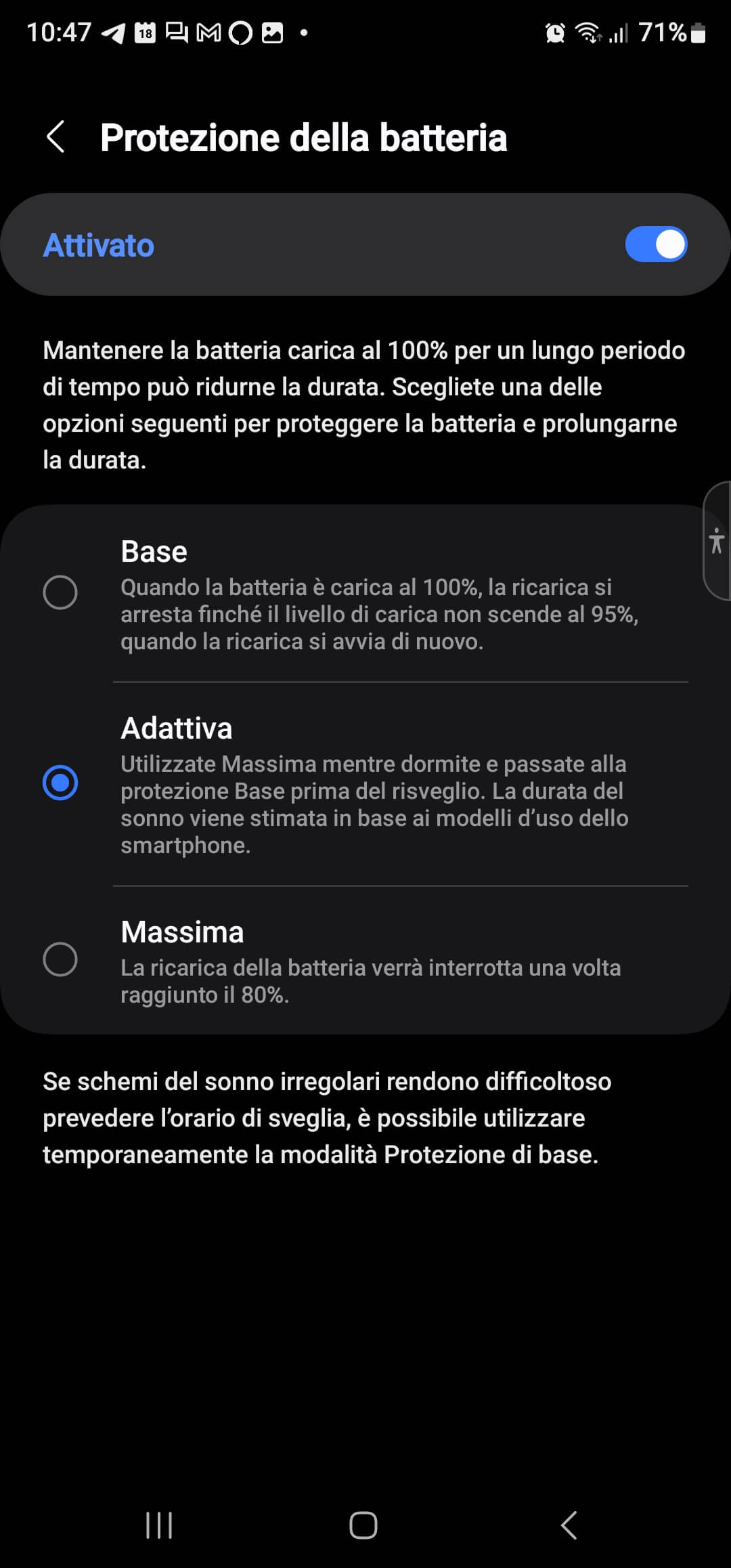

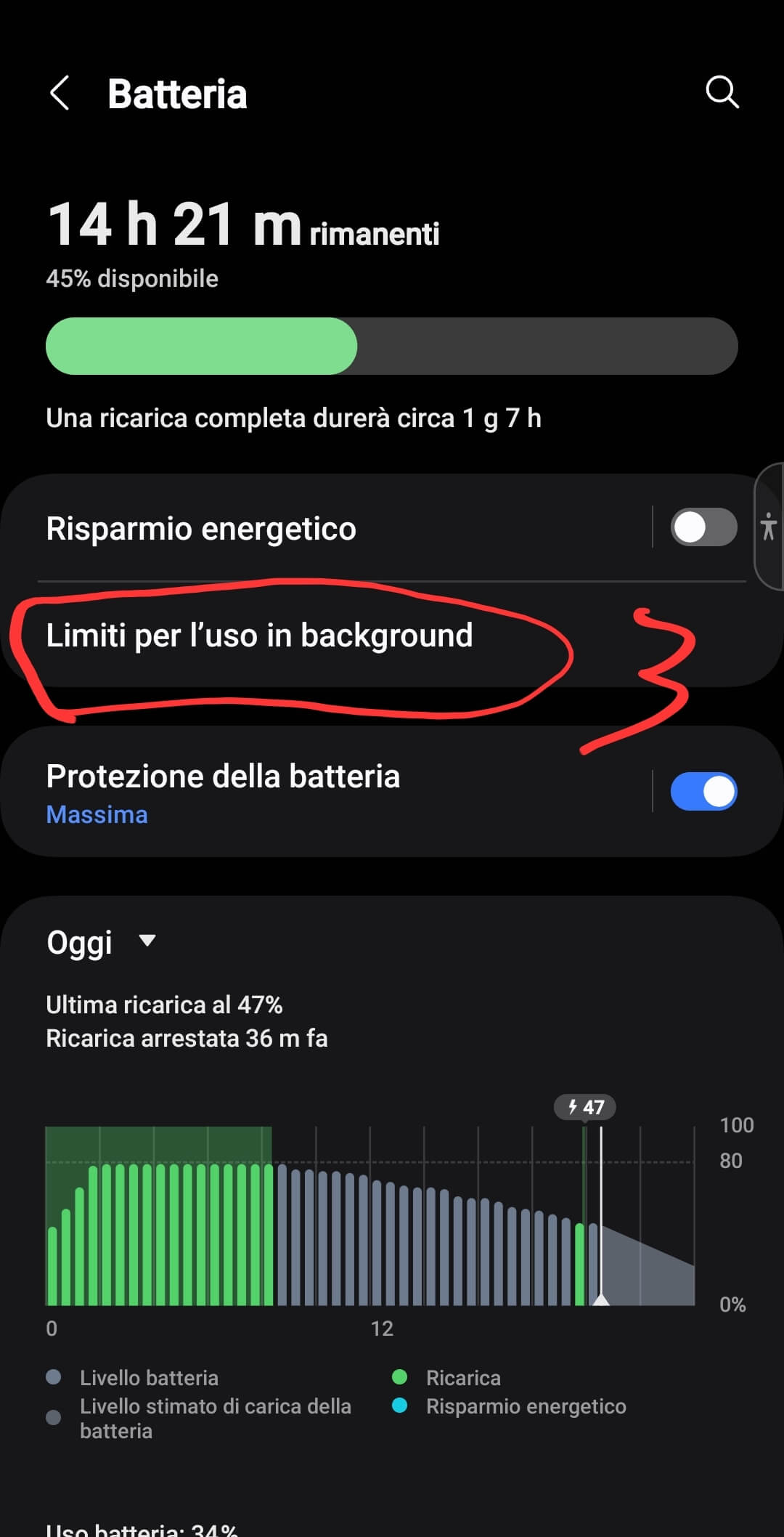
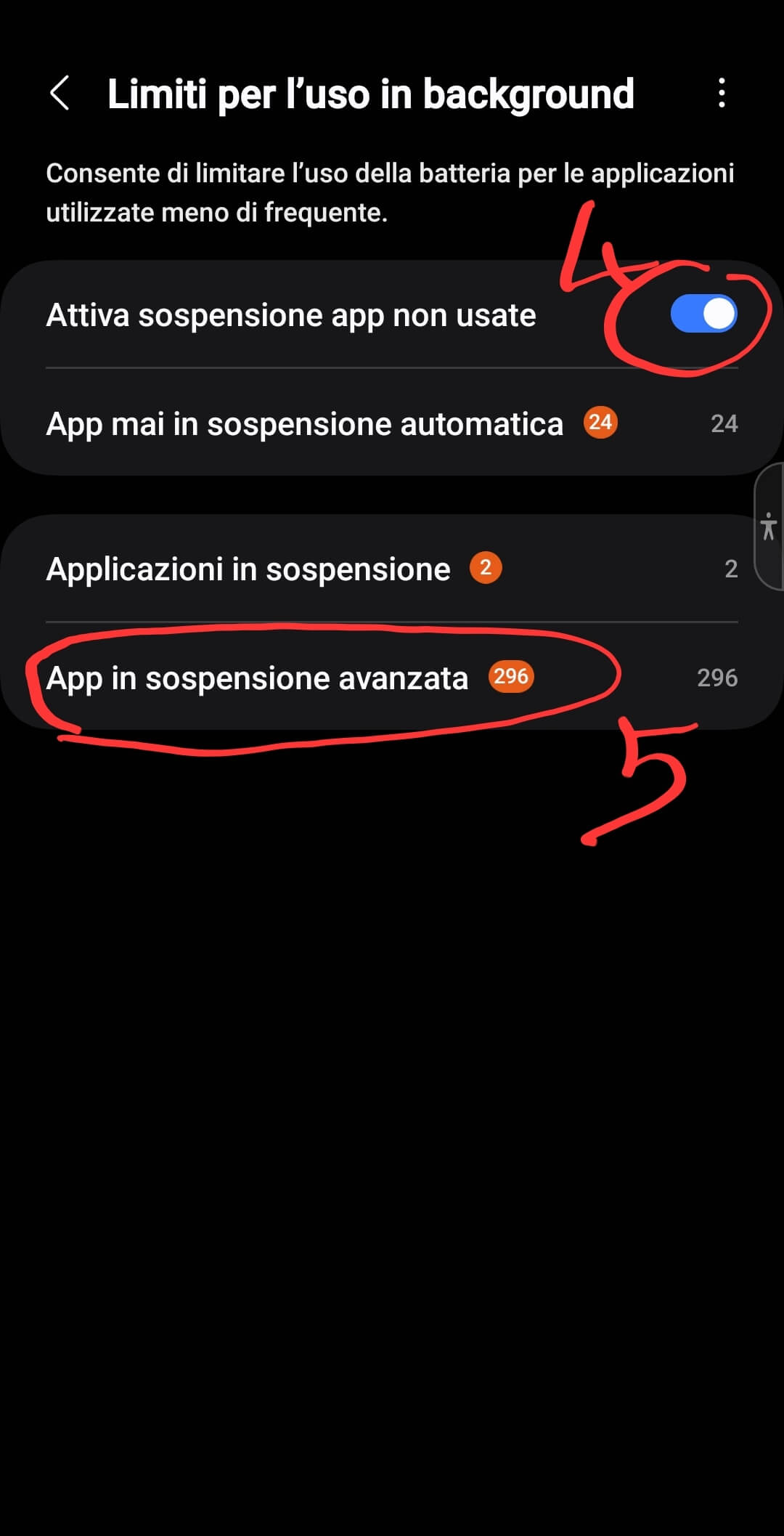
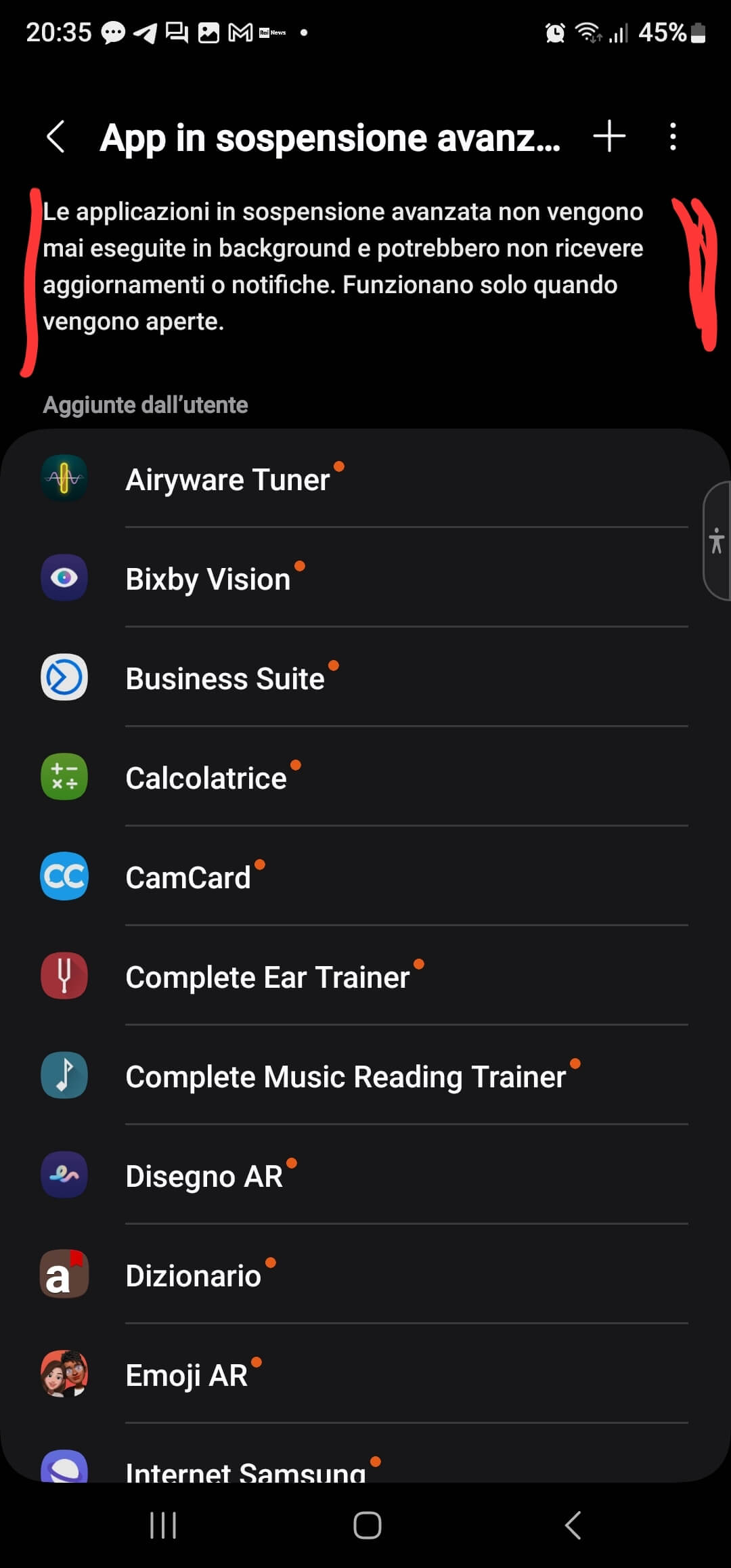
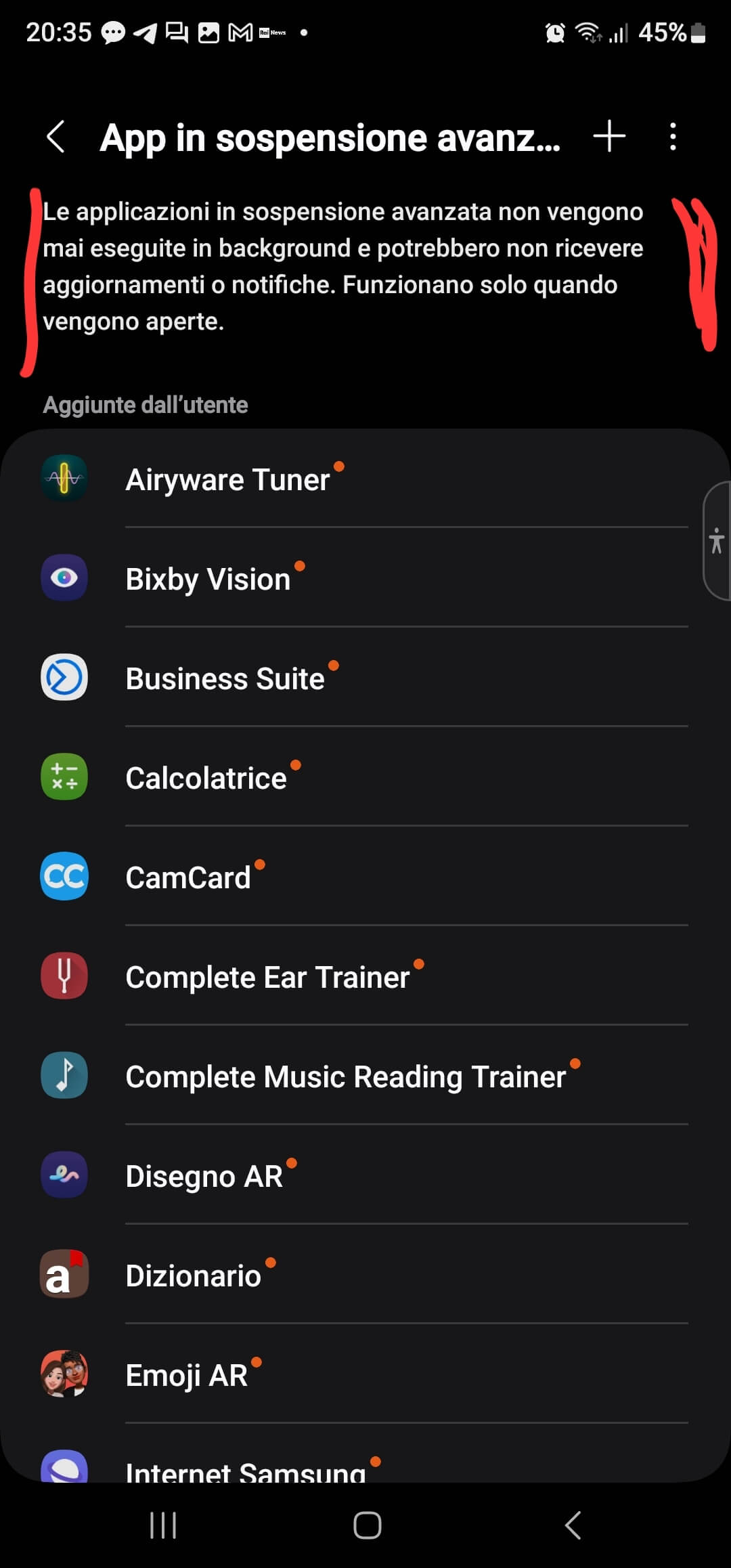


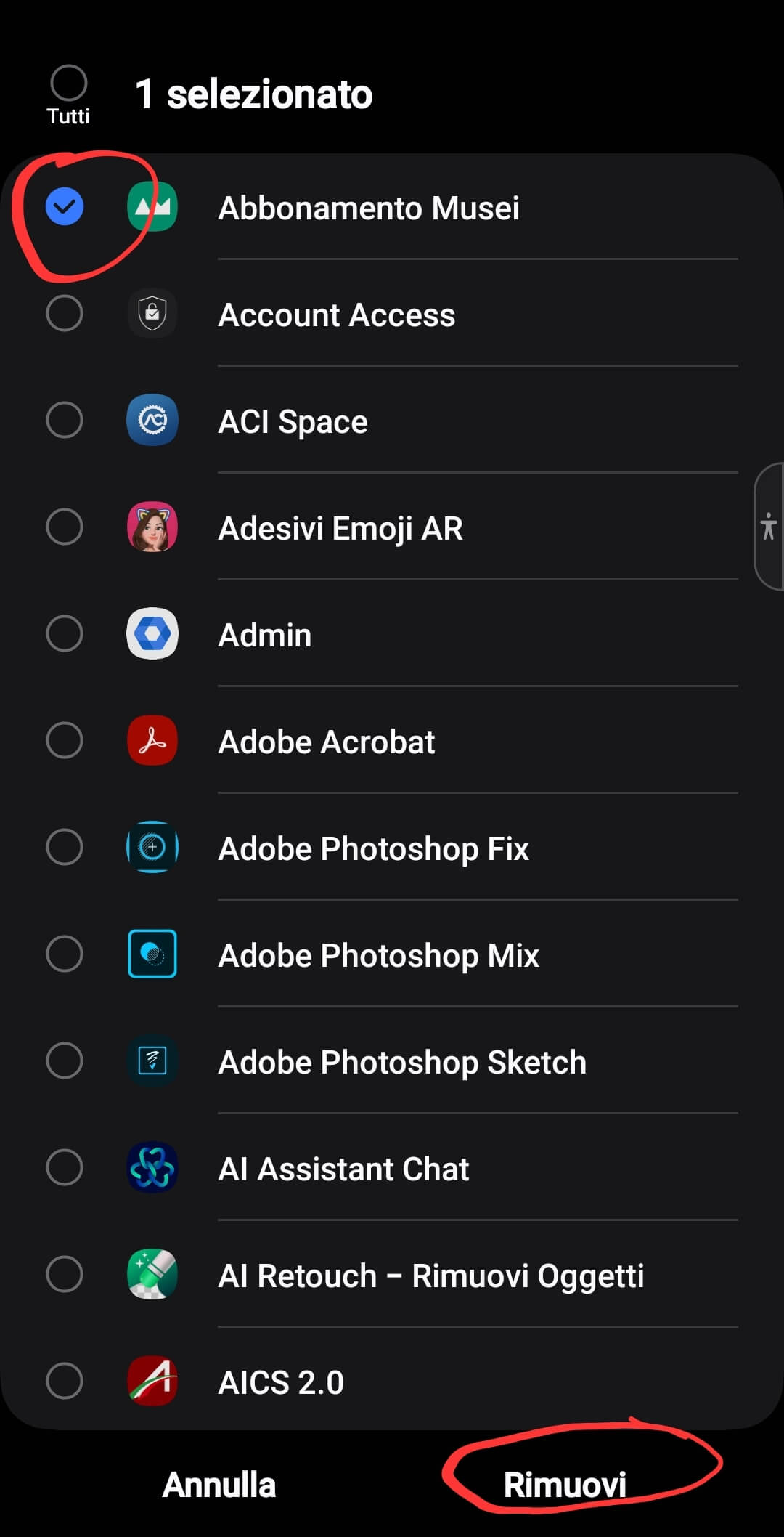

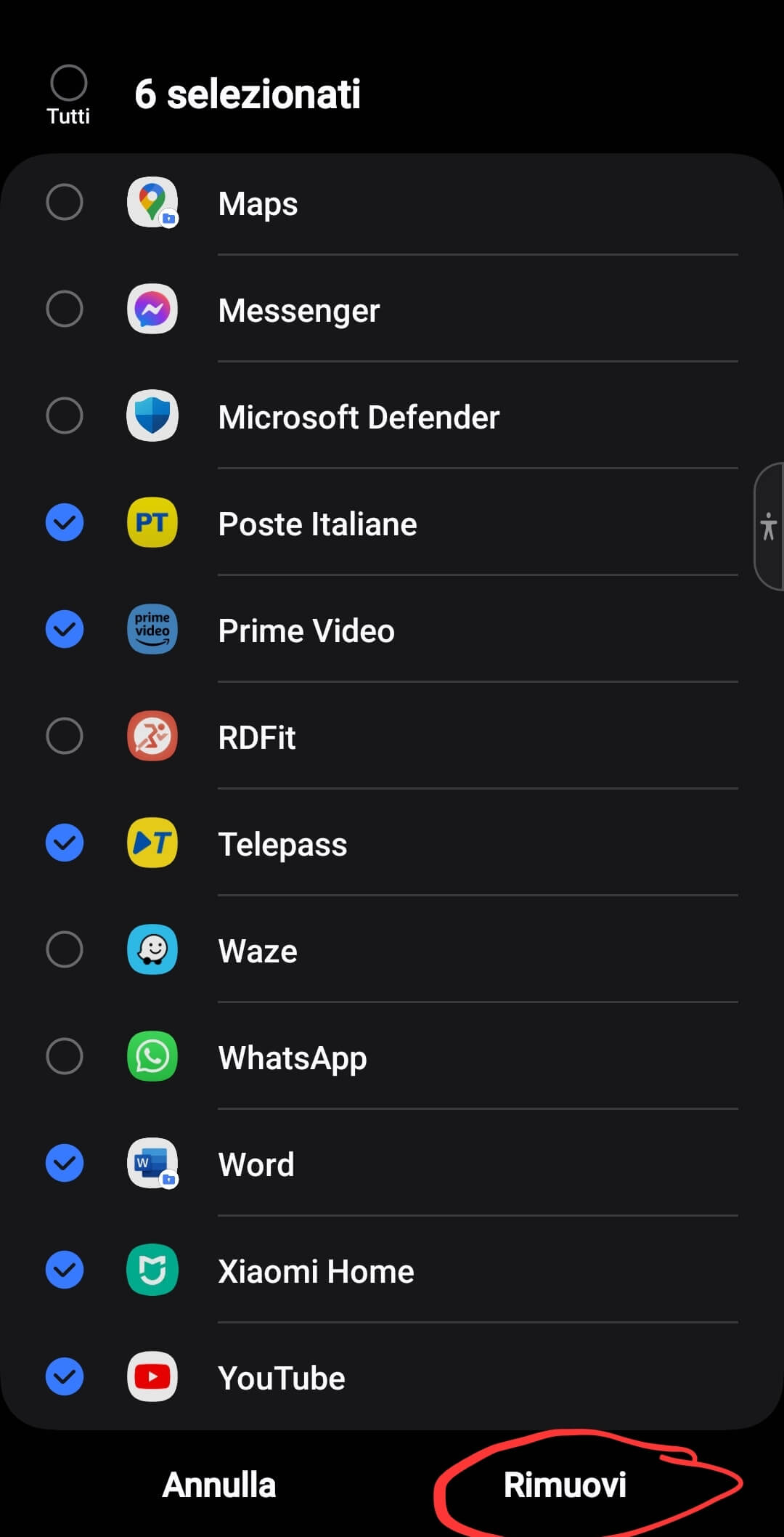

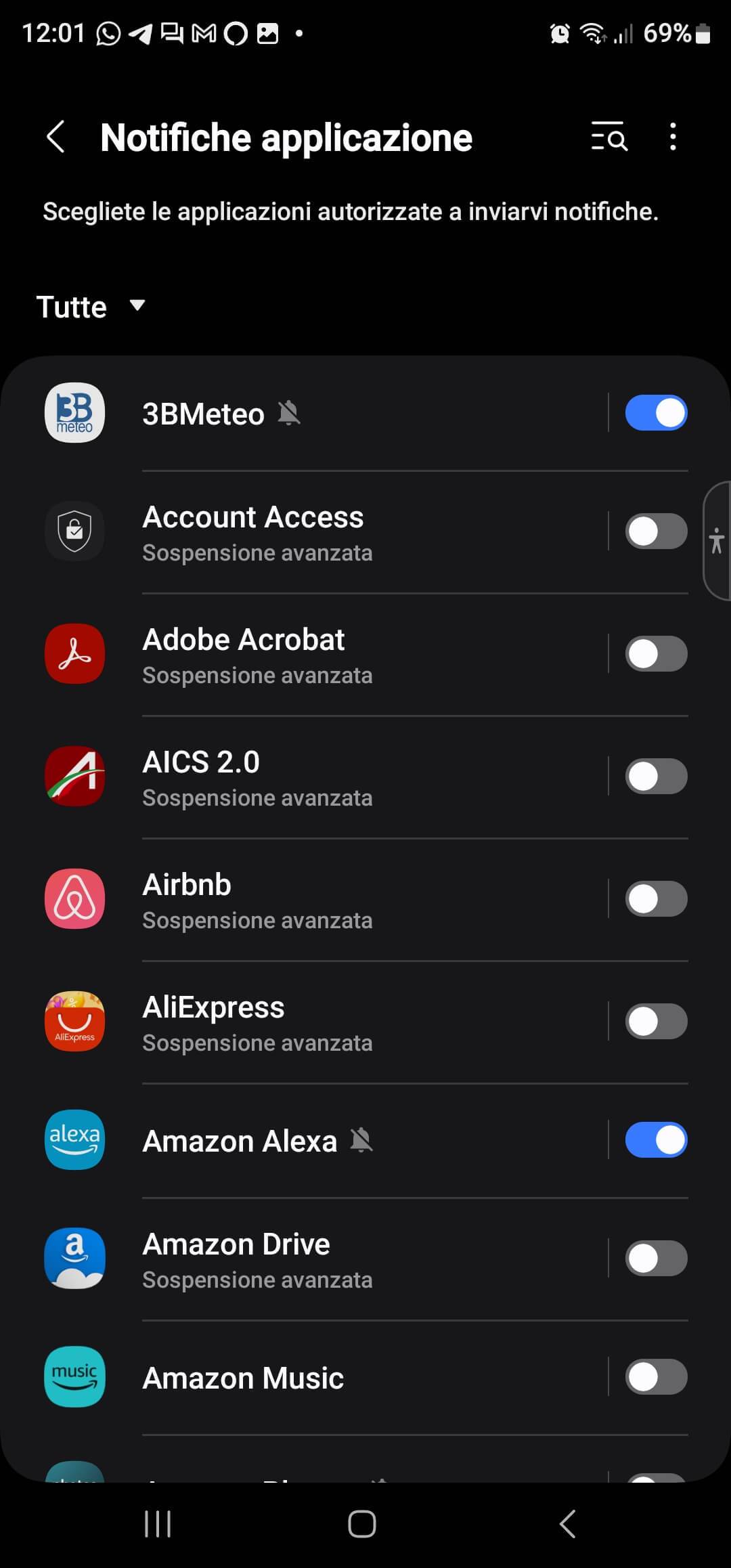

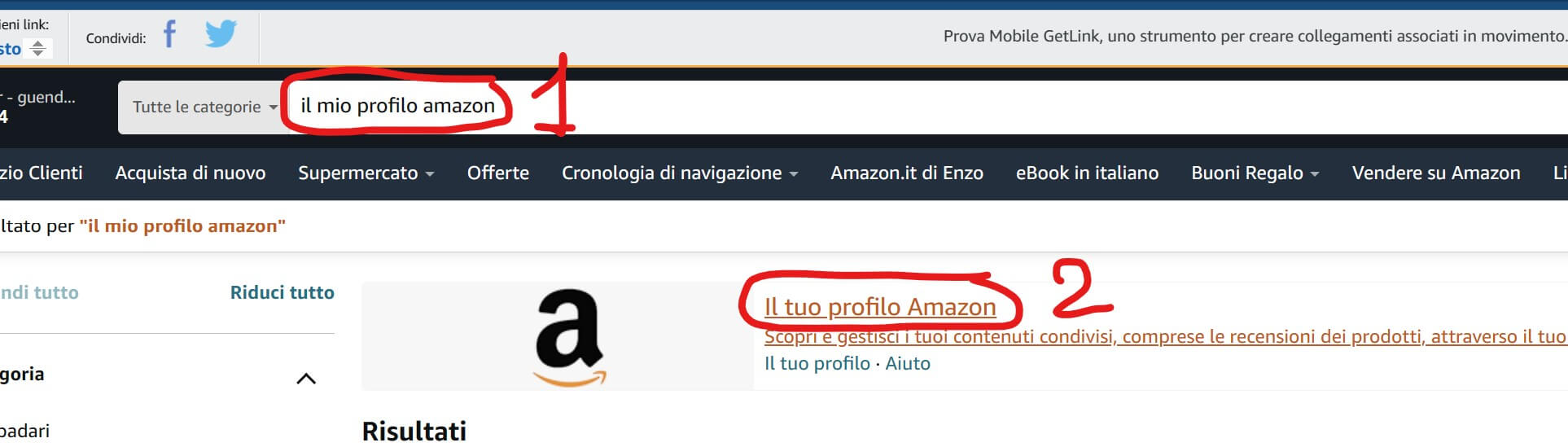
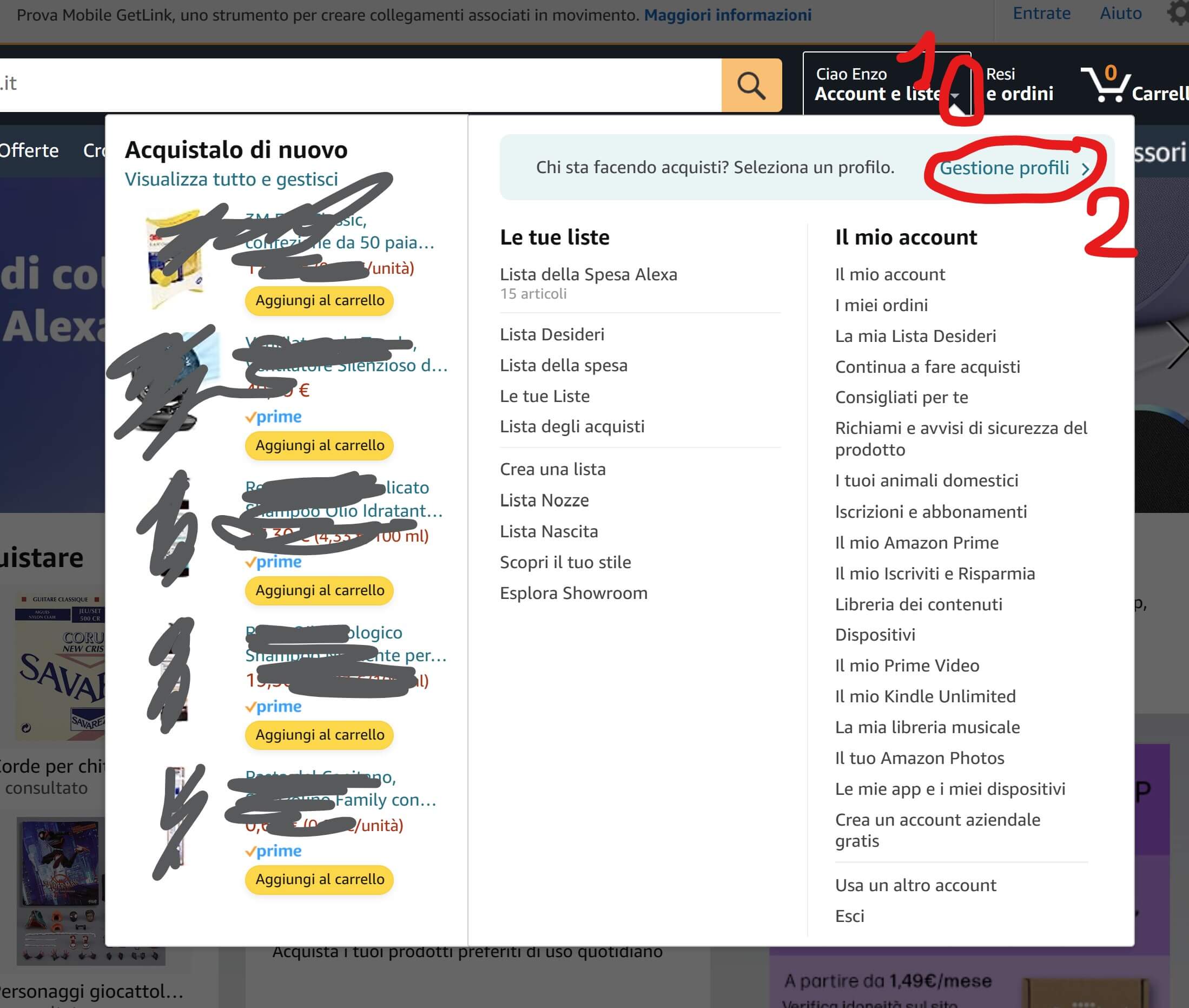
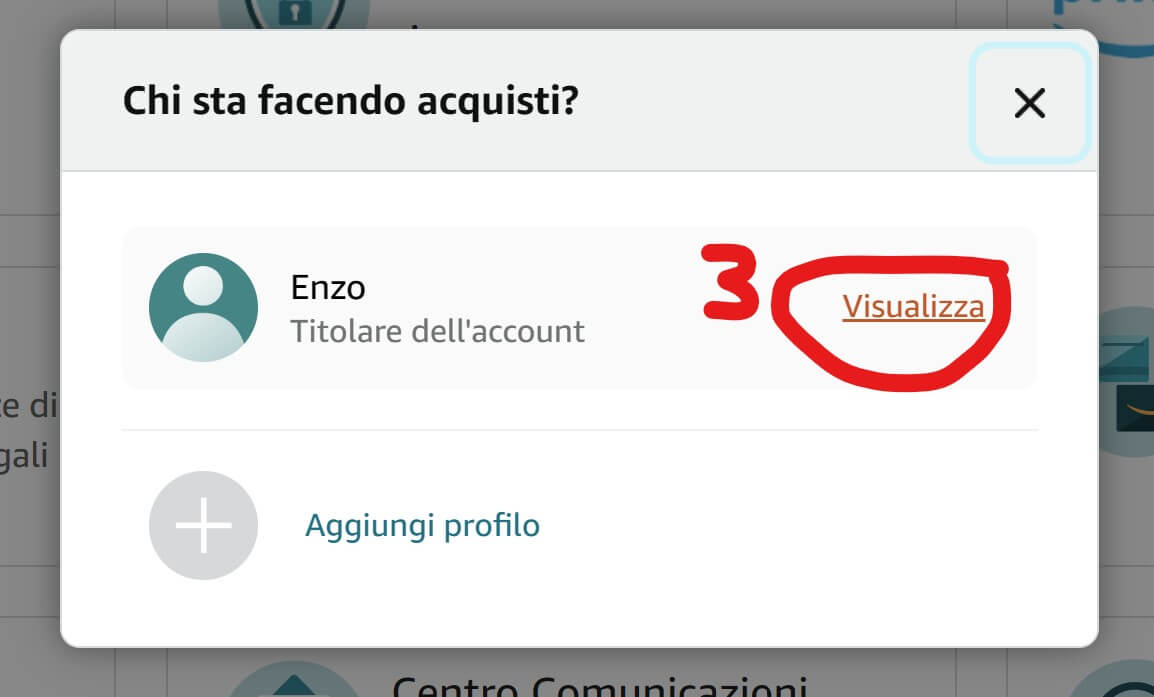


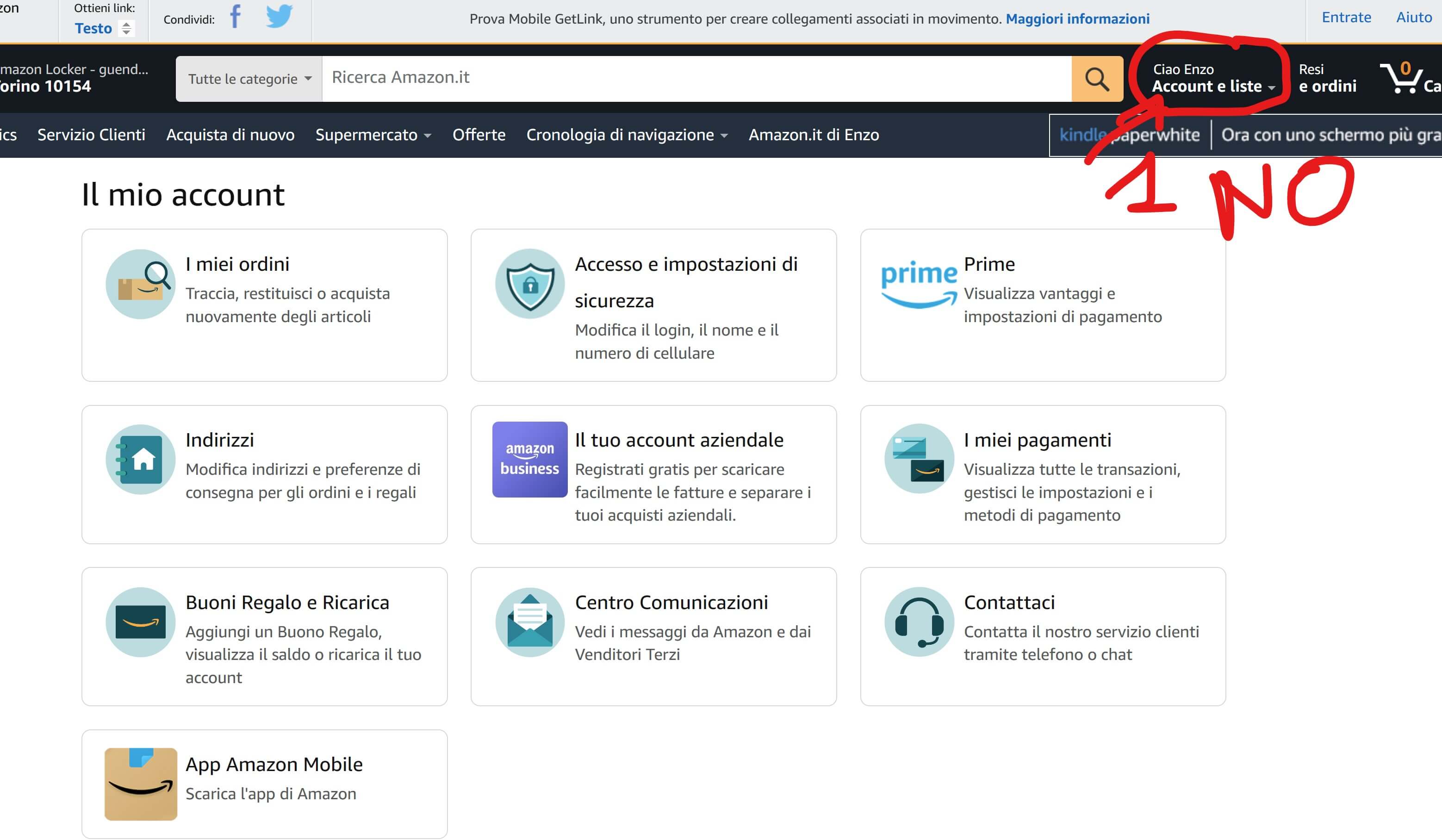
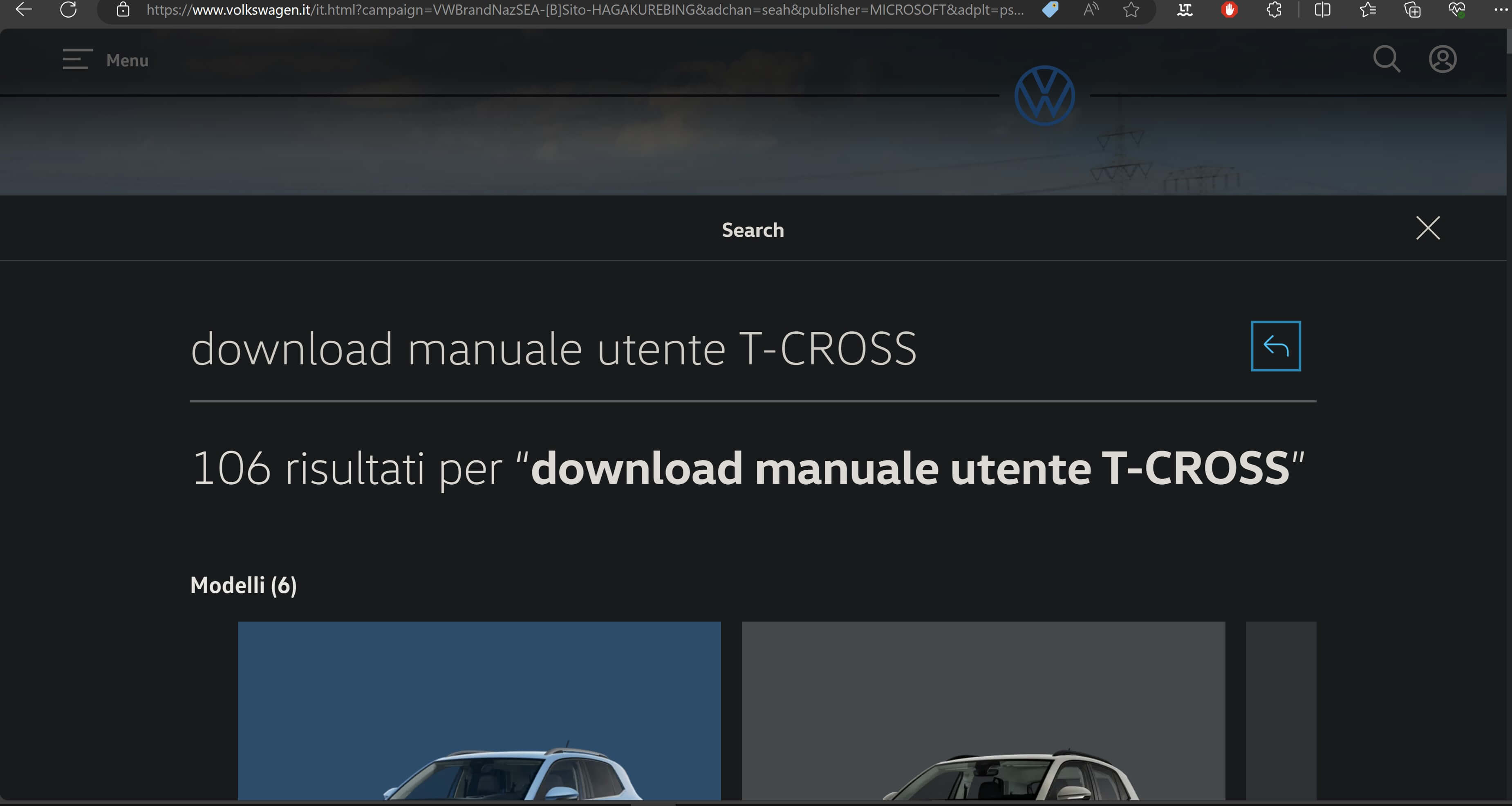


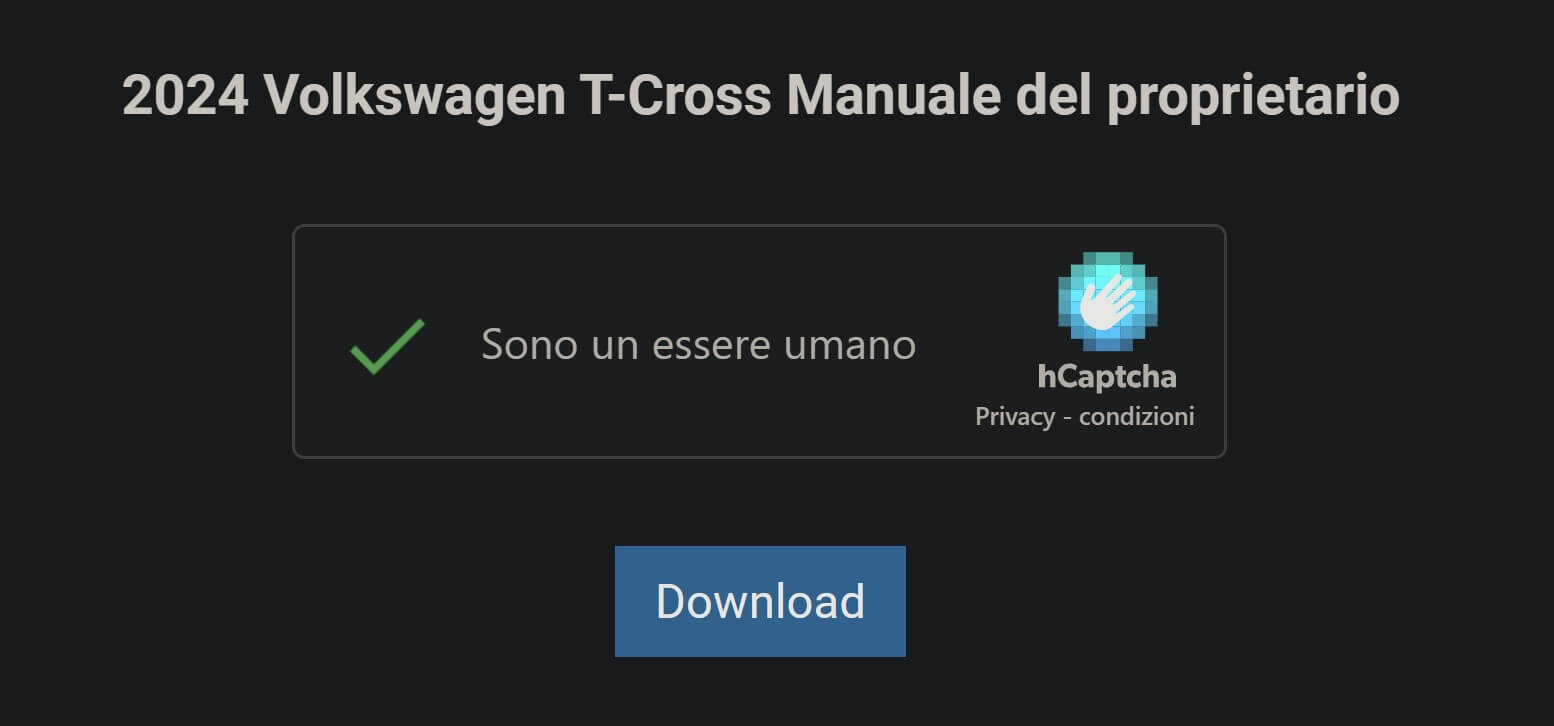

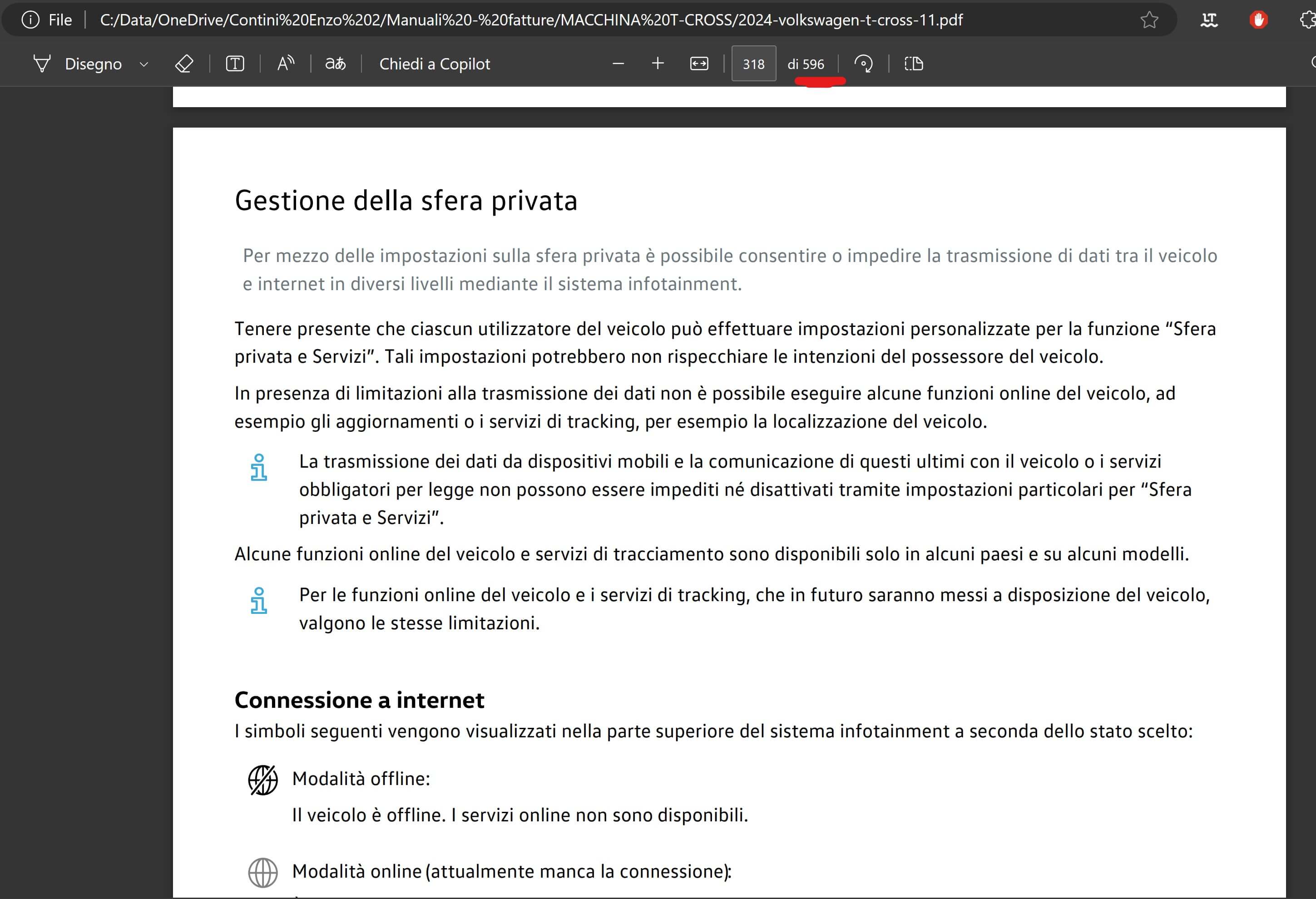


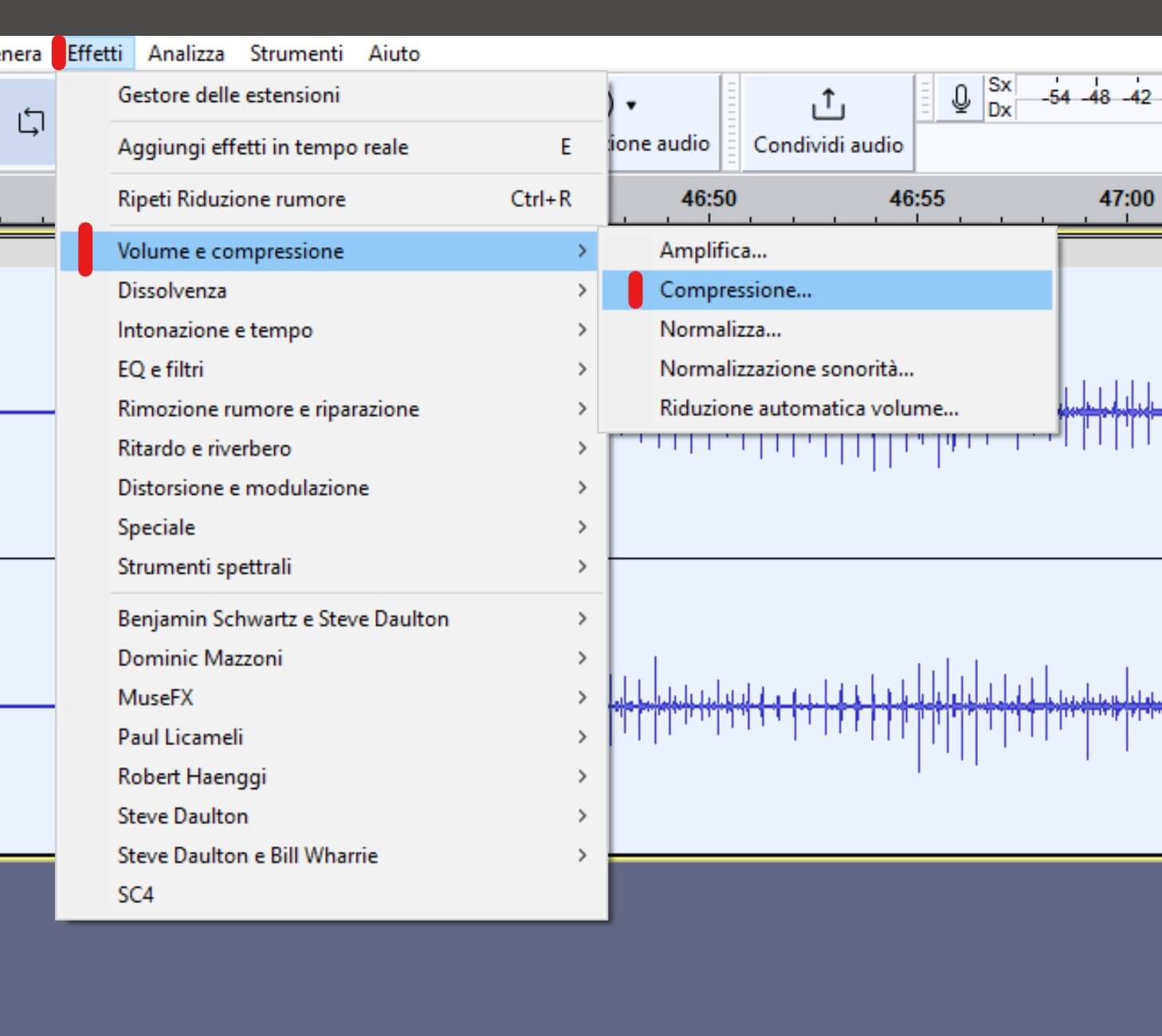
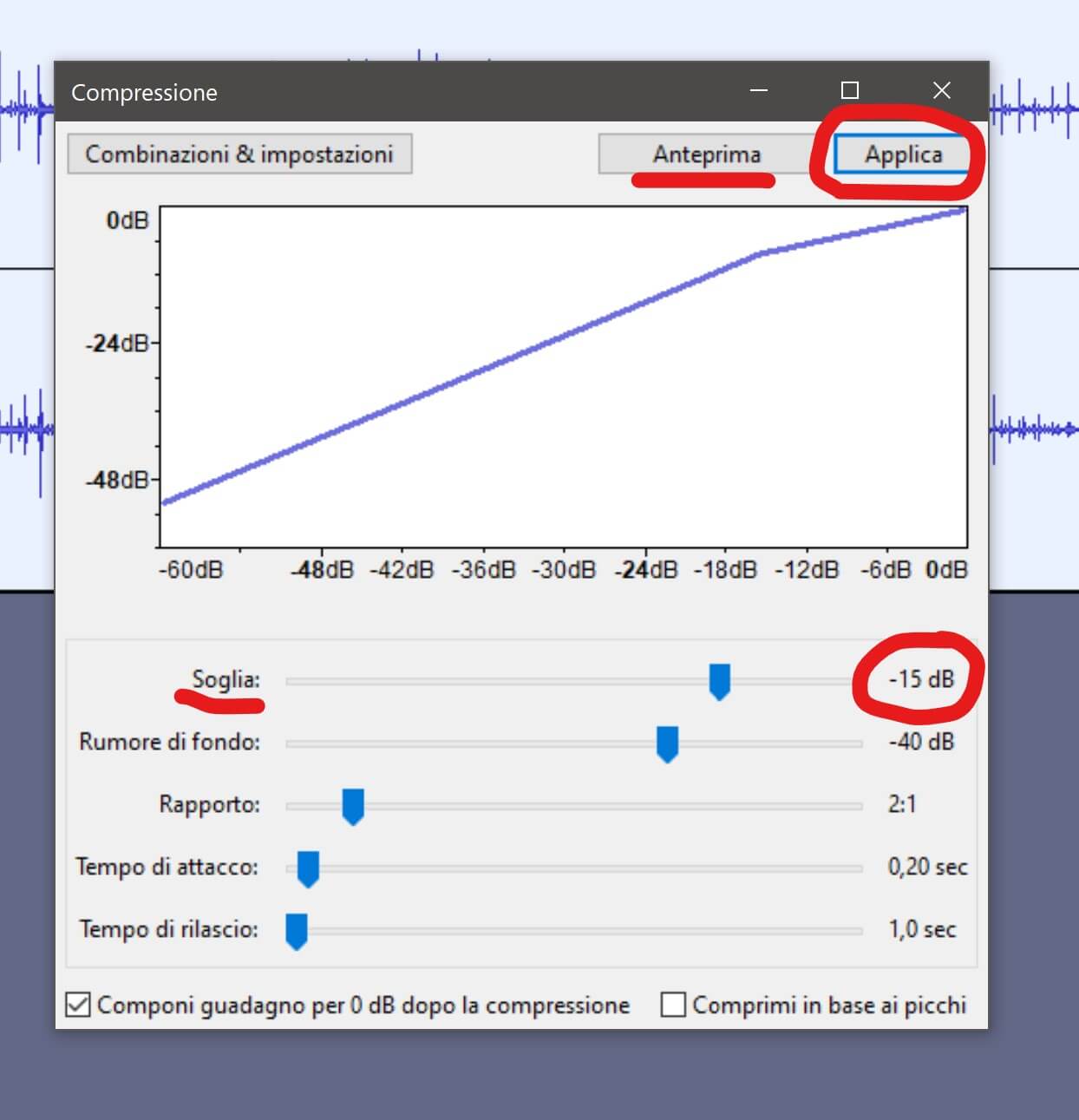


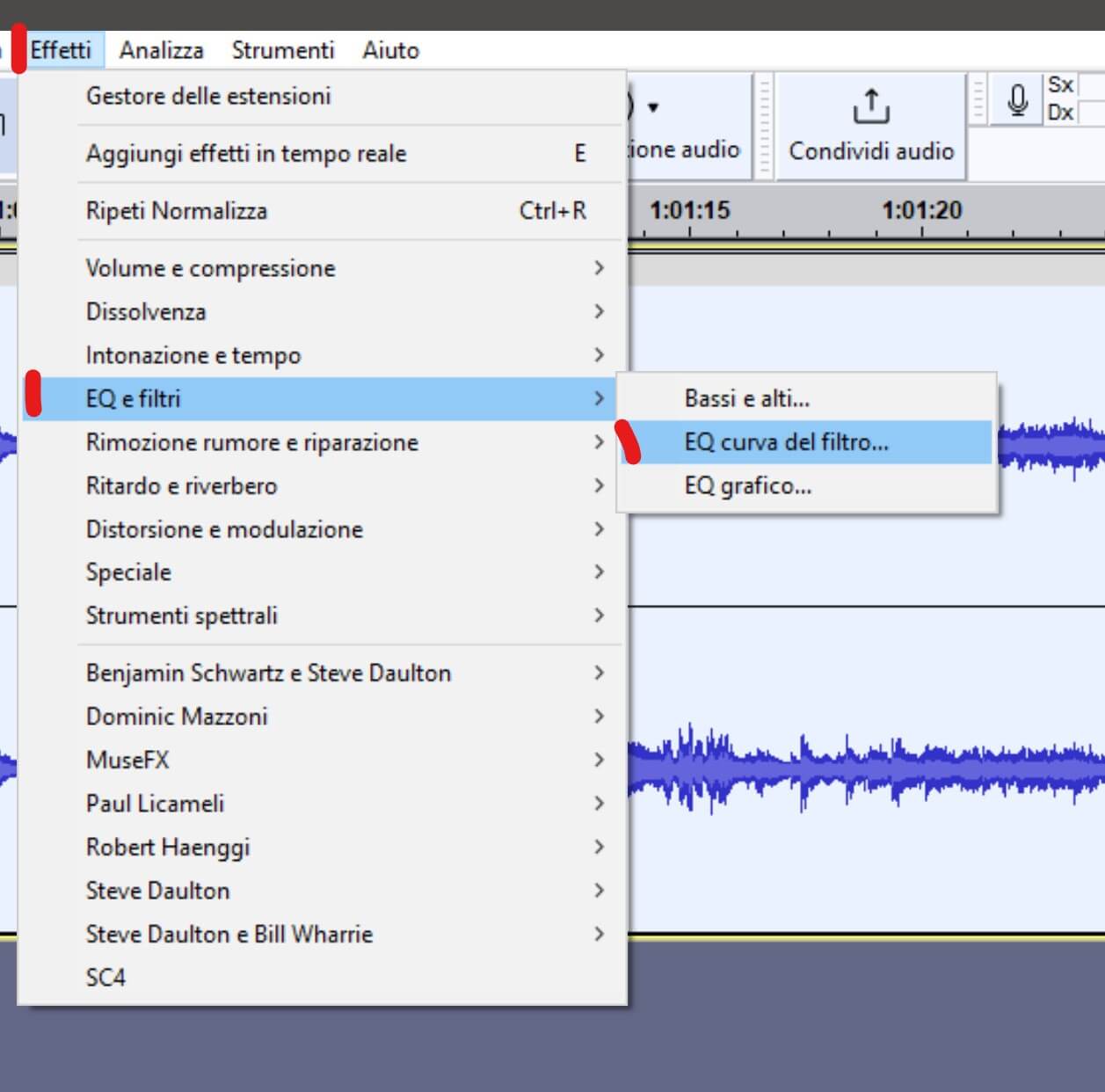


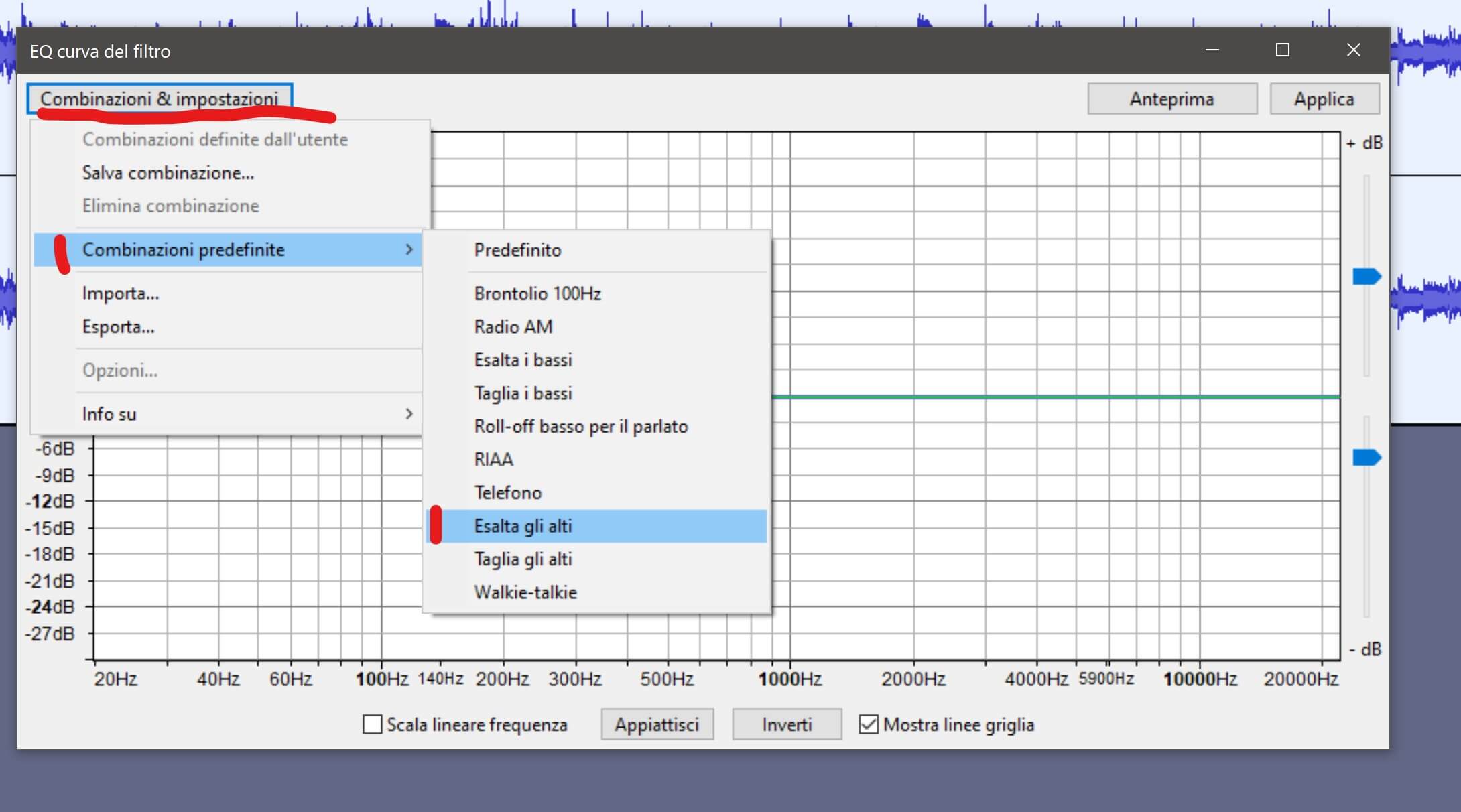

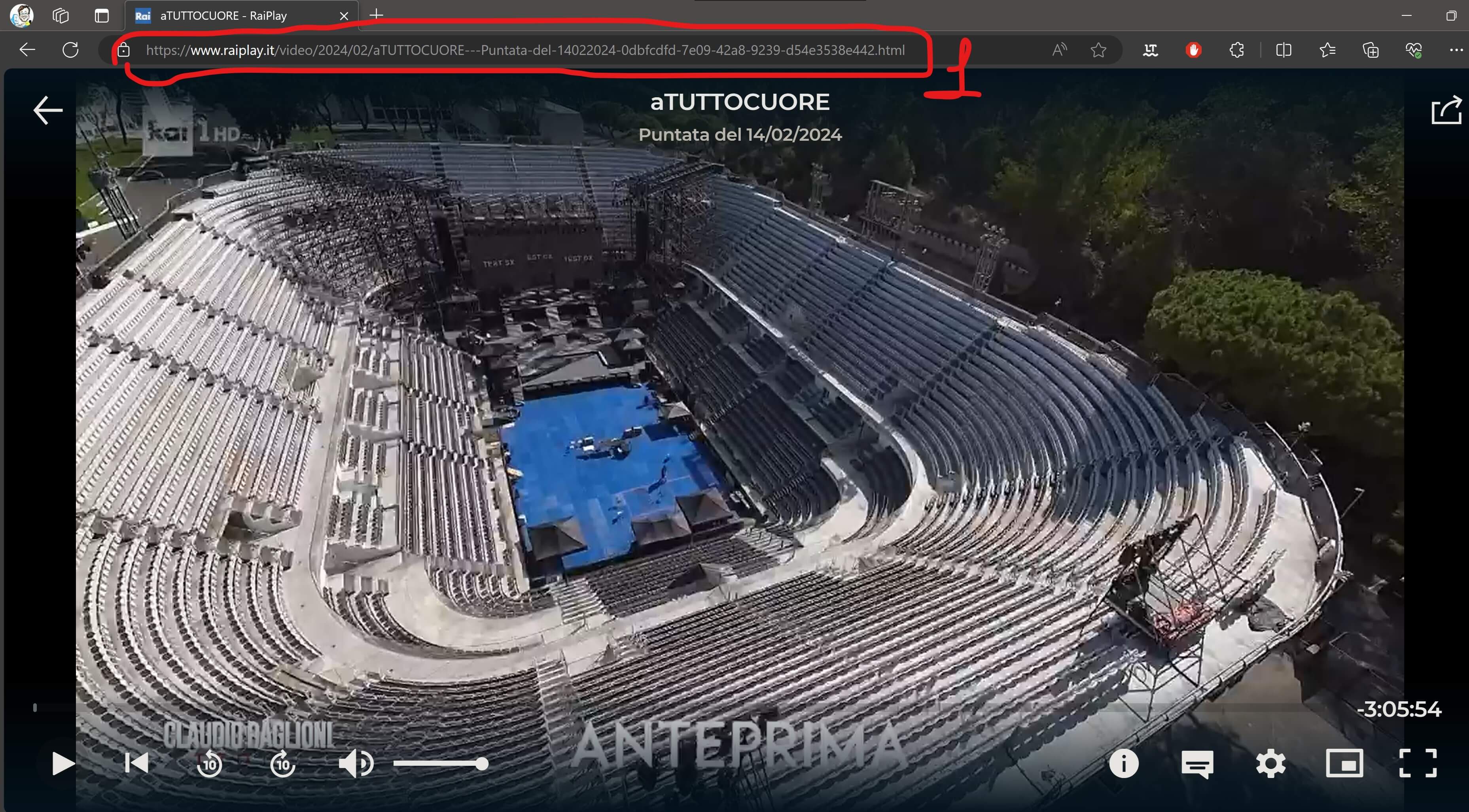
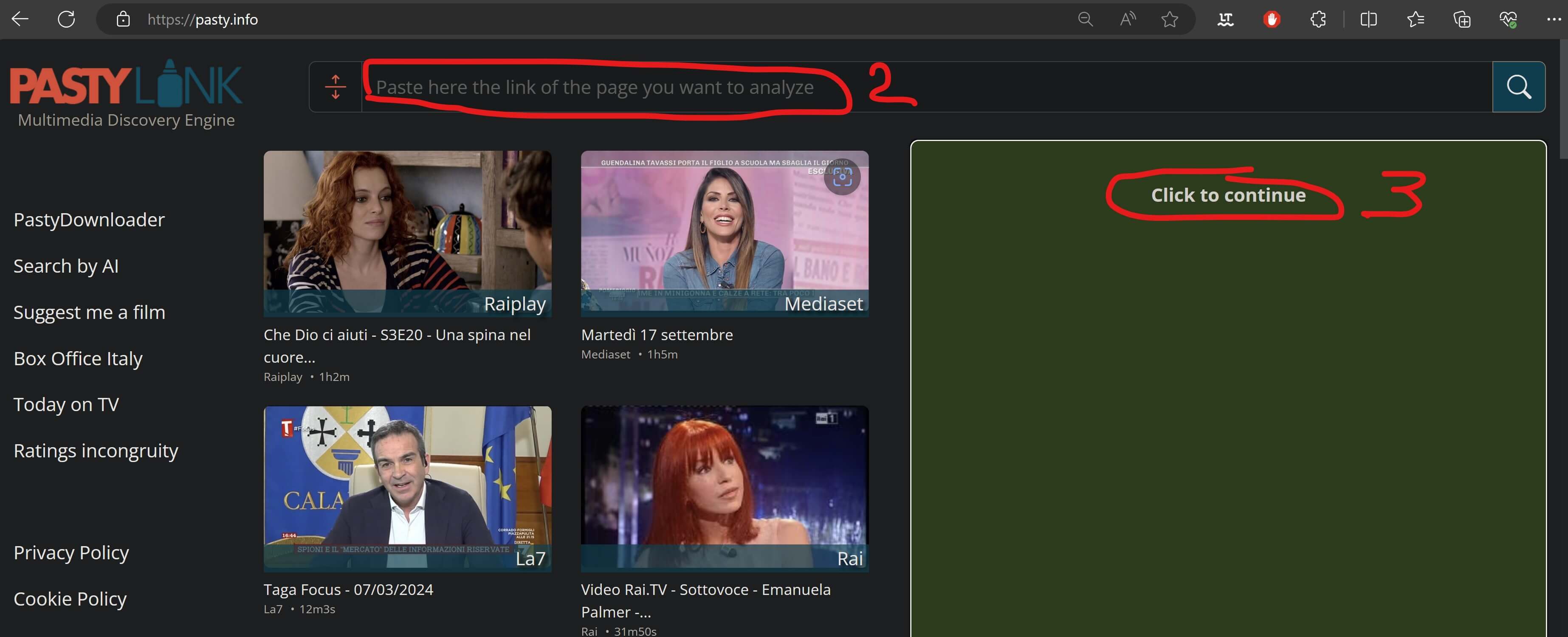
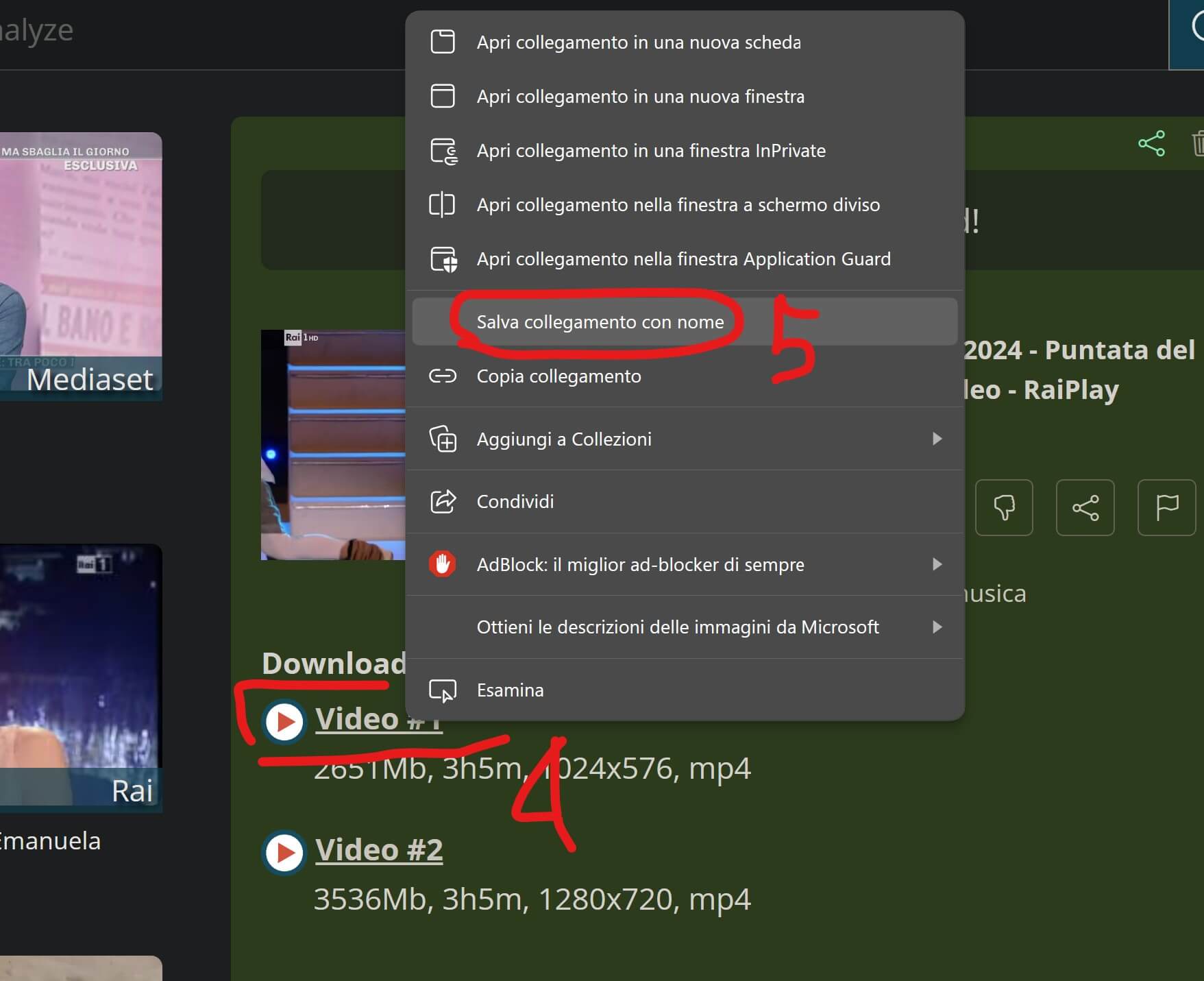


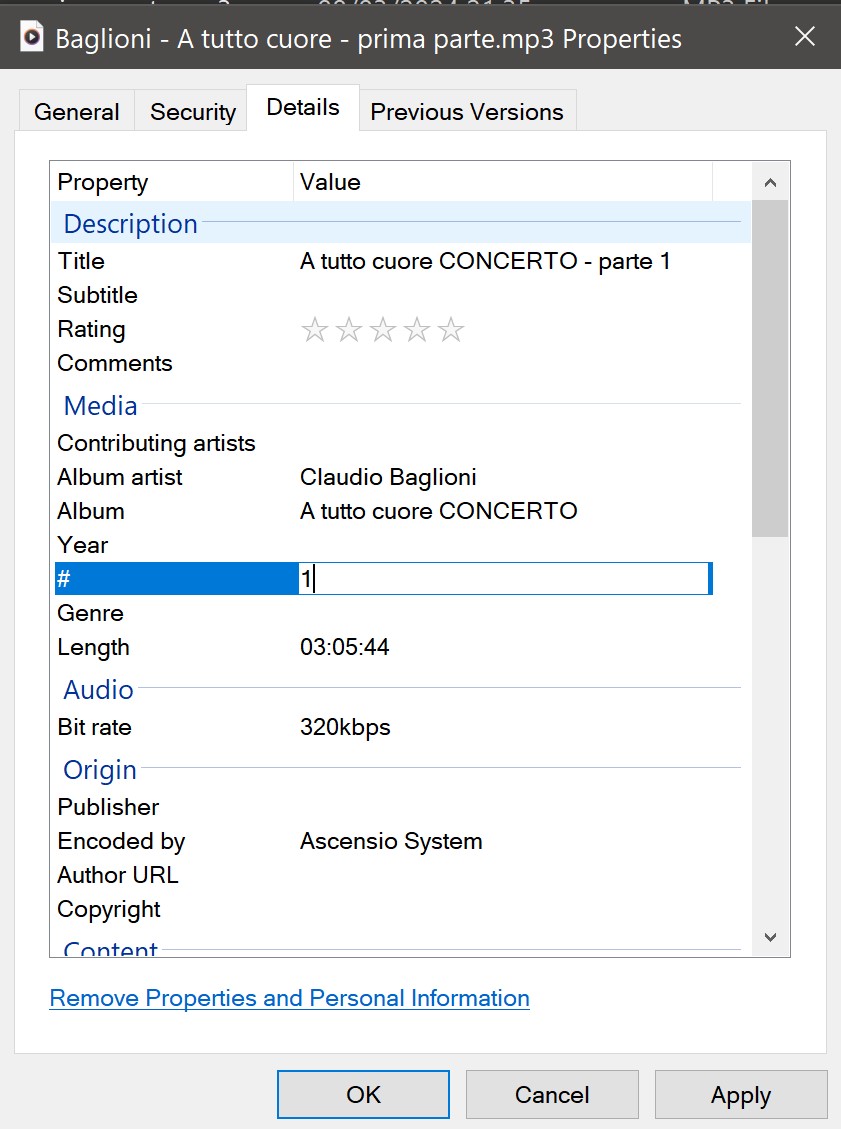
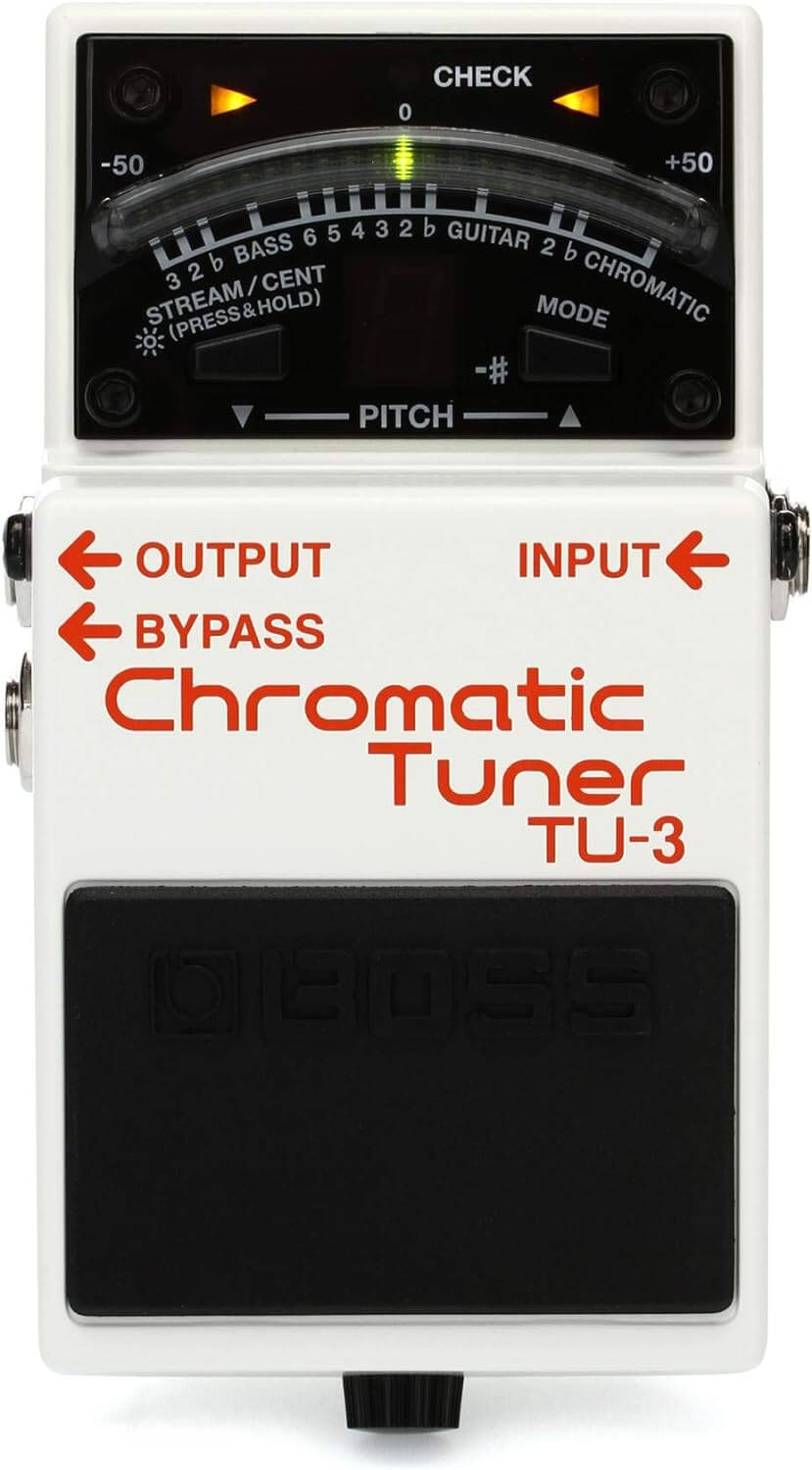
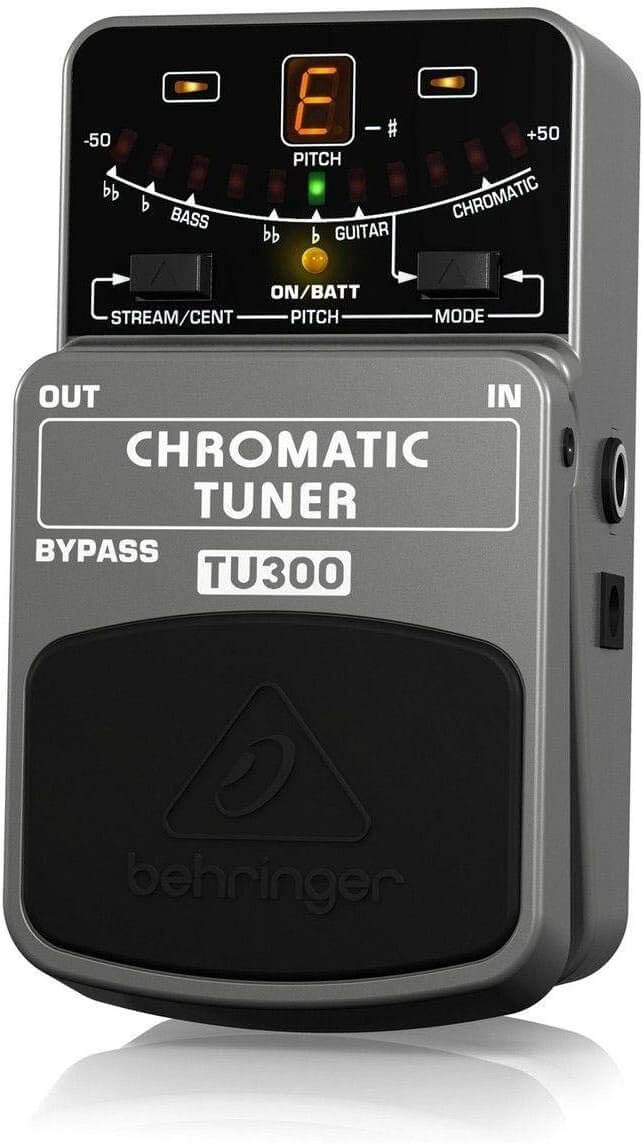
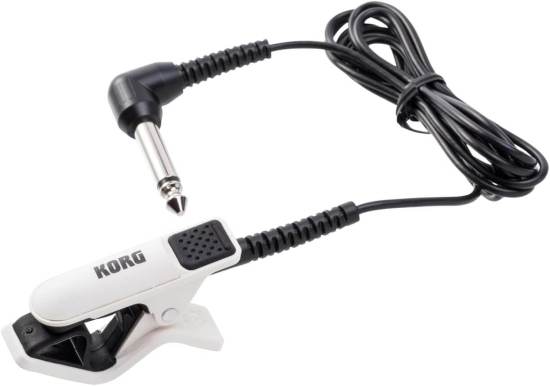


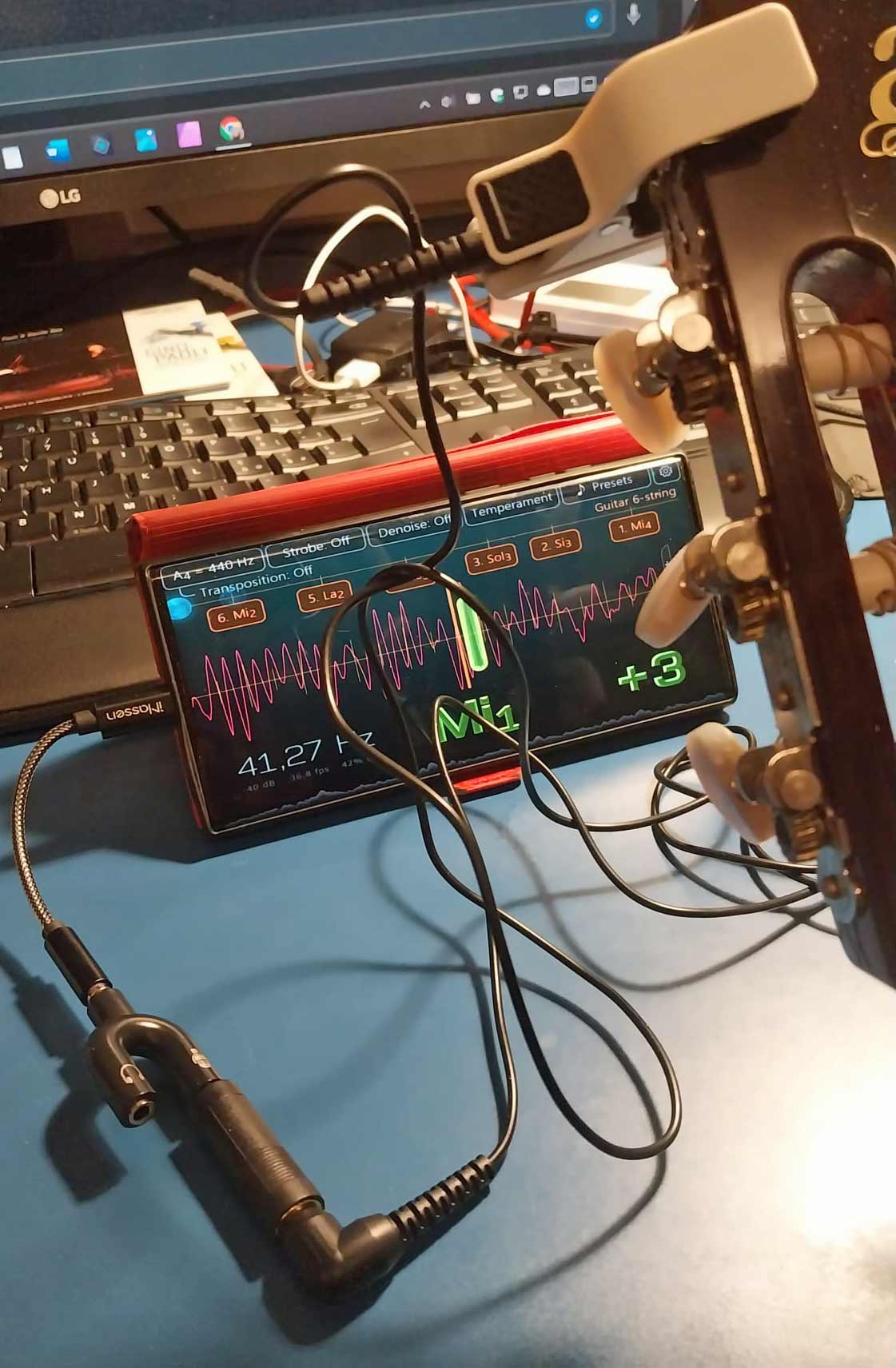


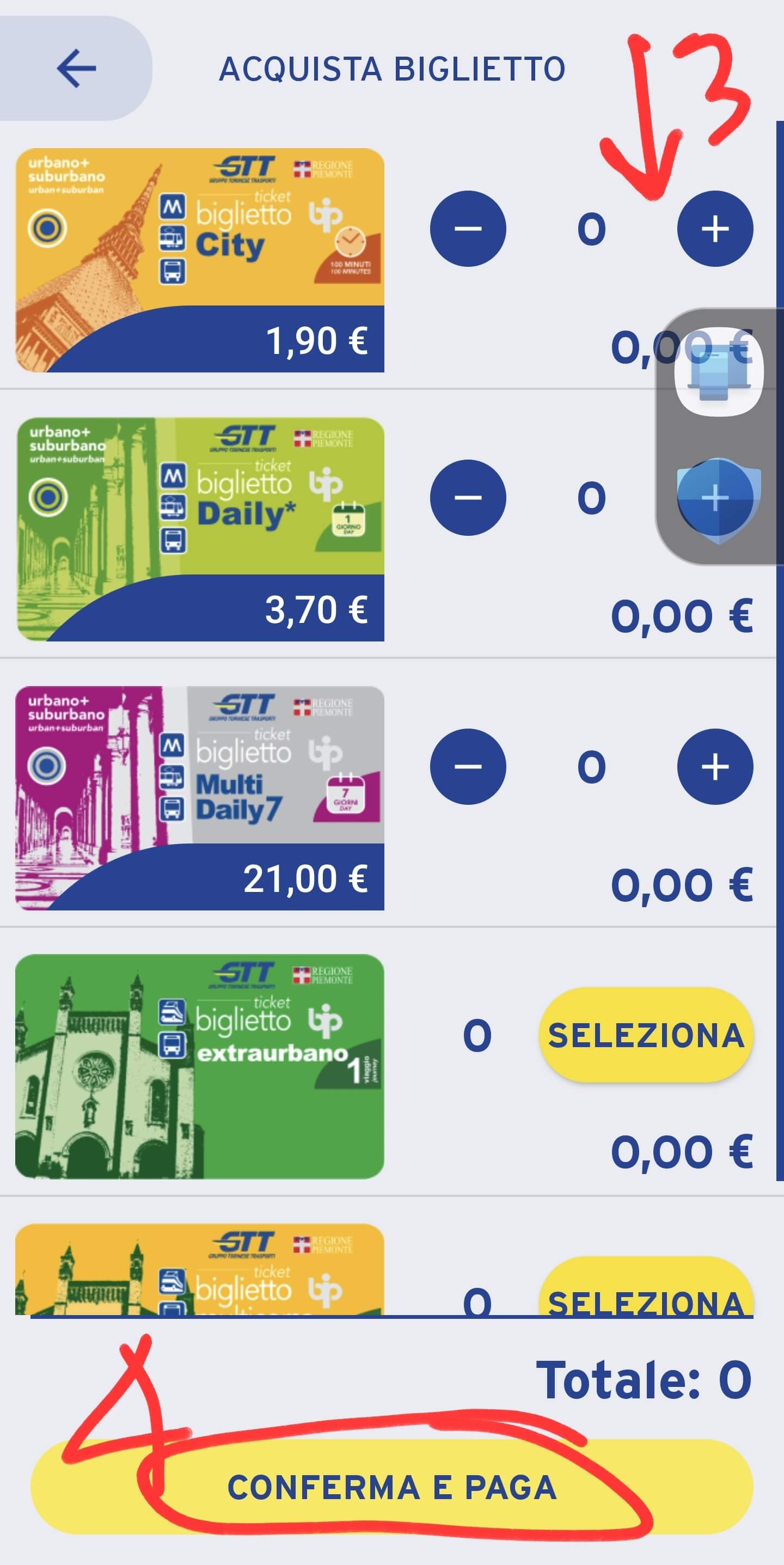


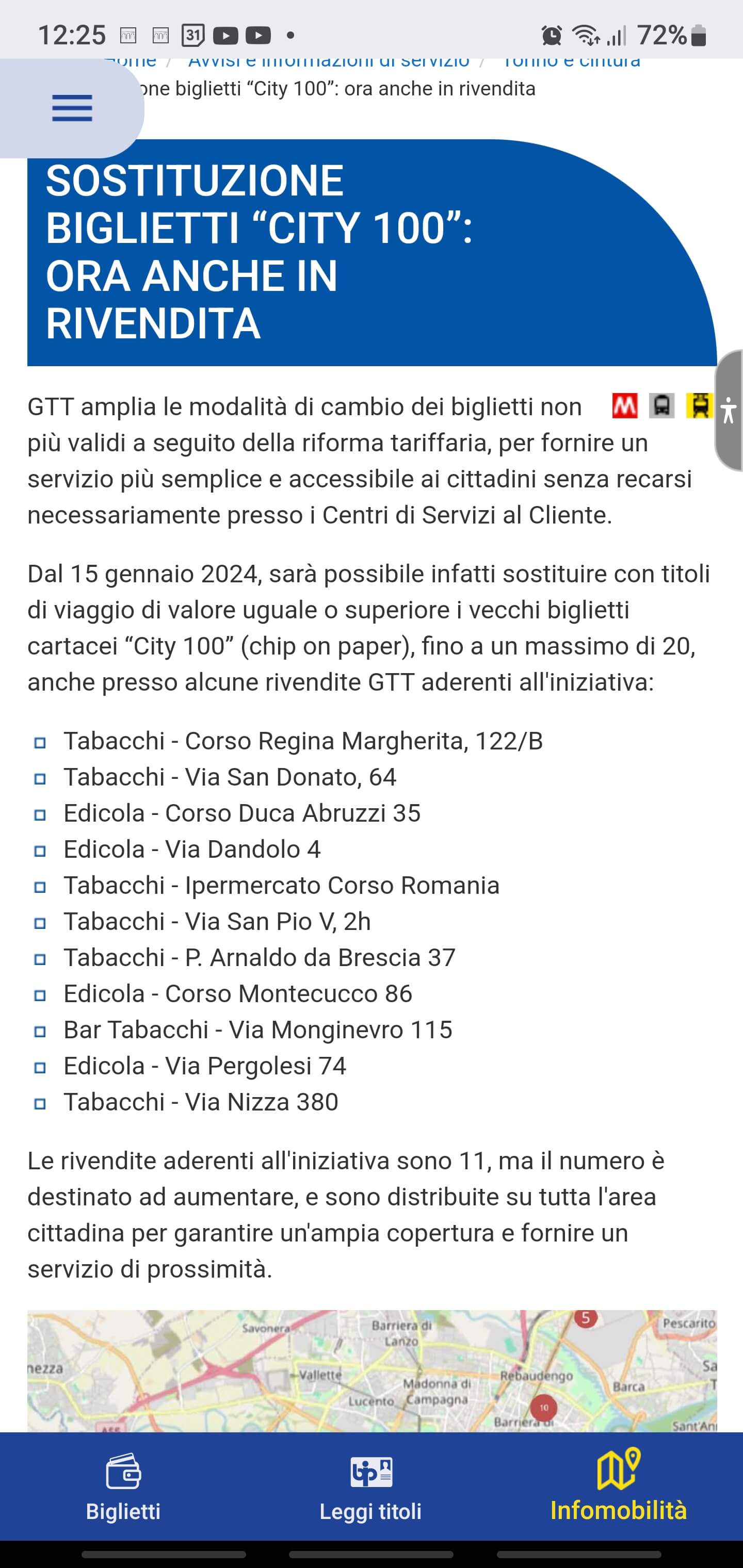
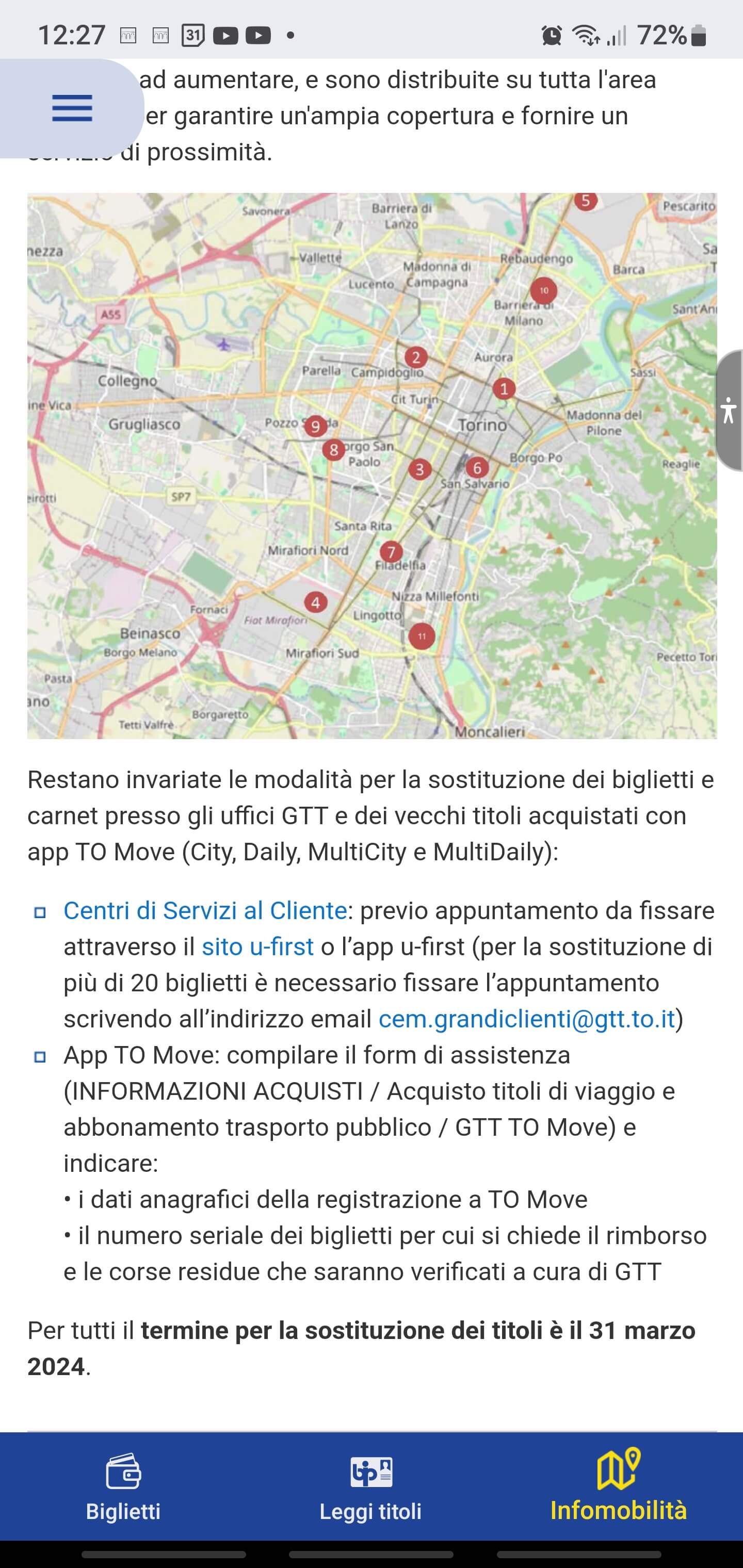
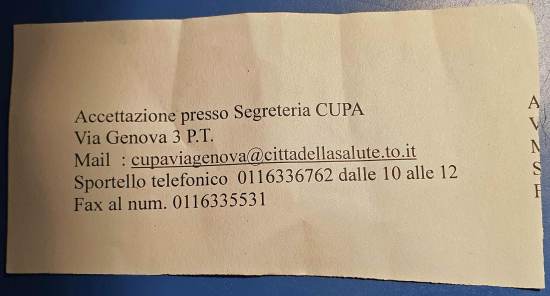
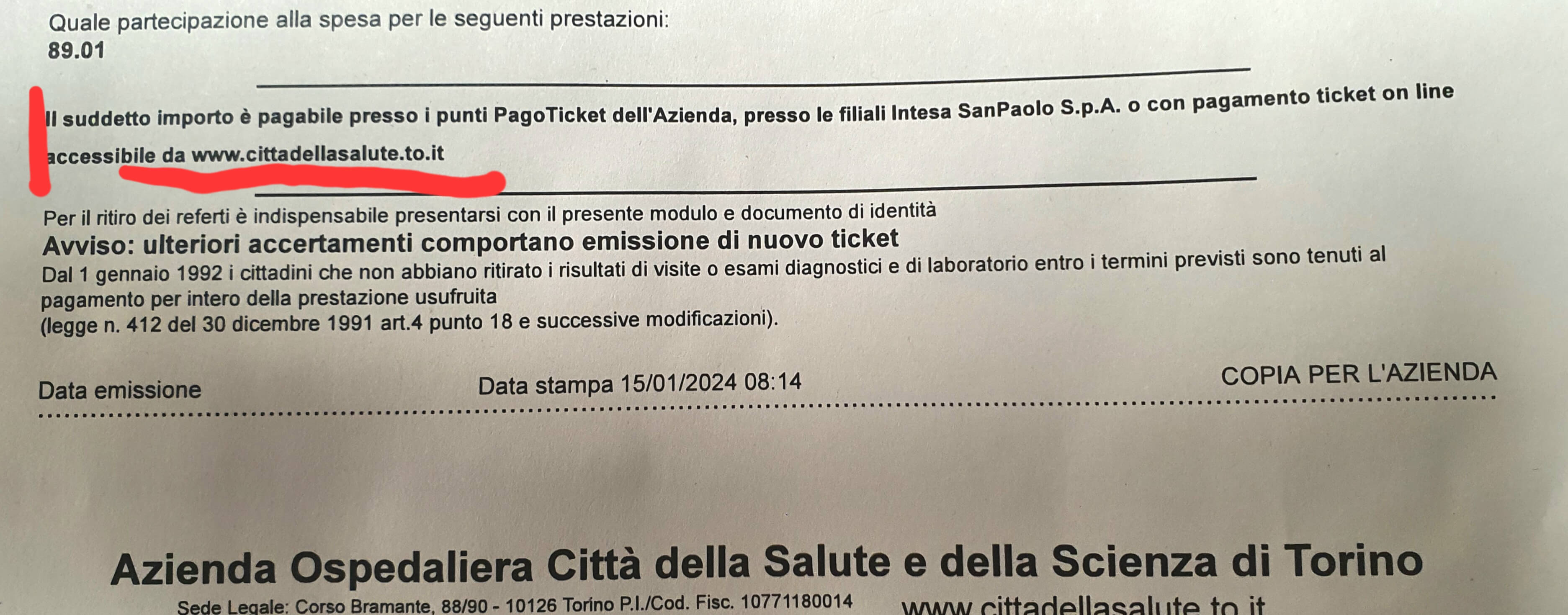


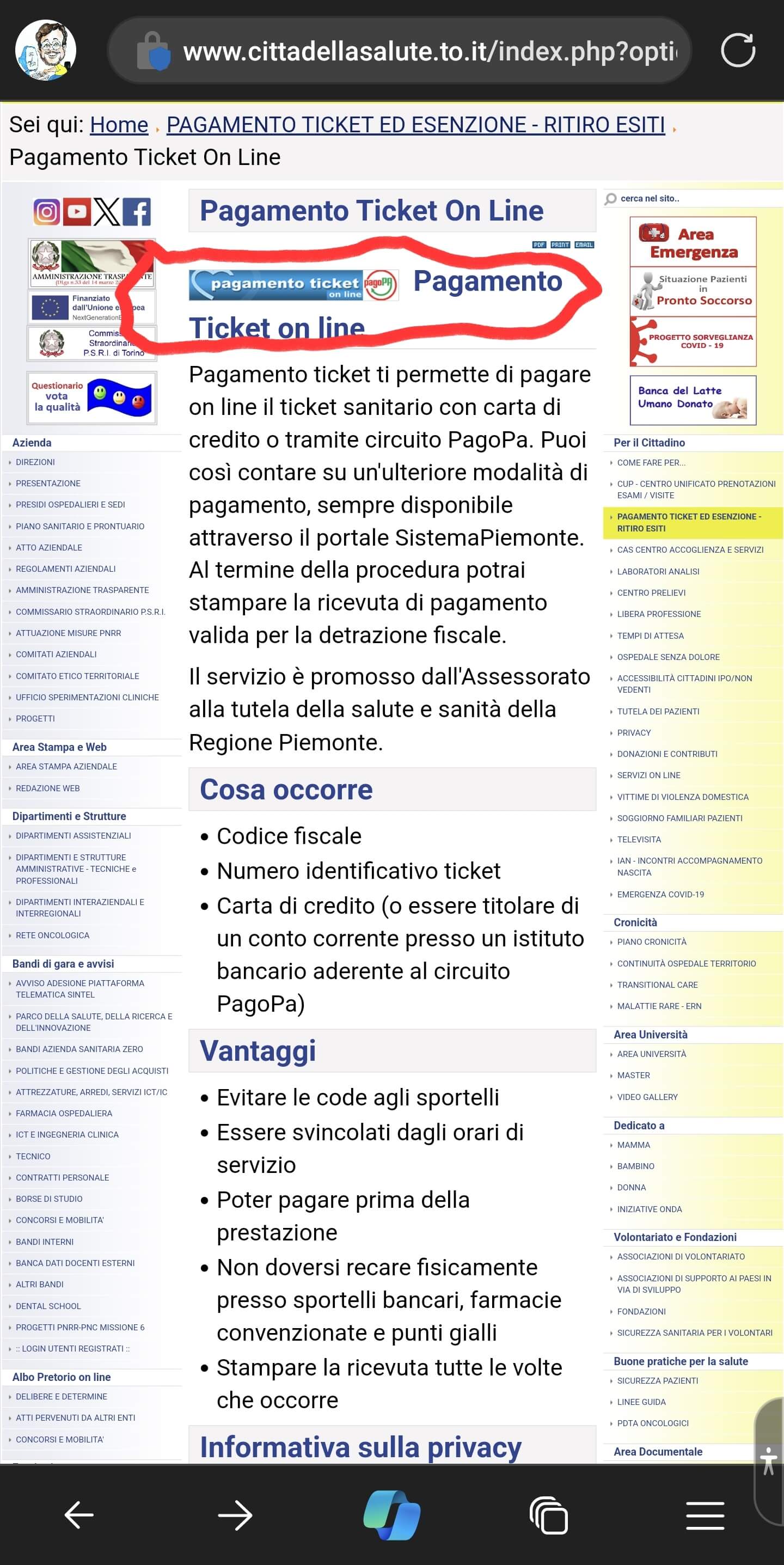


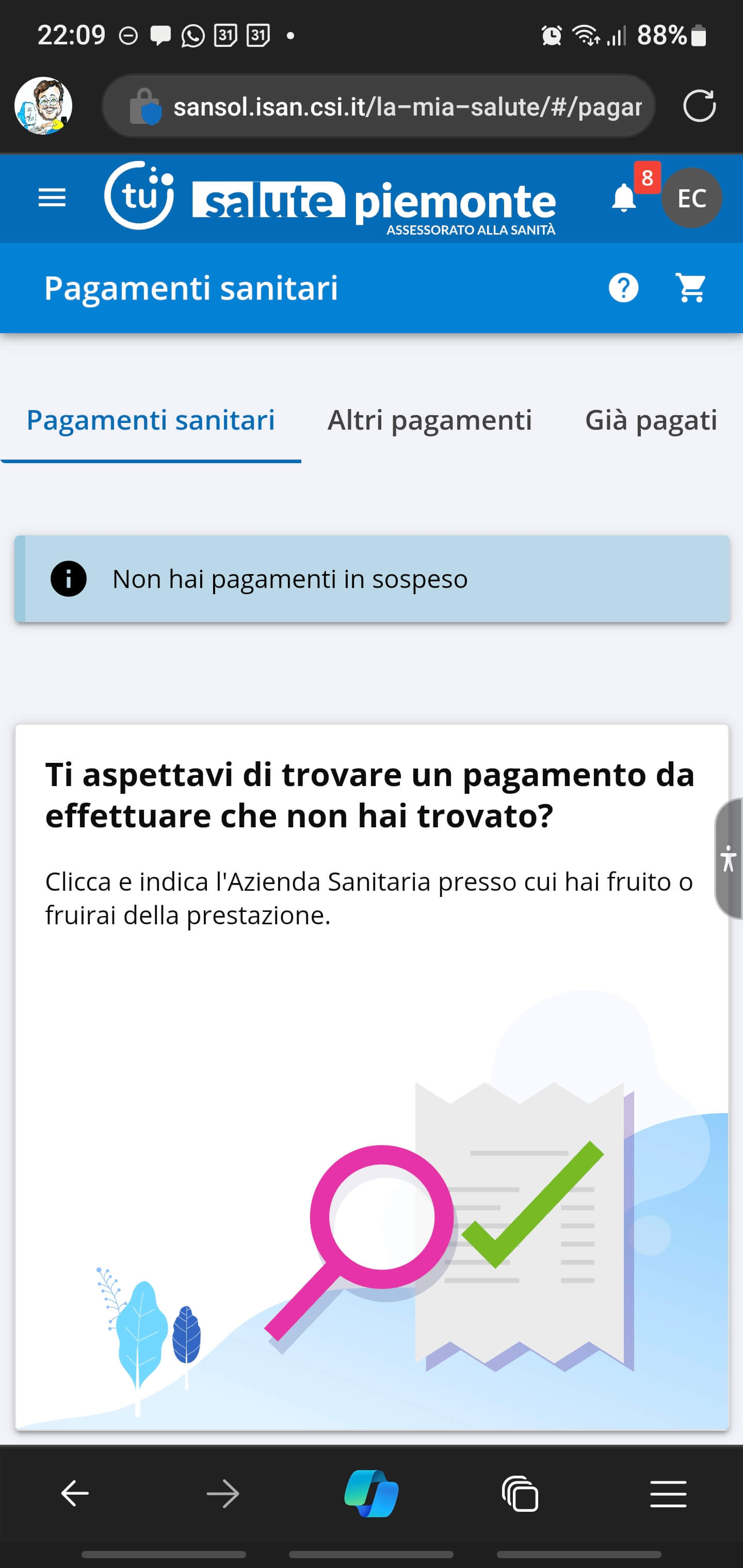
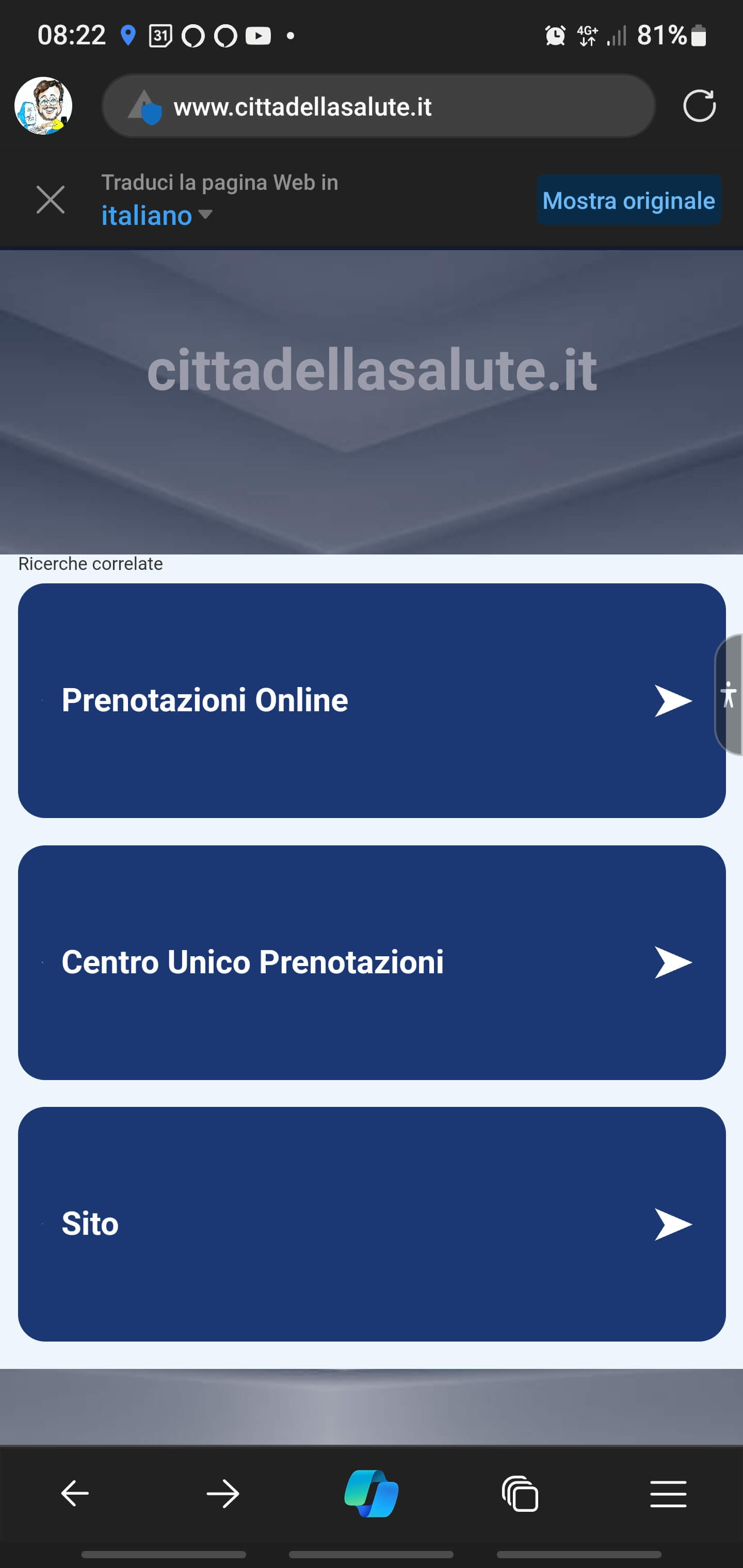


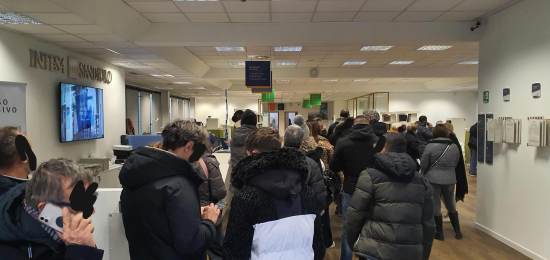

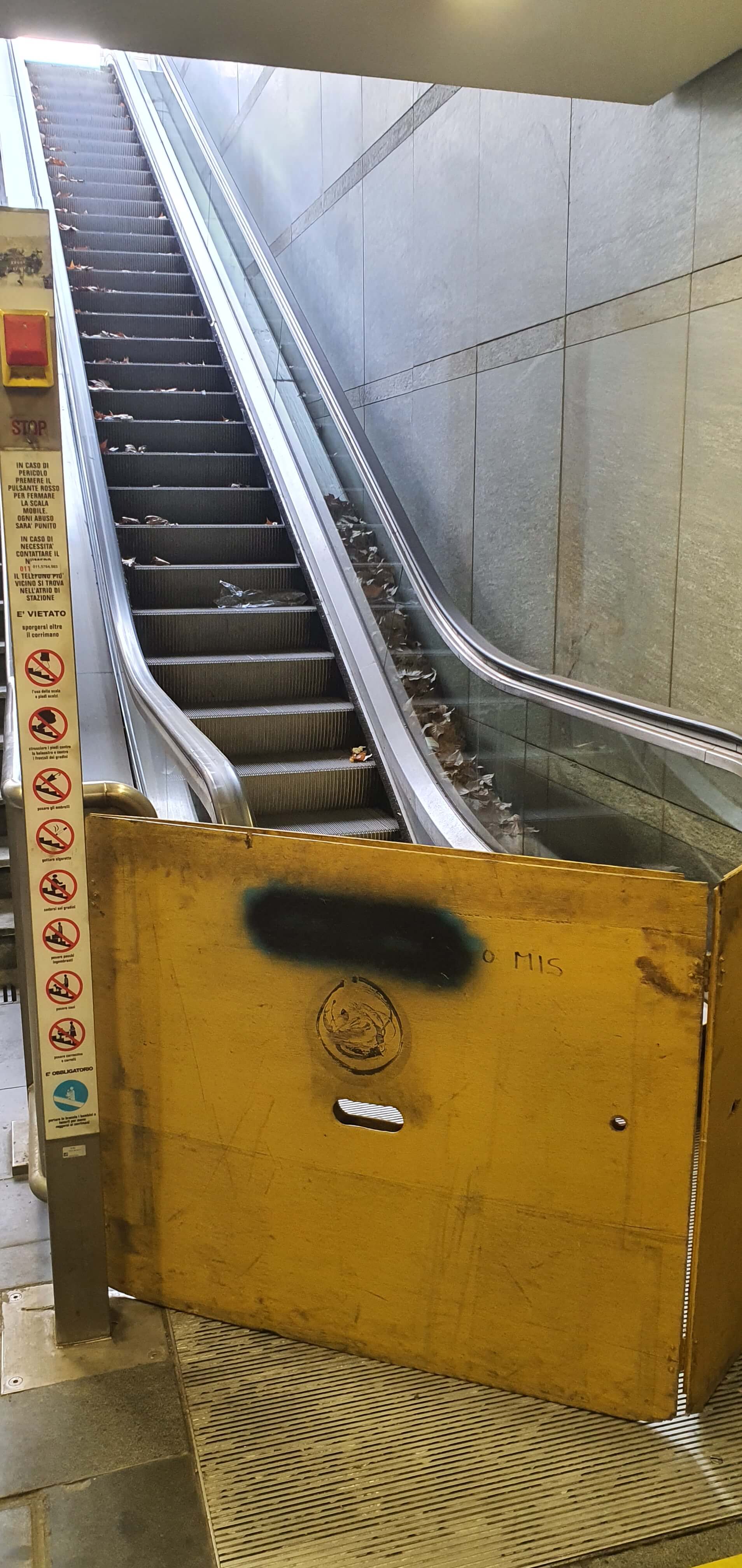


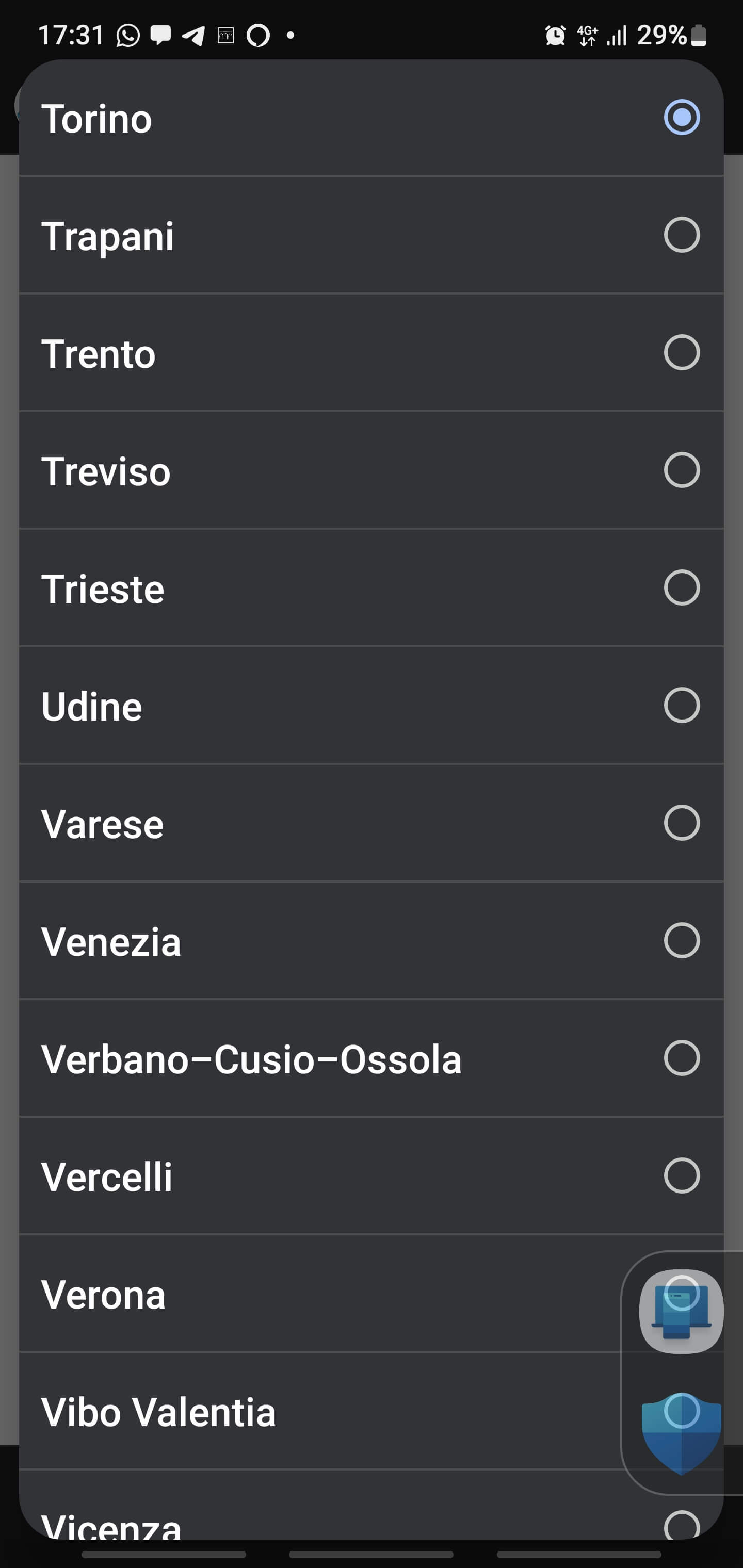

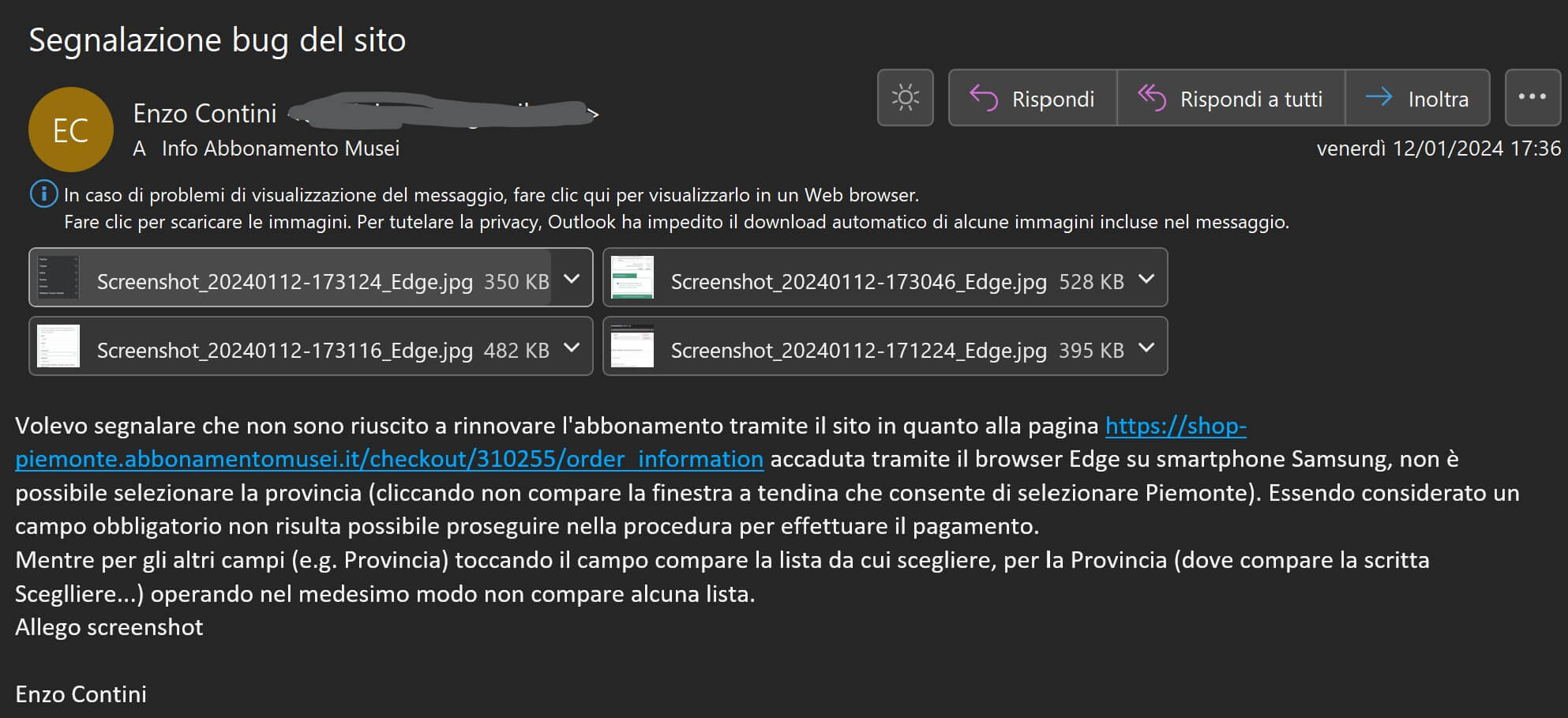
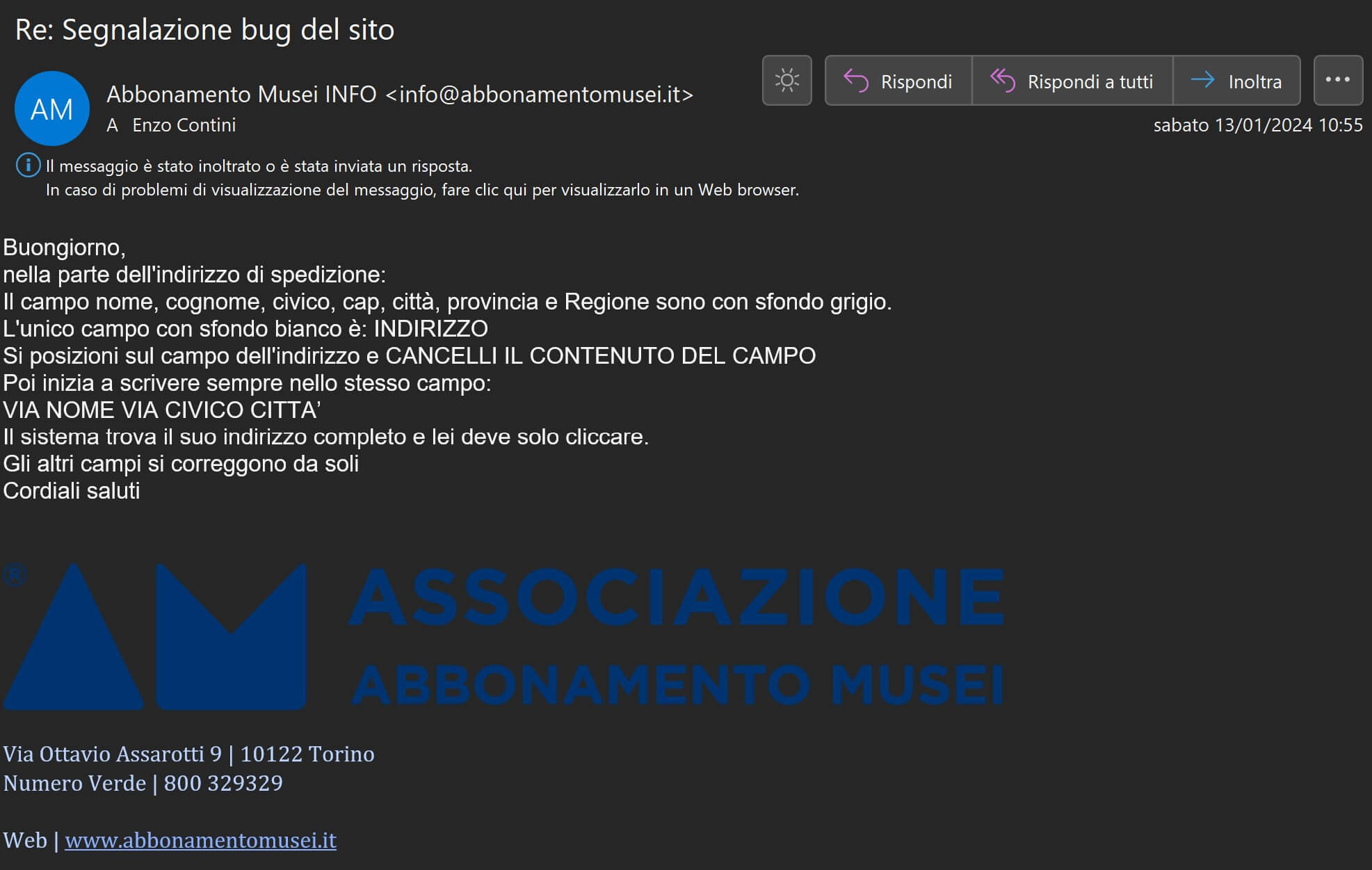

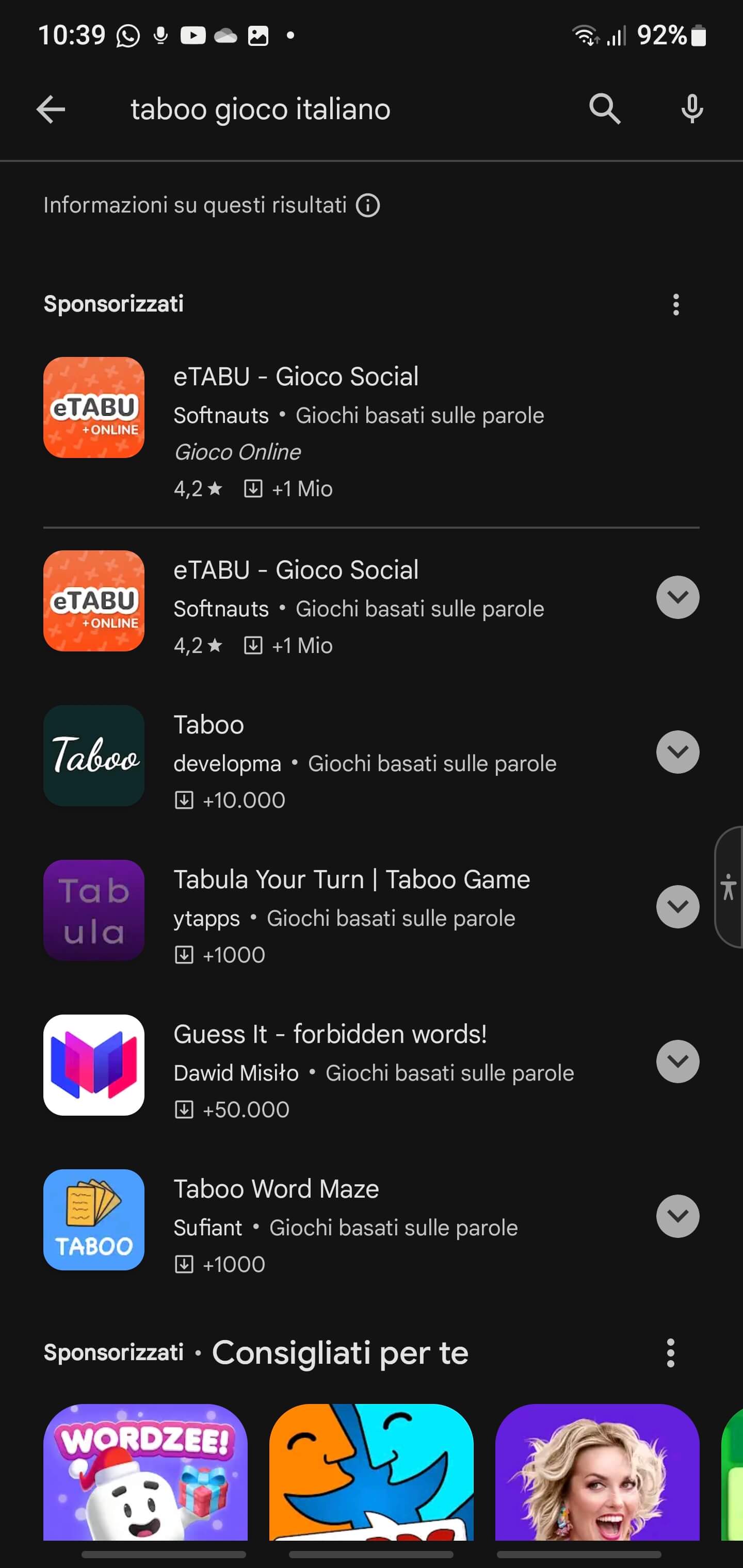
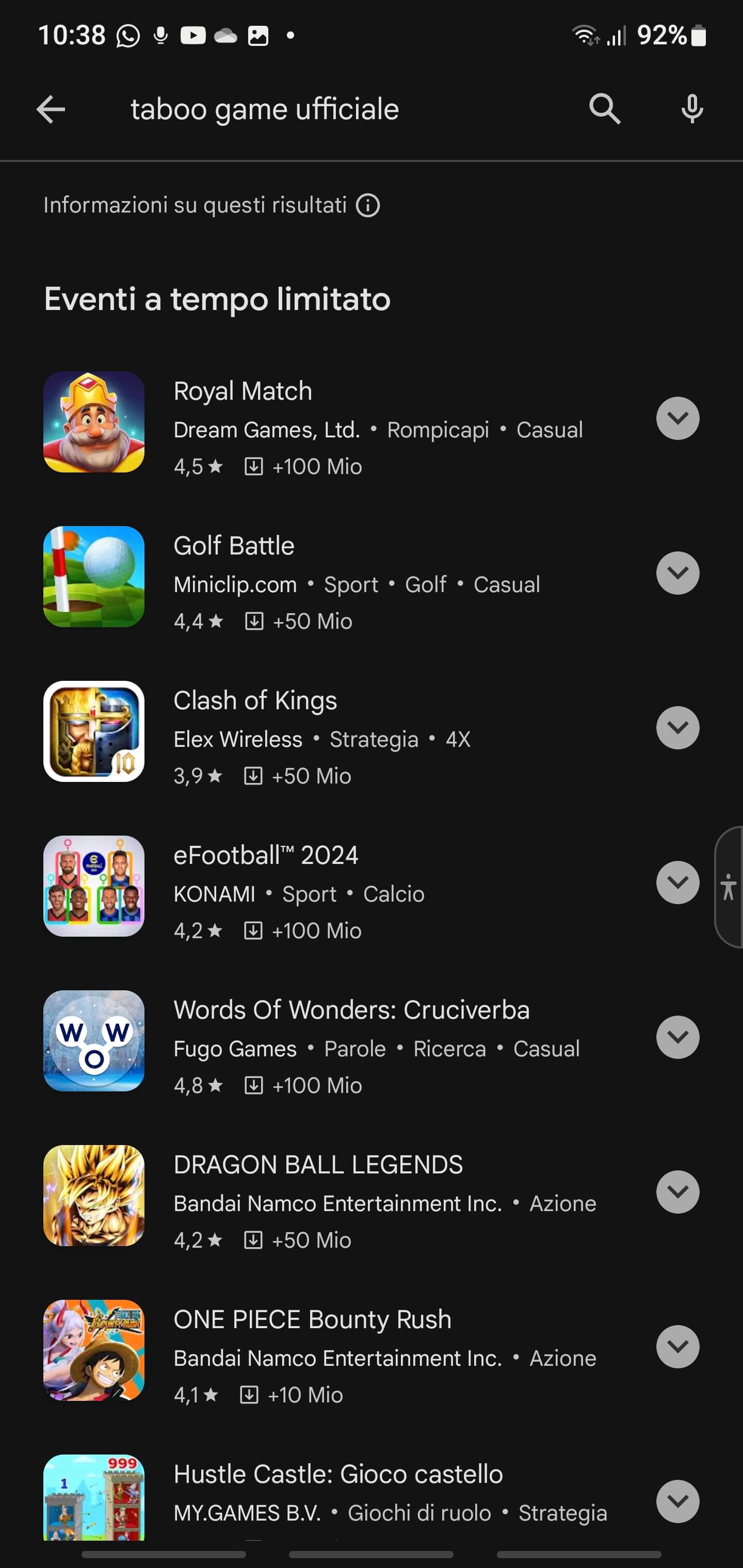
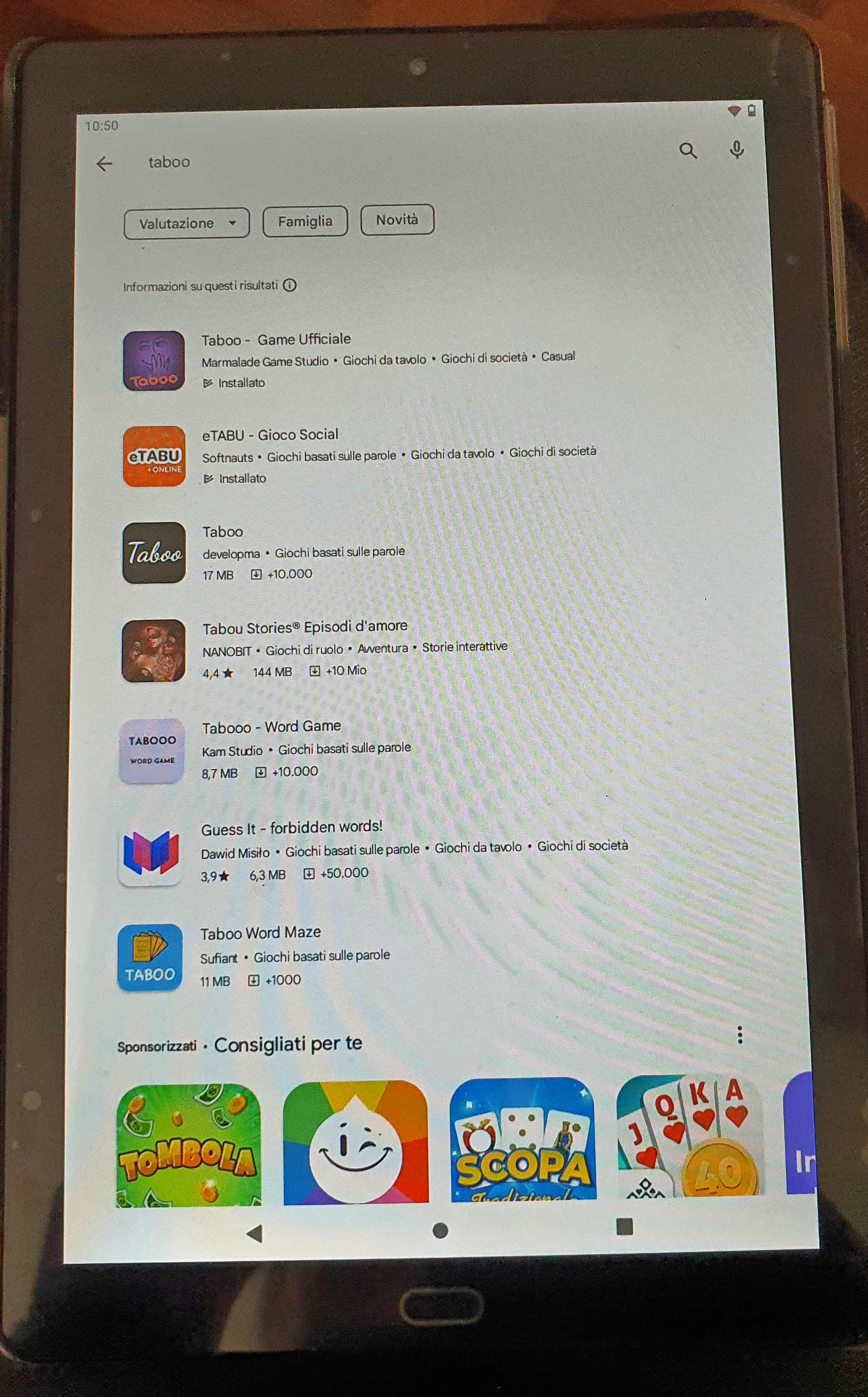
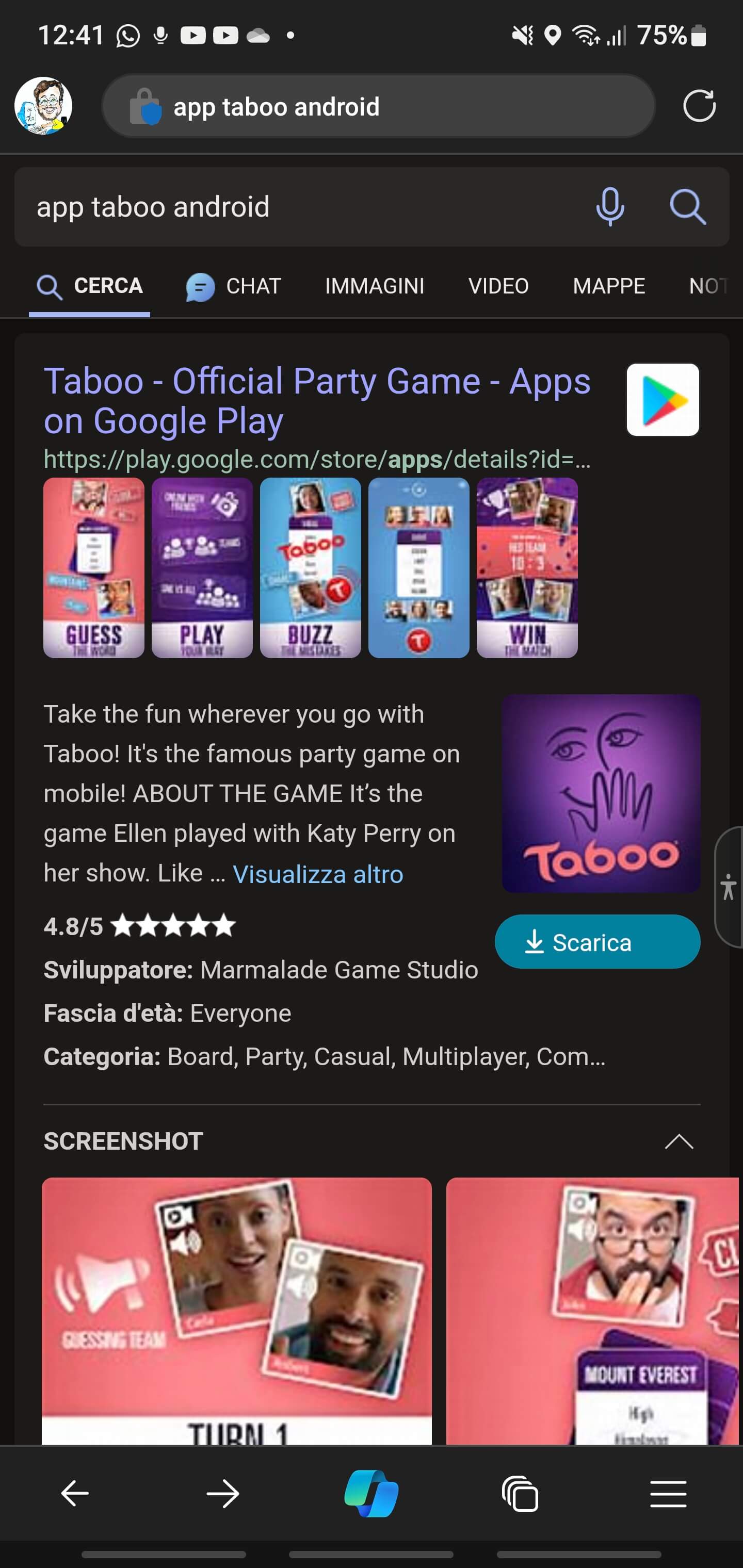
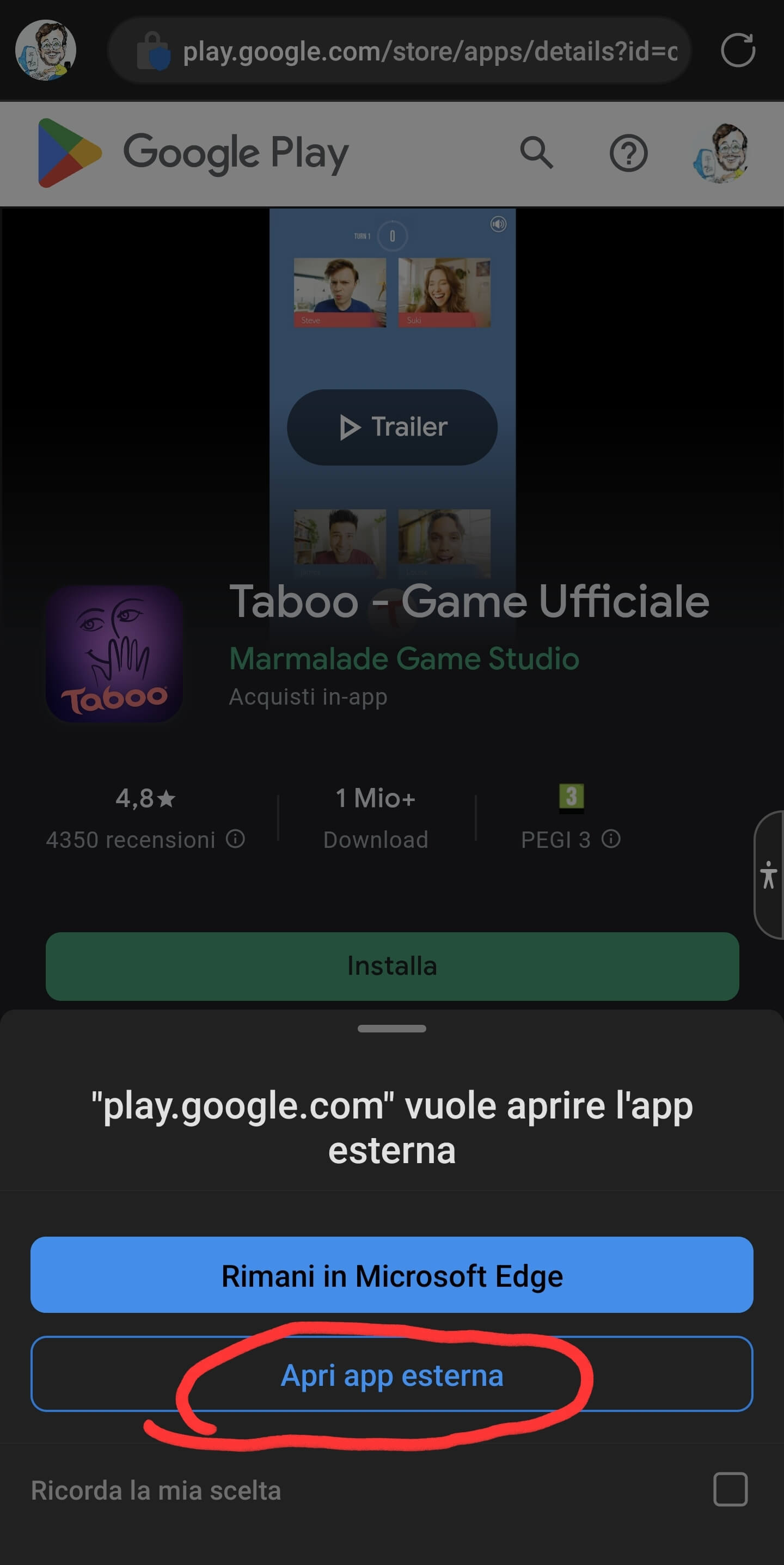


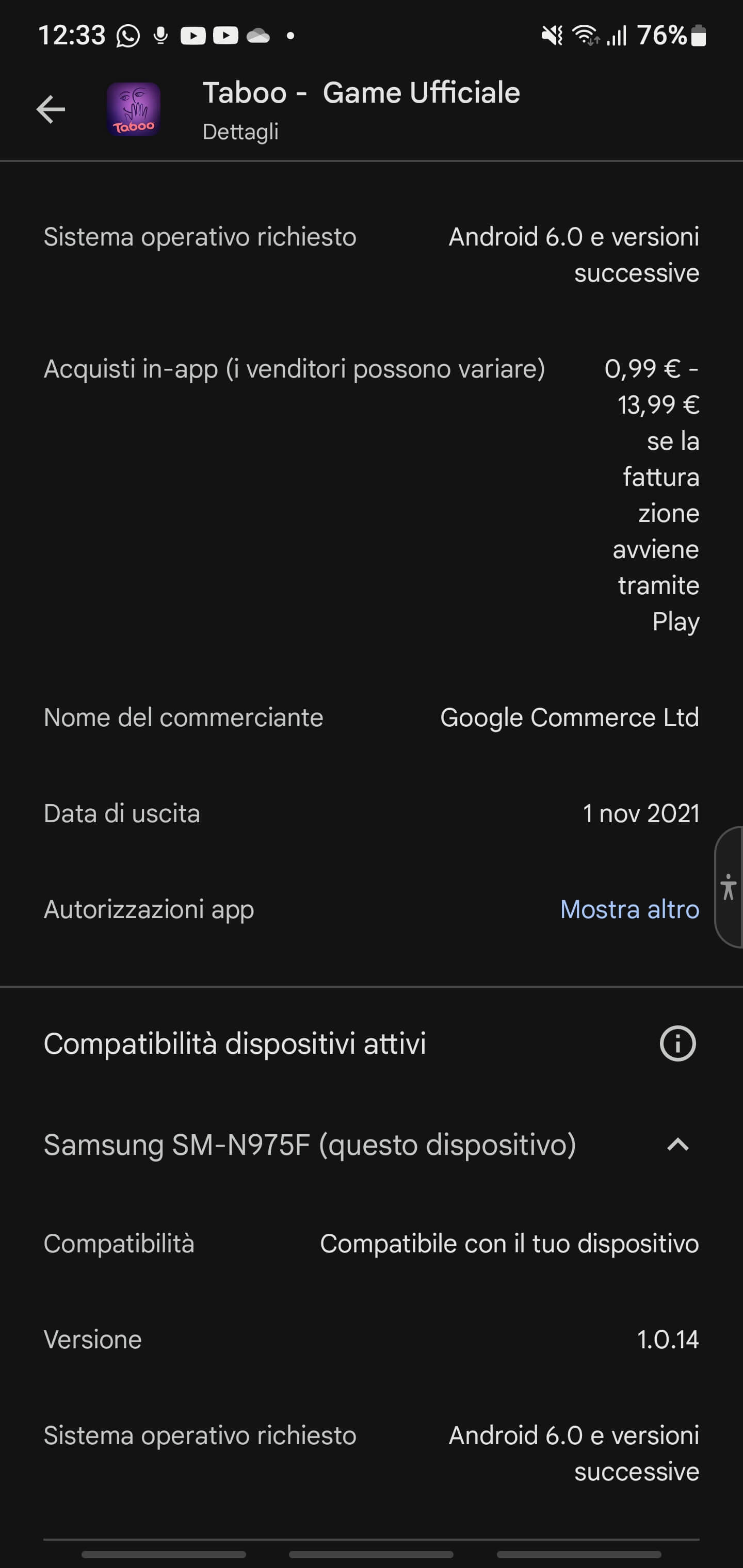


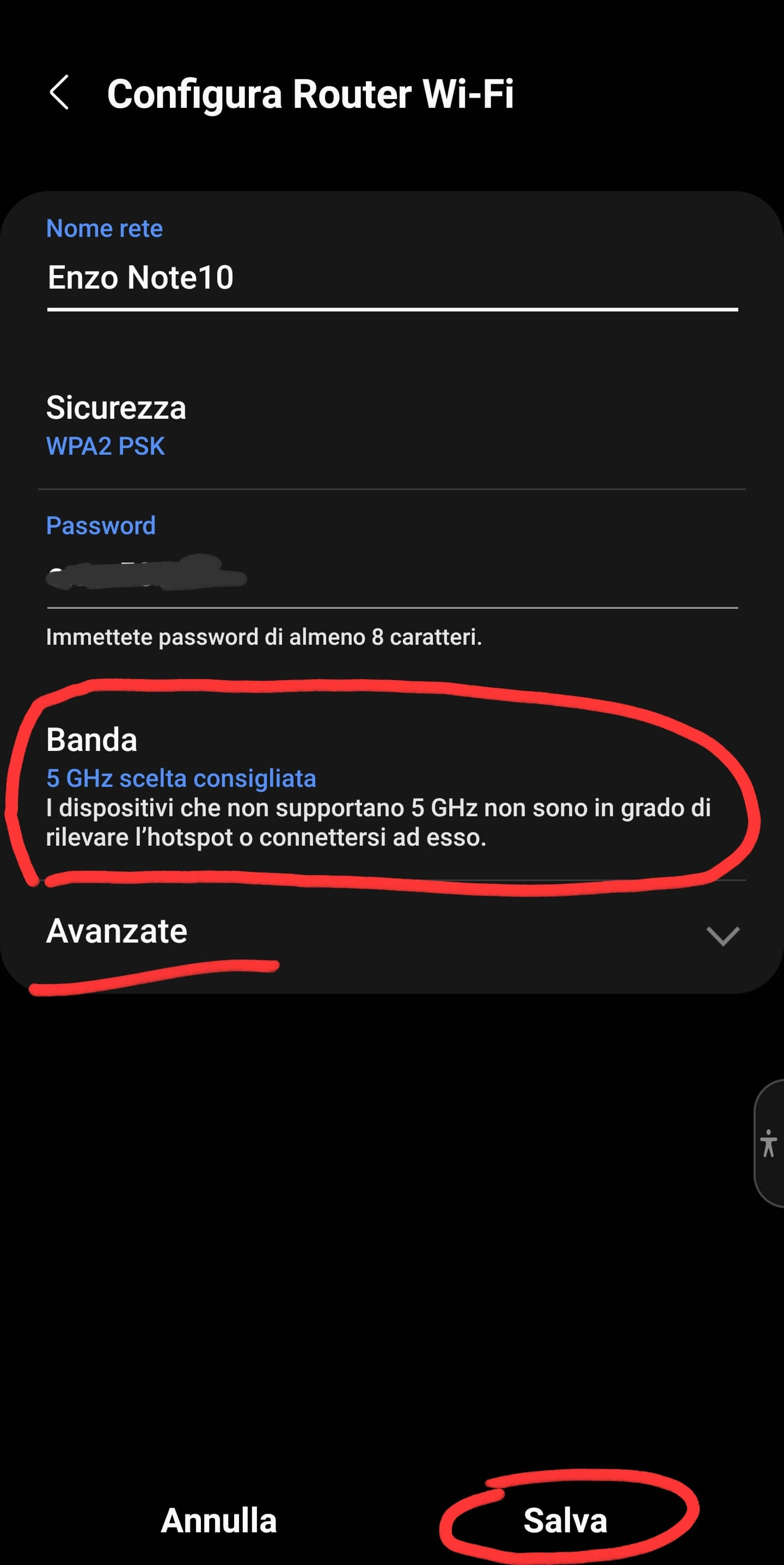
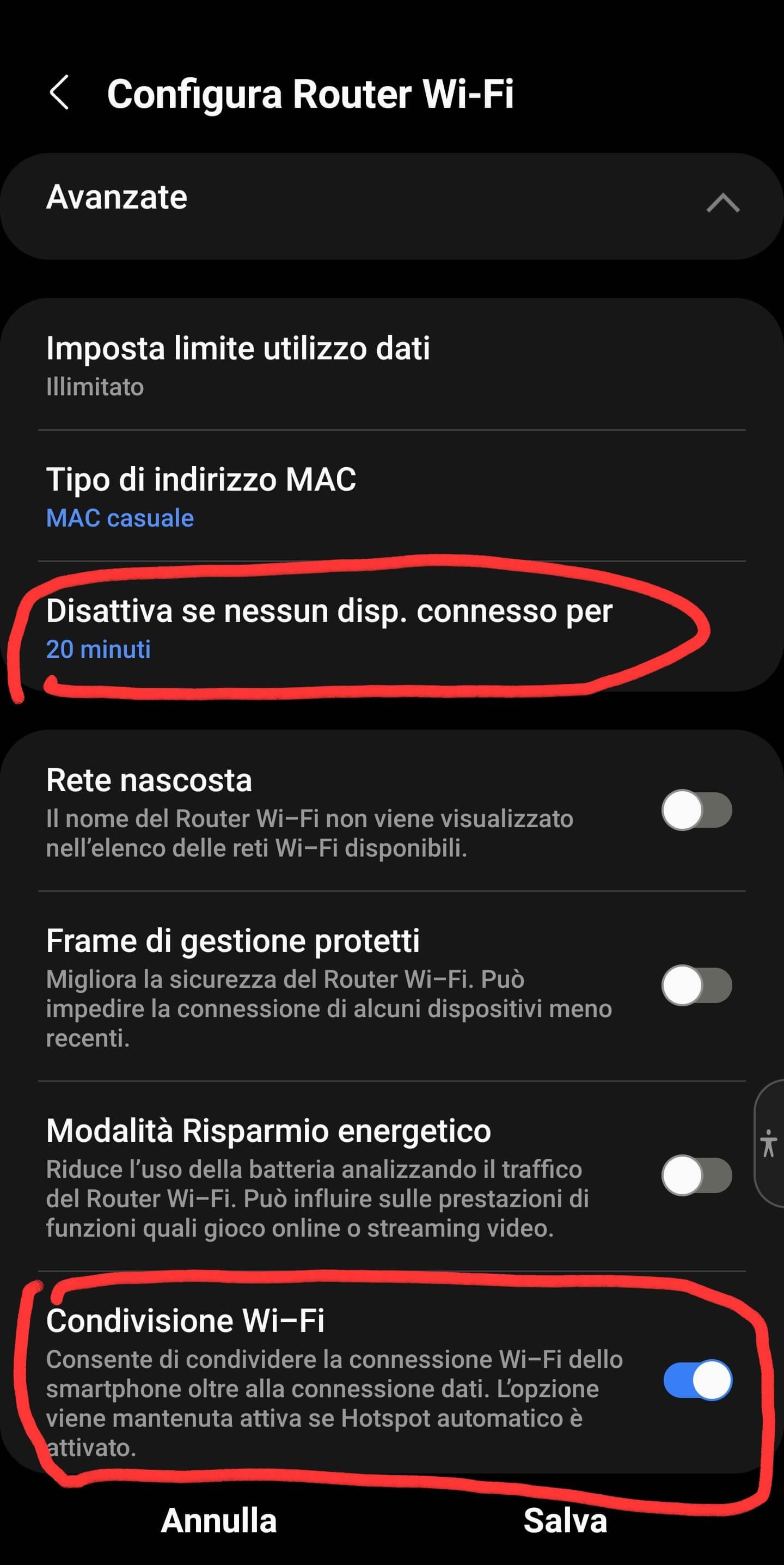


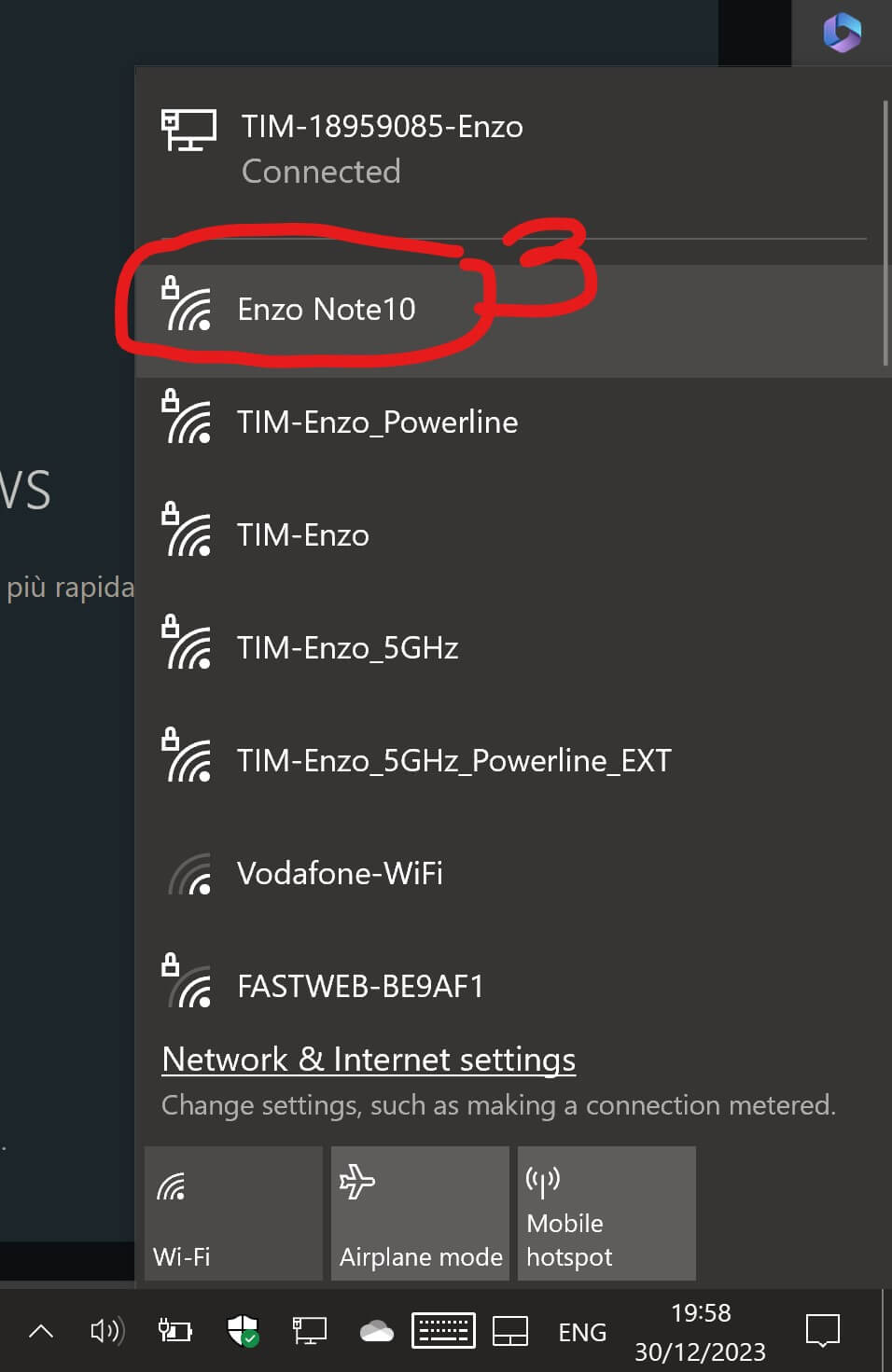


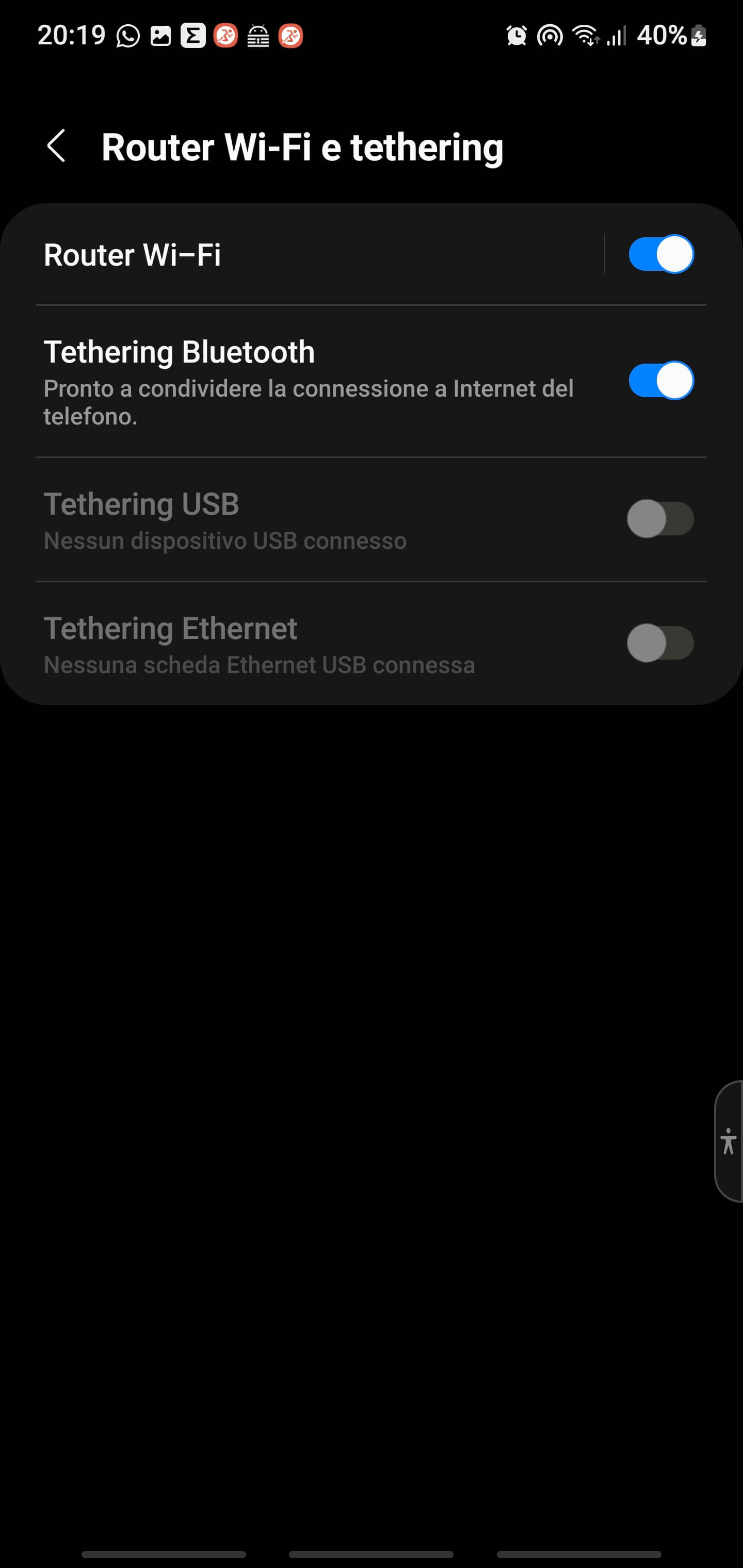

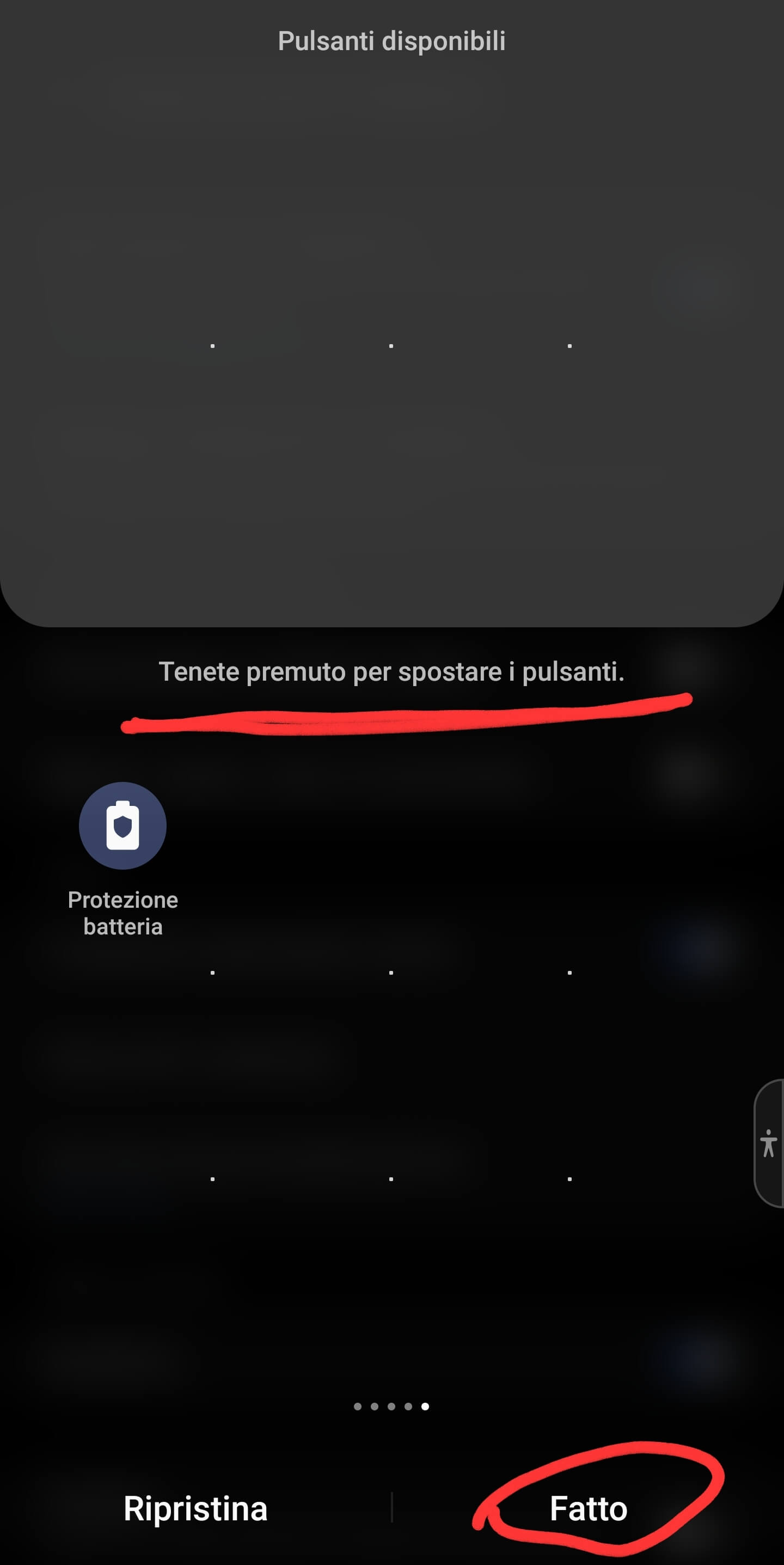



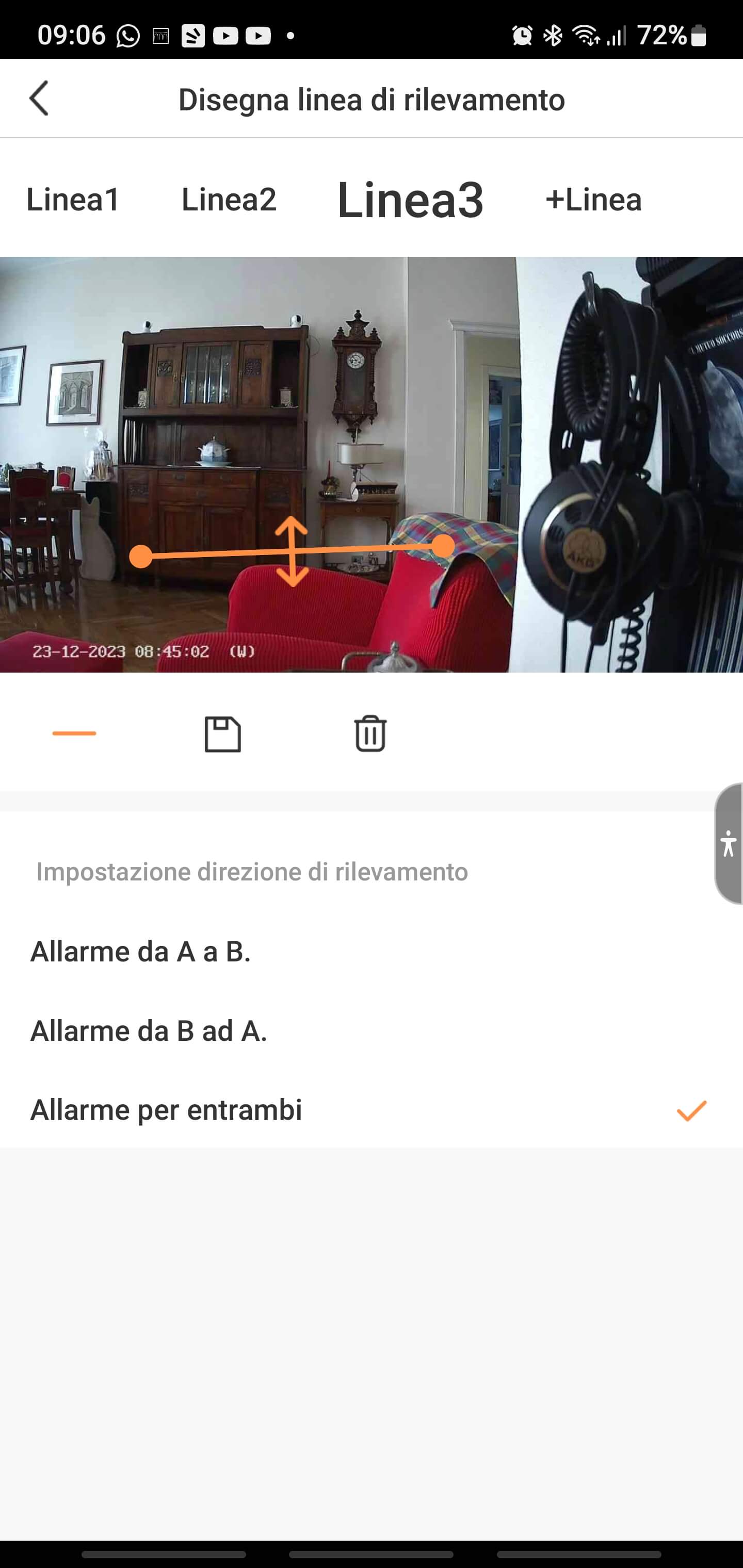

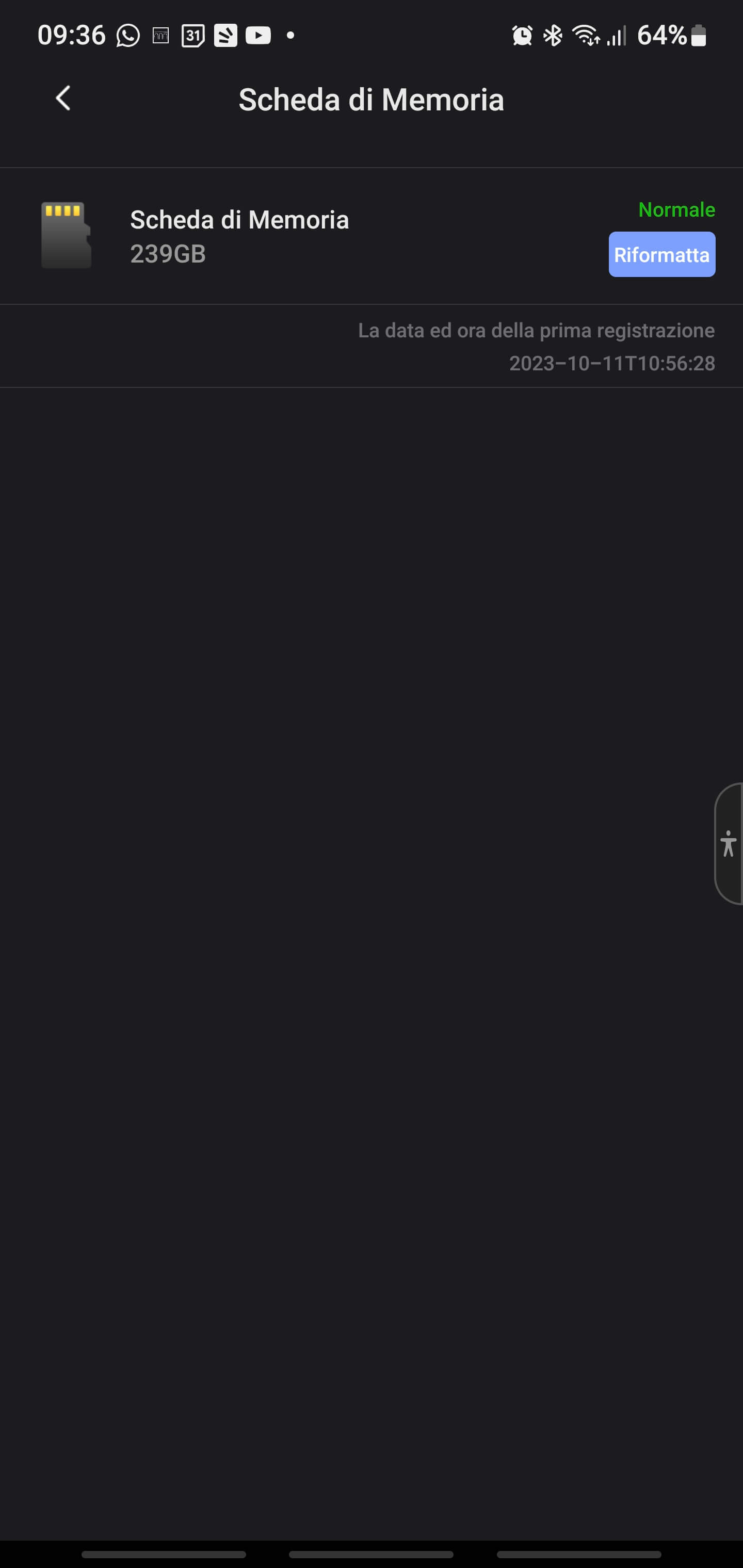
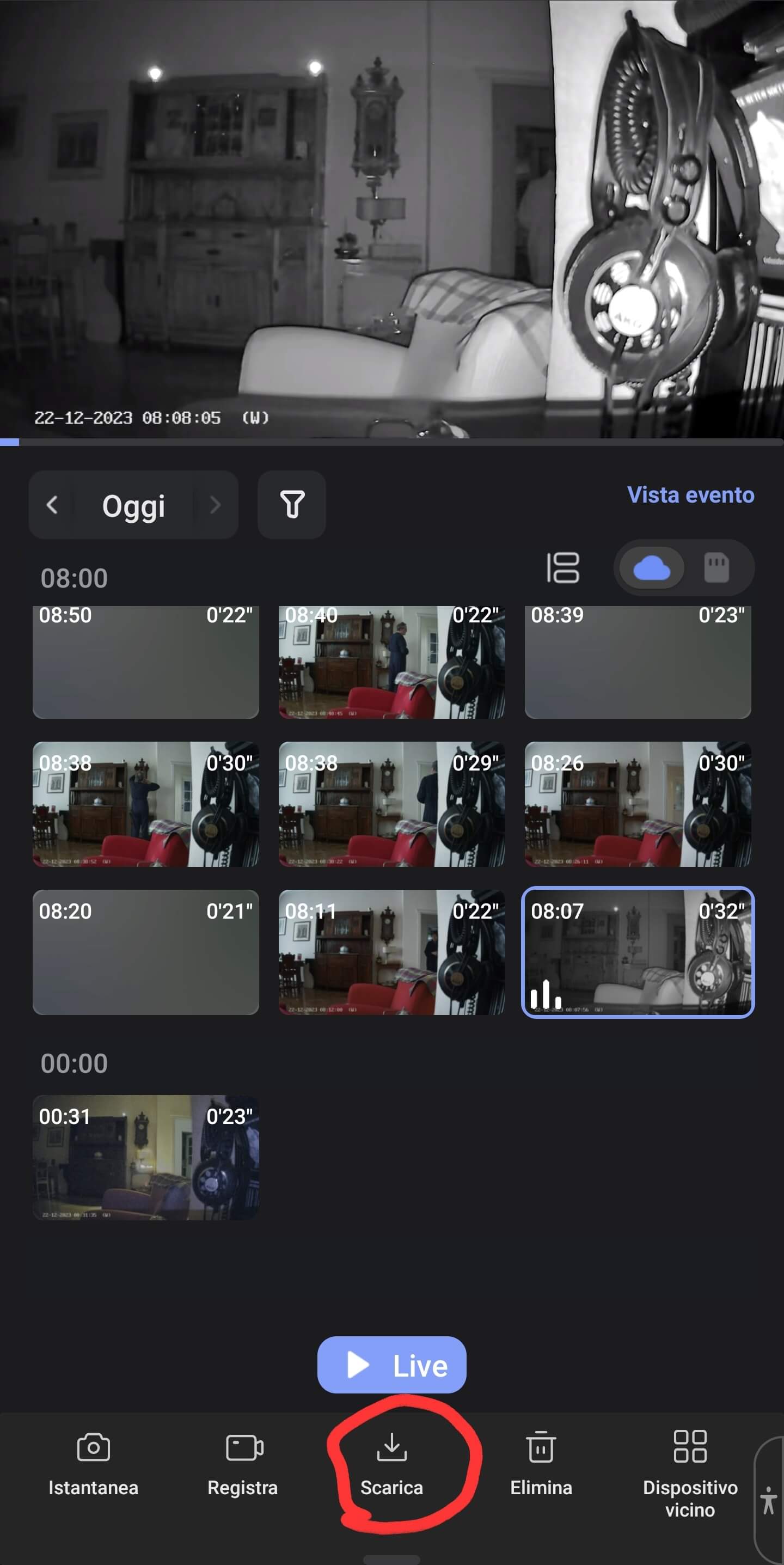
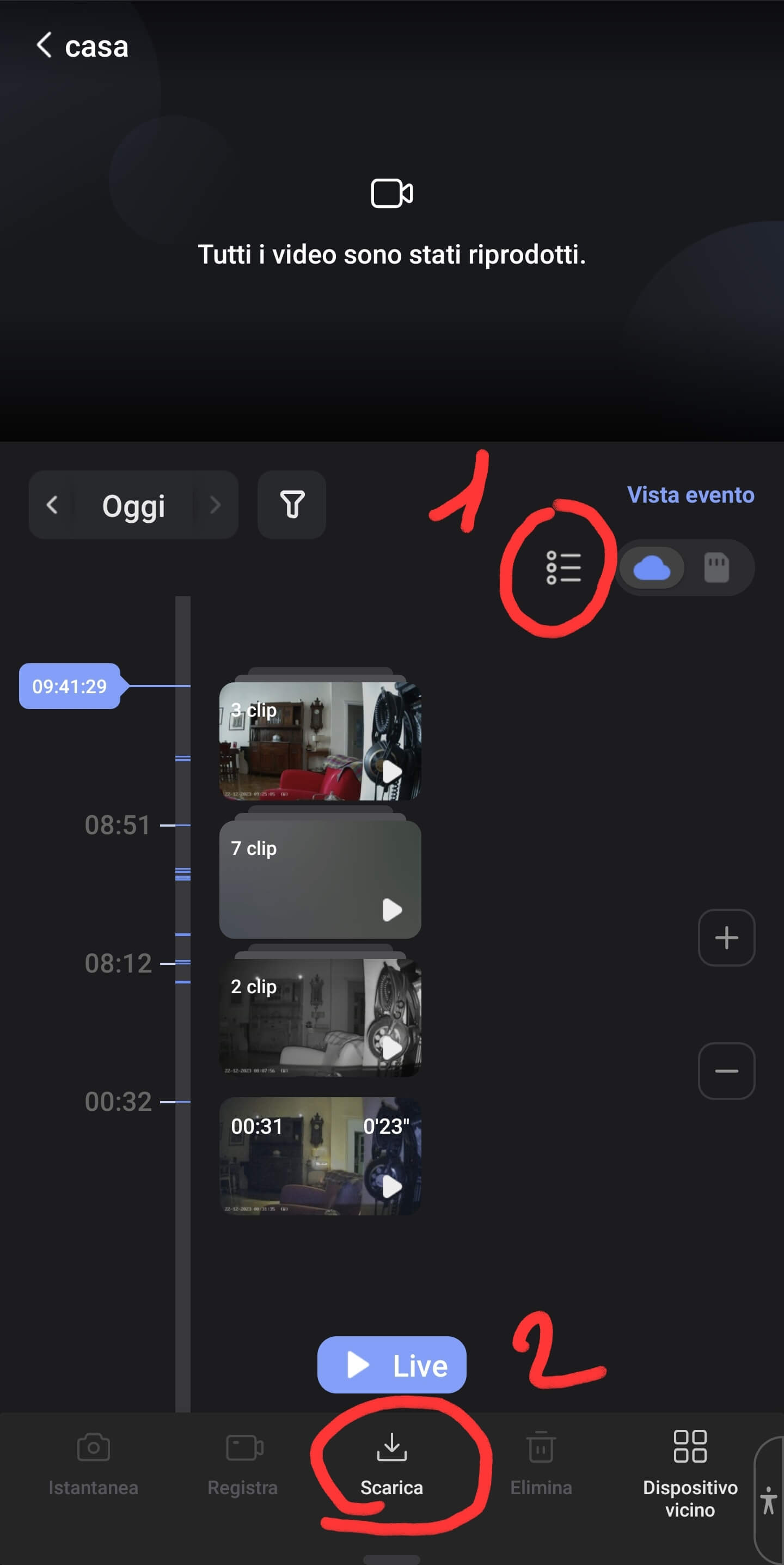
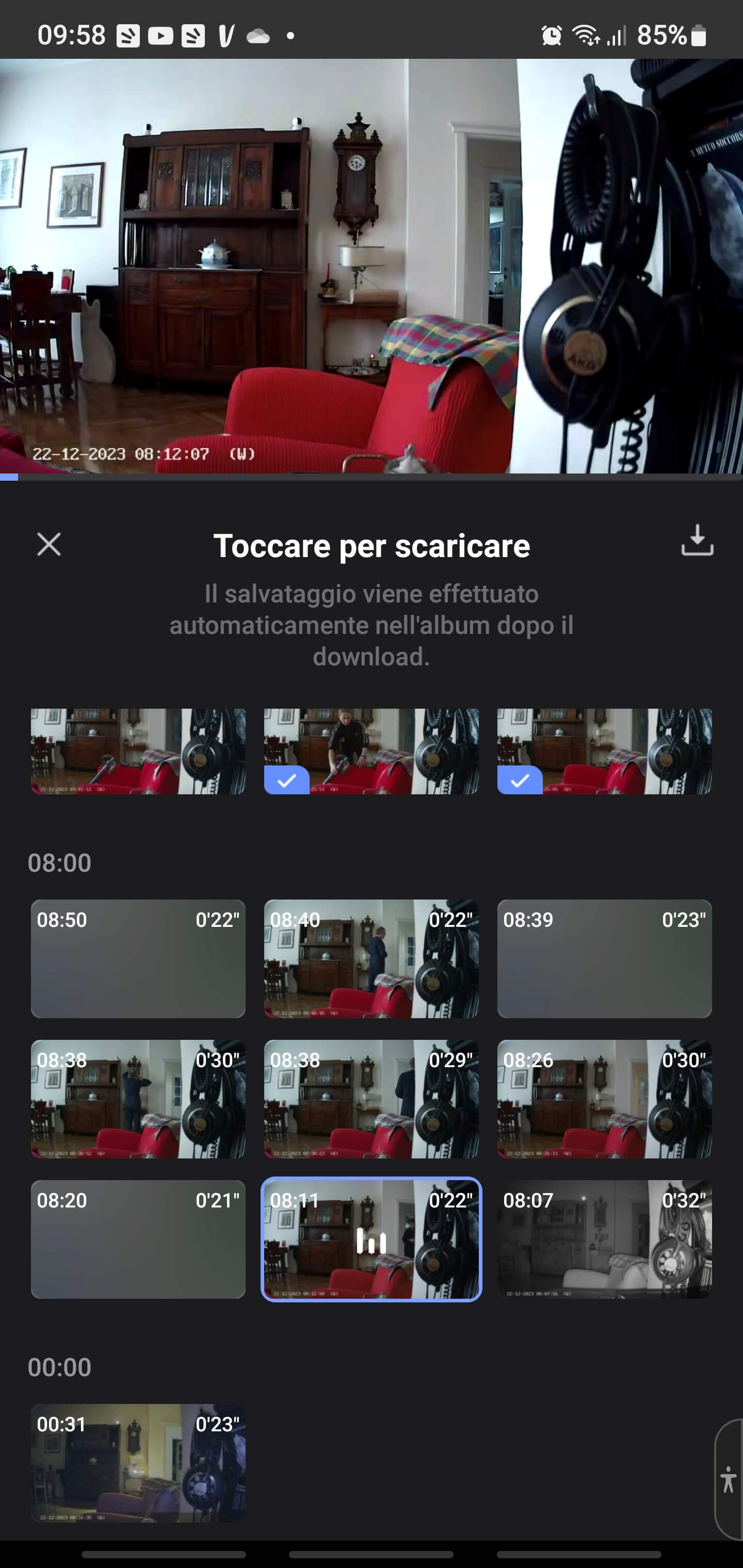
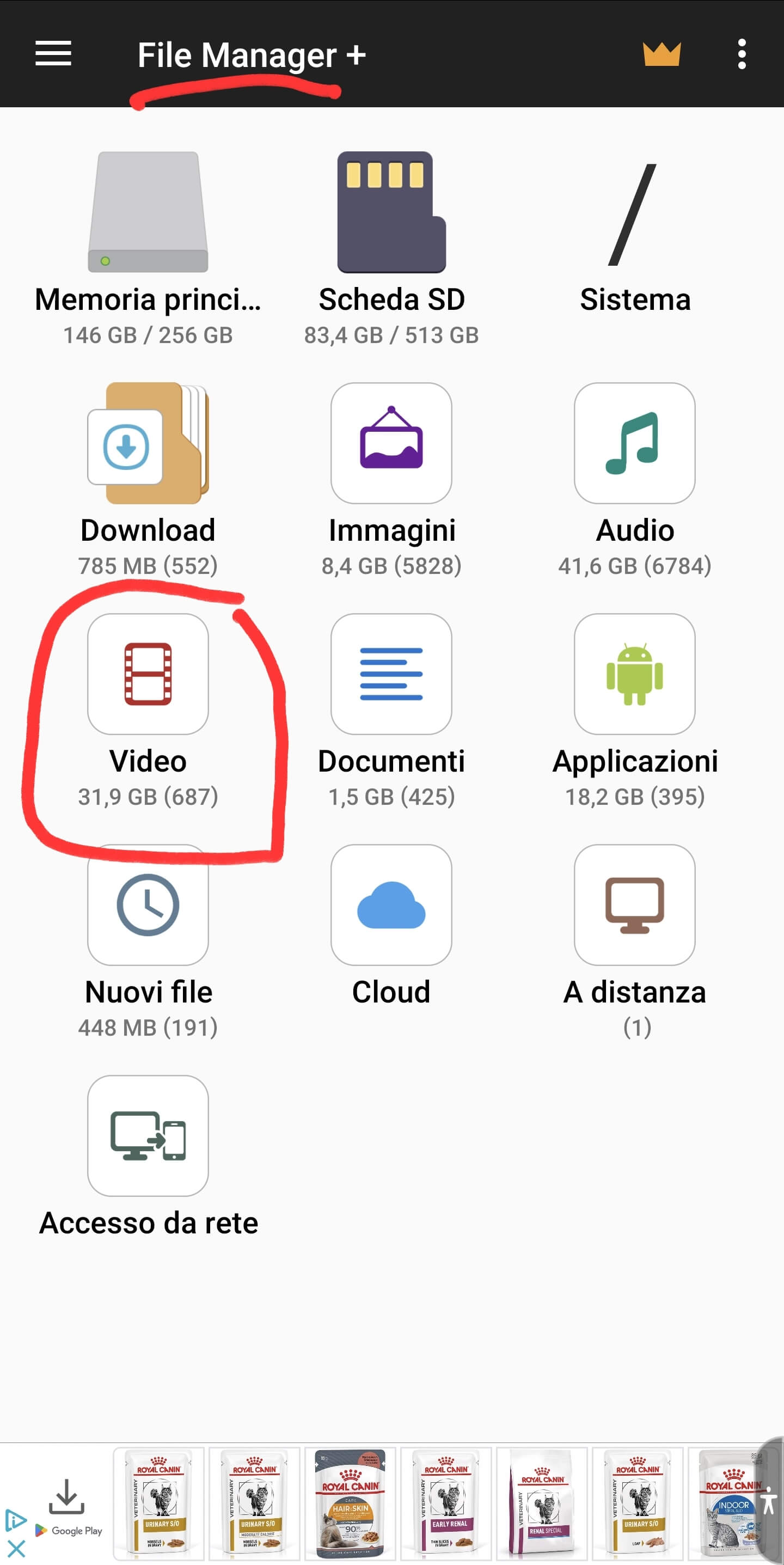


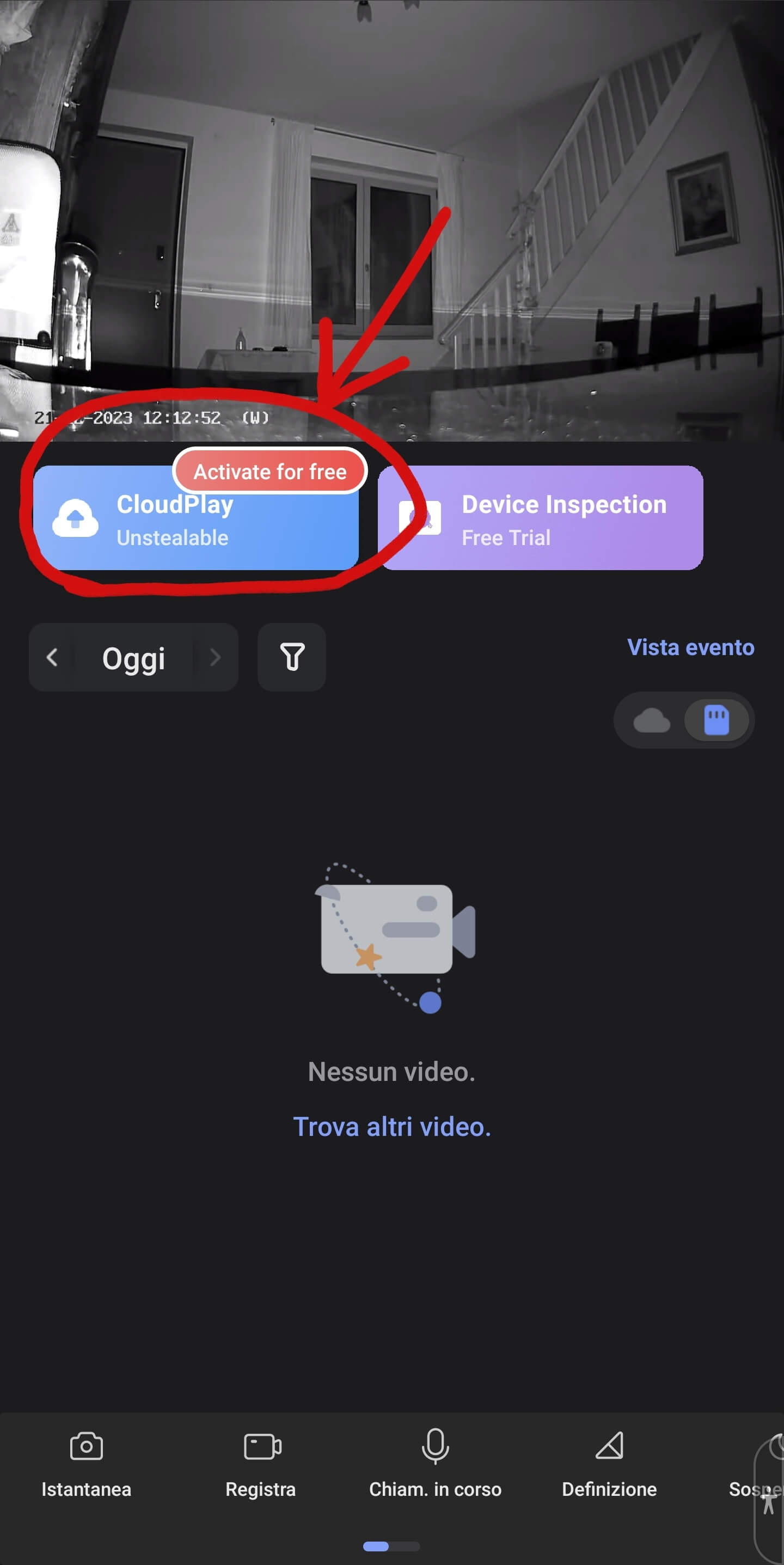

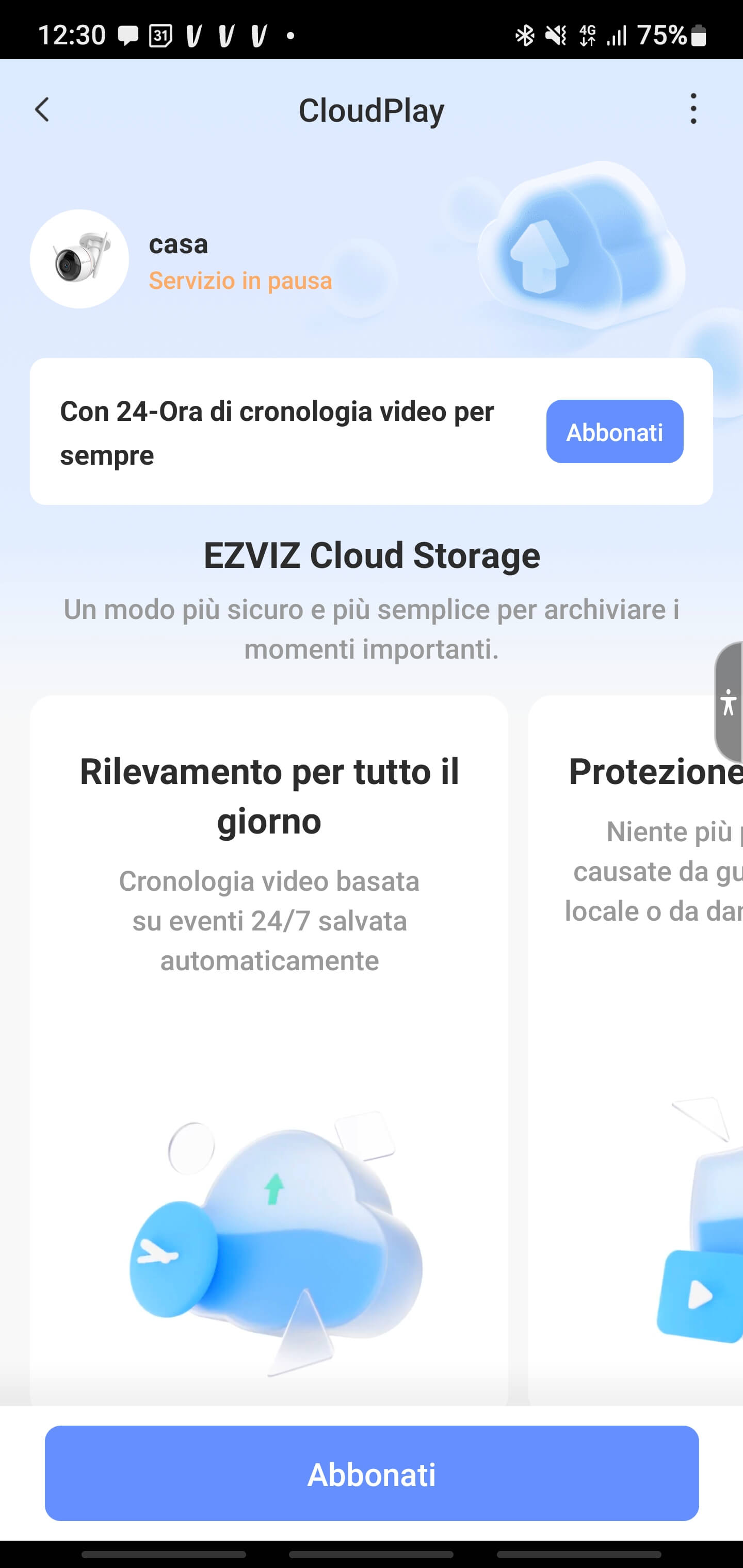


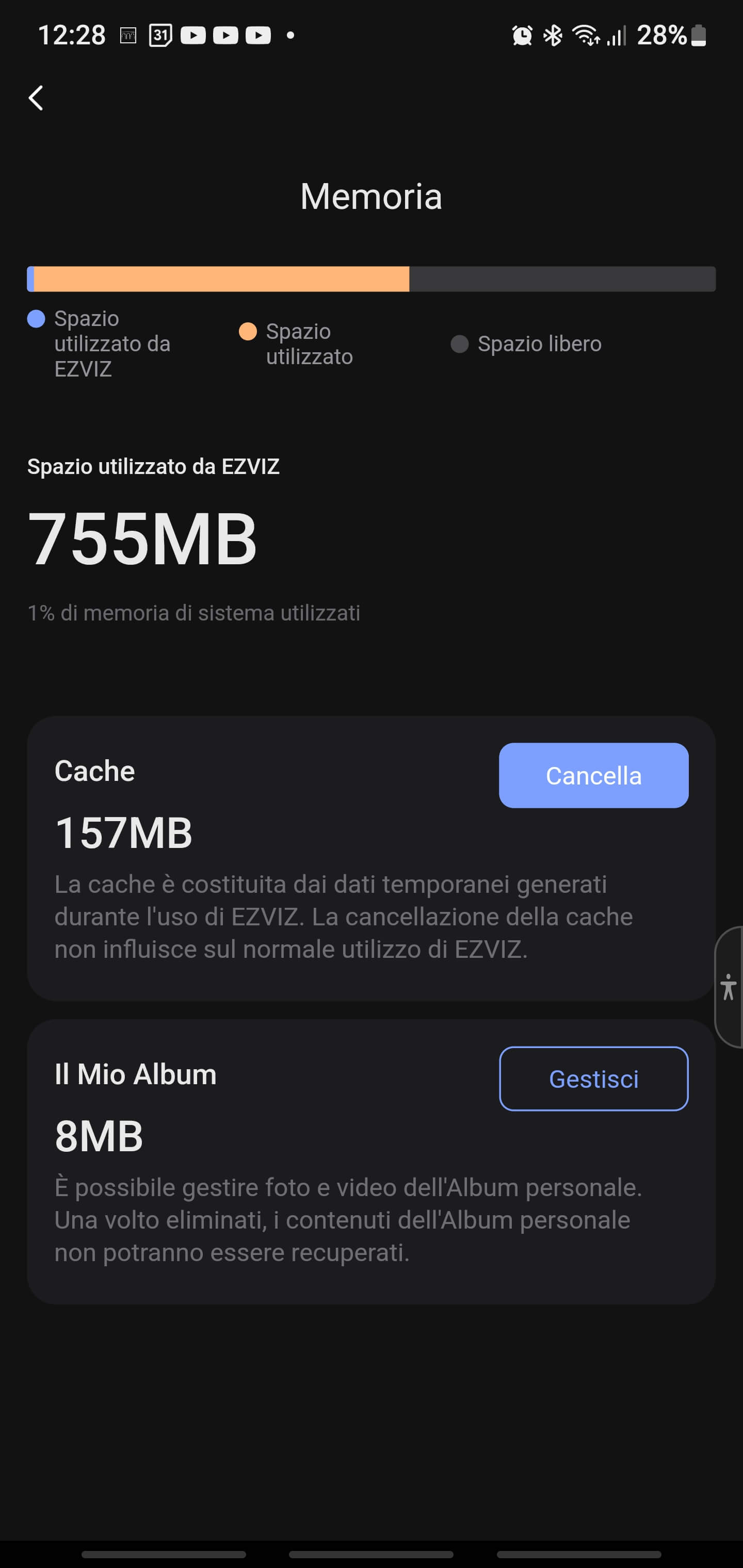

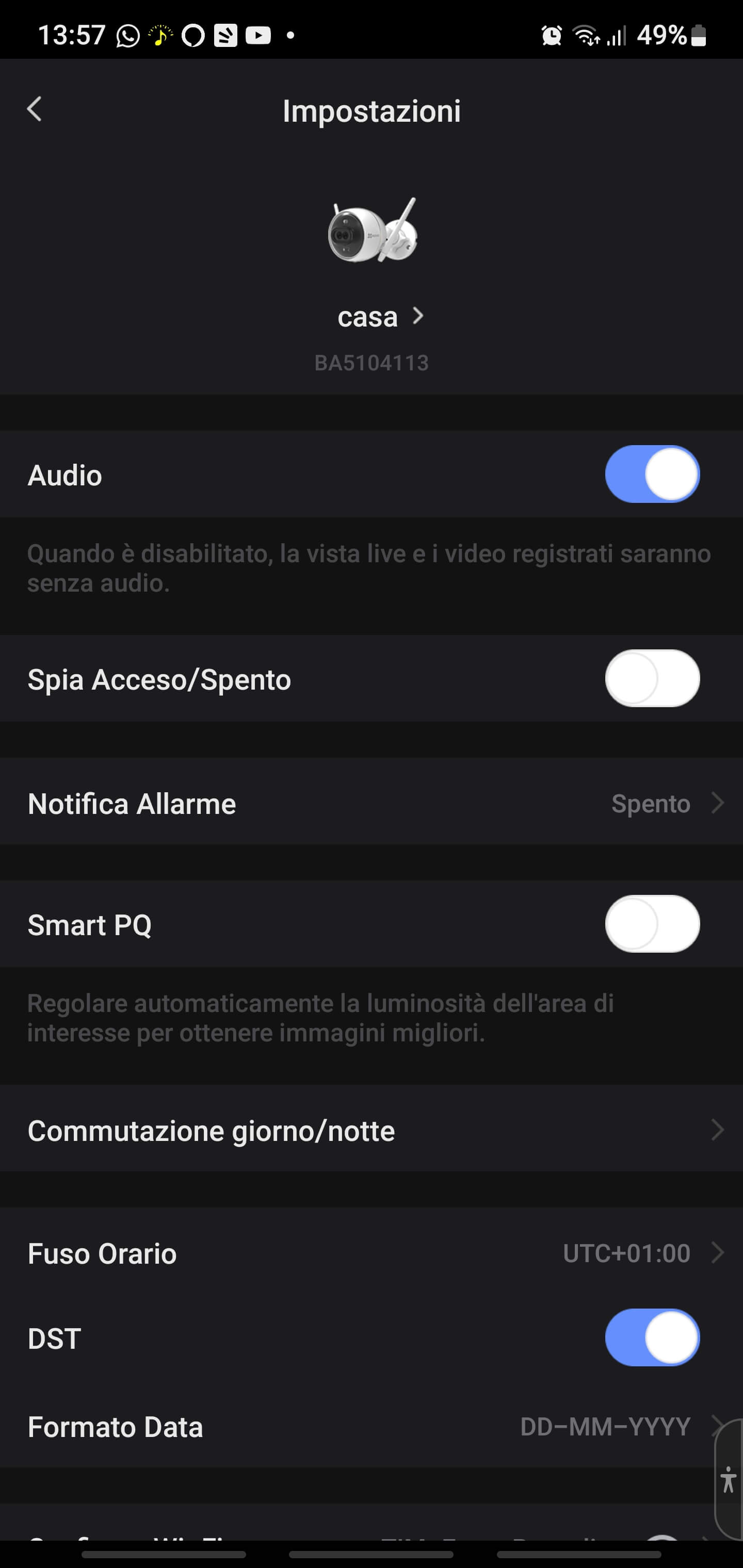

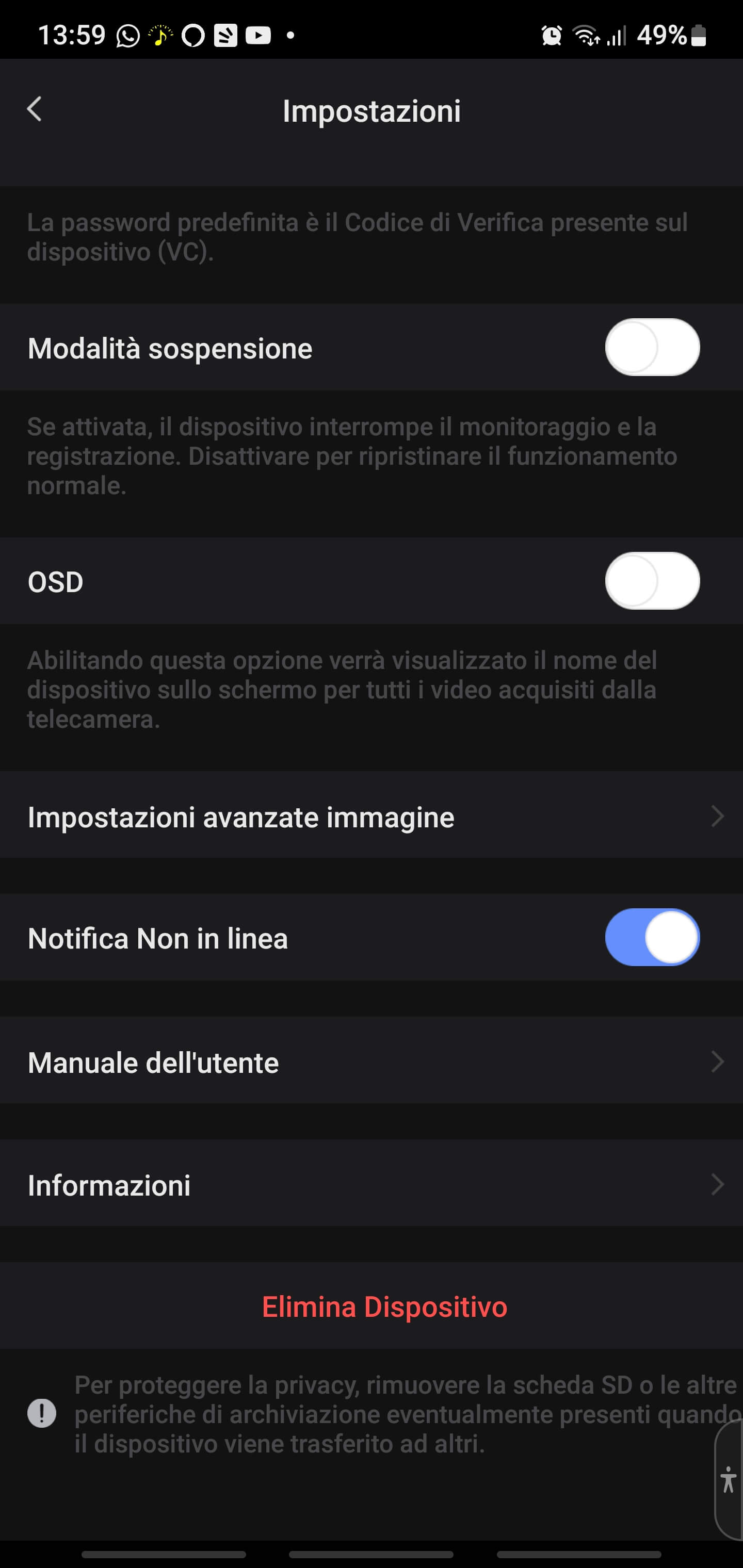

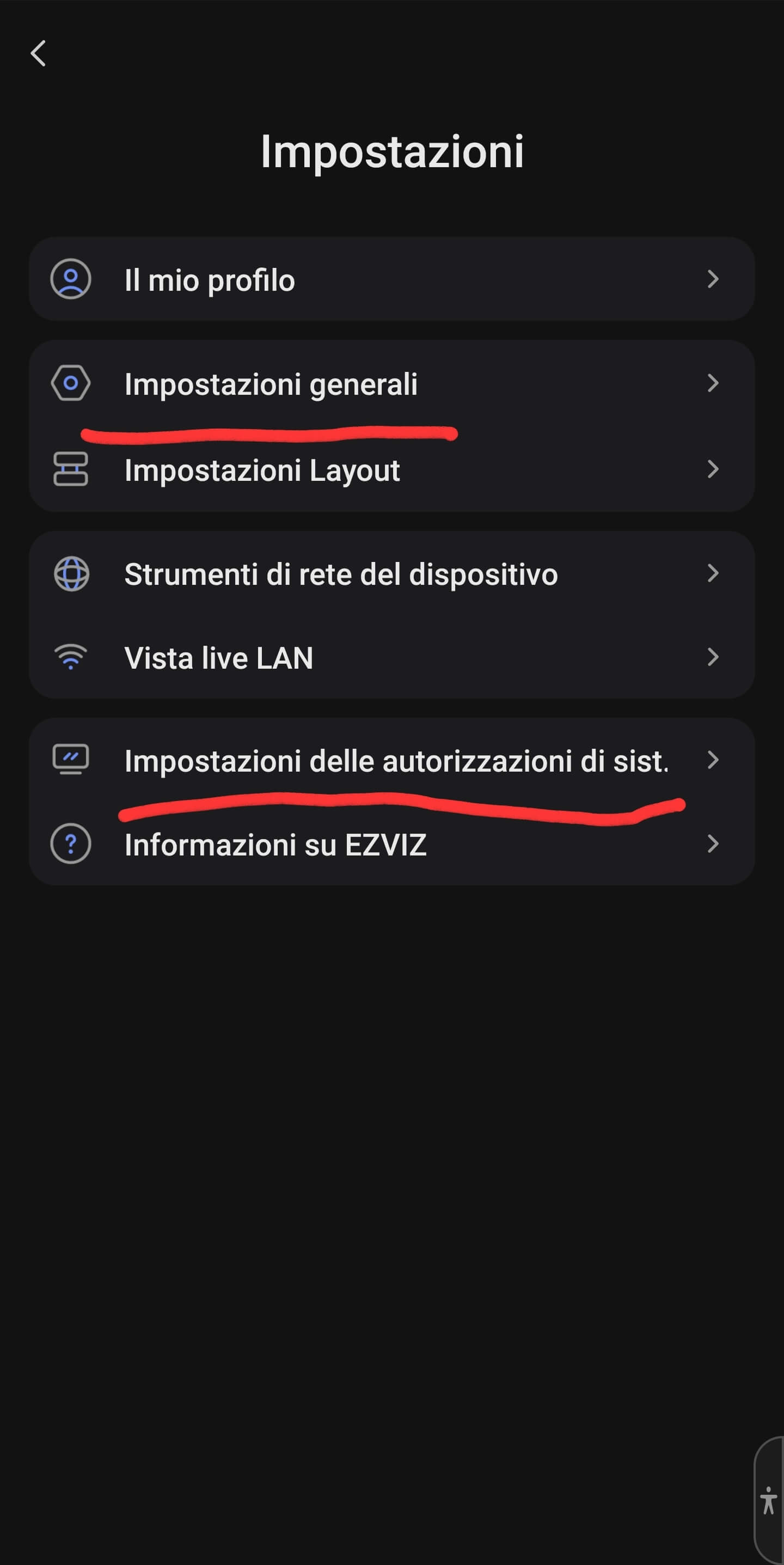
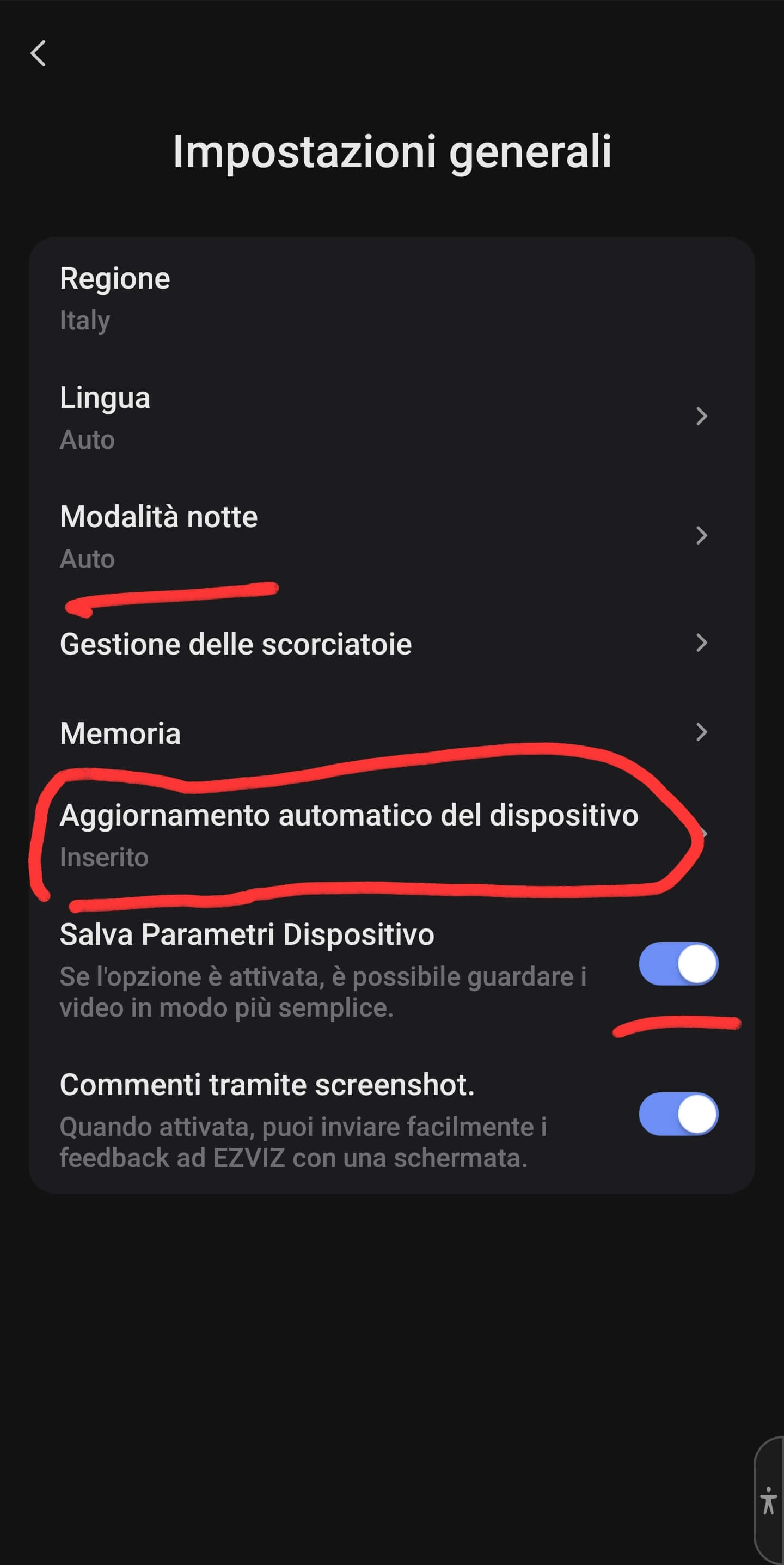

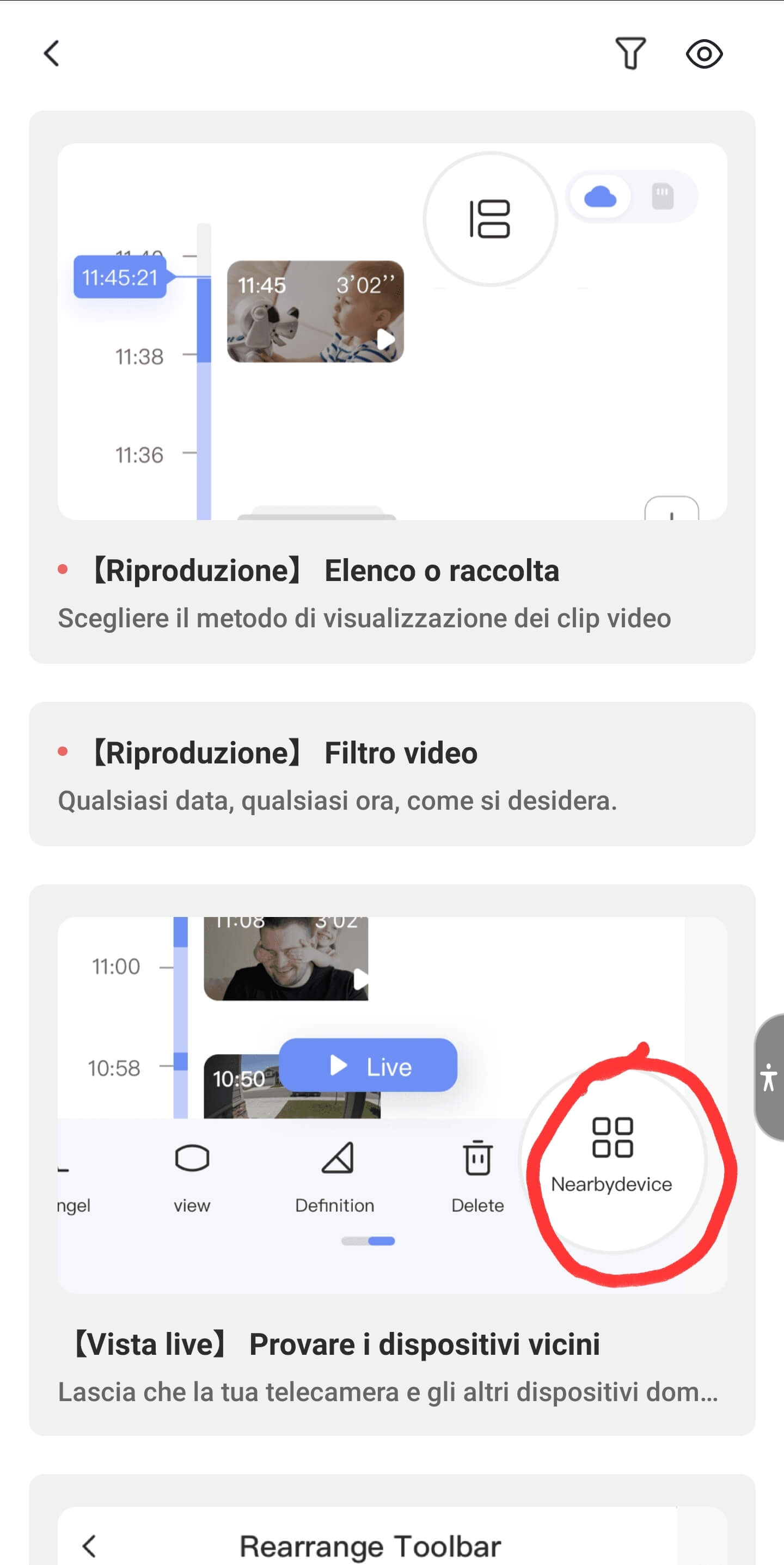

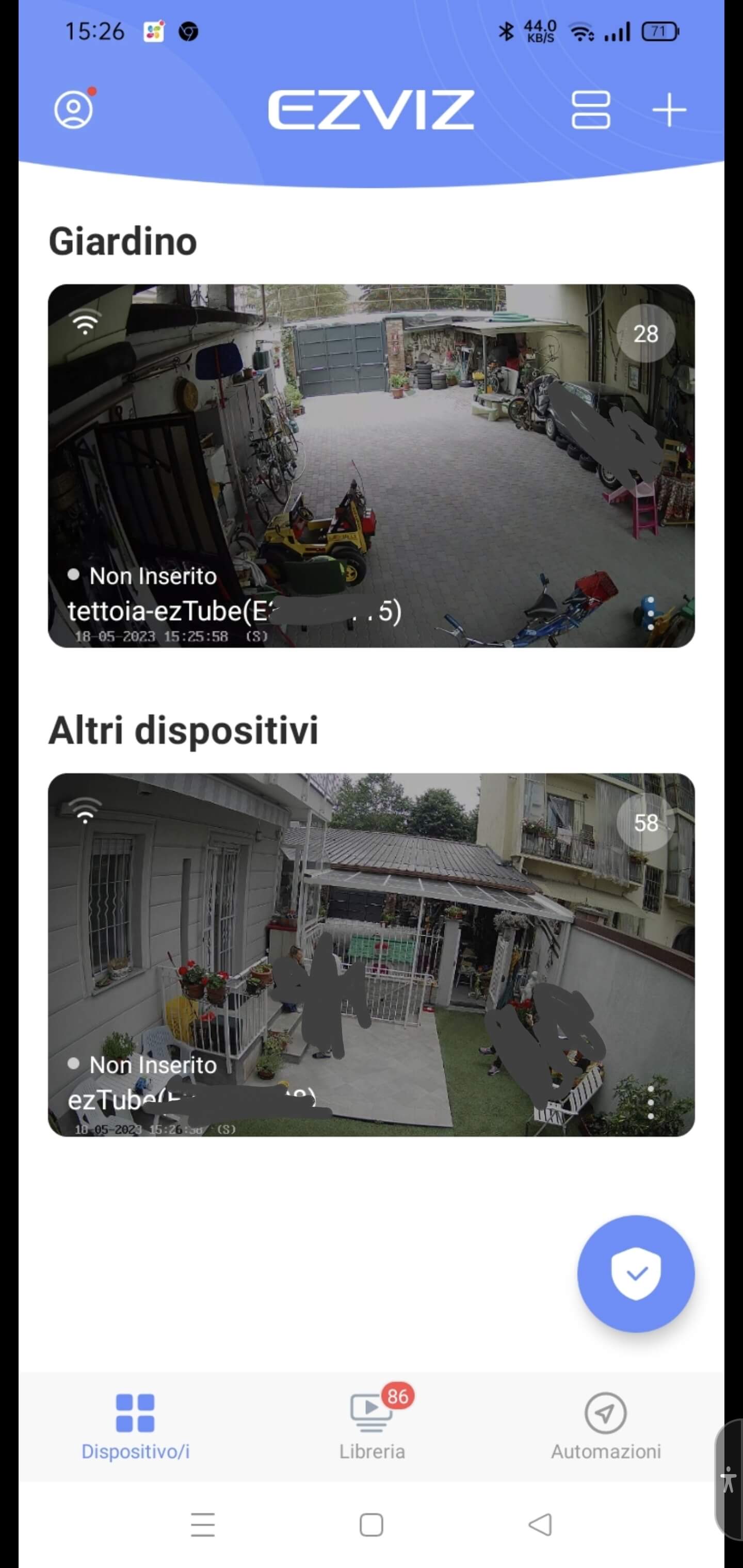


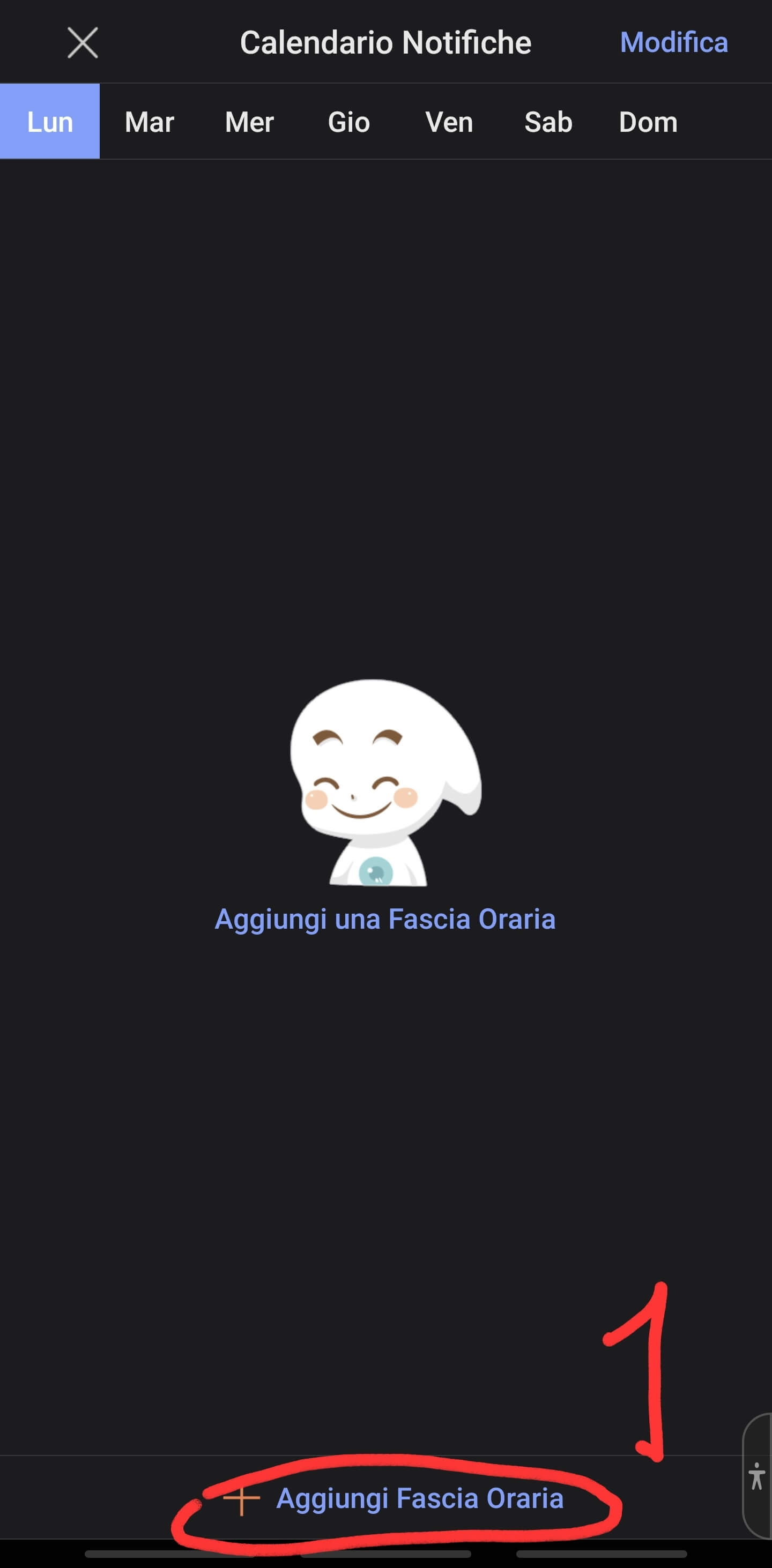

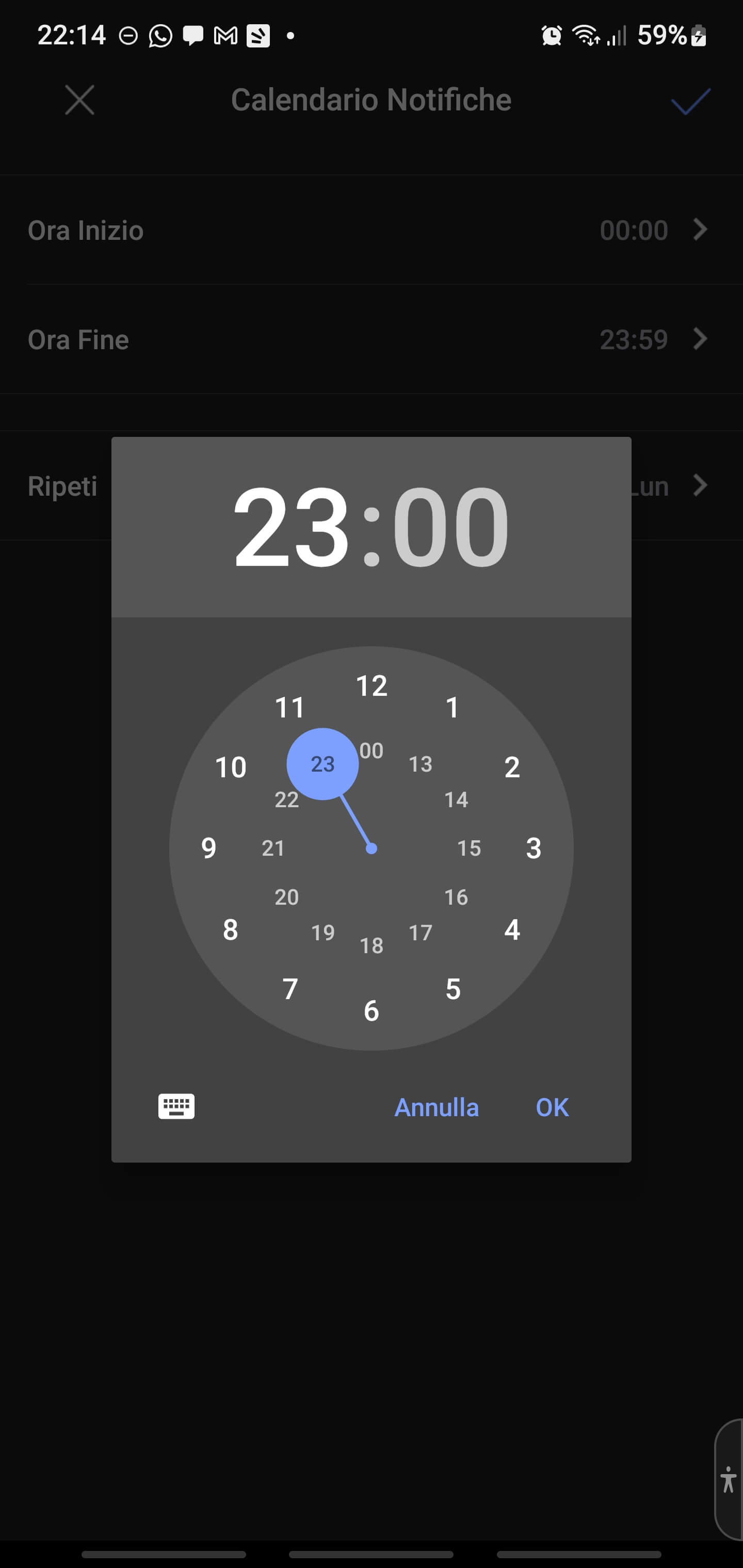


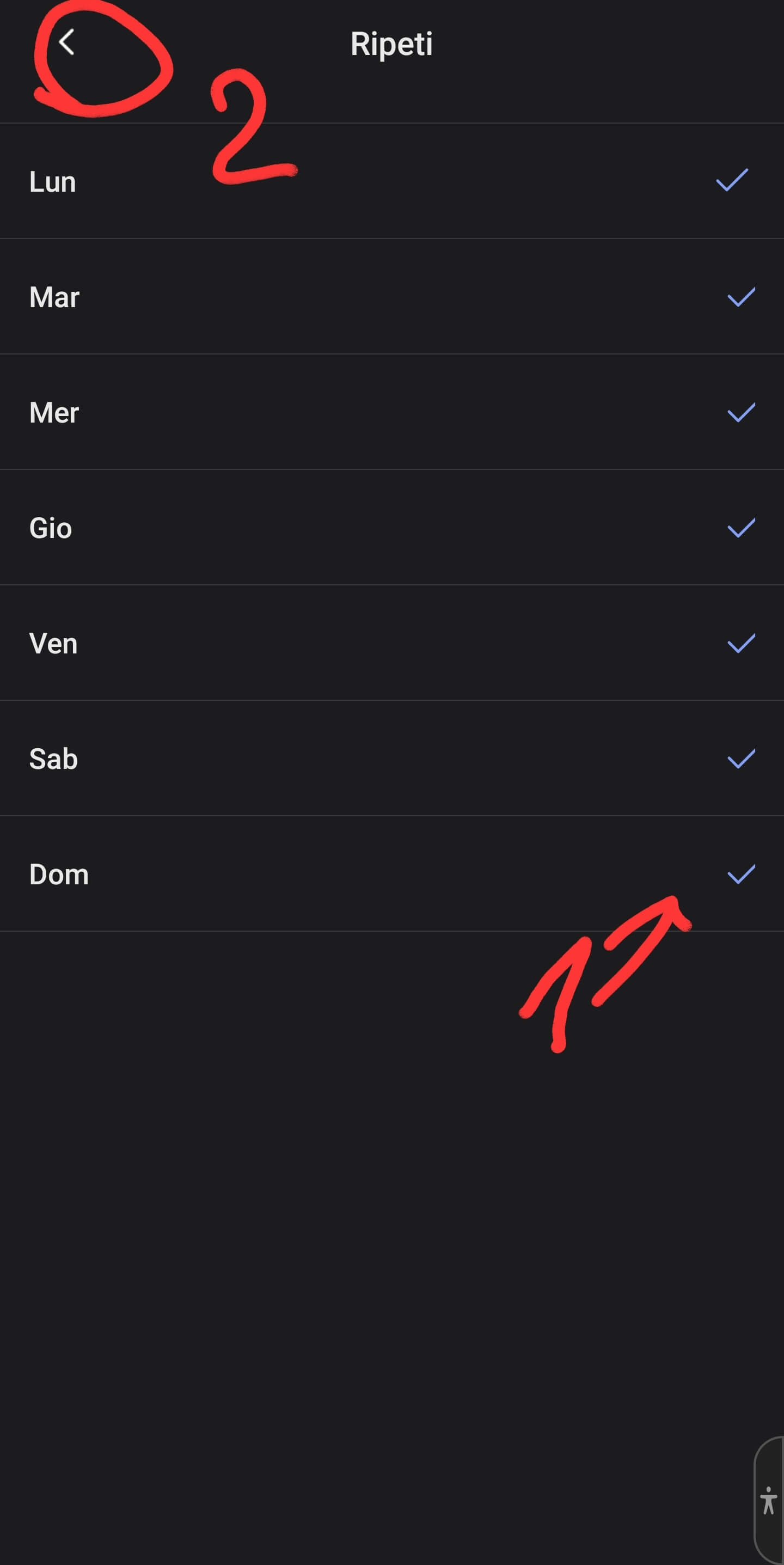


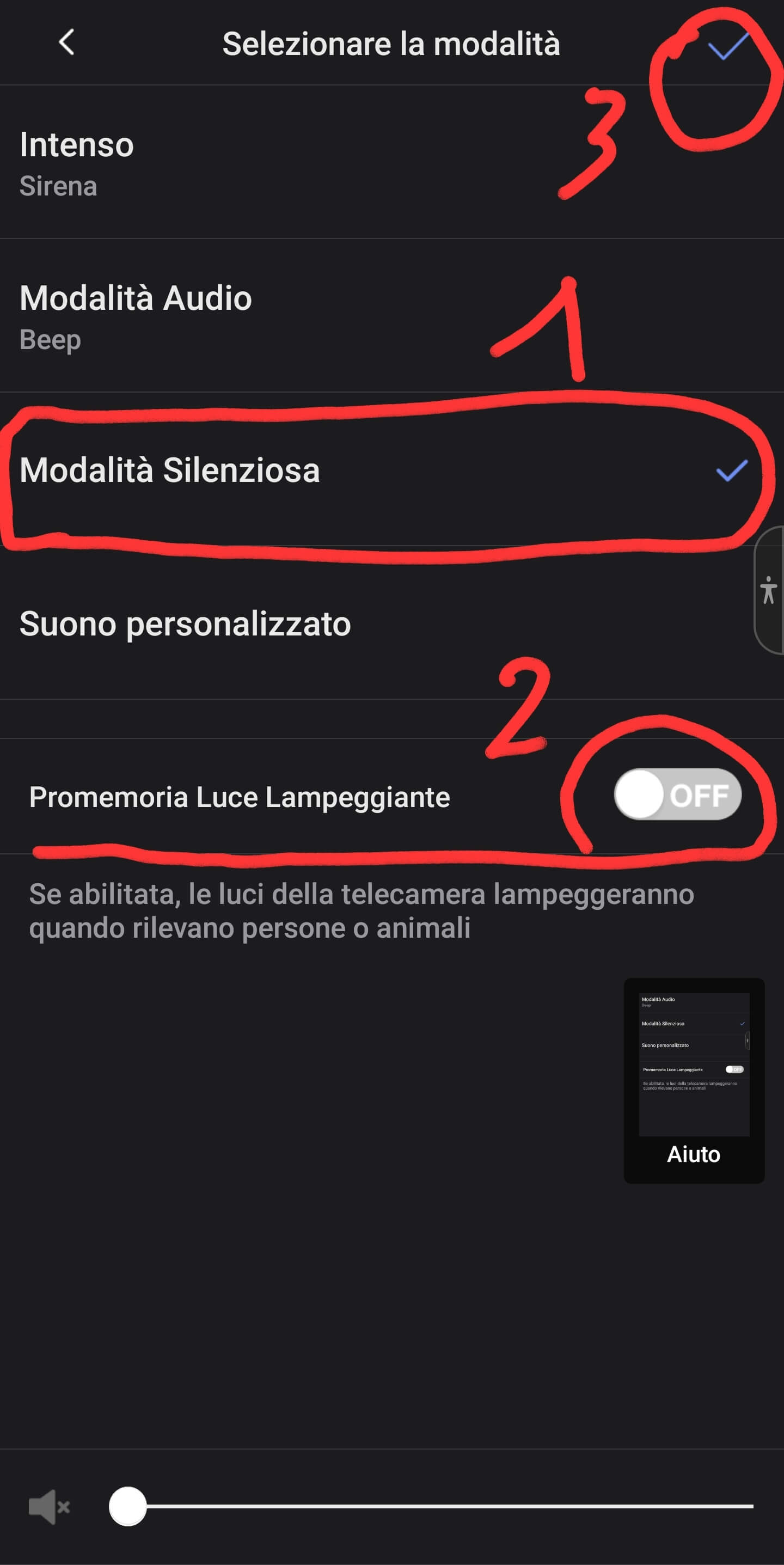

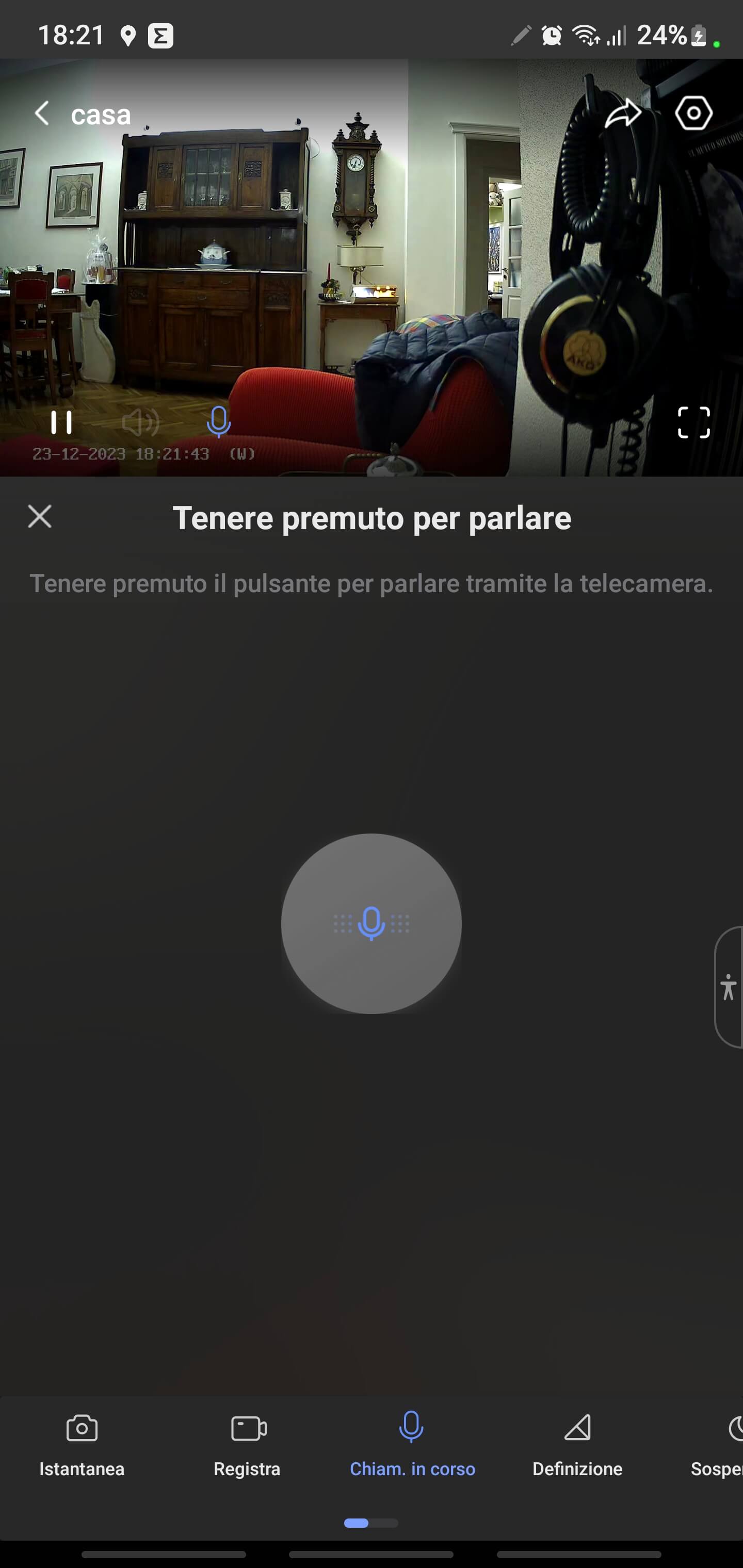


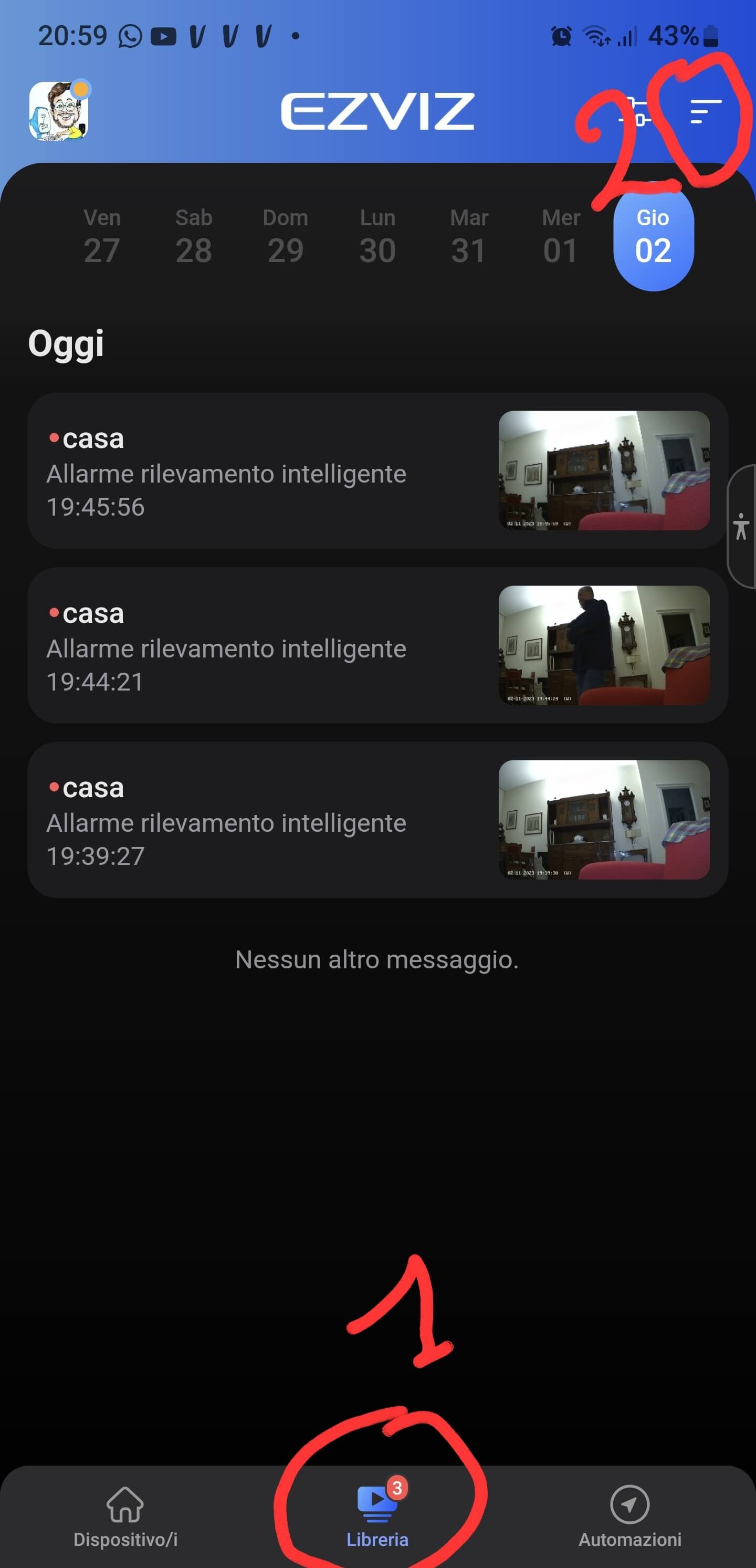


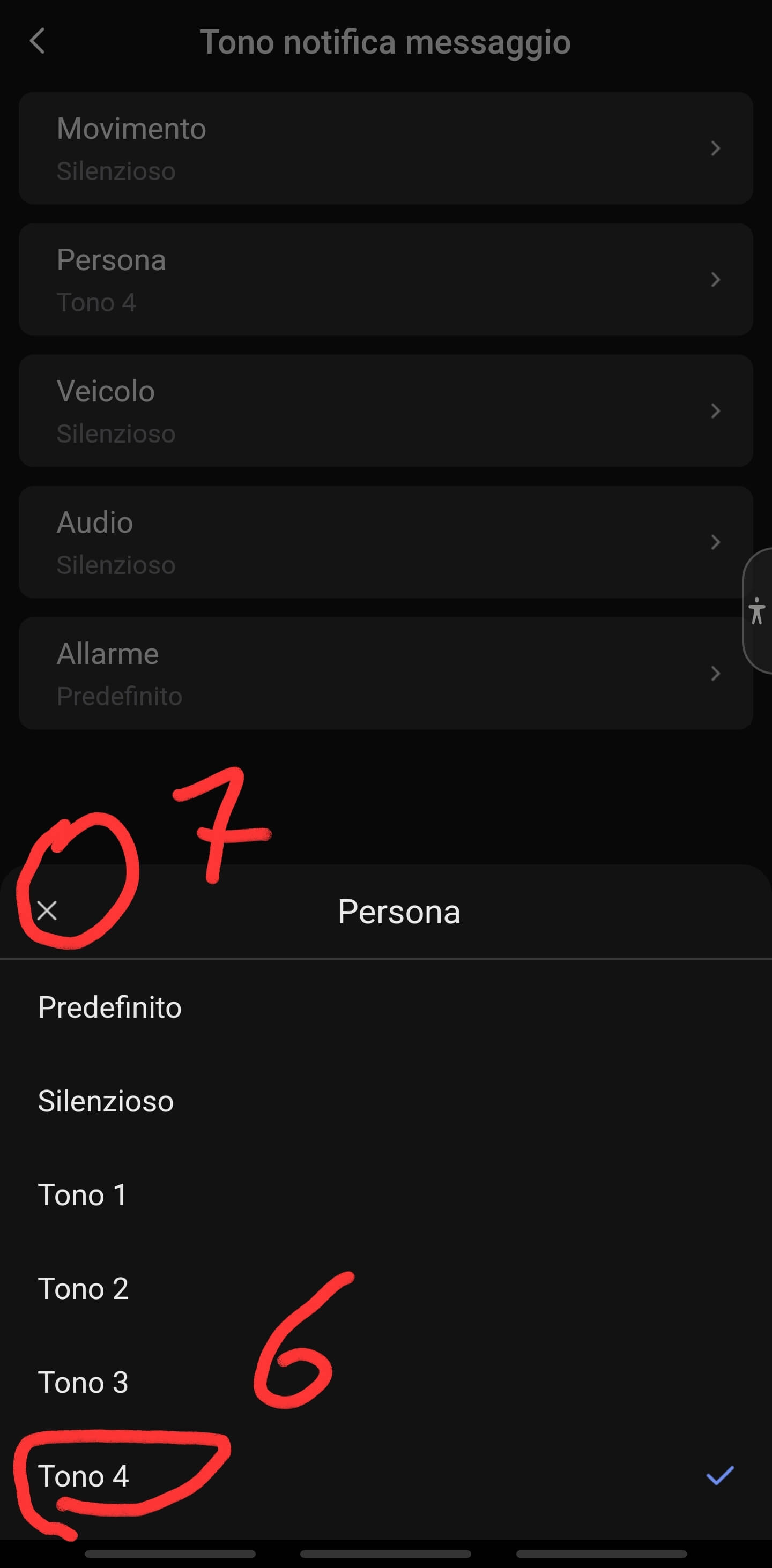
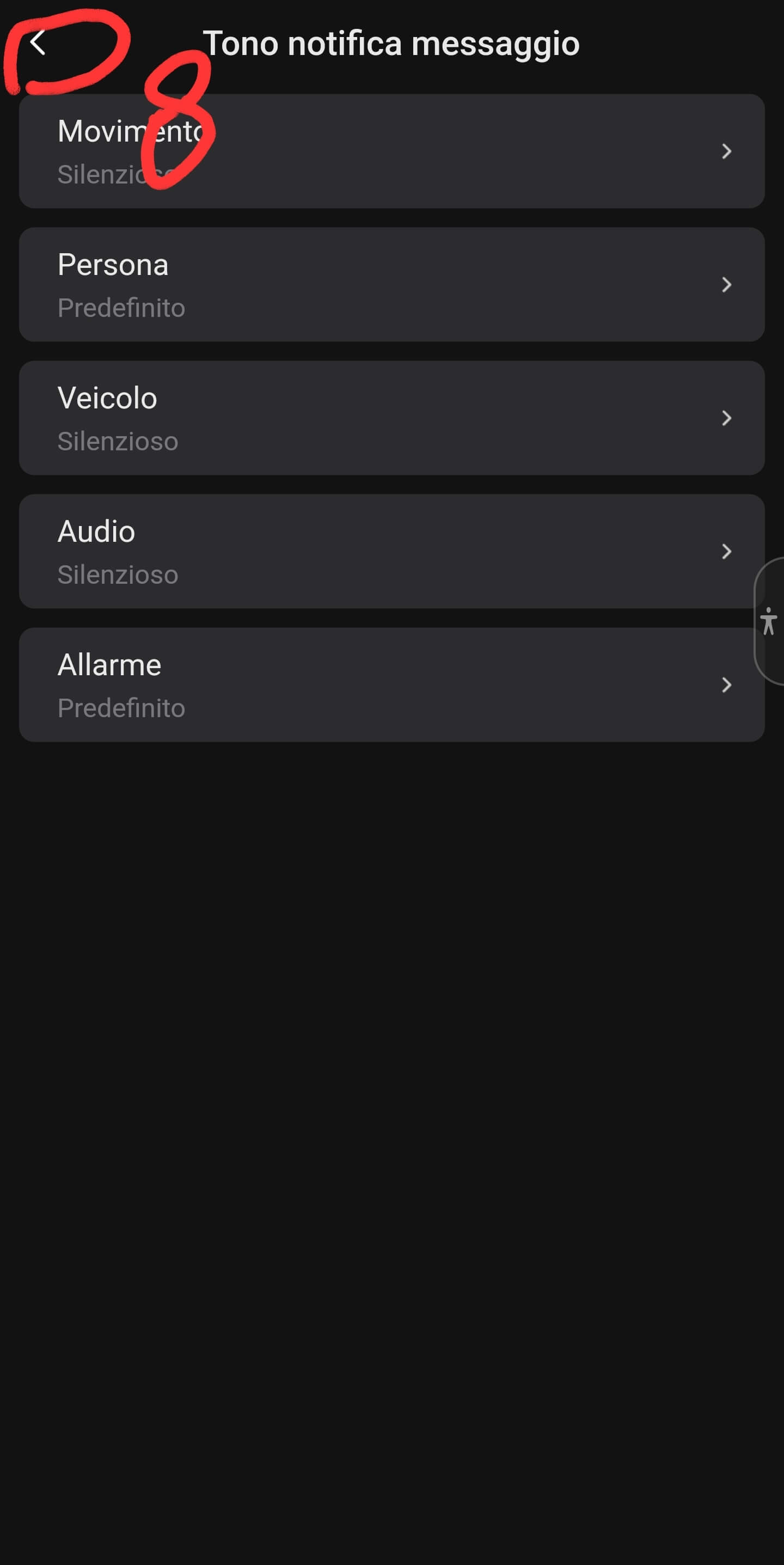


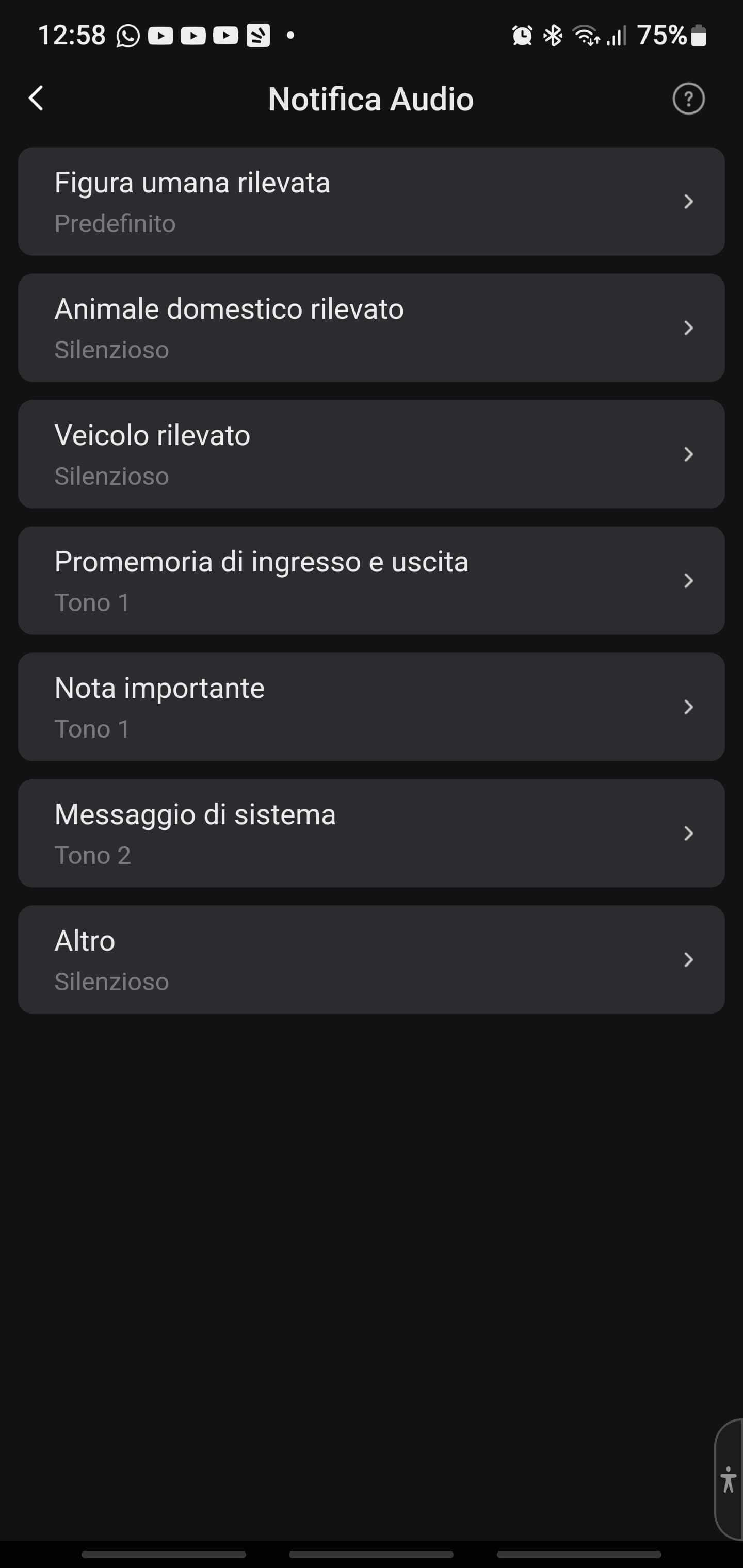
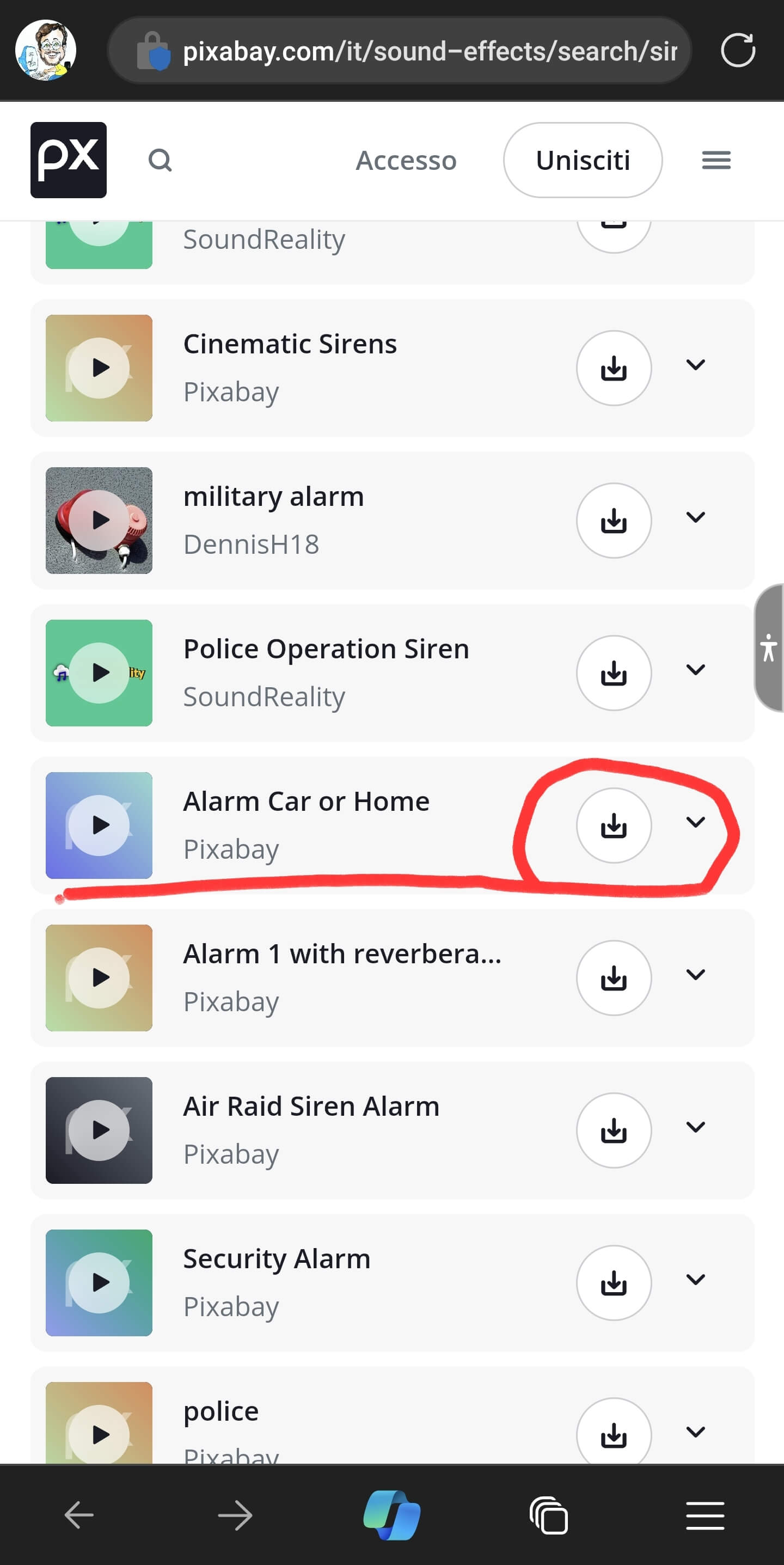
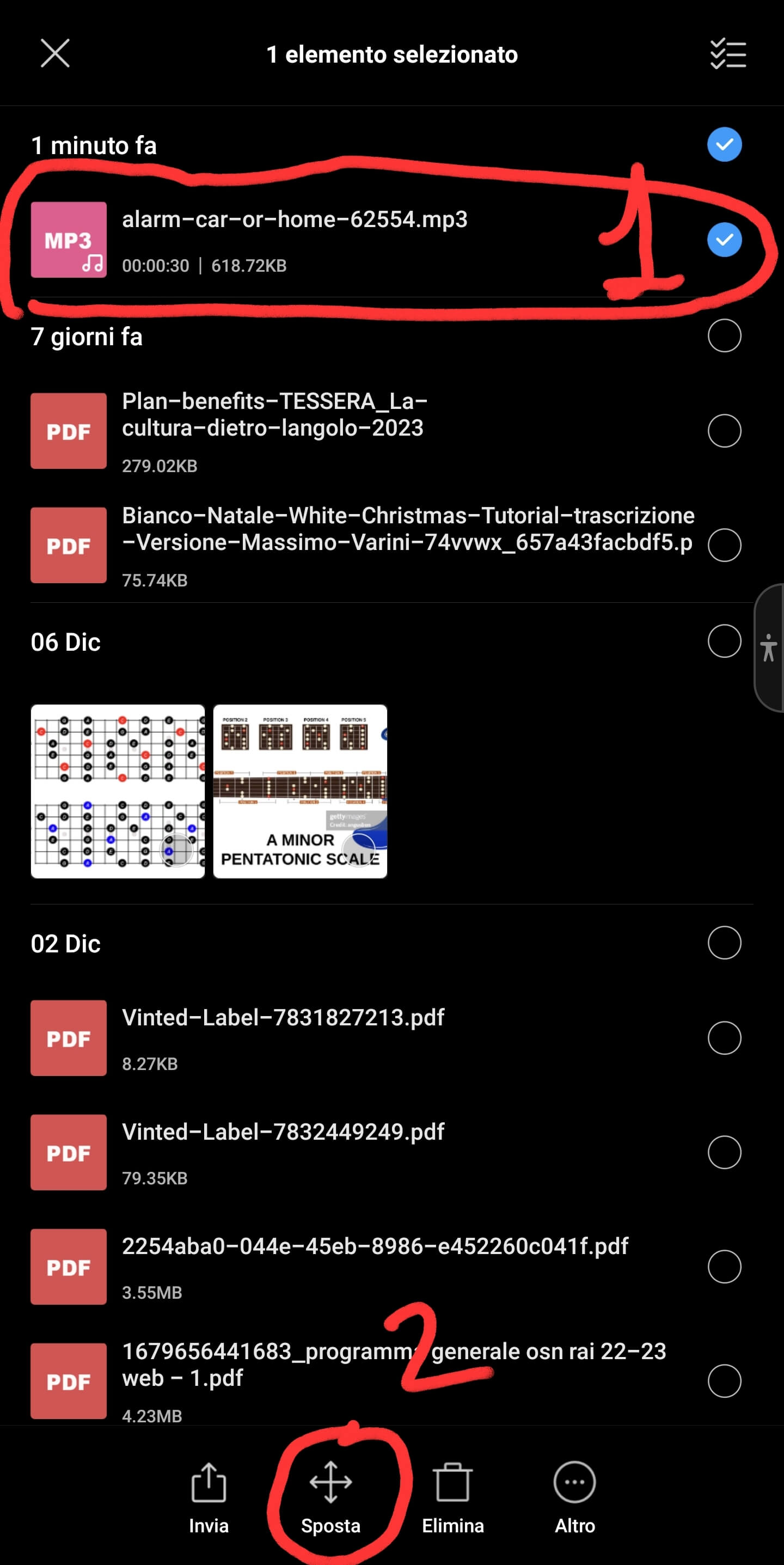


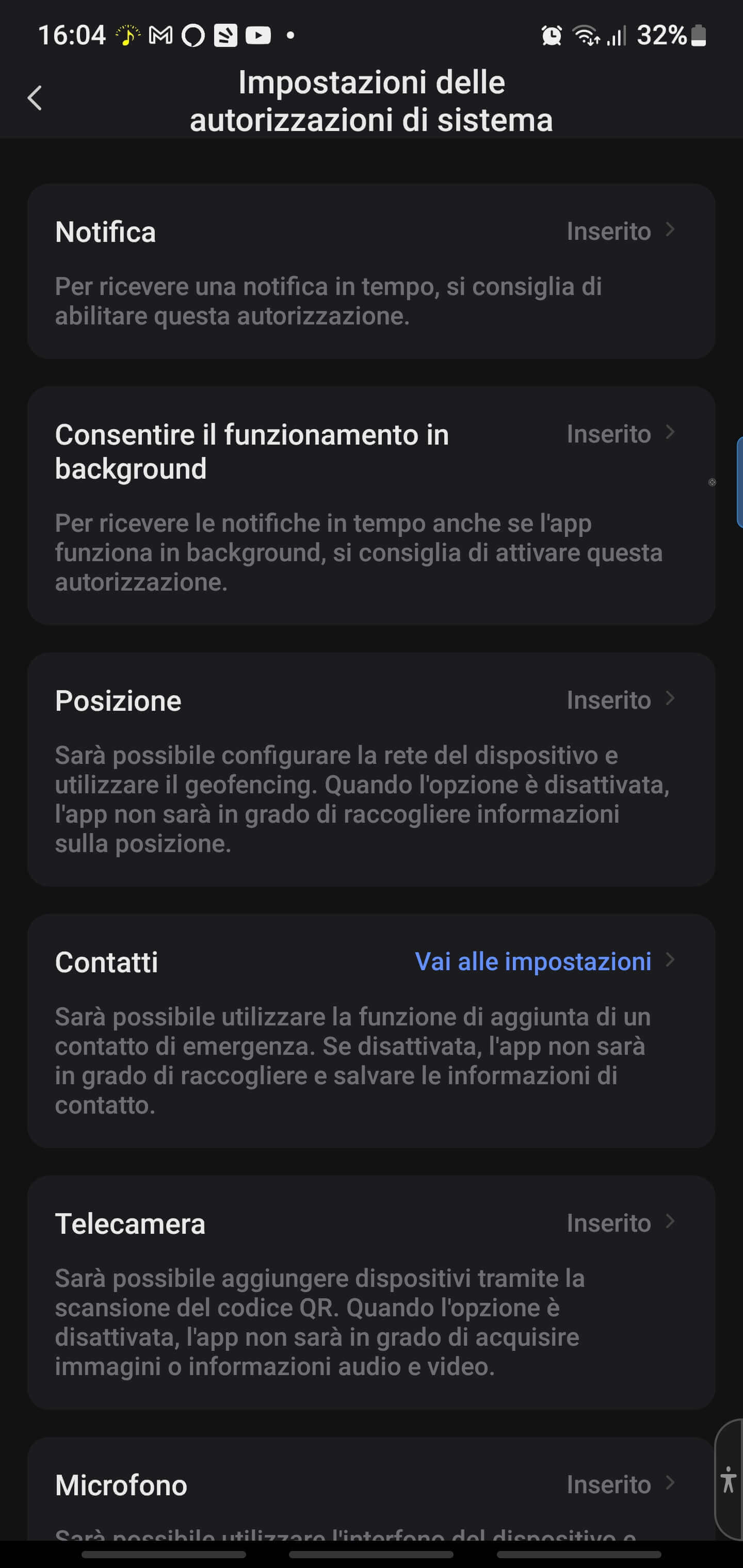


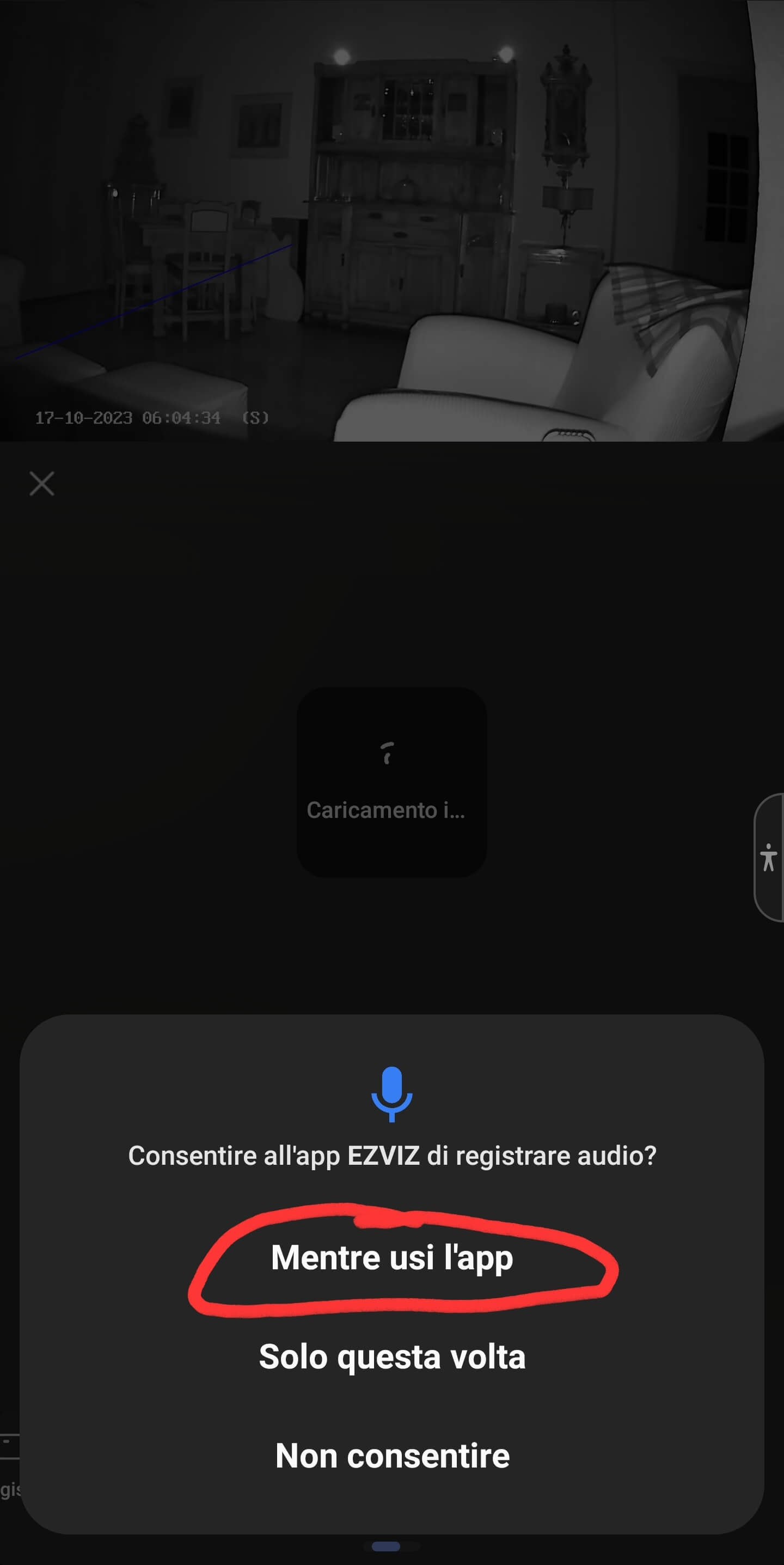
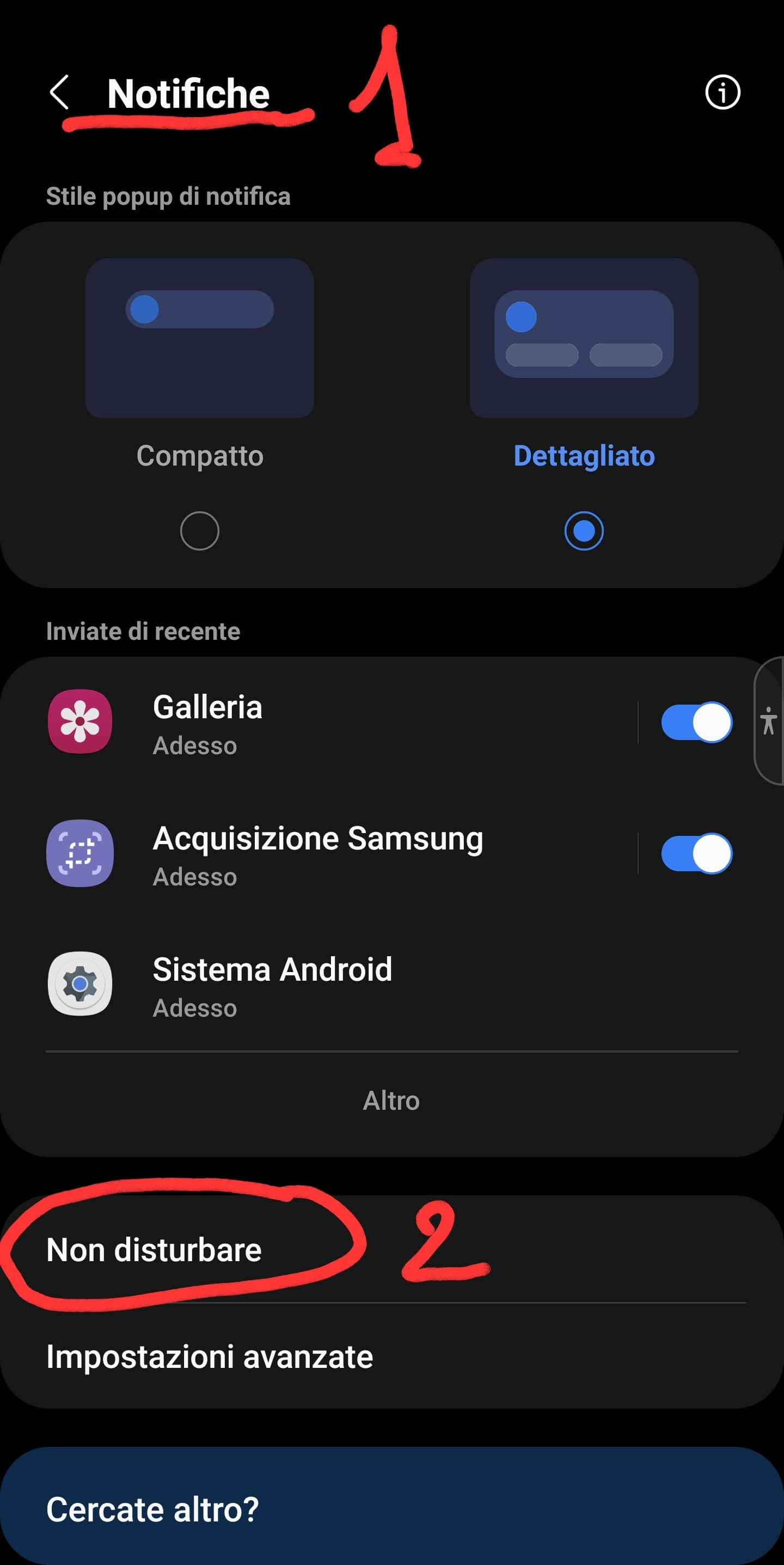


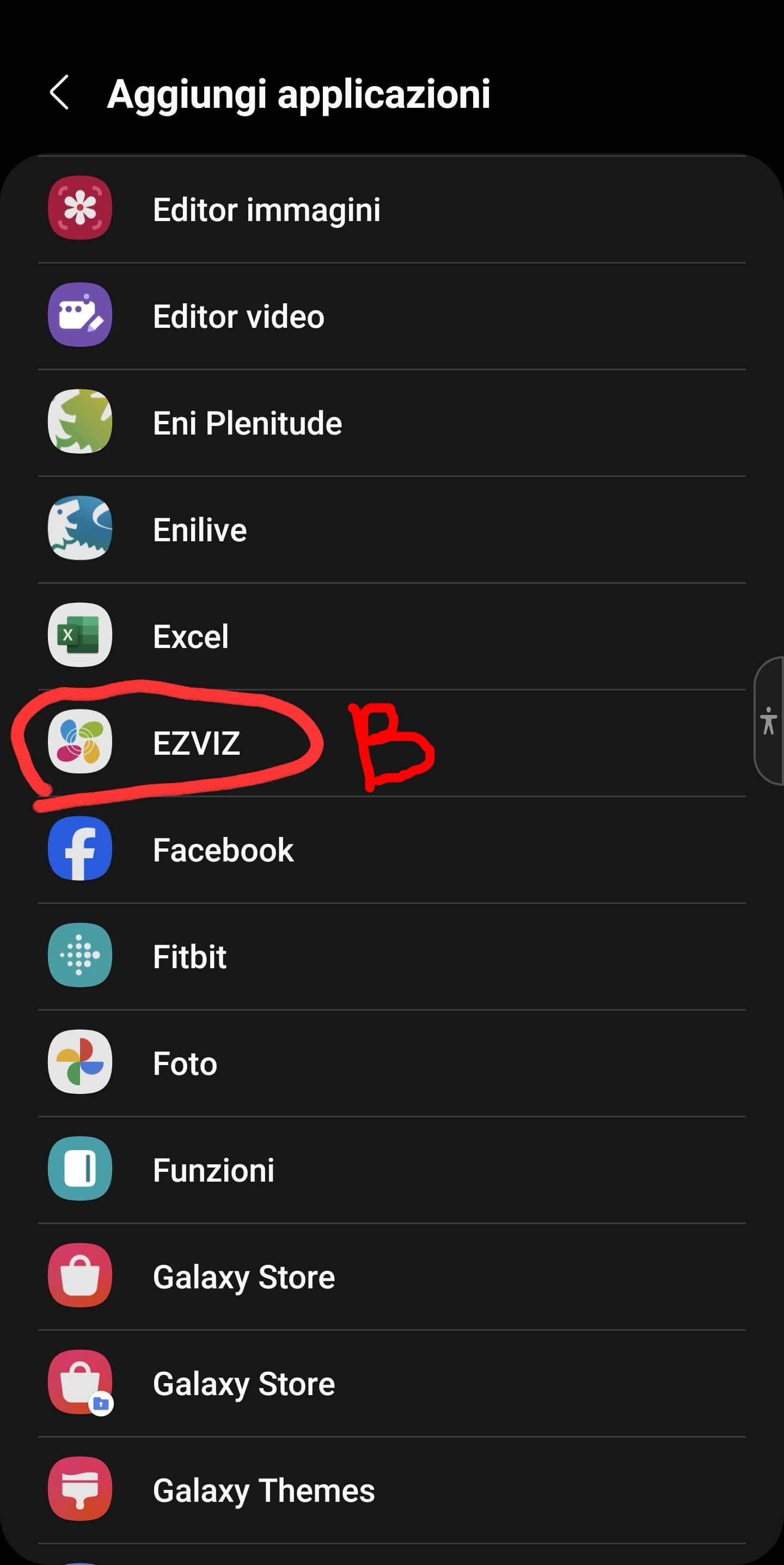


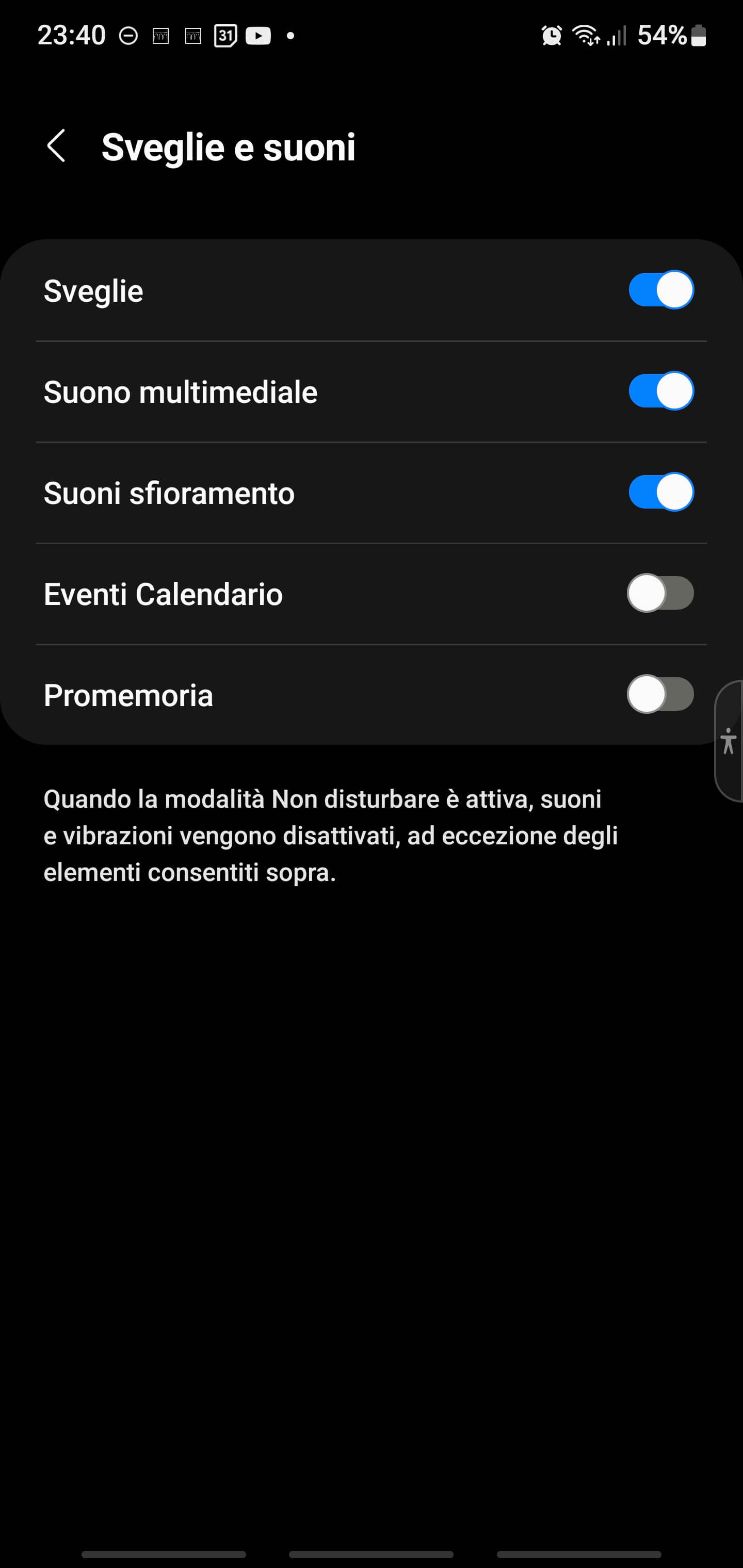

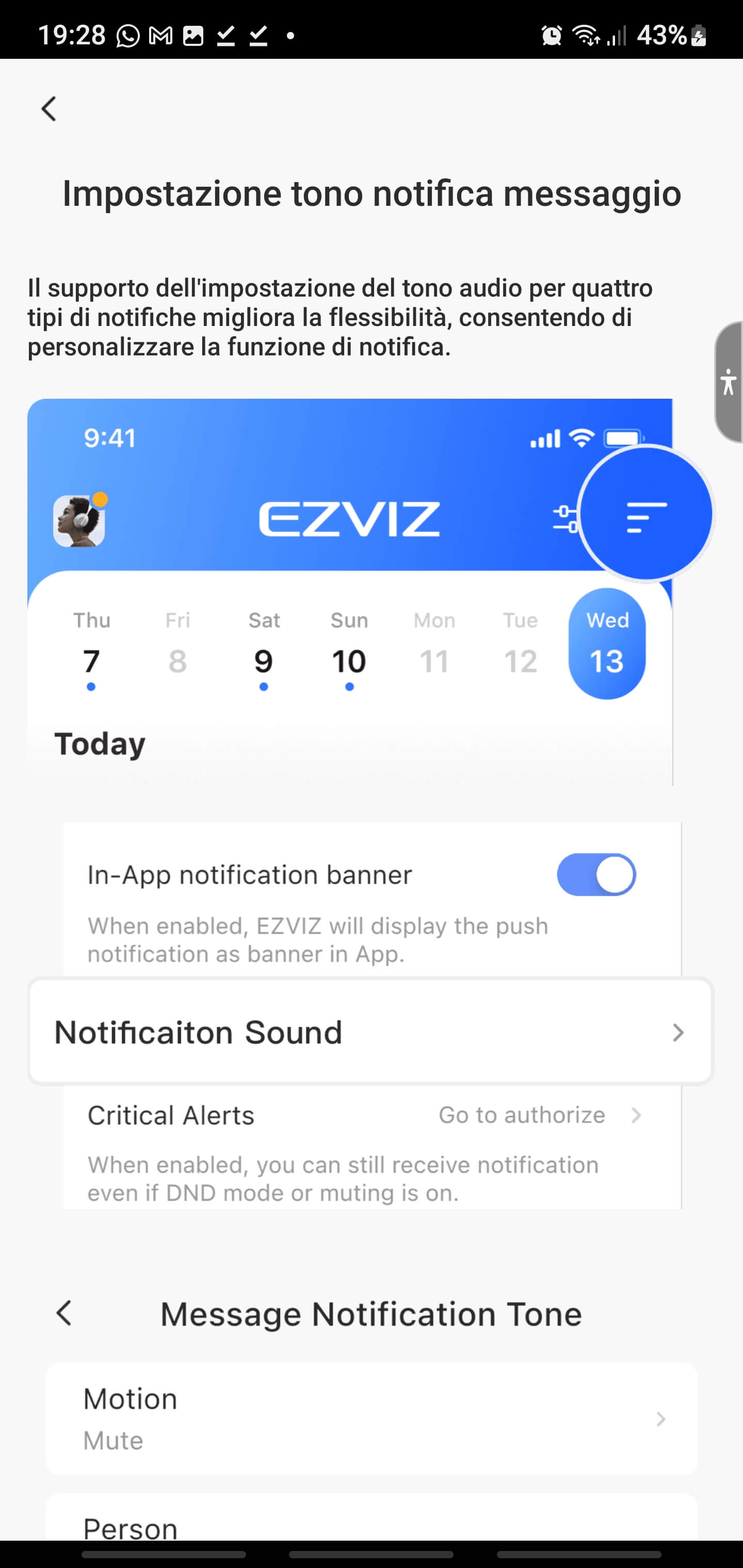


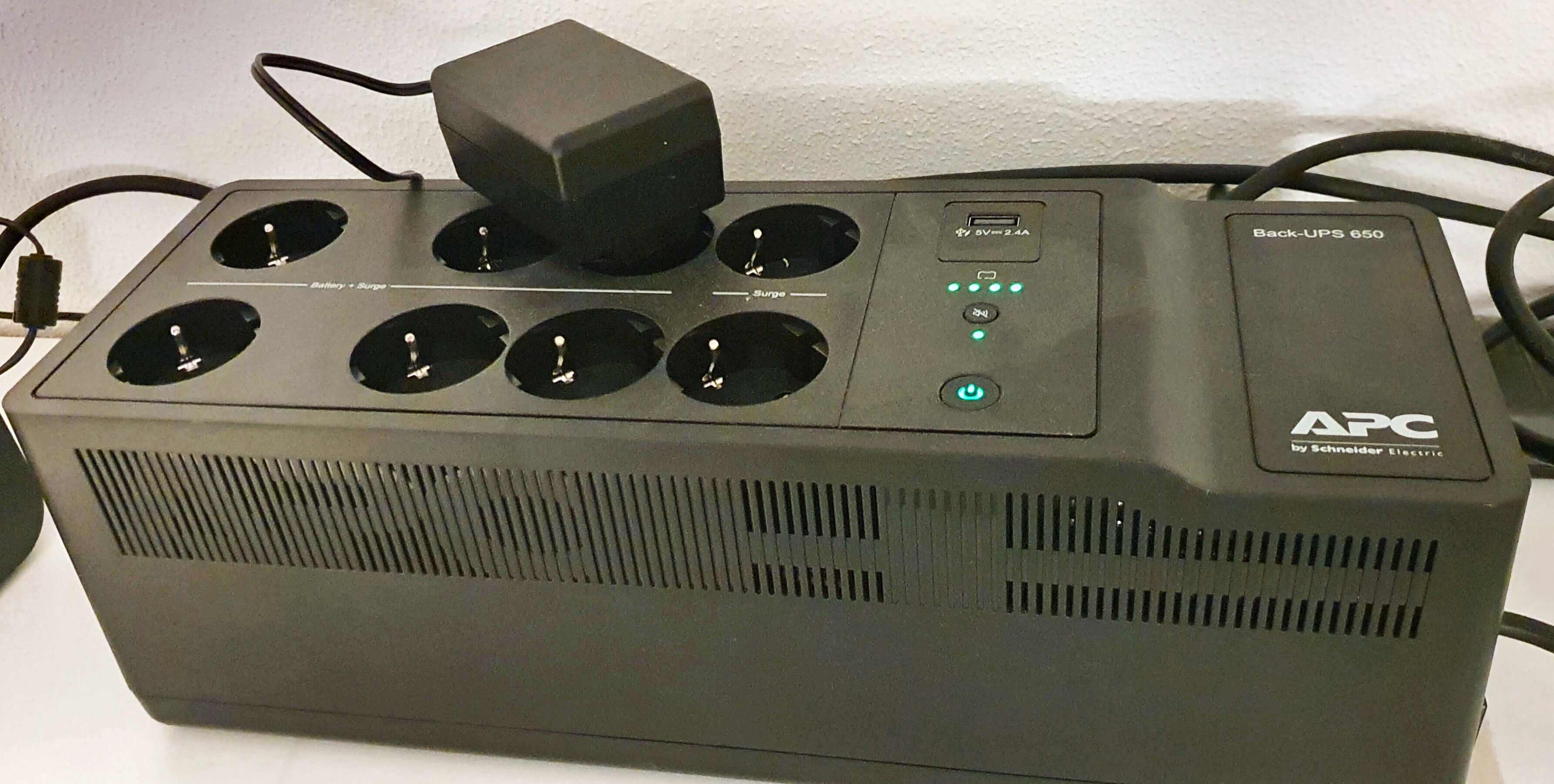


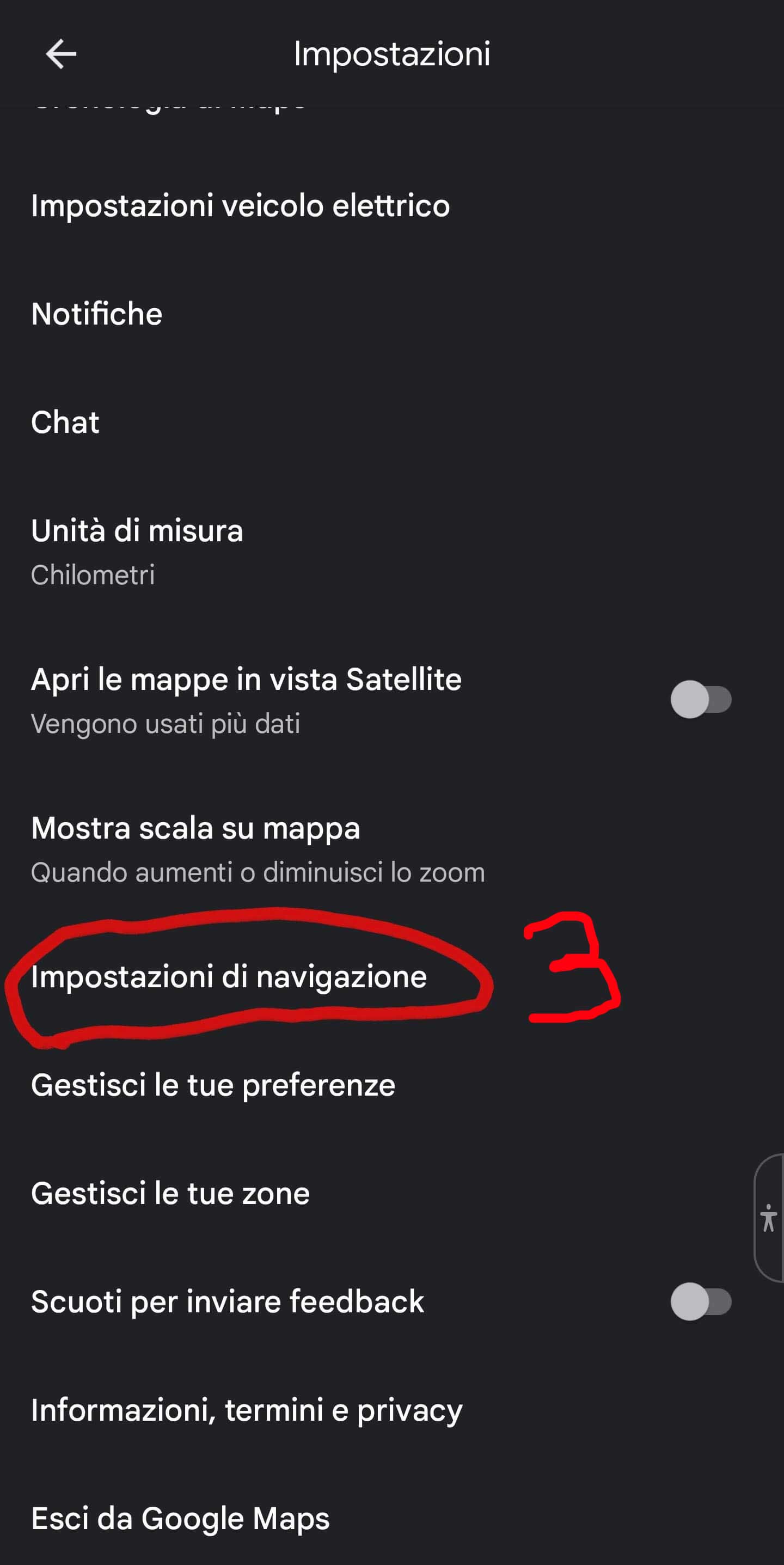


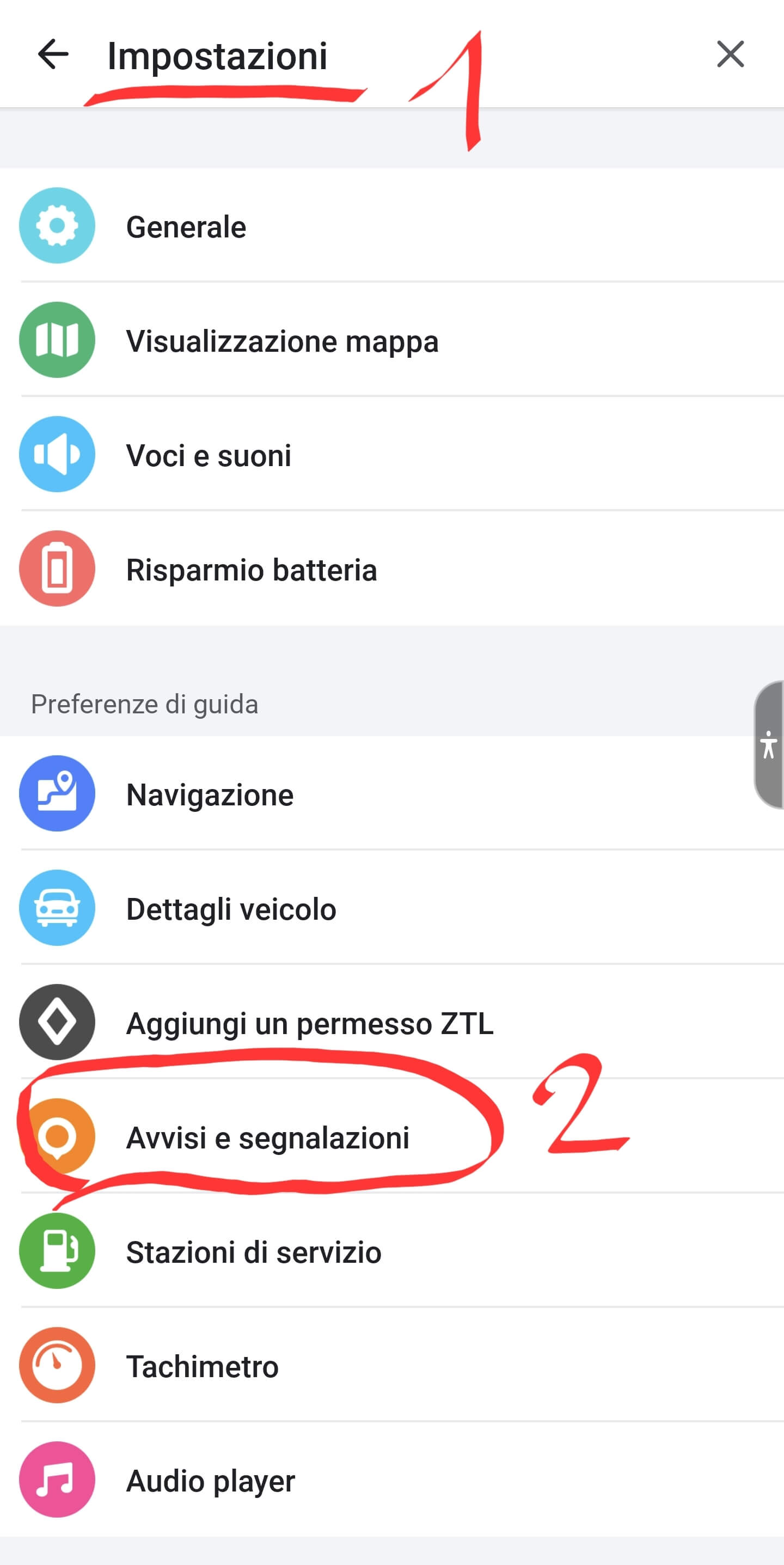

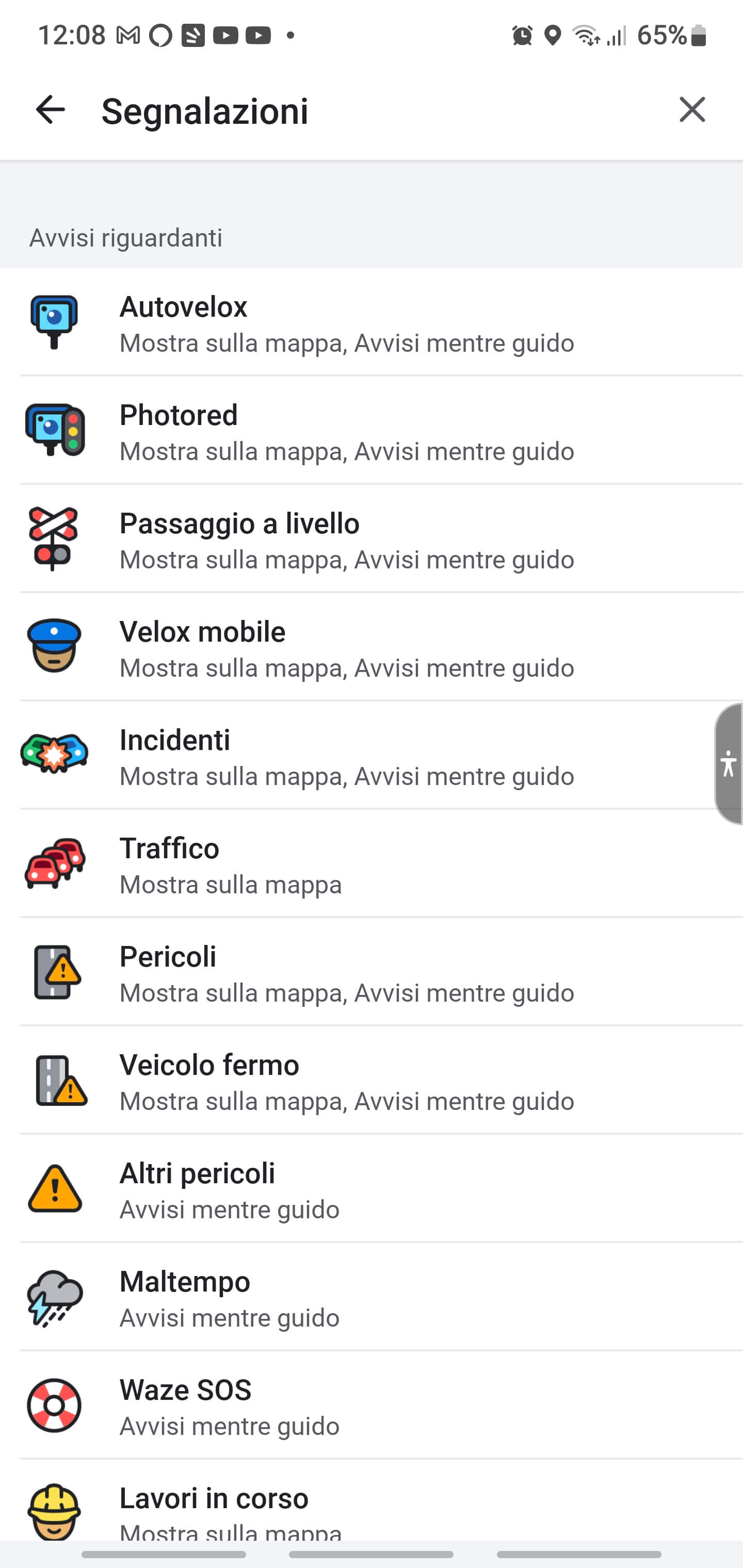
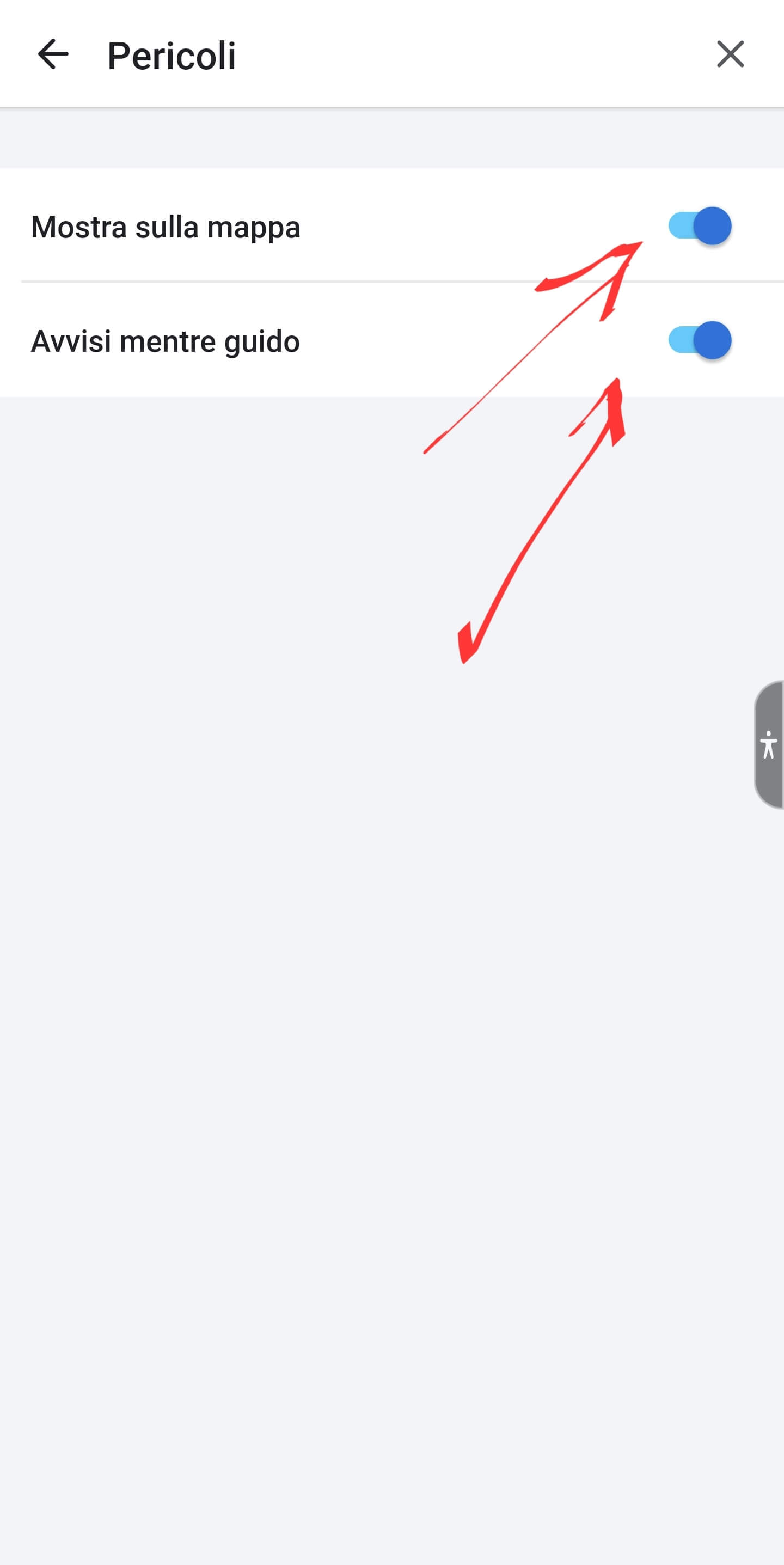







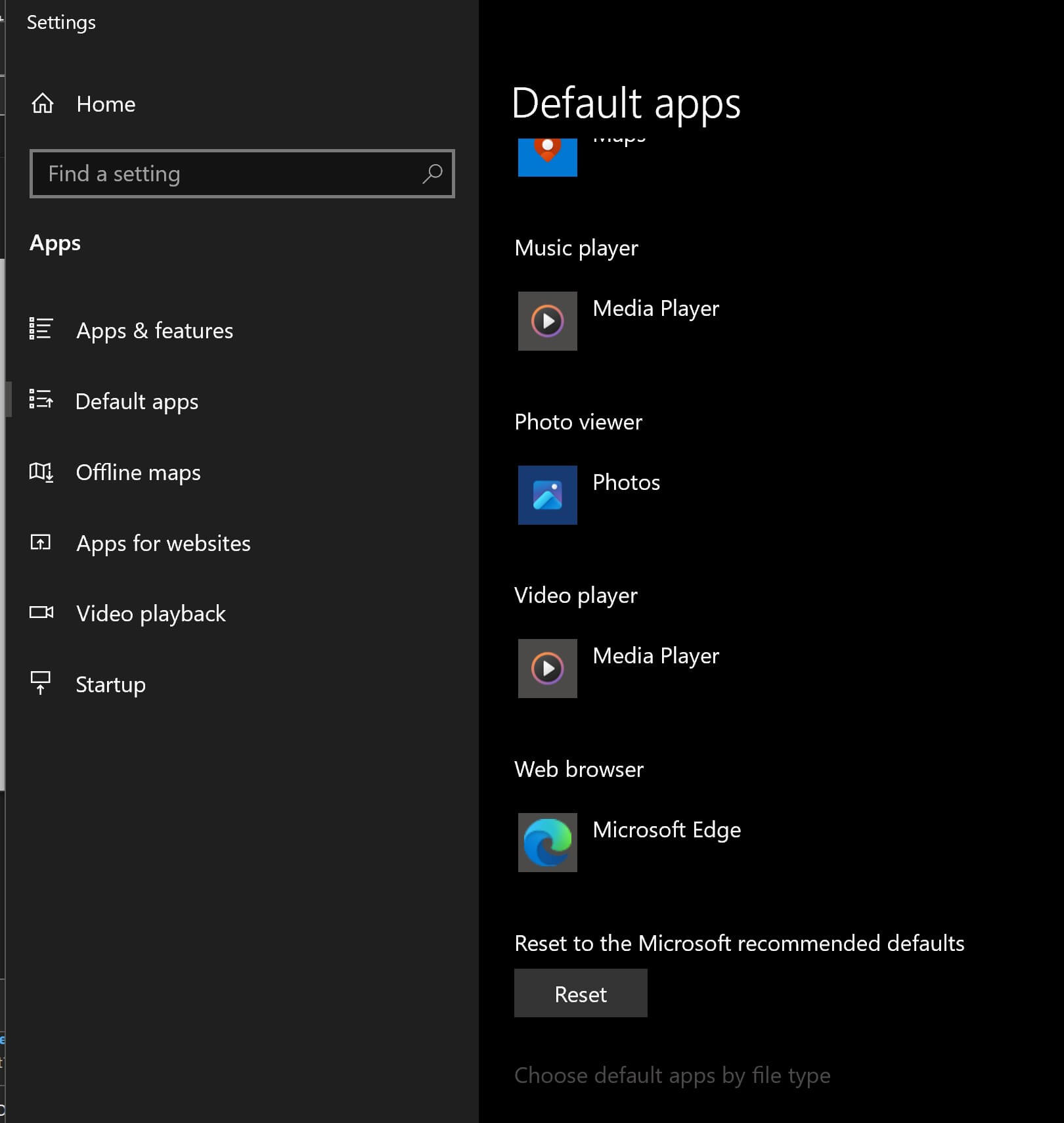
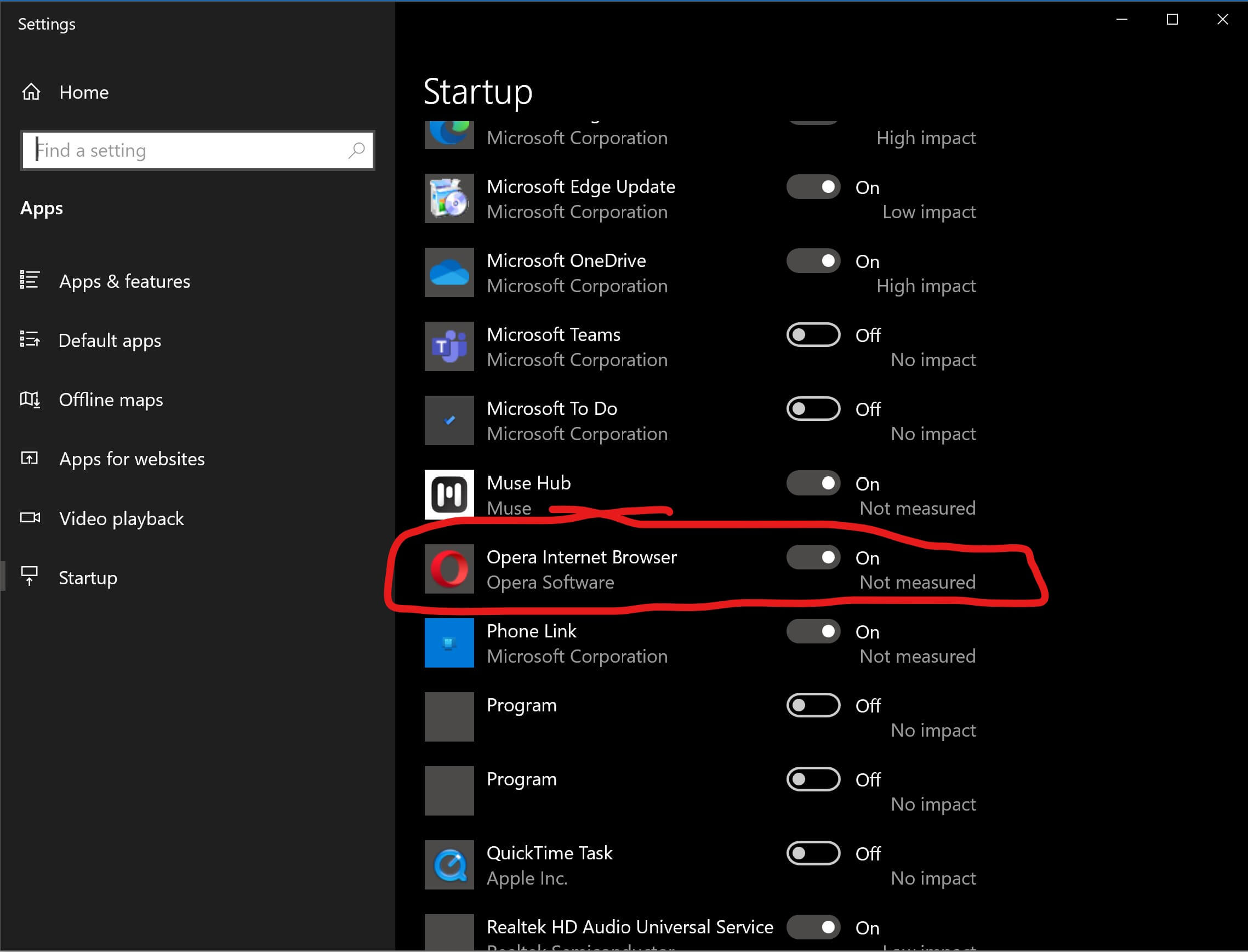


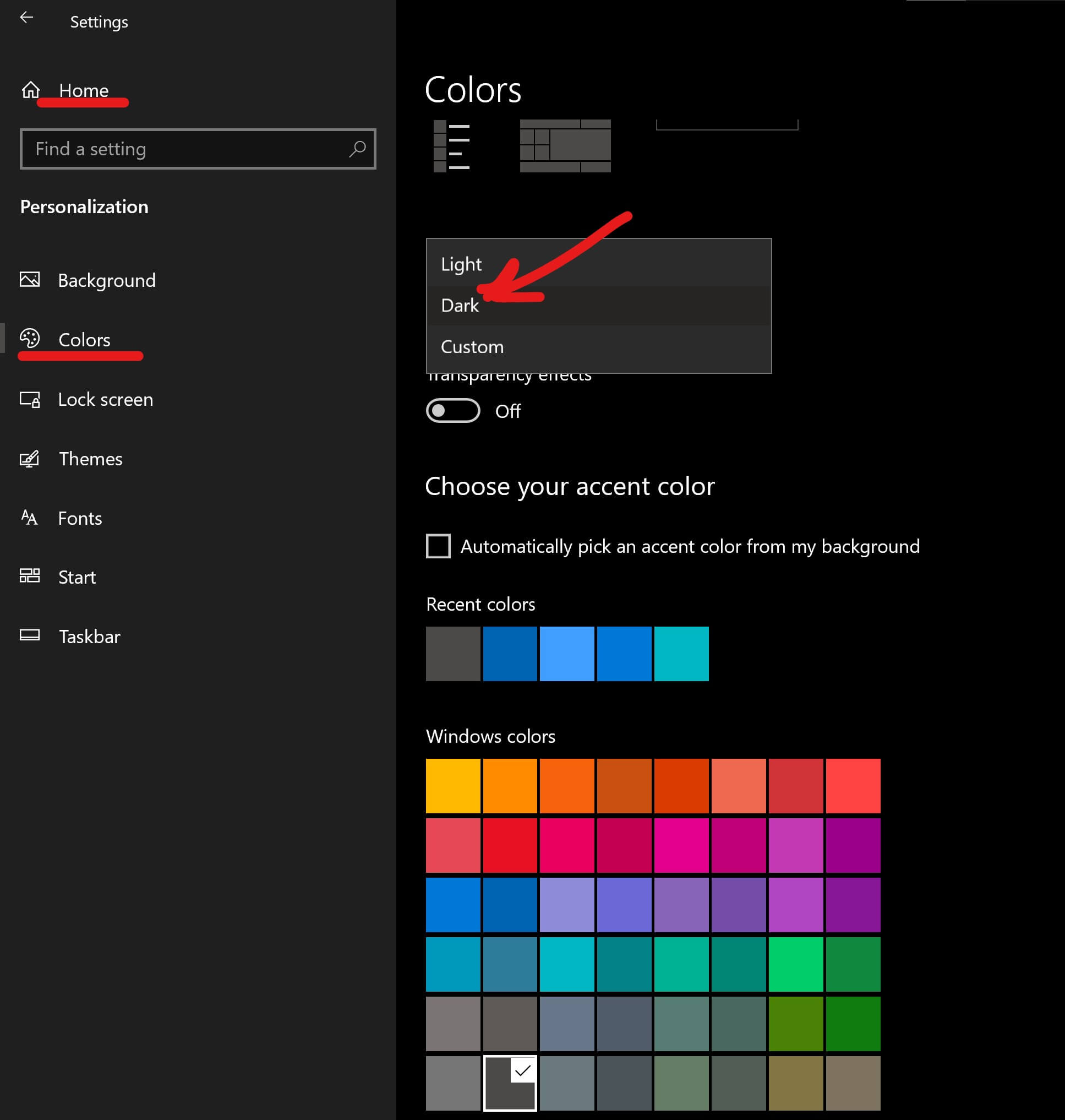




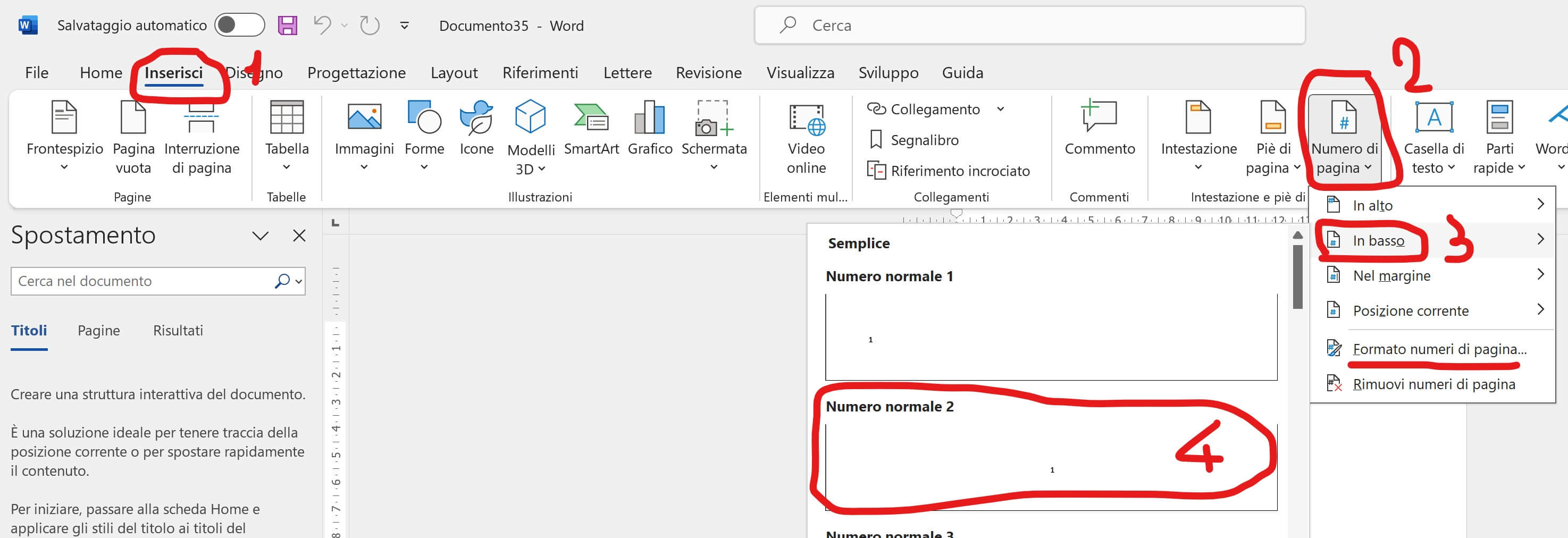

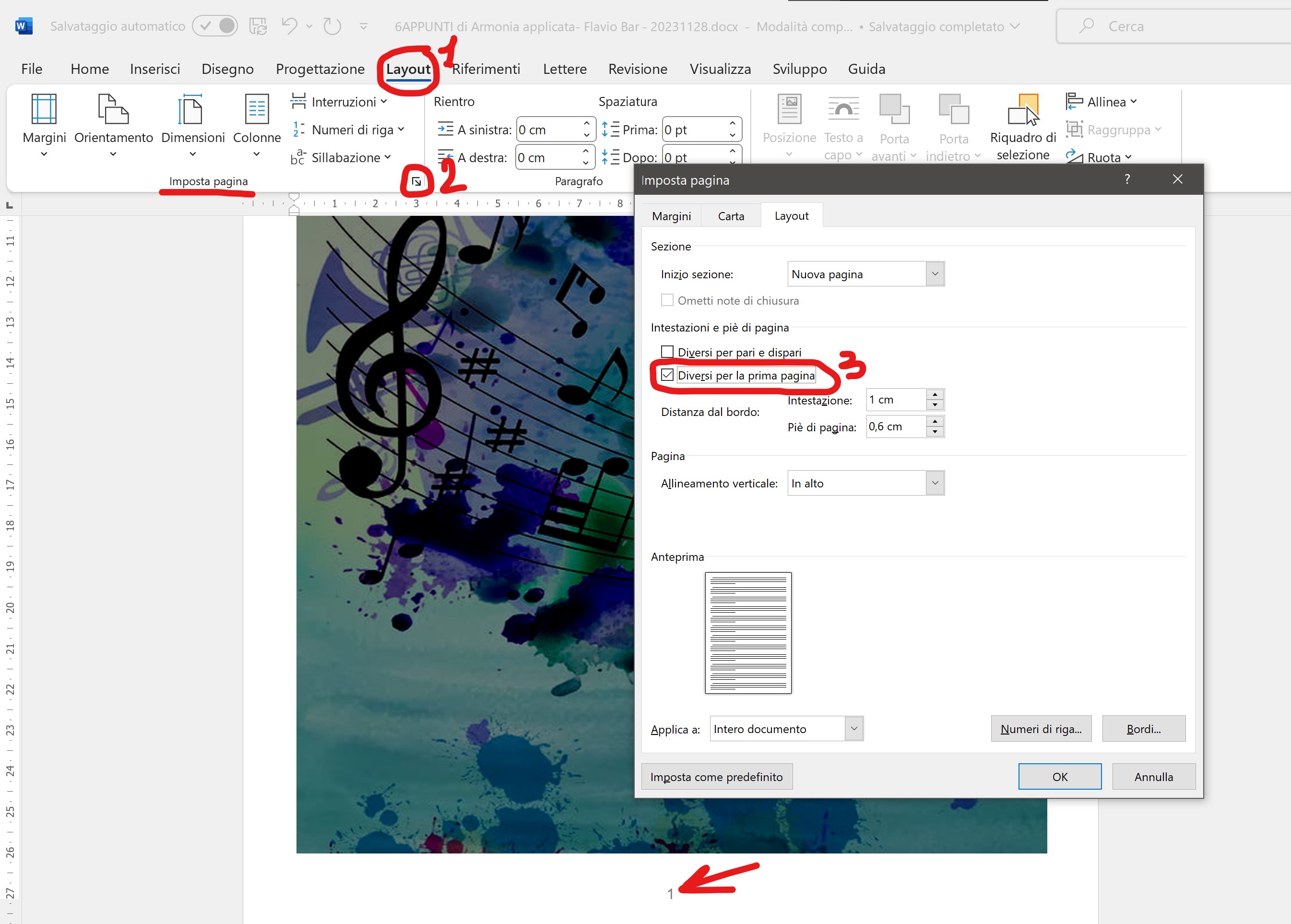
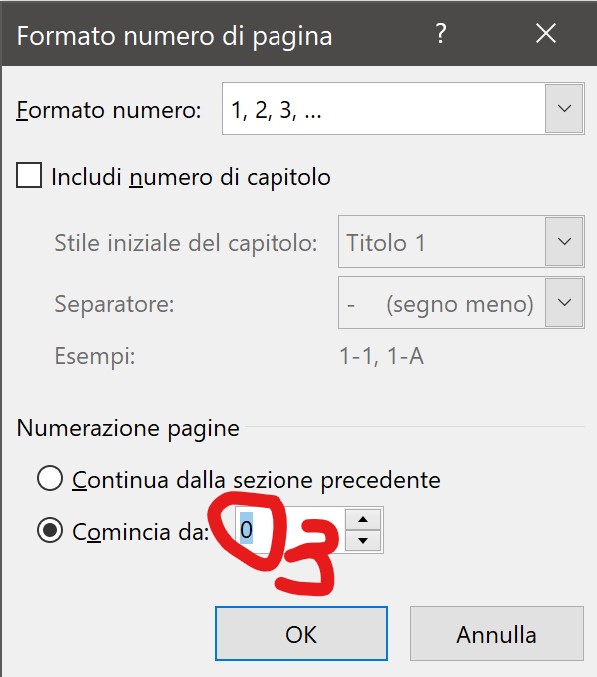
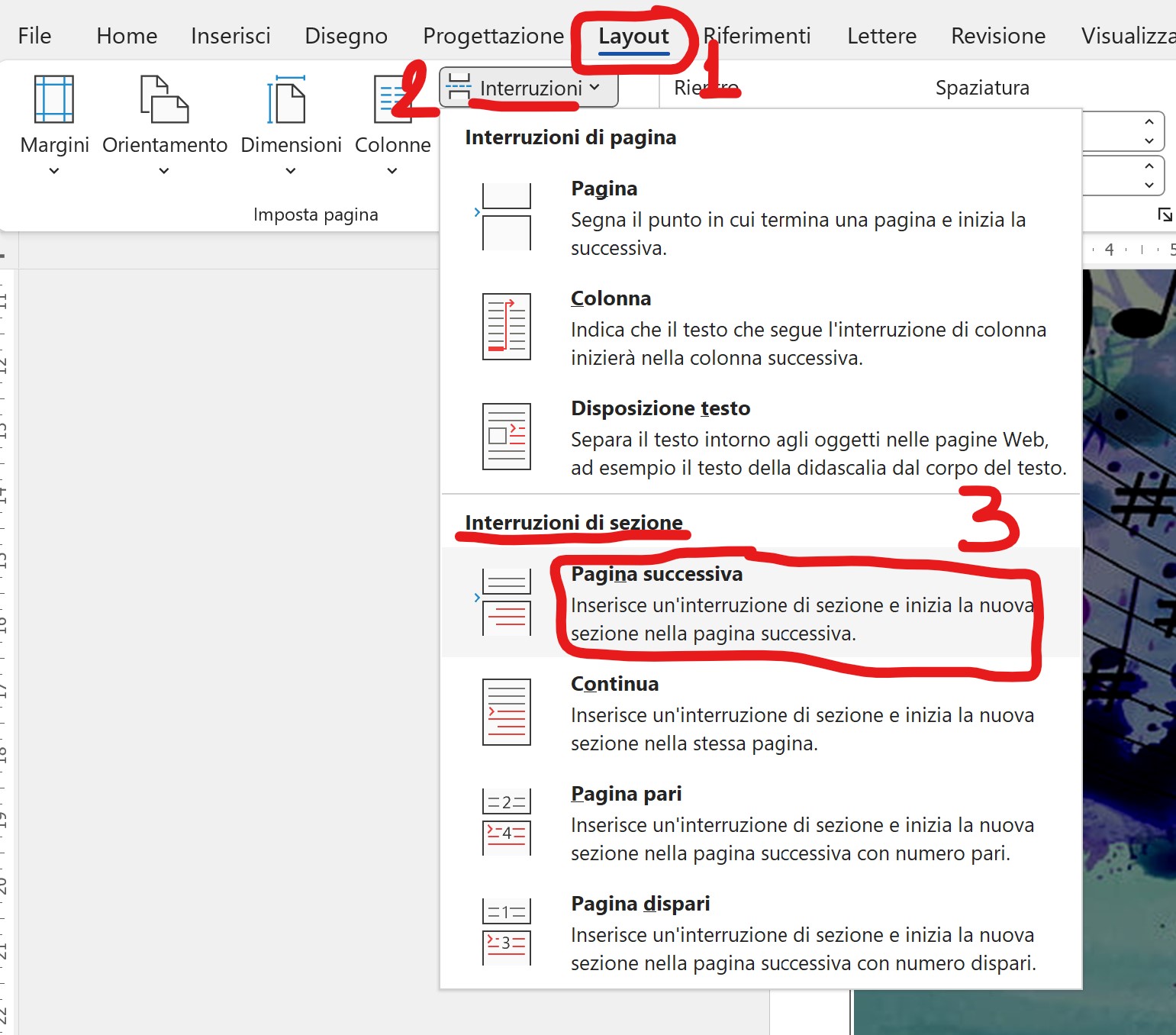
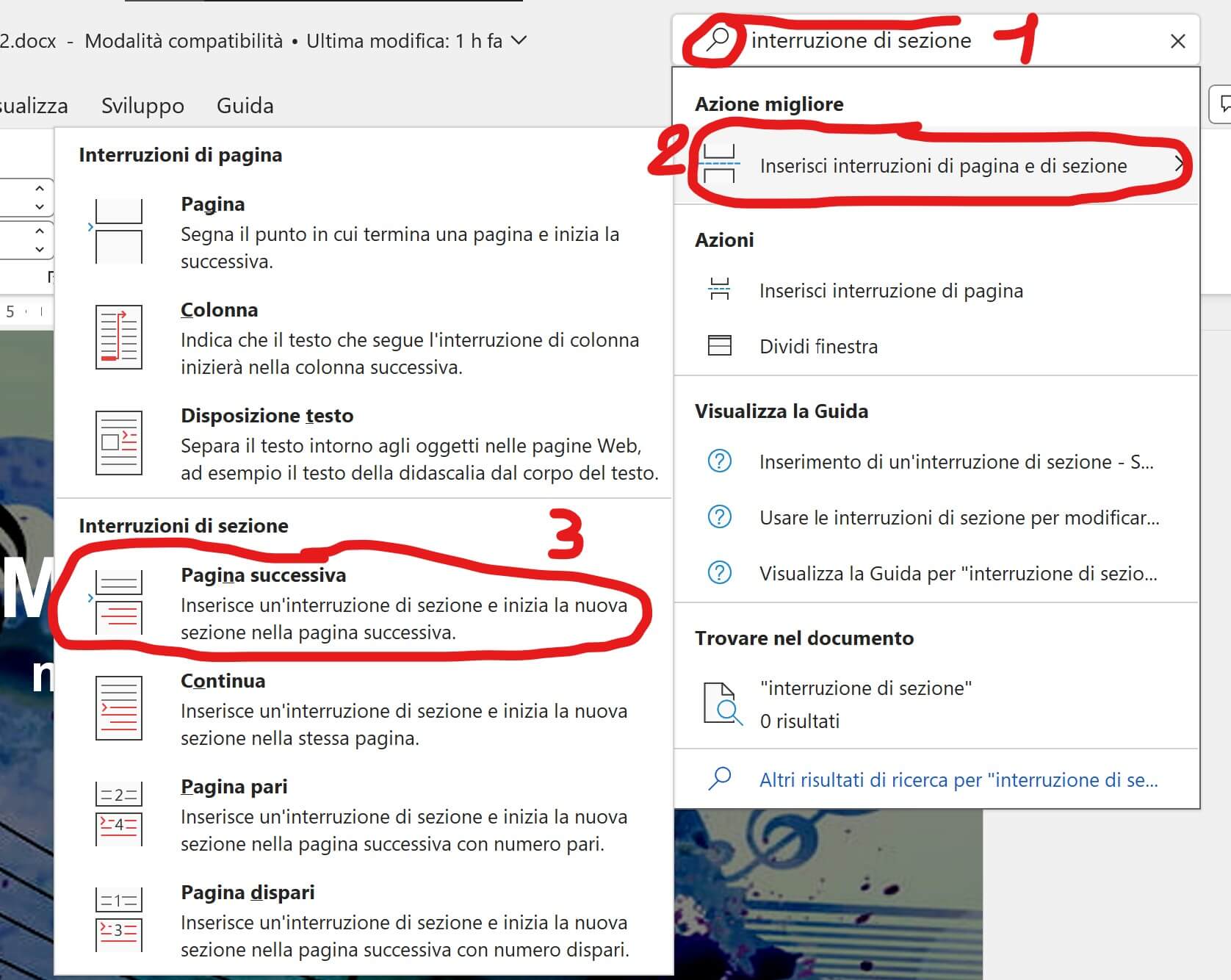

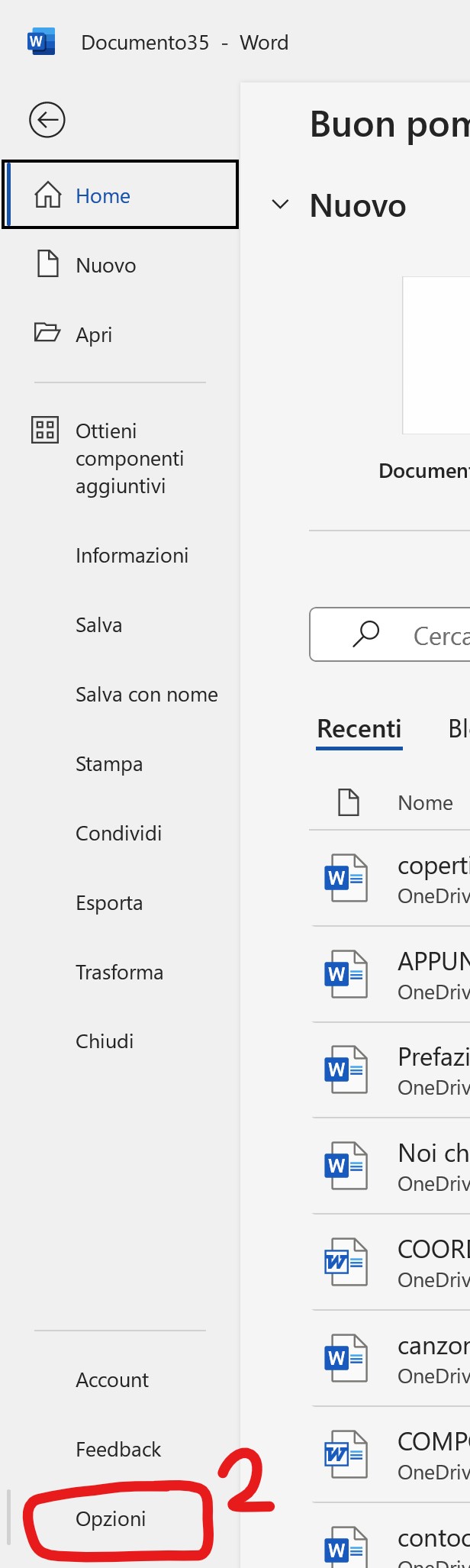

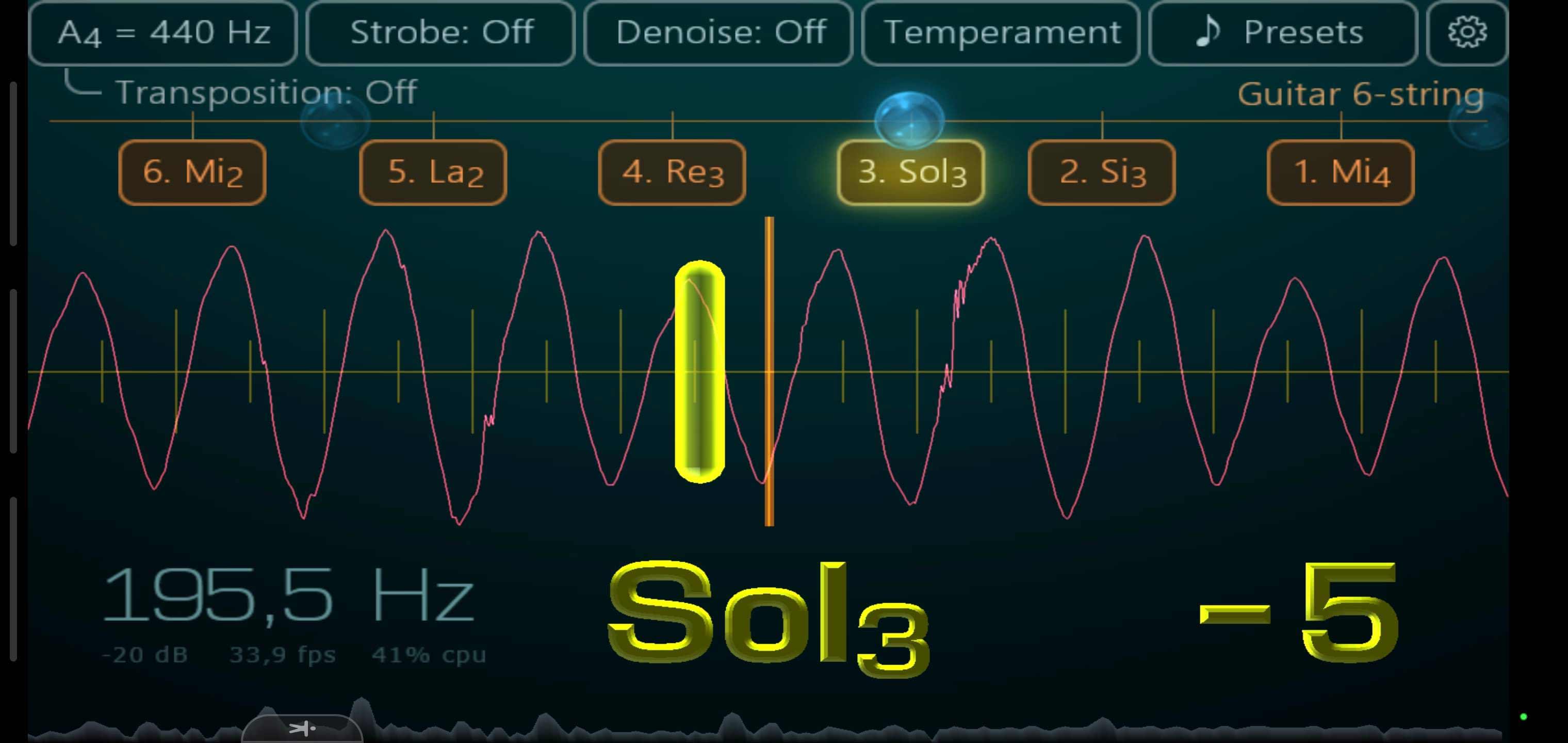
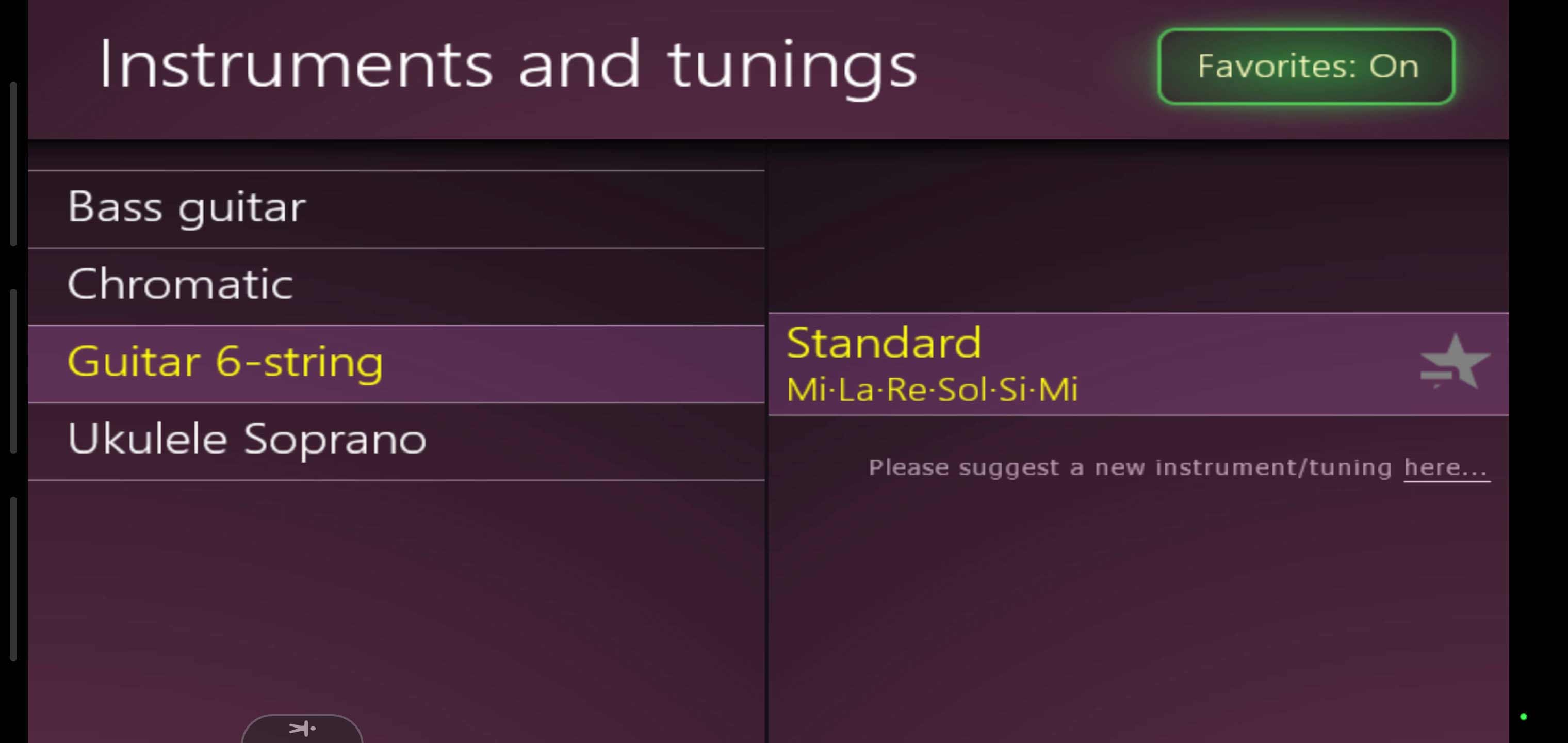
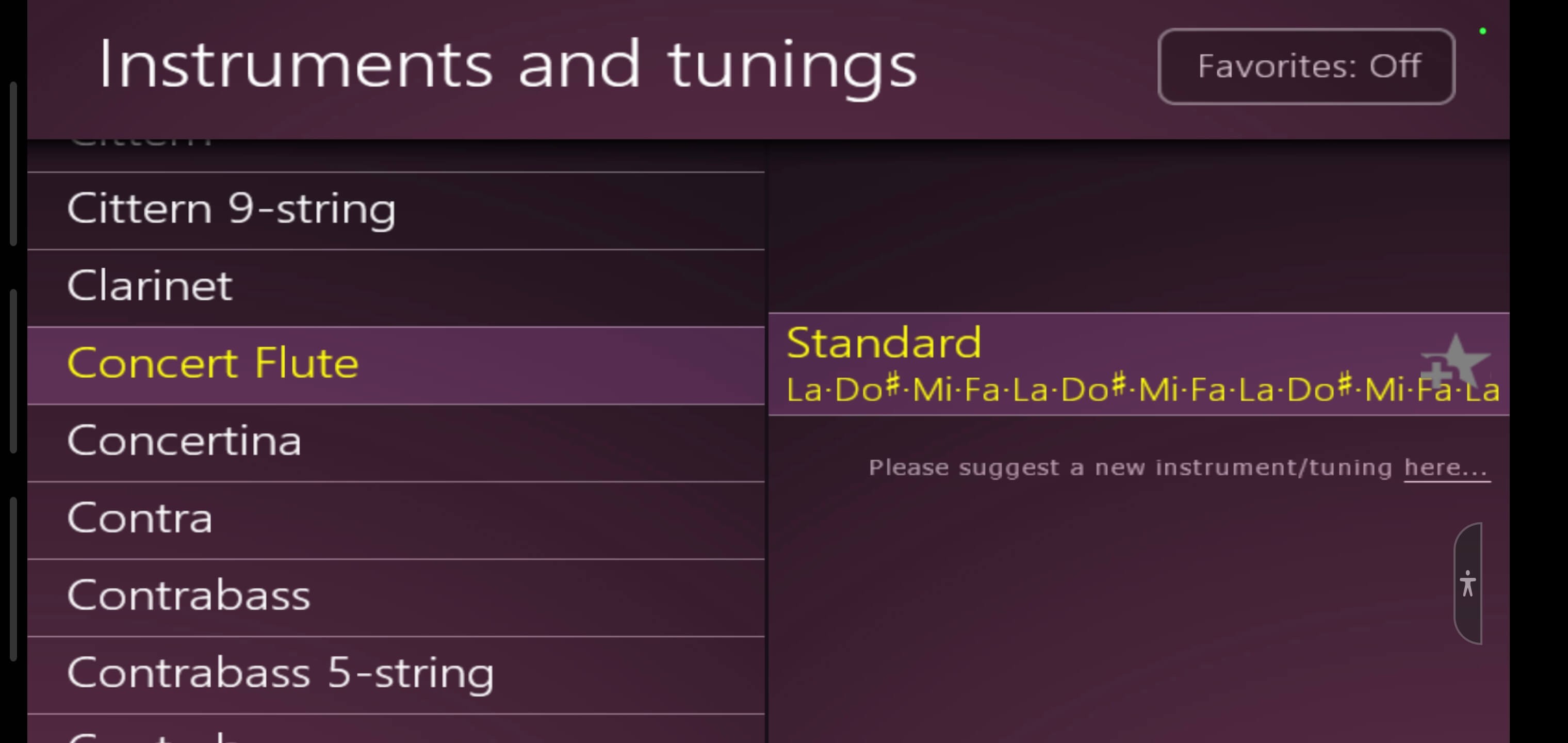
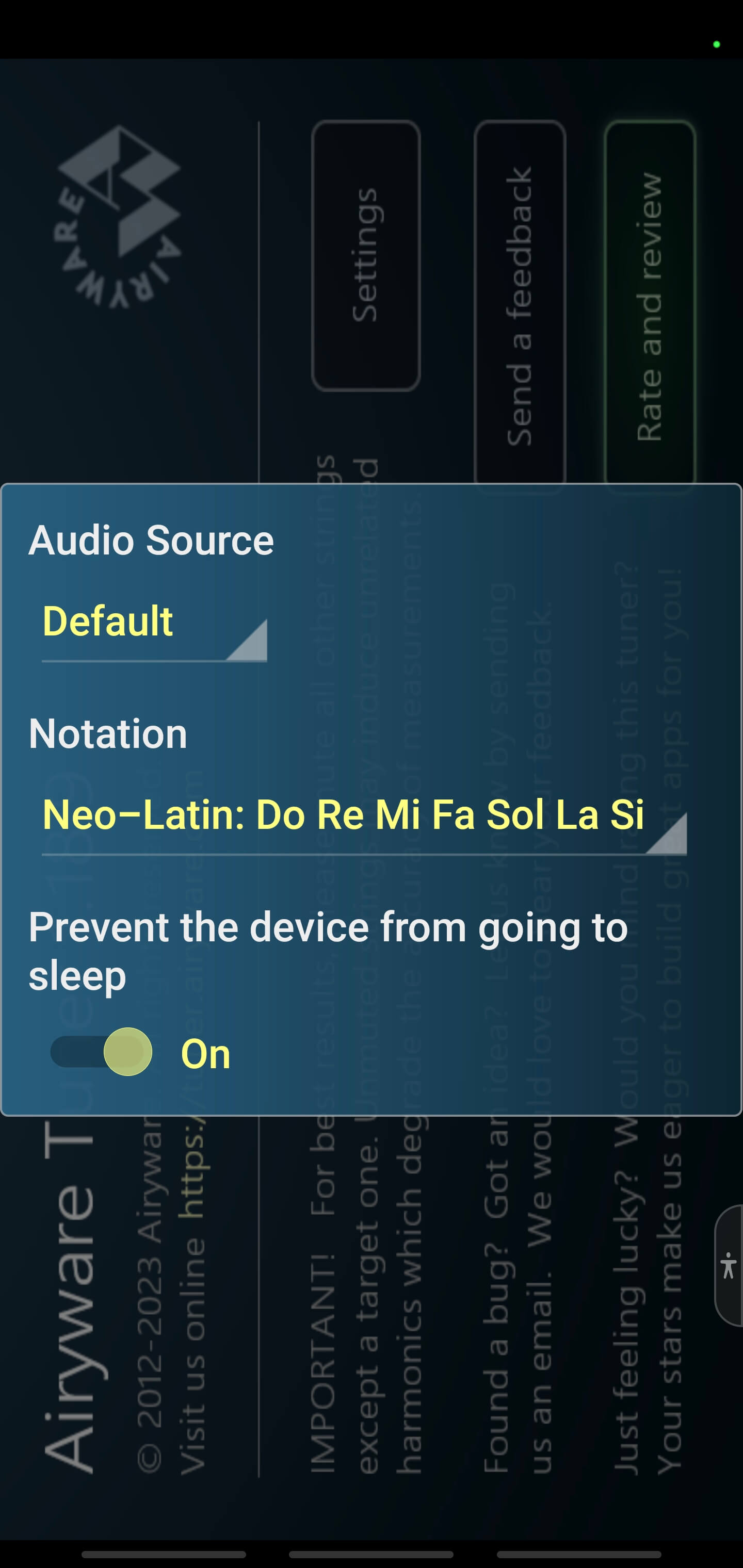


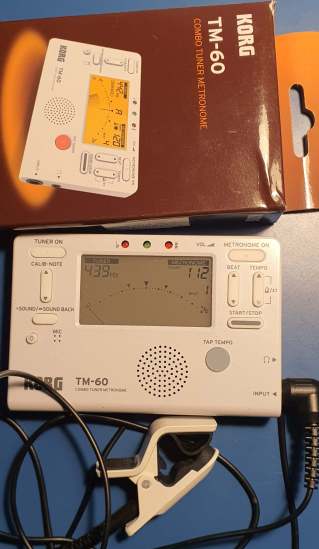

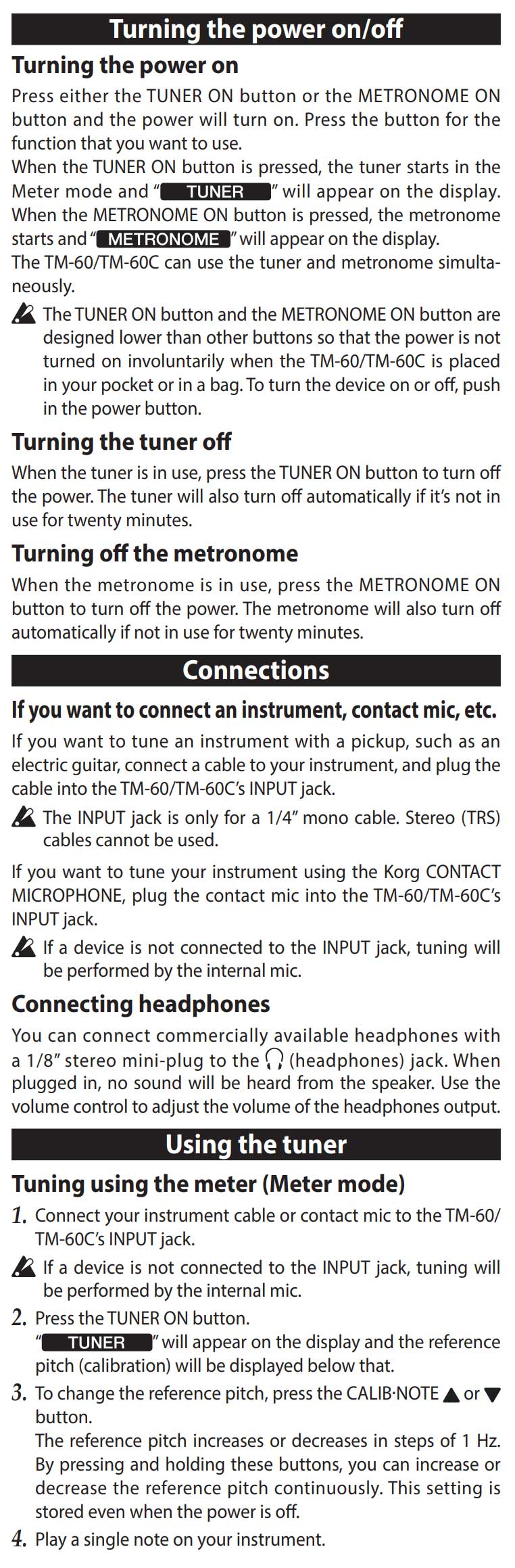




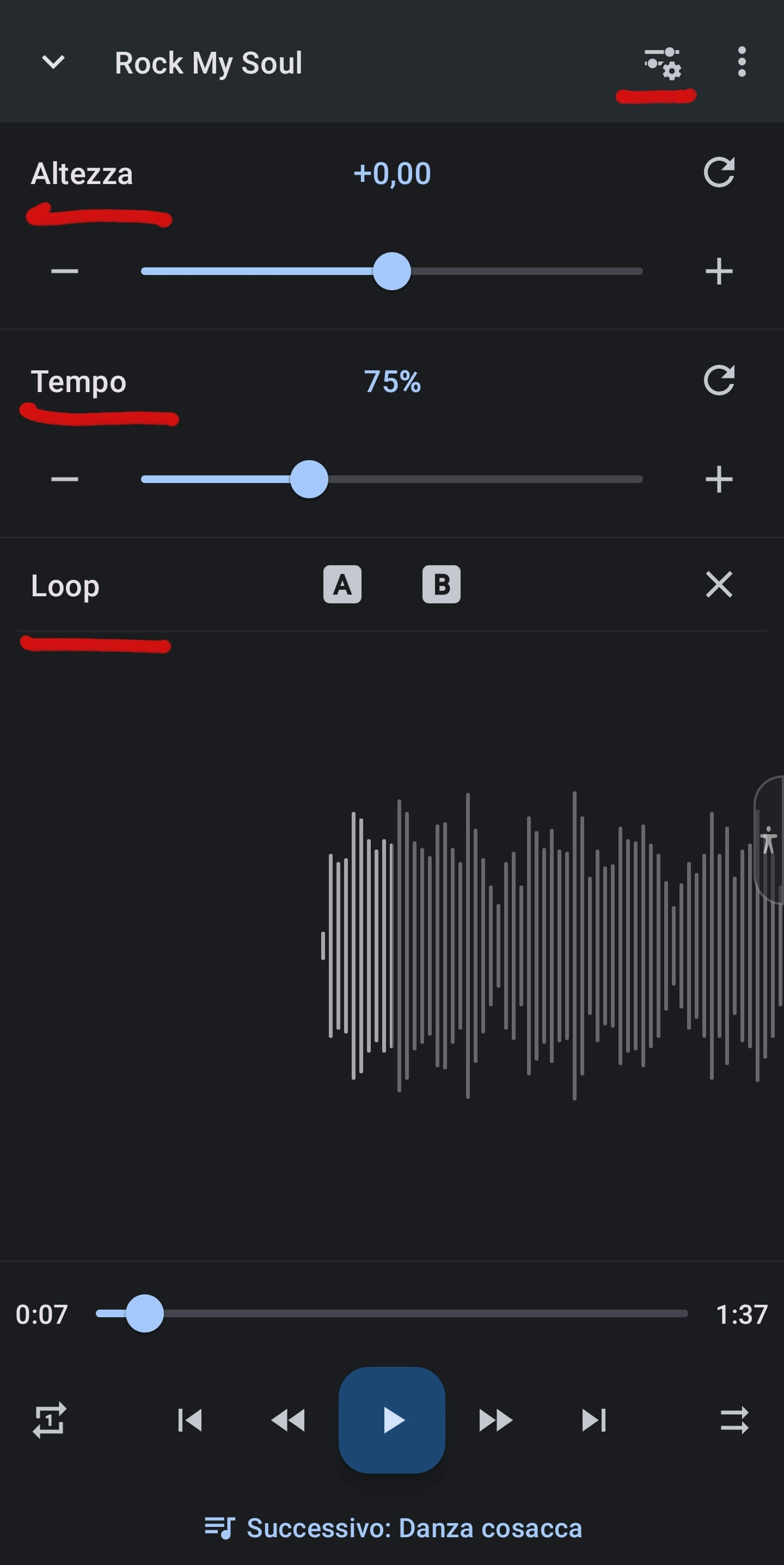









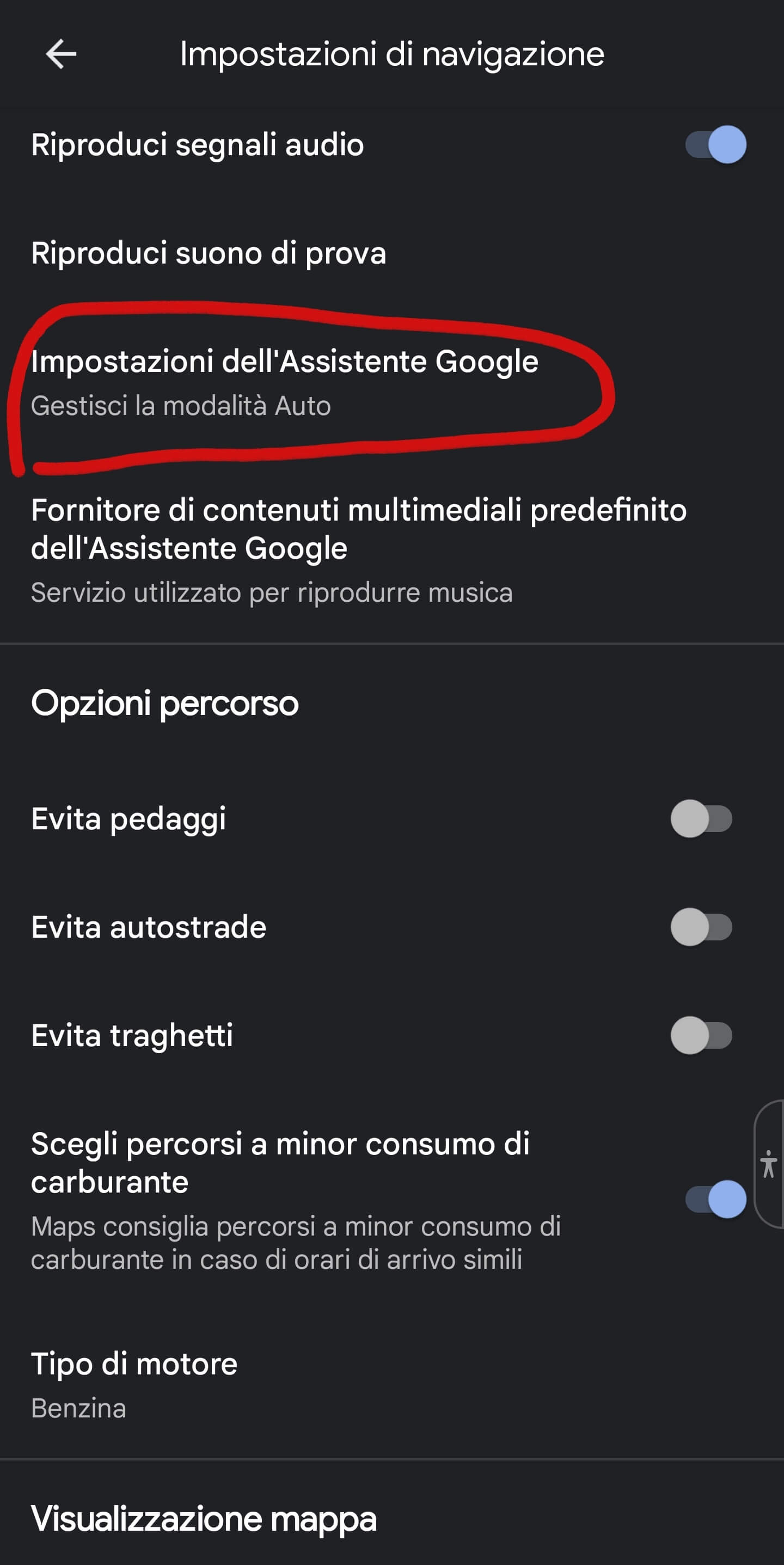

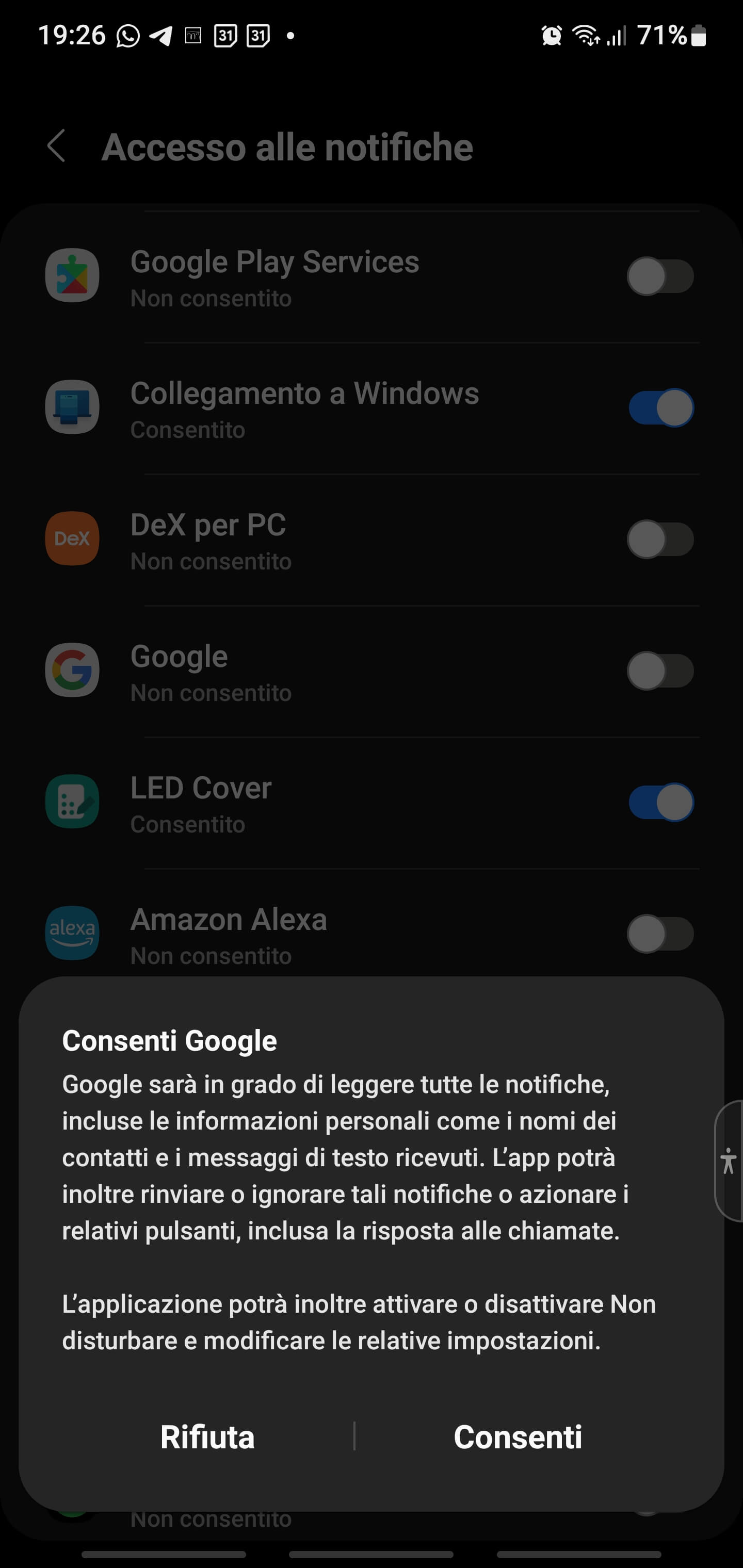


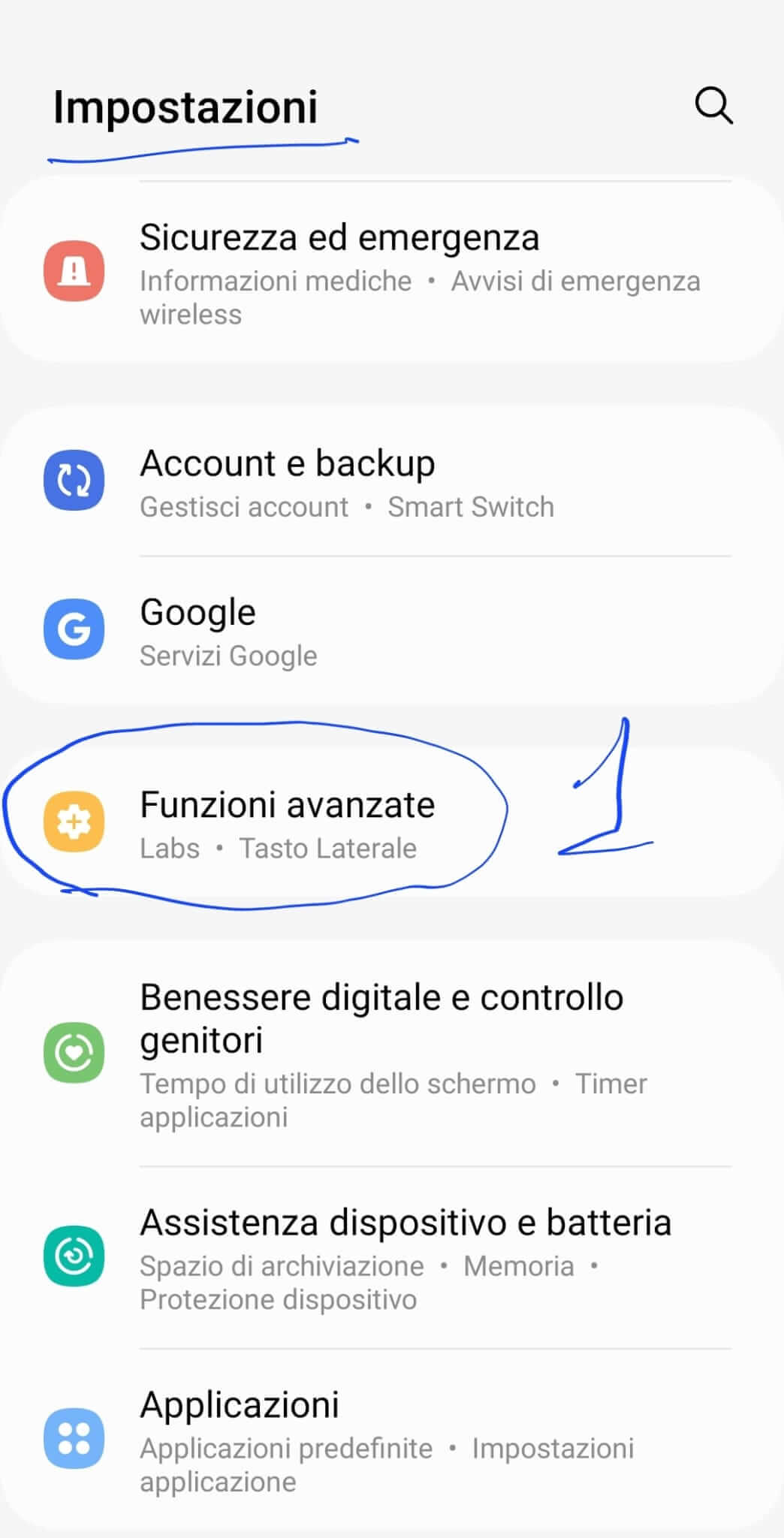


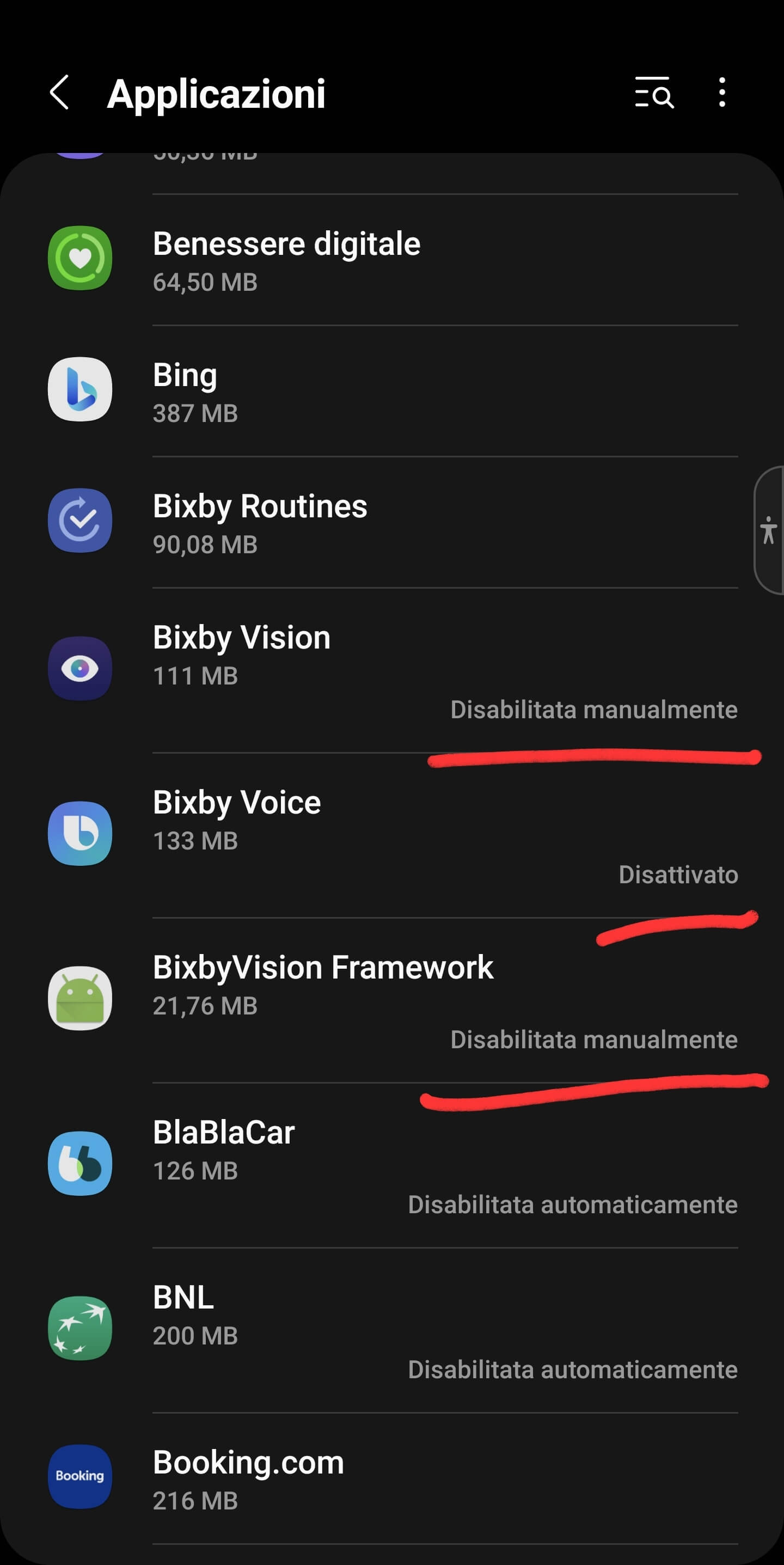
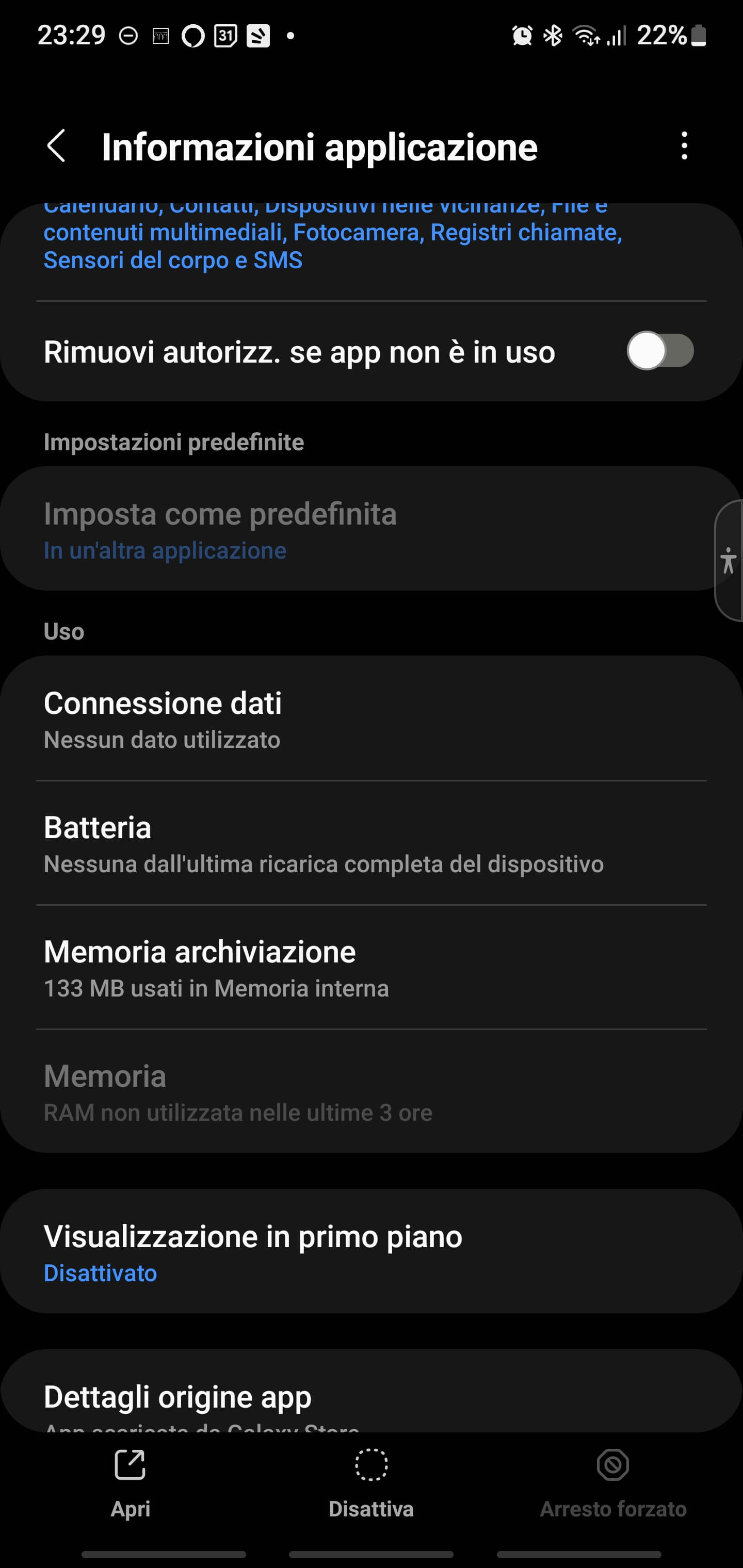














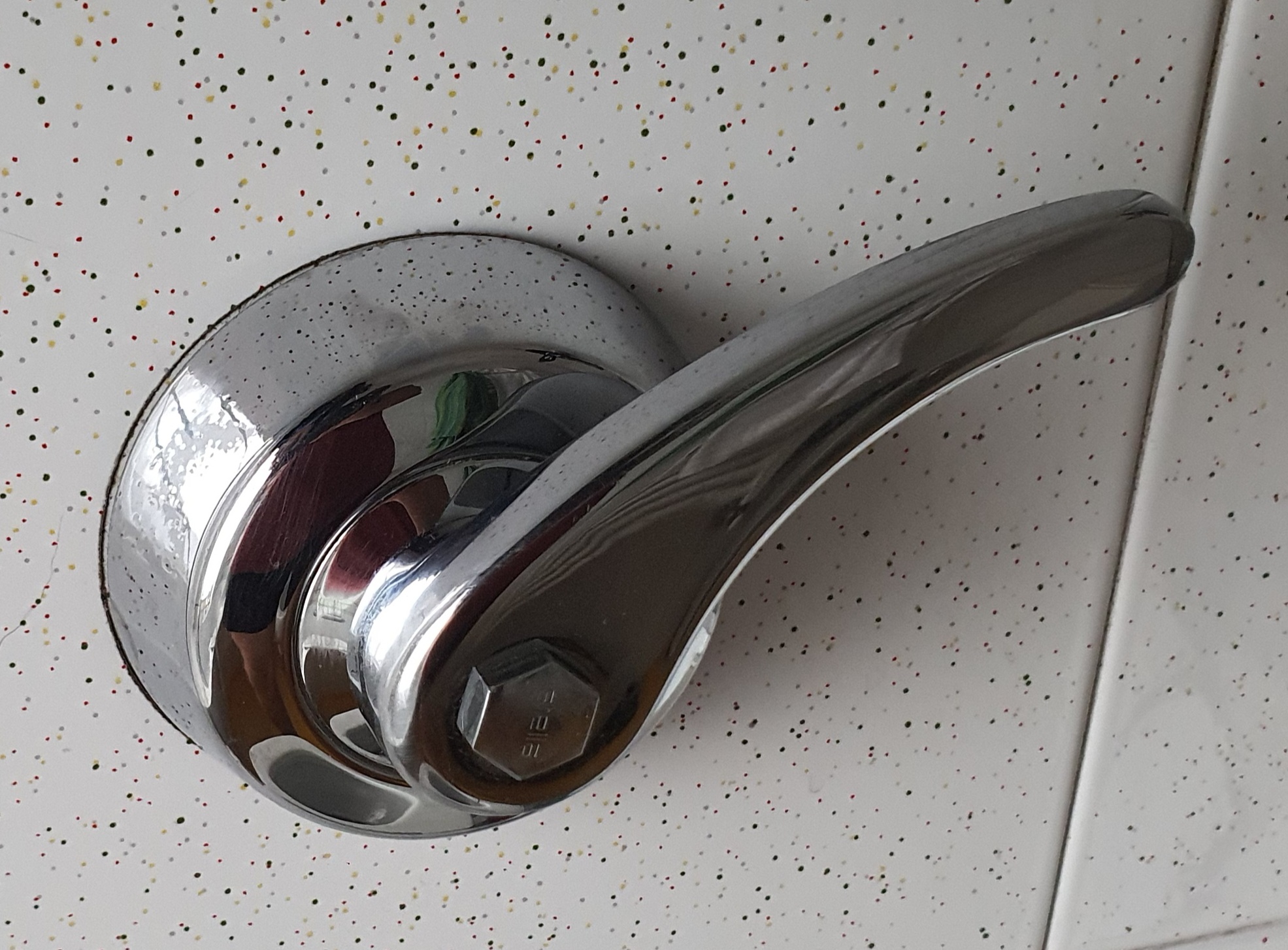

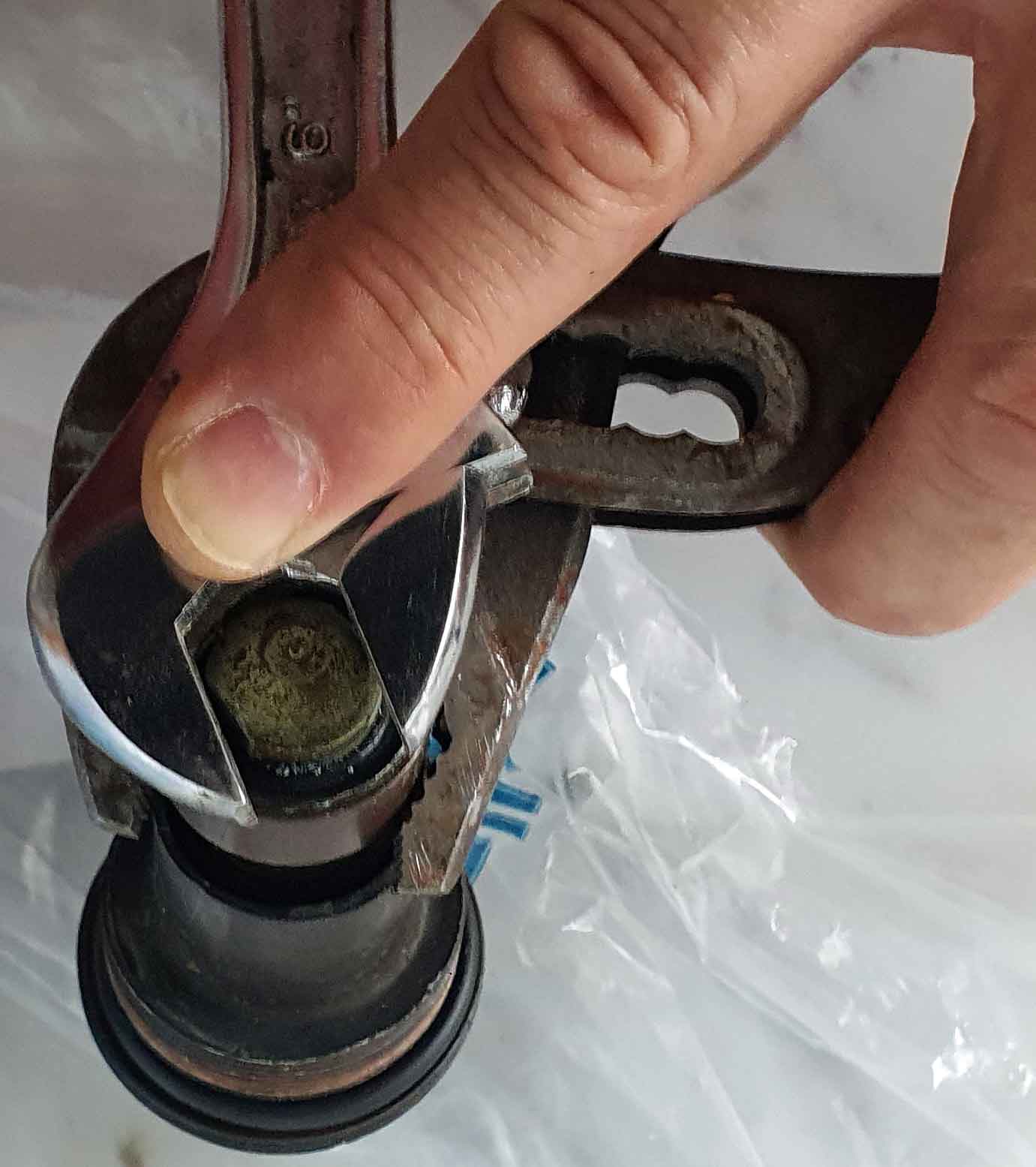


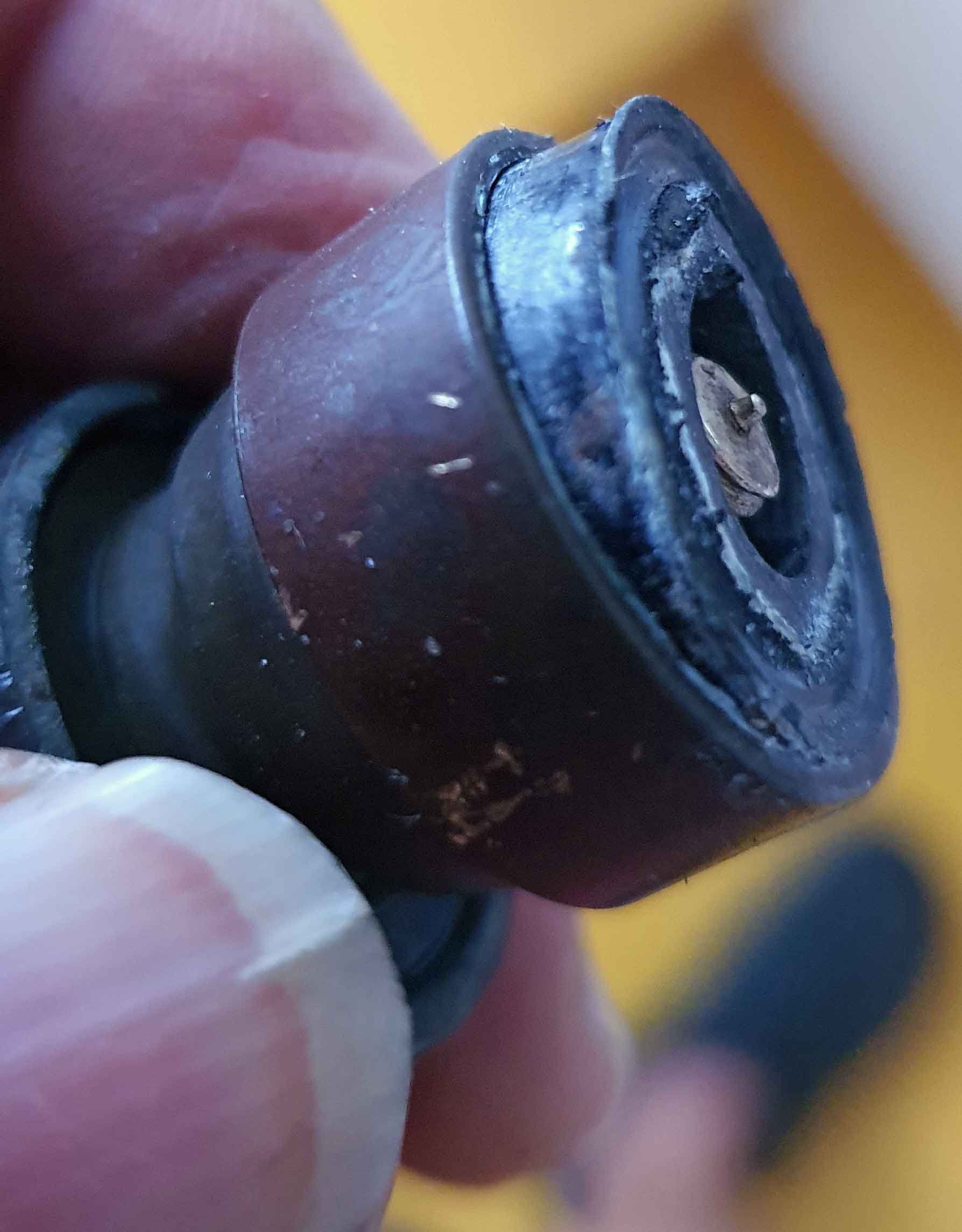


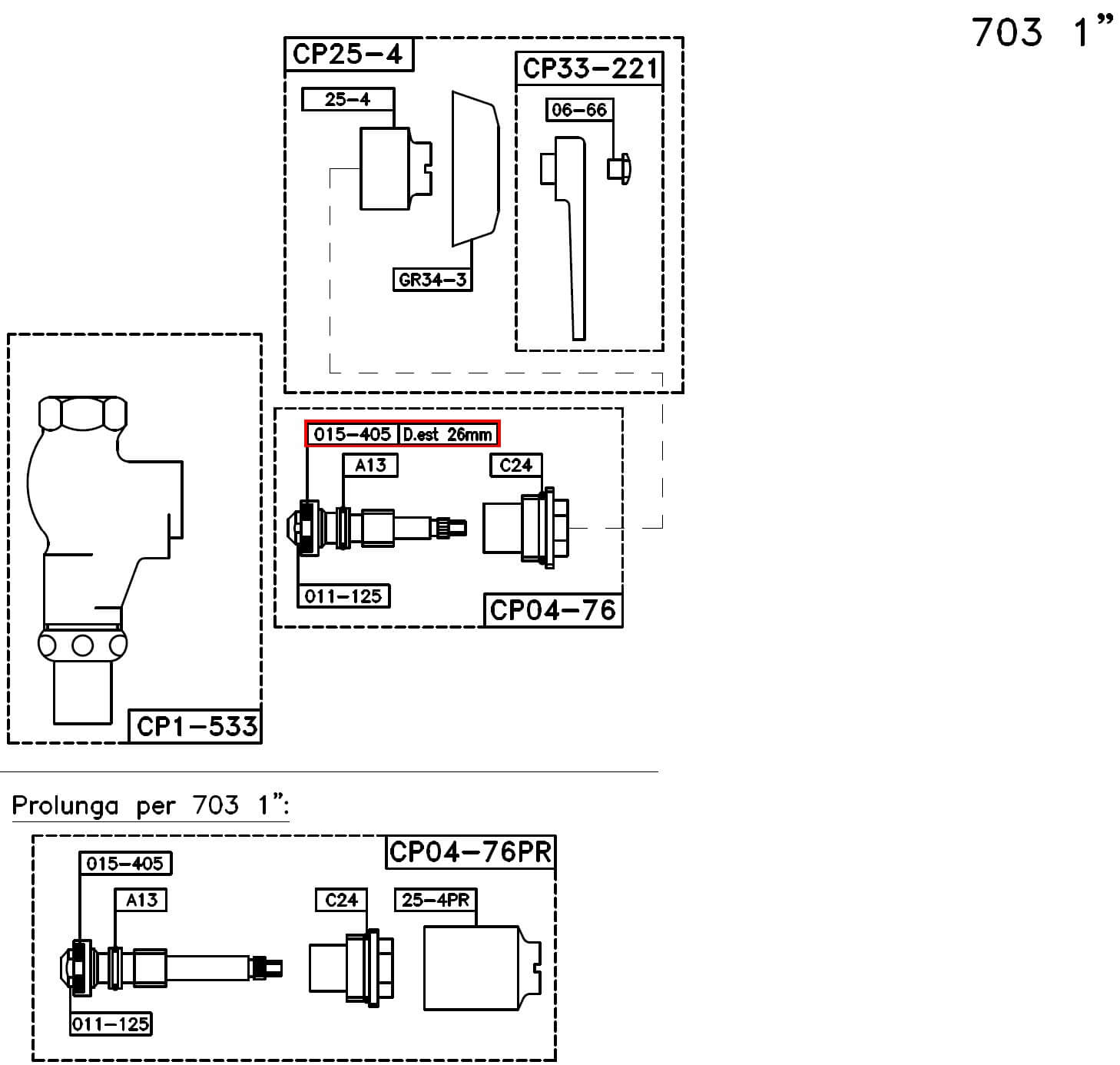
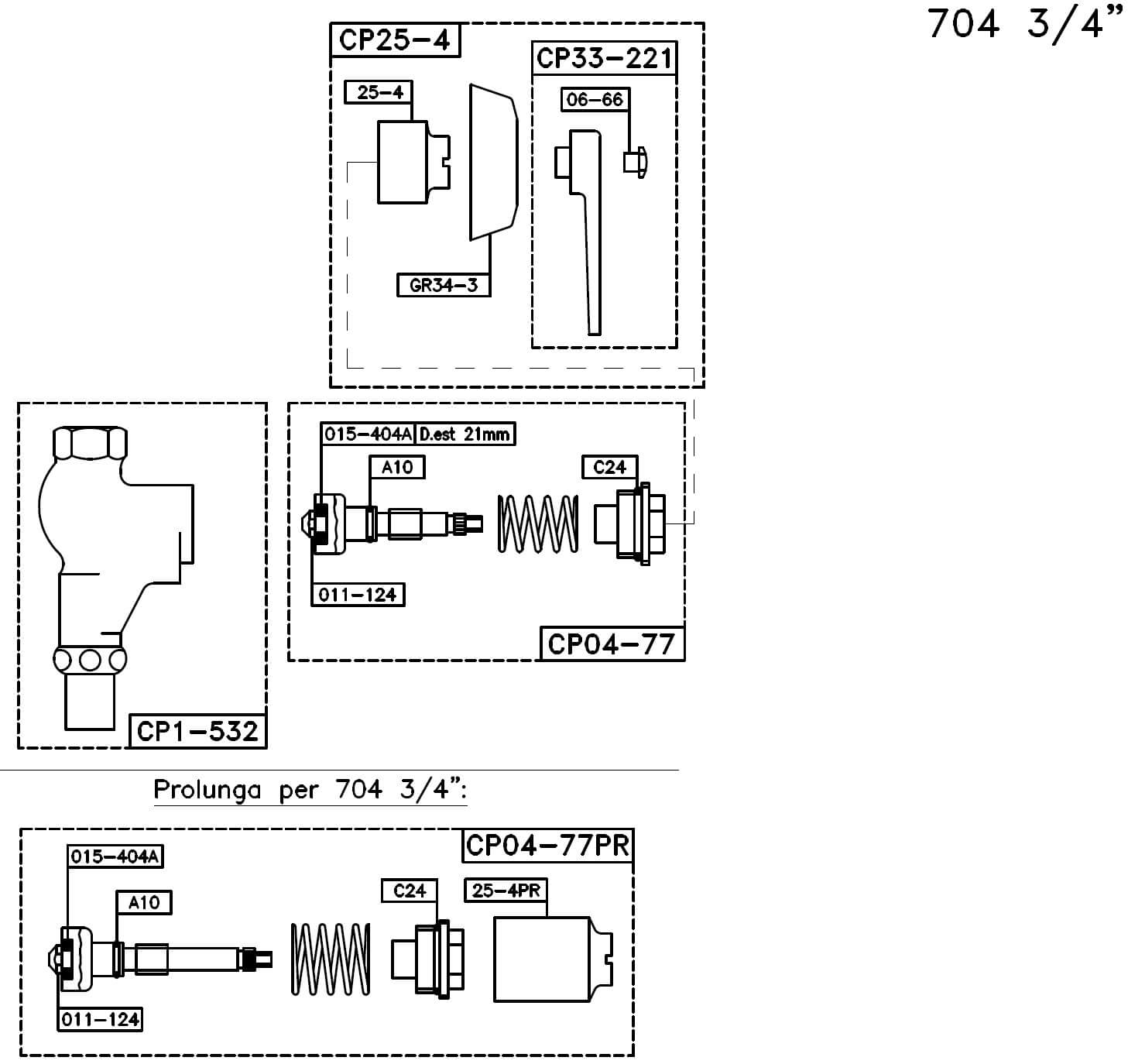


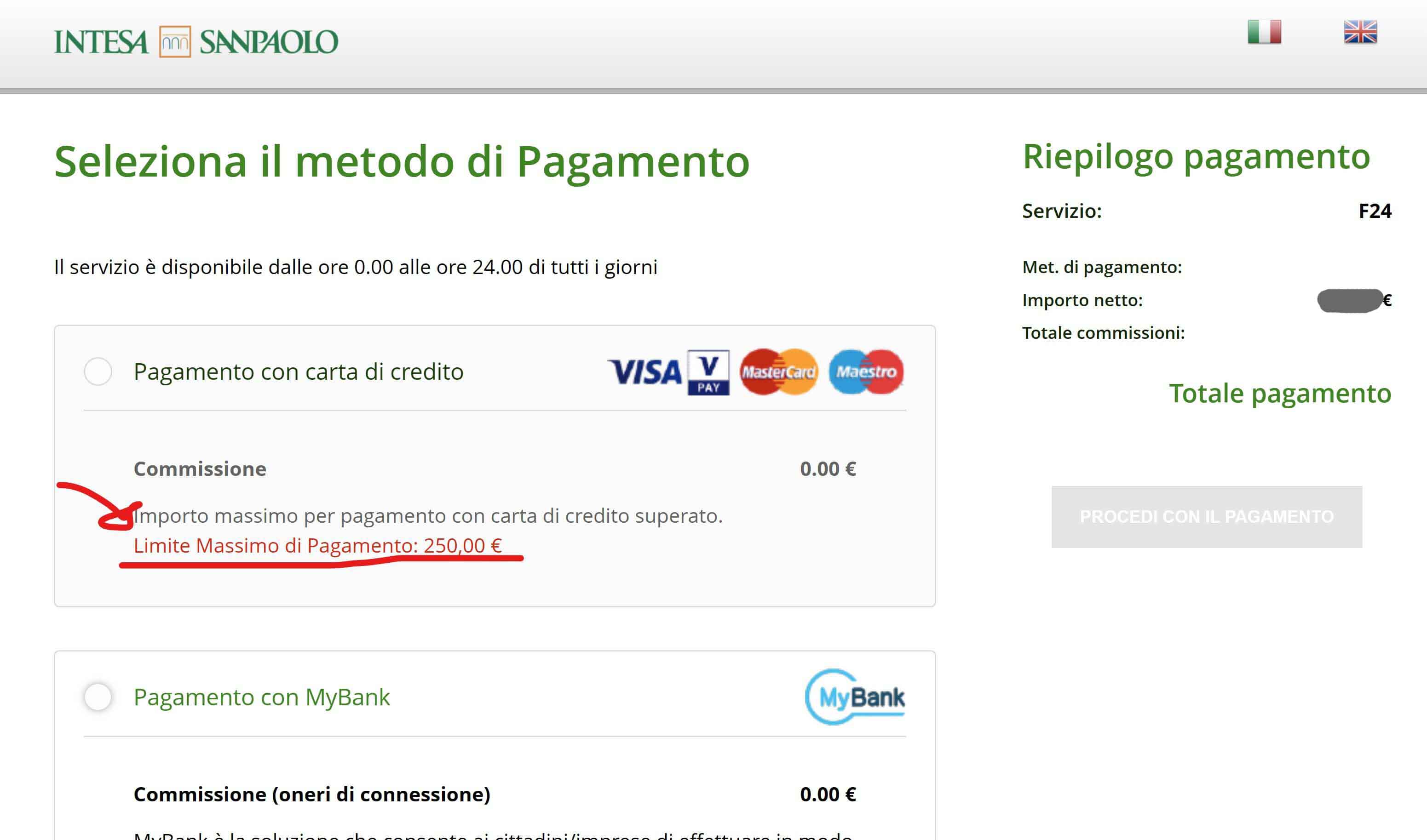






























 Enzo Contini Blog